What can AI do for marketing, and when must you say AI made it?
Draft in your brand's voice. Check every claim. Know when to label.
Ten posts in a minute
Fluent, fast, and not one sounds like your brand.
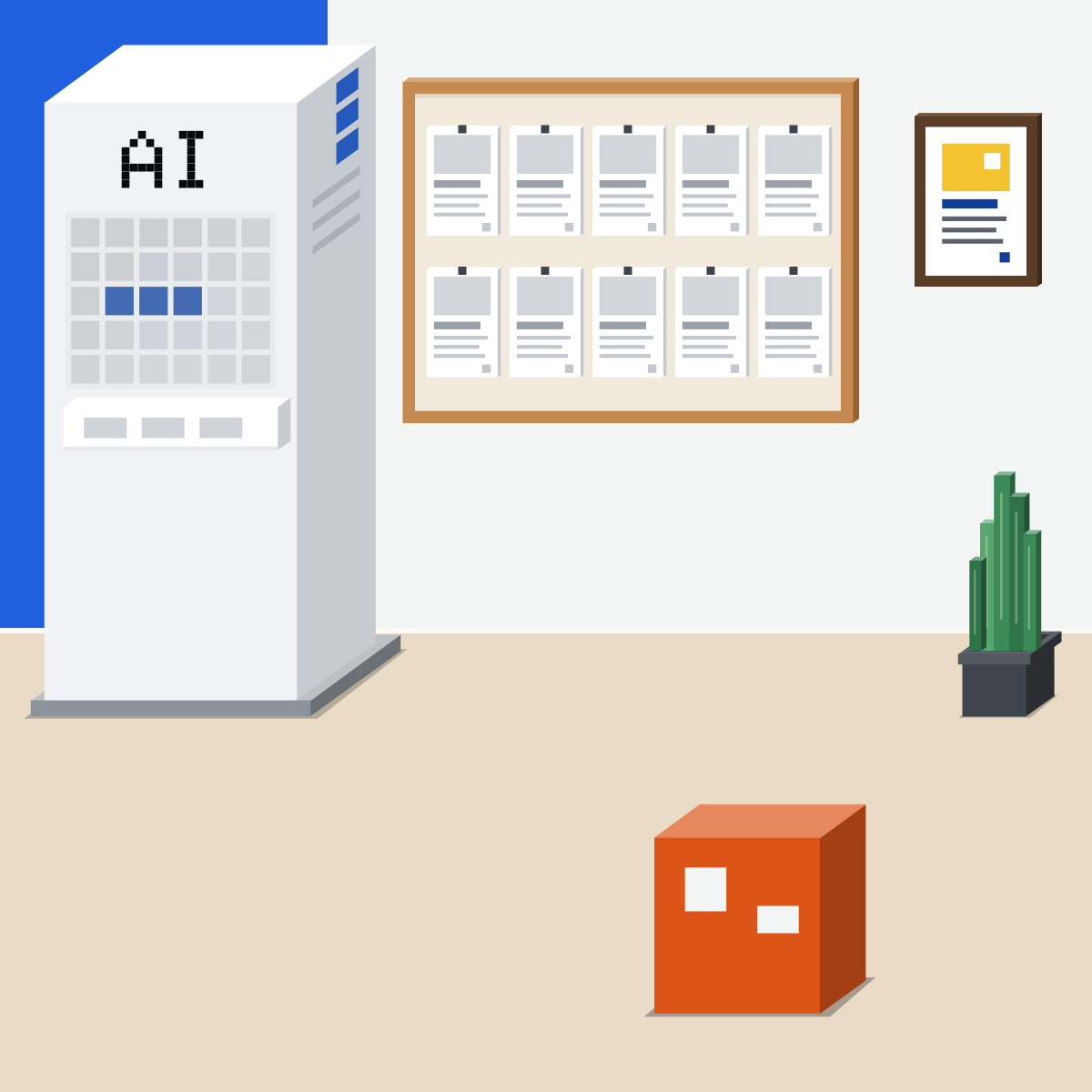
AI does groundwork. You sign off.
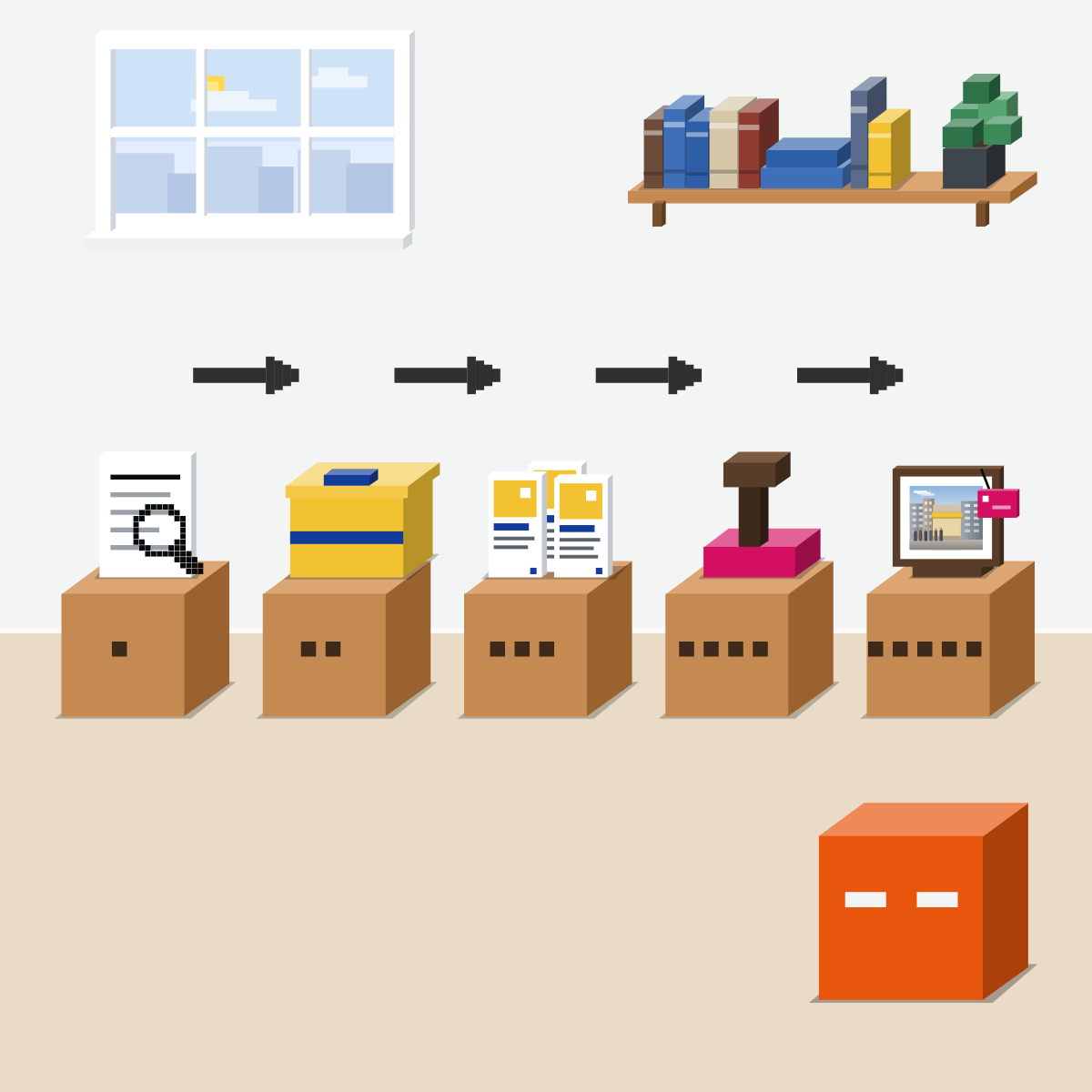
Brief it like a freelancer:
- Research the segment
- Hand over your kit
- Ask for options
- Check every claim
- Label what could pass for real
Research who it's for
Their questions, their words, rivals' claims. Cited public sources.
Hand over your brand kit
A voice guide, three pieces you're proud of, a fact sheet.
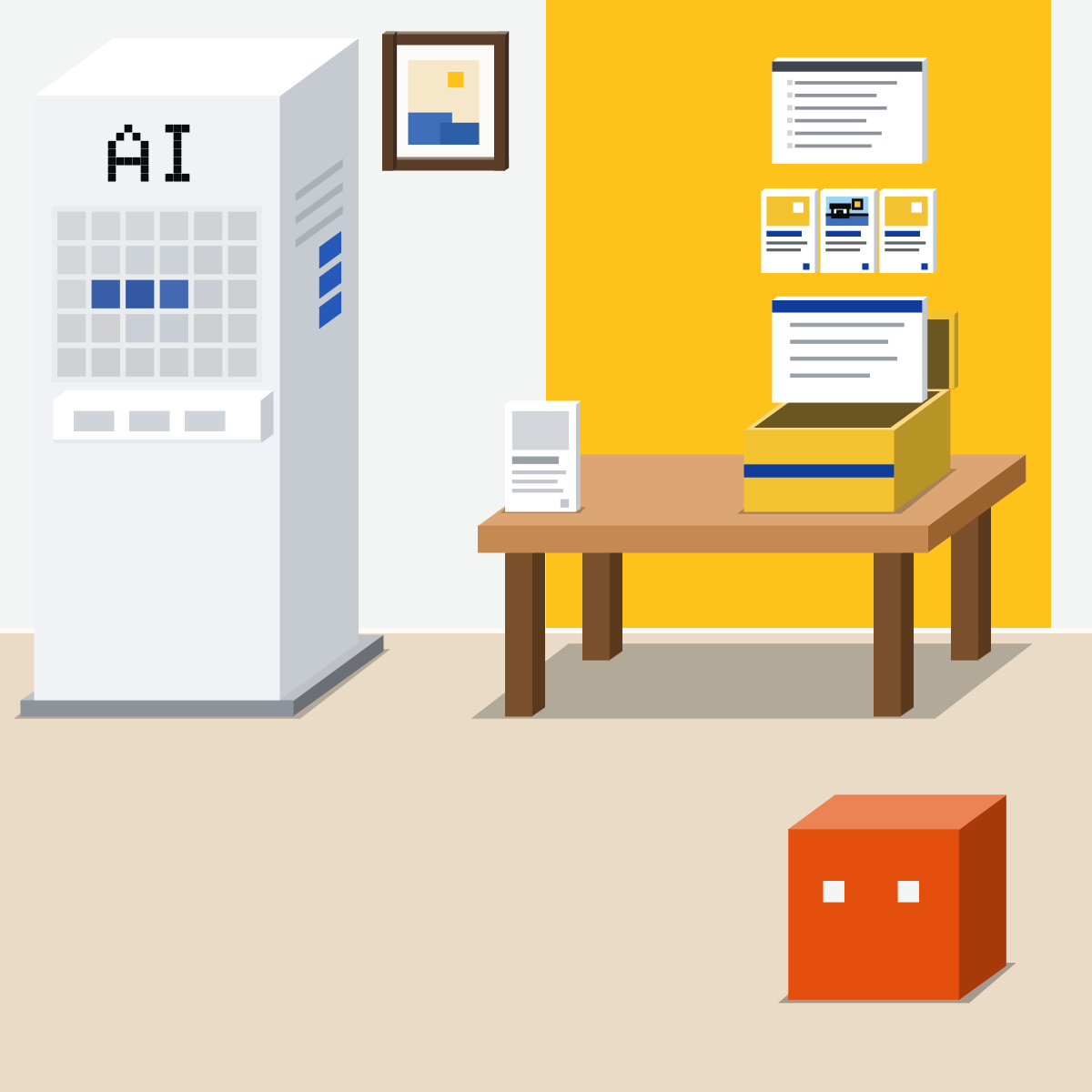
Ask for options, then pick
Headlines, lengths, an image idea. You pick two to test.
My pick for images
 ChatGPT Images 2.5Also good:
  Gemini, with Nano Banana 2
Open Images in ChatGPT, start from a template or a rough sketch, then ask for changes.
All my picks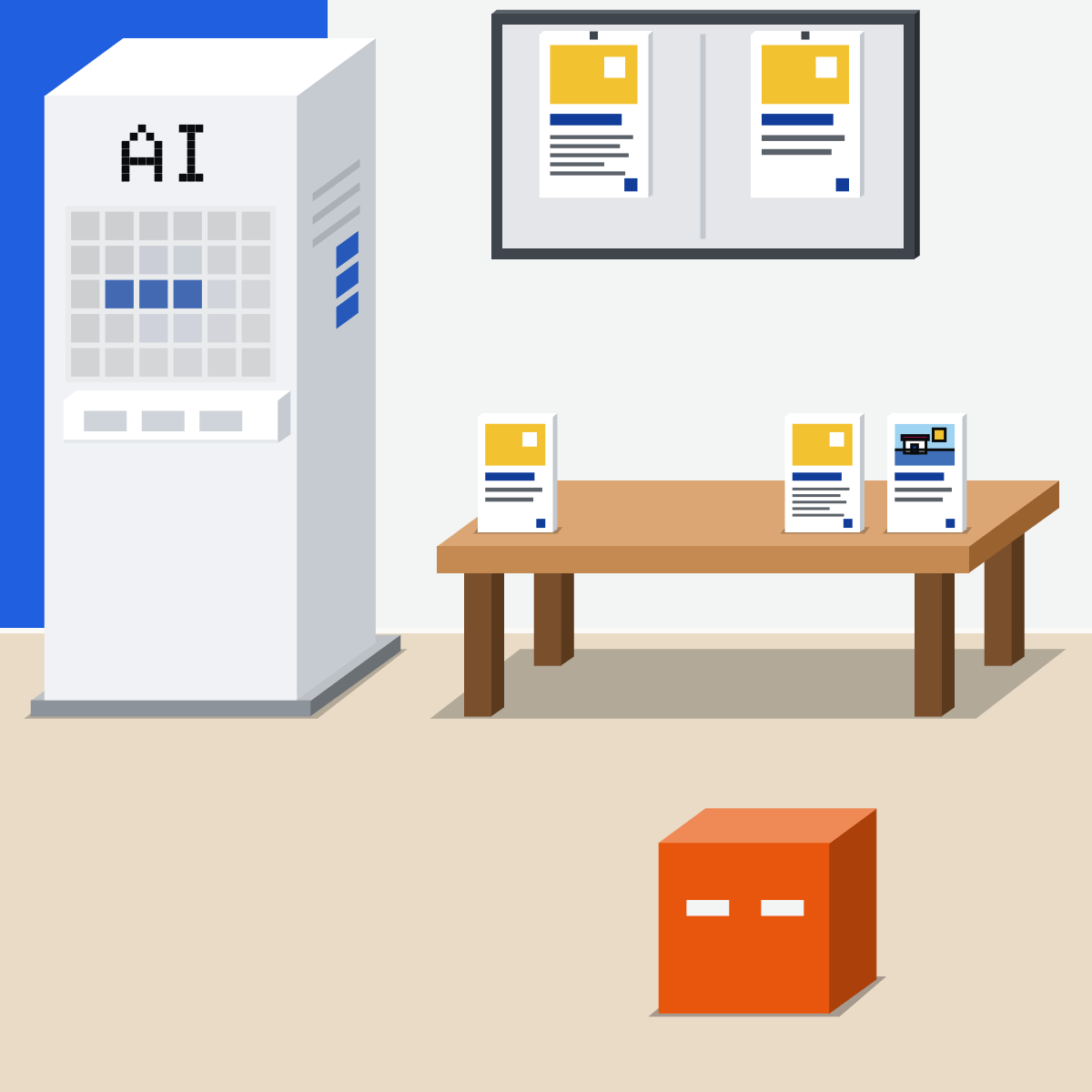
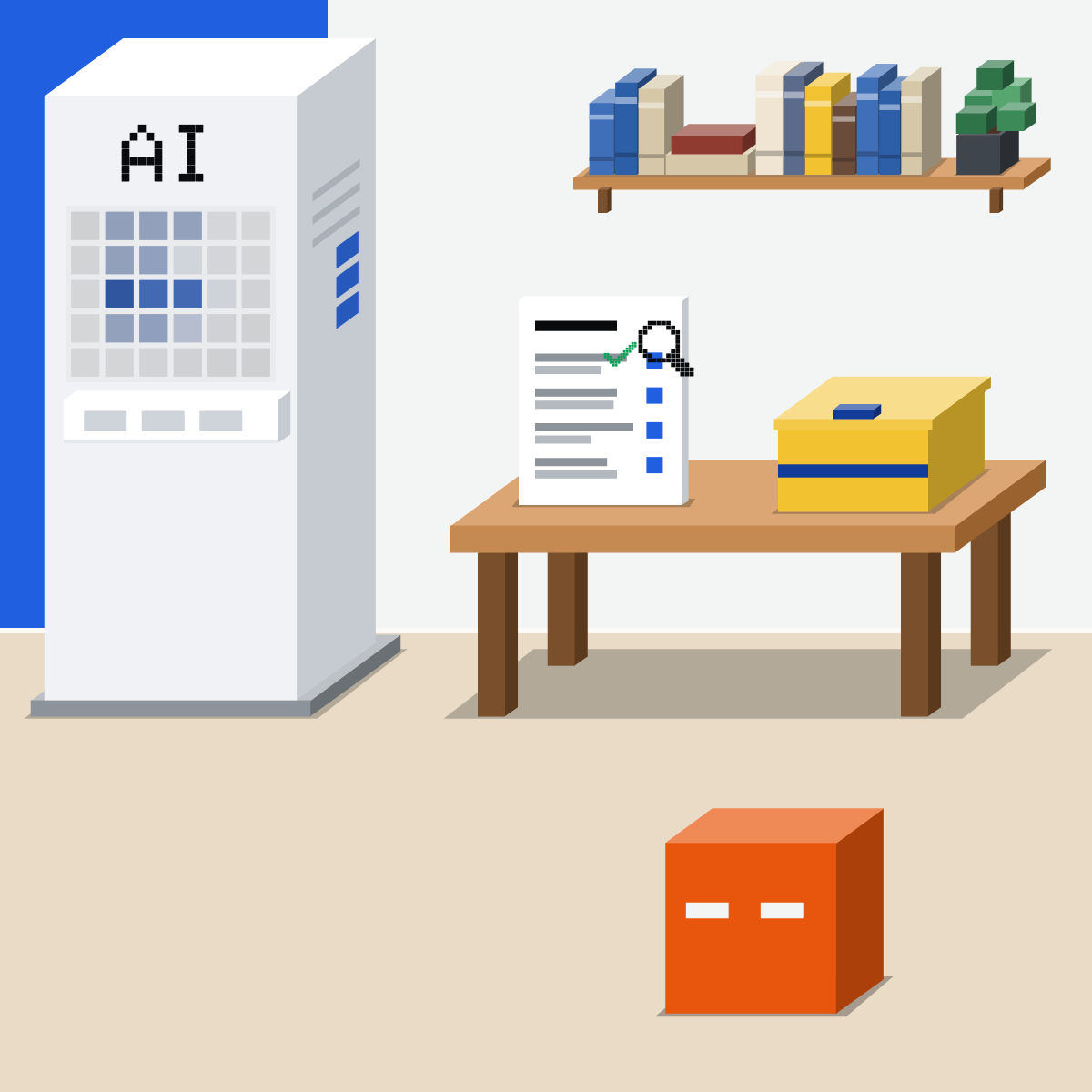
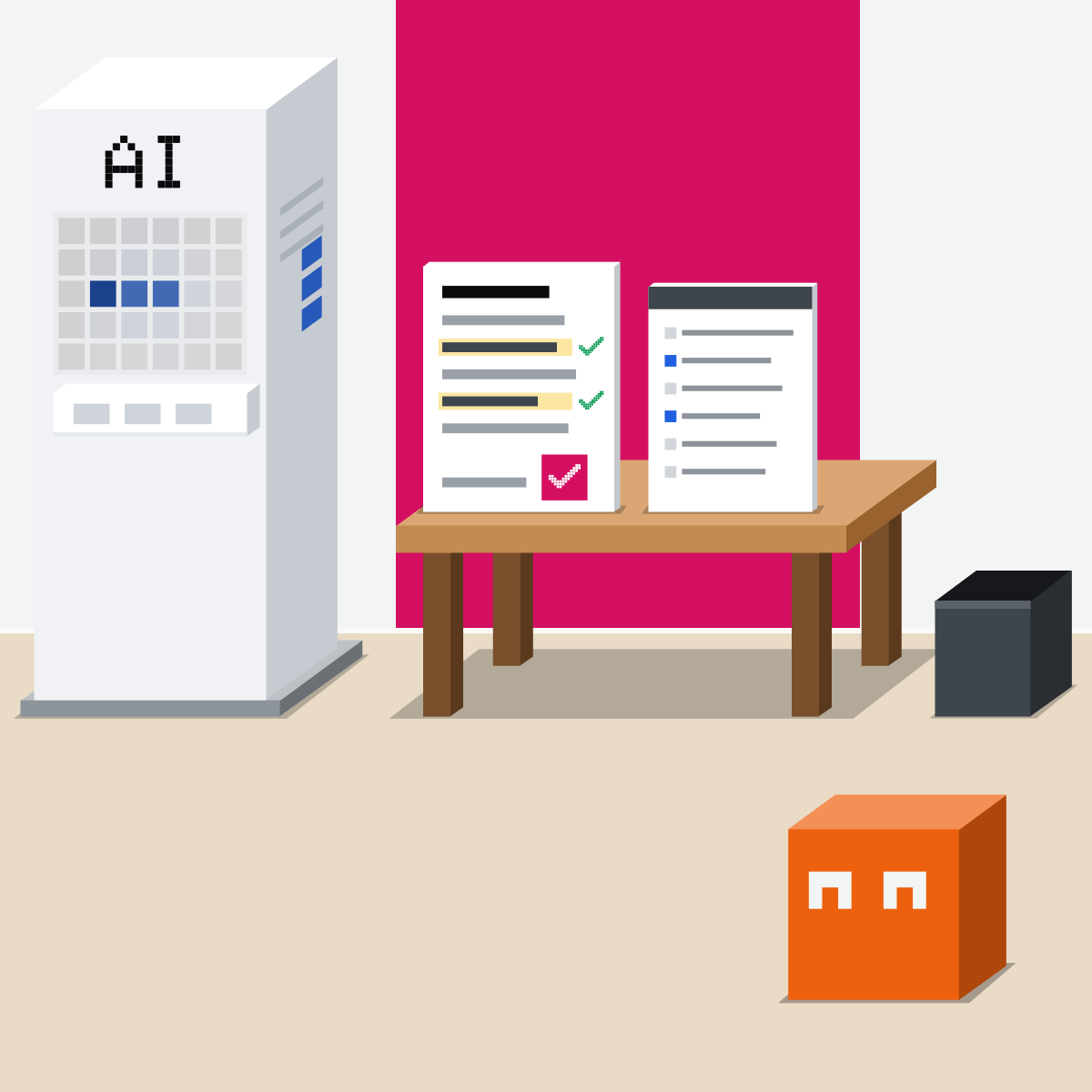
Check every claim
Find each claim, number and quote on the fact sheet. Or cut it.
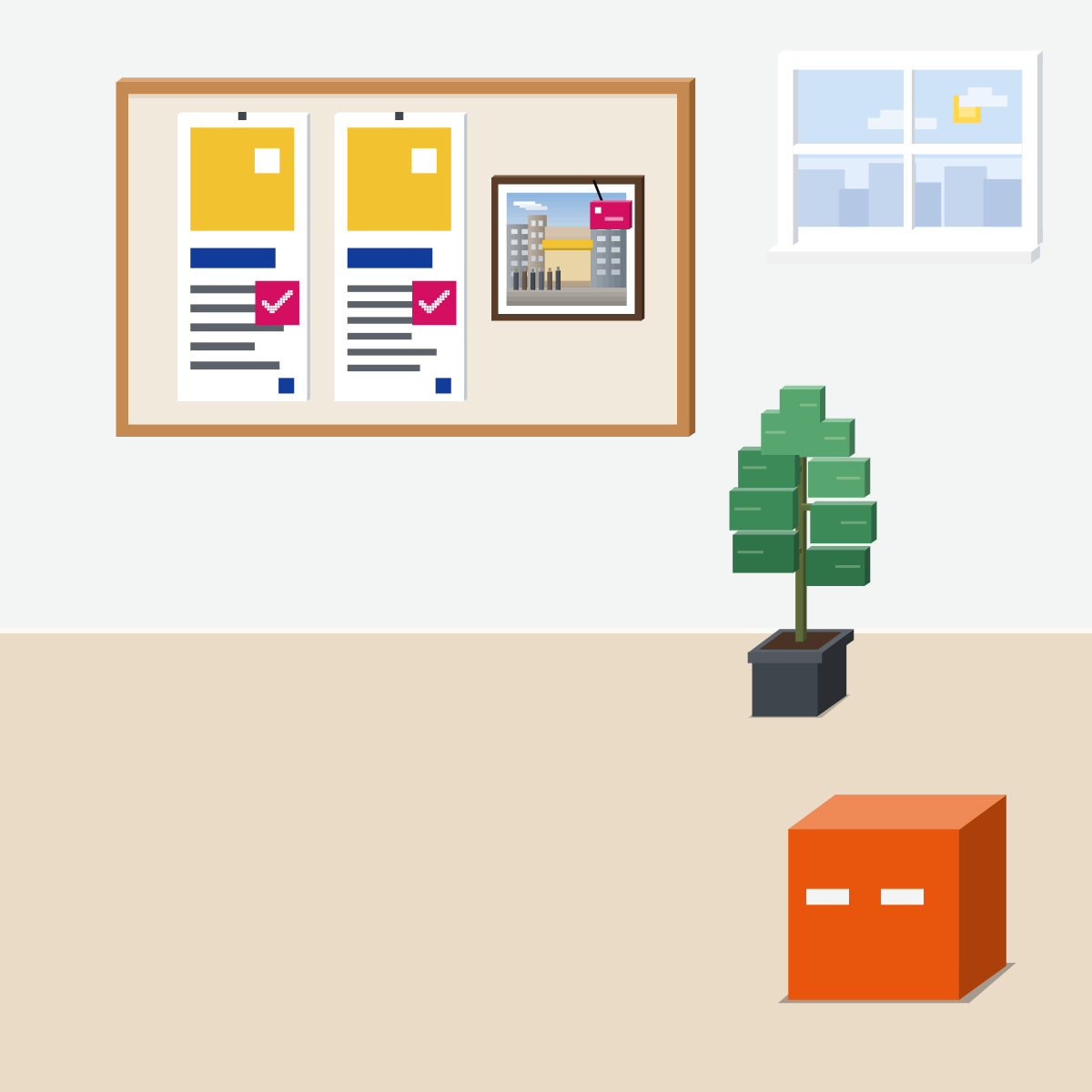
Could it pass for real?
Then say AI made it. EU law, from 2 Aug 2026.

Its drafts. Your sign-off.
Kit in, options out, claims checked. Could pass for real? Label it.
One post in your voice
Use pieces you've already published.
- Pick three published pieces you like.2 min
- Paste them under the request. Send.2 min
- Check each claim against them.4 min
- Save the voice guide.2 min
The request
Below are three pieces we've published.
1. Write our voice guide in five lines: tone, words we use, words we avoid.
2. In that voice, draft three versions of a short post about [topic].
3. Use only facts from these pieces. List each claim, number and quote, and where it came from.
Pieces: [paste]
Good looks likeIt sounds like you. Every claim traces back.
In your assistant · as of Oct 2026 · Claude, ChatGPT, GeminiKeep your brand kit in one place
Set it up once. Every campaign chat starts with your voice and your facts.
- CheckYour company approves it
- CheckPublished facts only
- CheckNo customer data
Never paste customer lists or anyone's personal details. Published pieces and approved facts only.
 Claude
A project for the kit, a skill for the voice
Make a project. Add your voice guide, three past pieces and the fact sheet to its knowledge.
Write its instructions: our voice, and facts only from these files.
Optional: zip your voice guide as a skill and upload it, for any chat. Needs Code execution and file creation on (Settings, then Capabilities; on Team and Enterprise, an owner sets it).
On Team and Enterprise, share the project, so the whole team drafts from the same kit.
ChatGPT
A project for the kit, Images for pictures
In the sidebar. Add your voice guide, past pieces and fact sheet as files.
Project instructions override your general ones. OpenAI suggests them for keeping tone consistent.
Pick a template, such as a poster, and add your details (not yet in Work mode). On your phone, type @ and pick Sketch to draw a rough guide.
OpenAI adds Content Credentials and an invisible SynthID watermark to images made in ChatGPT.
Gemini
A notebook for the kit, a skill for the voice
Make a notebook. Add your guide, past pieces and fact sheet as sources, and set its tone in the notebook's instructions.
Create one with Gemini, start from a template, or upload a skill file.
Ask in a chat. Start your request with “Create”, and name the style: photorealistic, or cartoon illustration.
Nano Banana 2 makes it when your model is Flash or Pro.
In the European Economic Area, connect Gemini Notebook to the Gemini app yourself before you use notebooks.
Quick check · three questionsDid it stick?
1In the EU, after 2 Aug 2026, your team posts an AI-made, photo-real picture of your own café with a queue that never happened. What does Article 50 ask?
The answer: B A real place and an event that would falsely look authentic: that's the Act's deep fake. The tool's mark is the maker's duty; disclosing is yours. Not legal advice.2AI drafted your product launch post. A colleague edited it and your marketing lead signed it off. Does Article 50 ask for an AI label on the text?
The answer: C The text rule covers text published to inform the public on matters of public interest, and human review with editorial responsibility lifts it. Your platform may still have its own rules. Not legal advice.3The draft says your product is used by 2,000 schools and quotes a happy head teacher. The fact sheet has the number, not the quote. You:
The answer: A Each claim stands or falls on its own source. A made-up customer quote has none, and a label doesn't fix that.
The platforms' own labelsSide note
Hidden marksSide note
A deeper studySide note
The law, in plain EnglishLaw
Orientation from the official texts on EUR-Lex, read 18 Oct 2026. Not legal advice. The EU AI Act applies, among others, to organisations in the EU that use AI, and to others whose AI output is used there.
- Deep fakes: say AI made it (EU AI Act, Article 50(4), from 2 Aug 2026). If you use AI to make or change an image, audio or video that resembles real people, objects, places, entities or events, and would falsely appear authentic, disclose that it is AI-made. Label it.
- Clearly creative work (Article 50(4), the same paragraph). In an evidently artistic, creative, satirical or fictional work, you only disclose that such content is there, in a way that doesn't spoil the work.
- Public-interest text (Article 50(4), second part, from 2 Aug 2026). AI text published to inform the public on matters of public interest must be disclosed, unless it had human review or editorial control and a person or organisation holds editorial responsibility for it.
- How and when (Article 50(5)). Clearly and distinguishably, at the latest when people first see or hear it.
- The tools mark it too (Article 50(2), and the new Article 111(4) added by Regulation (EU) 2026/1744). Makers of AI tools that generate audio, images, video or text must mark the output as AI-made in a machine-readable way (tools that only help with standard editing are exempt). Tools on the market before 2 Aug 2026 have until 2 Dec 2026. Recital 134 asks deployers to disclose as well.
For your own content, Article 50 names these cases only: it doesn't ask you to label every draft AI helped with. Other EU or national rules may ask for more (Article 50(6)). Whether it applies to you depends on where you are and how you use AI, so check with your own adviser. Other countries' rules aren't covered here.
Sources, checked 18 Oct 2026Source
Product details as of Oct 2026, each checked on the vendor's own page on 18 Oct 2026; the law read on EUR-Lex the same day. Recheck by 18 Nov 2026. The examples in the pictures are made up for this lesson.
- EUR-Lex, the AI Act, Regulation 2024/1689 (Article 2(1) scope; Article 3(4) deployer and 3(60) deep fake; Article 50(2), (4), (5), (6) and (7); Article 113, applies from 2 Aug 2026; recital 134)
- EUR-Lex, the AI Act as amended, consolidated version of 27 Jul 2026 (Article 50 with the new paragraph 7; the new Article 111(4); Article 113 as amended, Chapter IV still from 2 Aug 2026)
- EUR-Lex, the Digital Omnibus on AI, Regulation 2026/1744 of 8 Jul 2026 (Article 1 point (20), the new Article 50(7); point (39), the new Article 111(4), providers' marking by 2 Dec 2026; recital 38; Article 4, in force on the third day after publication)
- EUR-Lex, Regulation 2026/1744, document information (OJ L, 2026/1744, 24.7.2026; date of effect 27 Jul 2026)
- Meta, Instagram Help Center, Label AI content on Instagram (label required for photorealistic video and realistic-sounding audio, not images; Add AI label; different for ads; Meta may label it)
- OpenAI, Provenance signals in OpenAI-generated content (Content Credentials and SynthID watermarks on images; text watermarks in the EU to comply with the AI Act; metadata can be removed)
- OpenAI, Introducing ChatGPT Images 2.5 (available to all ChatGPT users; Sketch; templates; C2PA metadata and invisible watermarking)
- OpenAI, ChatGPT release notes (8 Sep 2026: Images, then Templates; on mobile type @ and select Sketch; templates not yet available in Work mode)
- OpenAI, Projects in ChatGPT (New project in the sidebar; Project settings; project instructions override your global ones; instructions to keep tone and style consistent)
- Anthropic, What are projects (project knowledge and instructions, for example a tone; sharing on Team and Enterprise)
- Anthropic, How can I create and manage projects (the knowledge base on the project page; sharing on Team and Enterprise)
- Anthropic, Use skills in Claude (Customize, then Skills; upload your own as a zipped skill folder; Code execution and file creation in Settings, Capabilities on Free, Pro and Max; an owner sets it on Team and Enterprise)
- Anthropic, How to create custom skills (a skill is a folder with a skill file holding a name and a description, zipped to upload; a brand guidelines example)
- Google, Organize your projects with notebooks in Gemini Apps (sources and instructions, including tone; connect Gemini Notebook manually in the European Economic Area)
- Google, Create and manage skills for Gemini Apps (create with Gemini, a template, or upload a skill file)
- Google, Generate and edit images with Gemini Apps (Nano Banana 2 with Flash or Pro; start with create; name the style)
- Google, Verify AI-generated images, videos, and audio (SynthID marks content made or edited by Google's AI models)
- Google, Gemini Apps release notes (13 Oct 2026: Customize in the left menu)
Free skillCheck a draft against its sourcesBring this to your teamTeam workshops · Get in touchBack to level 6, Advanced and by role
Checked claims, honest labels.
Next lesson · 15 minWhat can AI do for finance, and how do you check its numbers?