What can AI do for finance, and how do you check its numbers?
AI drafts the month-end work. You tick every figure to its cell.
Month-end, again
Every bank line needs its match in the books. All of them.

Three jobs it can draft
It drafts. You check each one before it goes out.
- Match two lists
- Explain the gaps
- Write up the month
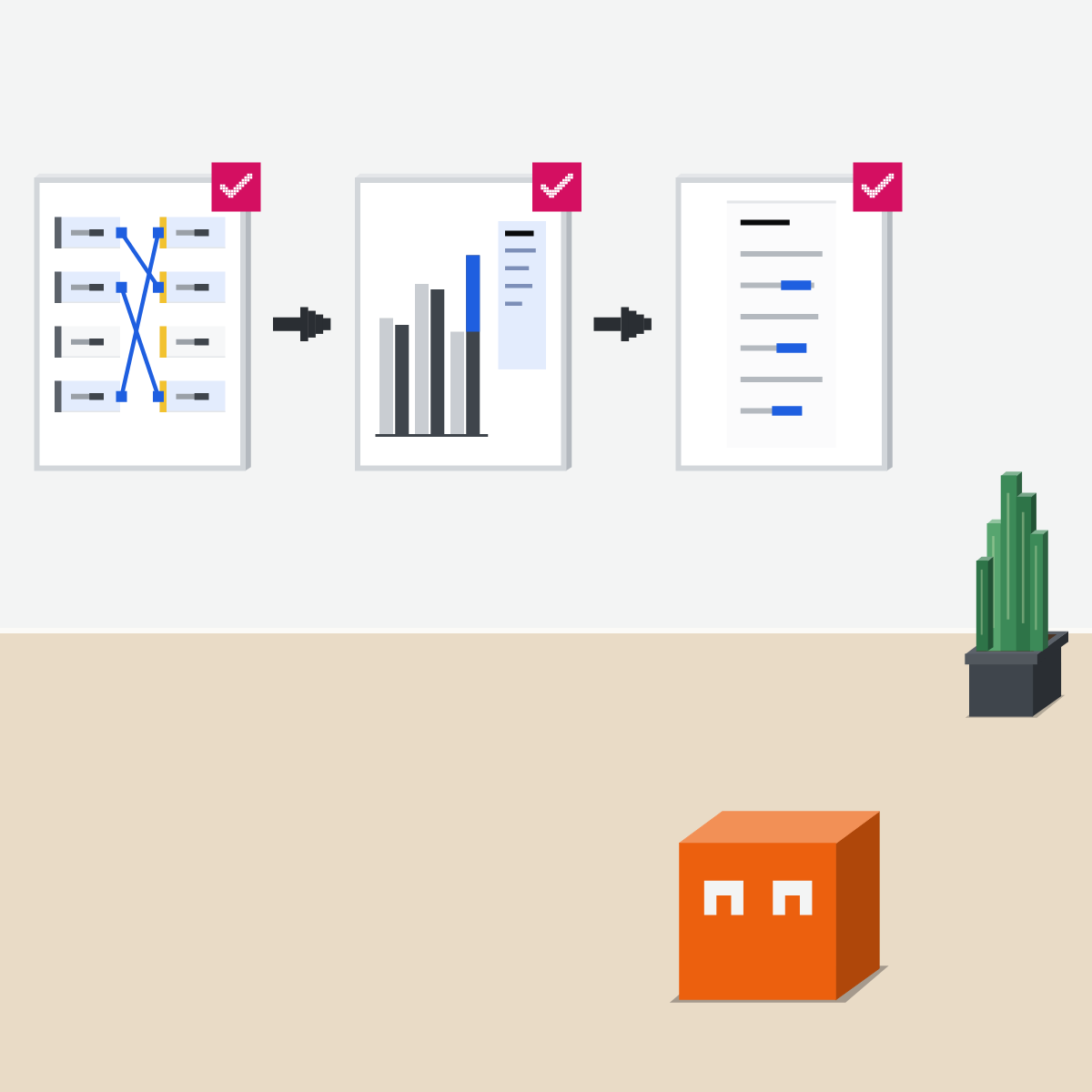
Match: it pairs, you decide
Give it the bank lines and your books. It pairs what matches. What's left, you look into.
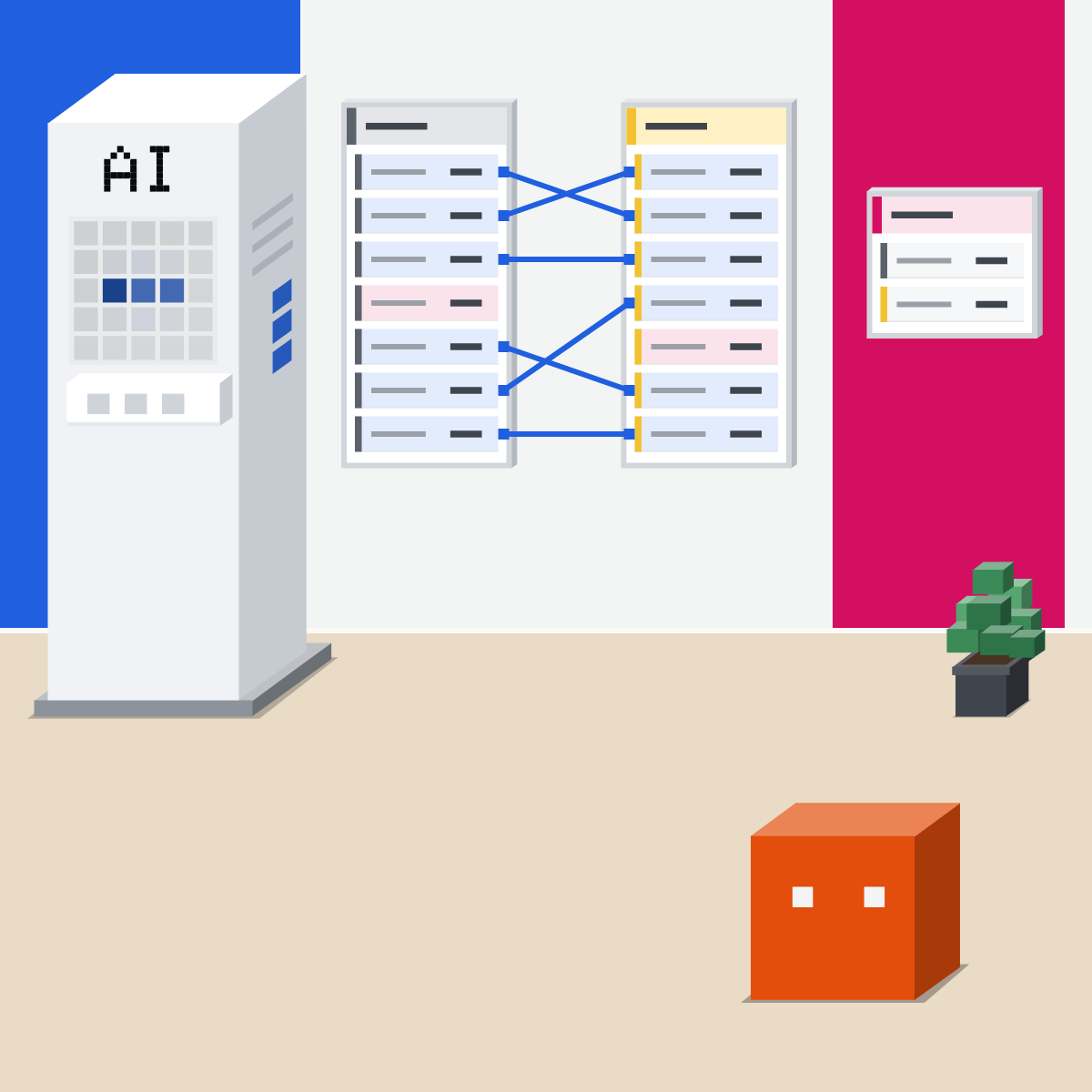
Explain: the reasons are yours
It works out each gap against budget. It sees the numbers, not why. You add the reasons.
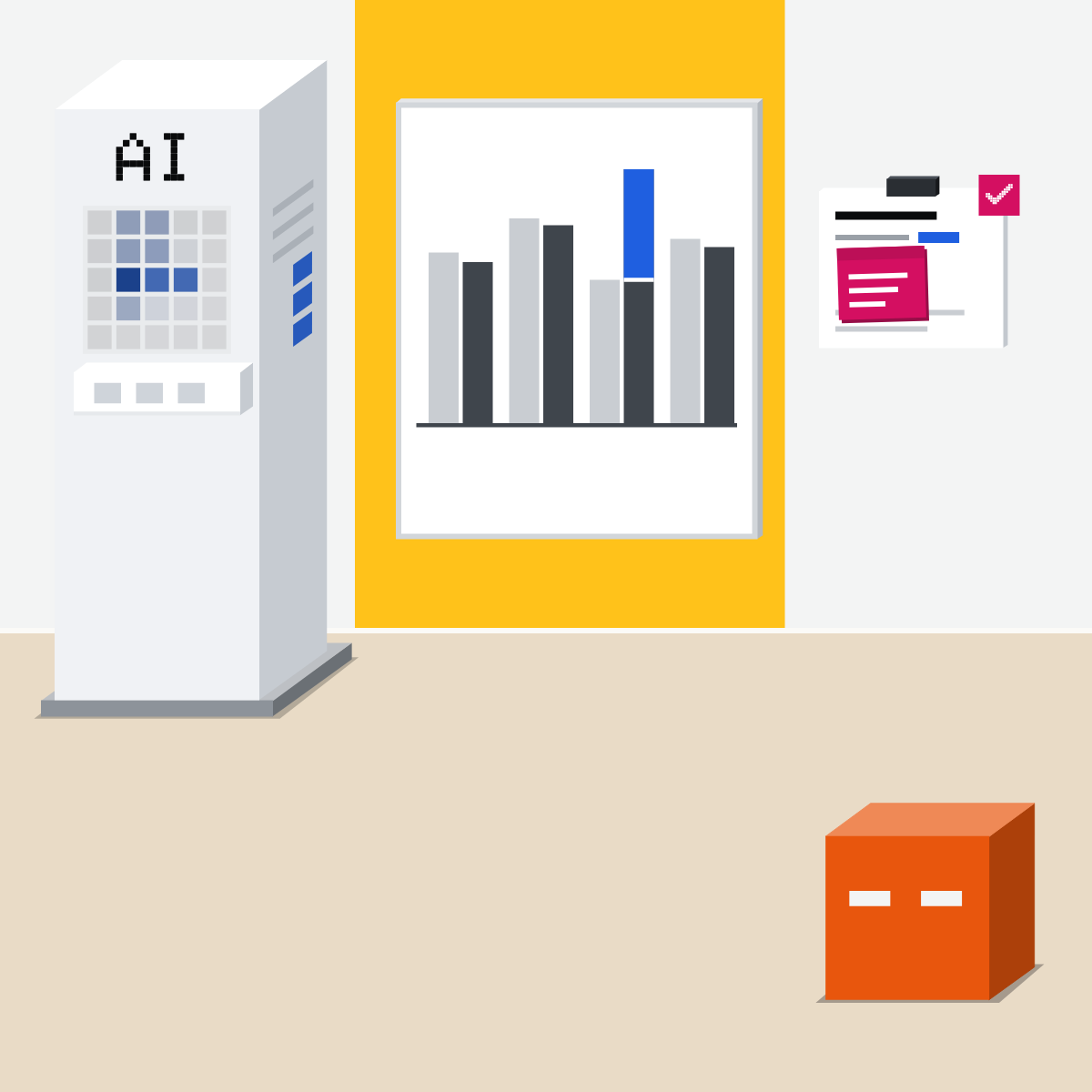
Write up: tick every figure
It drafts the month's write-up. Tick each figure against its cell. Let the sheet re-add the totals.
My pick for spreadsheets
 Claude for ExcelAlso good:
  Gemini in Google Sheets
Answers point to the cells they came from, formulas stay intact, and it warns before it overwrites anything.
All my picks
It prepares. You sign off.
No posting, paying or sending until a person has checked it.
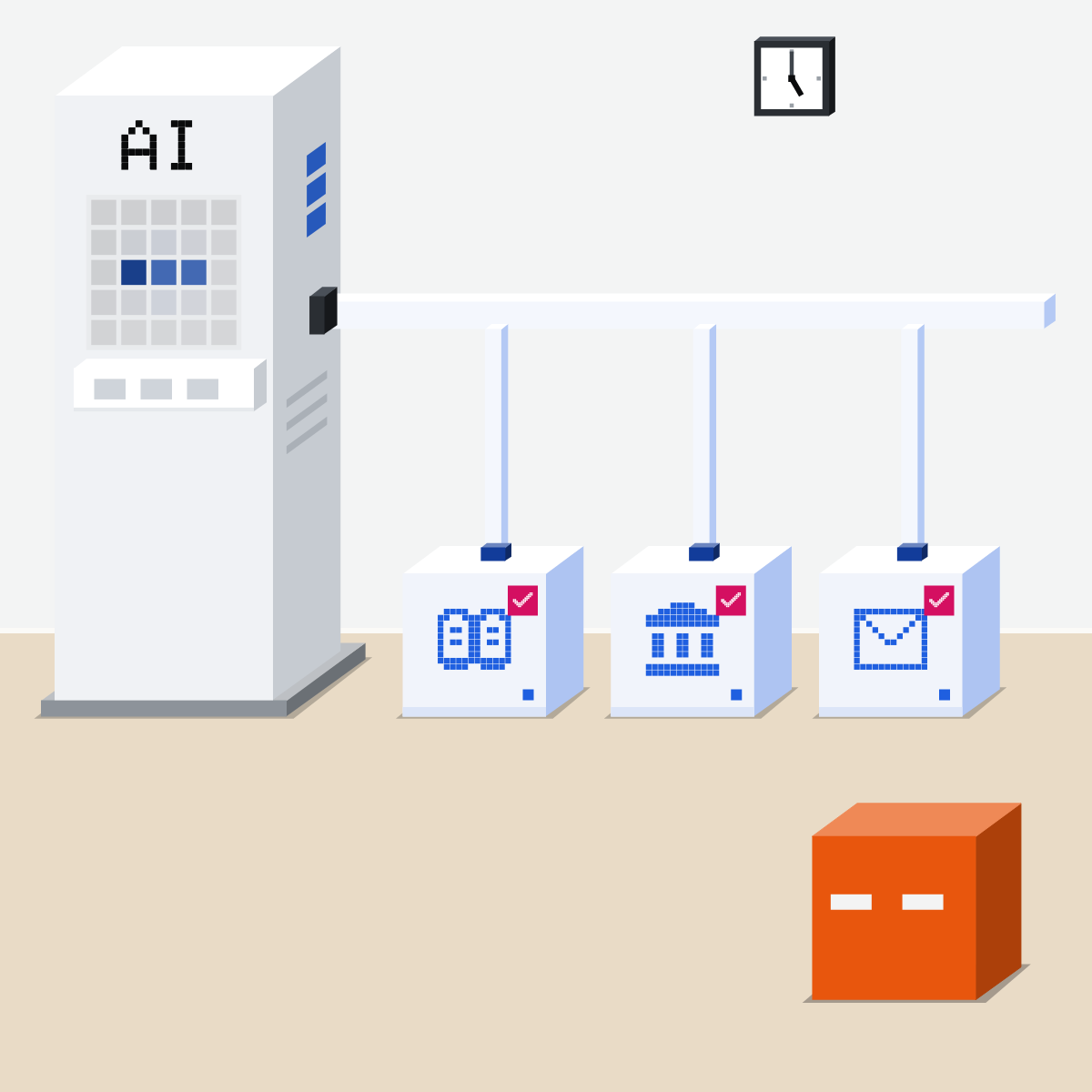
Tick a practice write-up
Made-up figures only. Nothing from work.
- Paste the text below into your assistant.1 min
- Put its table in a sheet. Total it with SUM.3 min
- Tick each figure in its note against its cell.4 min
- Count the misses and any made-up reasons.2 min
The practice month
Make up a practice month for a small team: six cost lines, with budget and actual, as a table. No currency signs. Then write a three-sentence month-end note from it. Name the line behind every figure you use. Don't guess reasons: write “reason to confirm”.
Good looks likeEvery figure ticked, totals from the sheet, no made-up reasons.
In your assistant · as of Oct 2026 · Claude, ChatGPT, GeminiSet it up for month-end
Menus move often, and plans differ. Locked on a work account? Ask IT.
- CheckYour company approves it
- CheckWork on a copy
- CheckNothing posts or sends
My pickFor month-end work in Claude: Opus 5.5 at High. Not on your plan? Sonnet 5.5 at High or Extra high. I skip Haiku 5.5.
Company figures only where your company's rules allow it. Nothing here is financial, tax or audit advice.
Claude
Claude for Excel, an add-in, and the Finance plugin
Or ask IT. Pro, Max, Team and Enterprise. Excel on the web, Windows and Mac.
Answers cite cells you can click. It warns before it overwrites data.
Made by Anthropic, in its Knowledge Work marketplace (added by default). Type / to pick its reconciliation or variance-analysis skill. Pro, Max, Team and Enterprise; on Team and Enterprise an Owner chooses the sources.
Anthropic does not recommend it for audit-critical calculations without verification, or for final client deliverables without human review.
 ChatGPT
ChatGPT for Excel and Google Sheets, a sidebar
In Sheets, install it from the Google Workspace Marketplace and open it from Extensions.
It comes with skills for financial modeling and corporate finance formatting.
Ask it to list exactly what changed
Then review formulas, citations and changed cells. For important work, duplicate the file first.
Every plan; limited on Free and Go.
Gemini
Gemini in Google Sheets
Top right. For an Excel file, choose File > Save as Google Sheets first.
See how it reached a figure before you use it.
Undo works until you change anything else.
Plans: Google AI Pro or Ultra on personal accounts; at work, Business Standard, Business Plus, Enterprise Standard or Enterprise Plus.
Quick check · three questionsDid it stick?
1It pairs your bank lines with the books and lists four it couldn't match. What next?
The answer: B The leftovers need a person's judgement. Forcing a match hides a real difference instead of explaining it.2Travel is well over budget. Its note says “more trips were taken”. Your notes say nothing about trips. You:
The answer: C The figures show that the number moved, not why. A guessed reason reads just like a true one.3The write-up says total costs rose 8 percent (an example figure). How do you check it?
The answer: A The sheet's formula adds the cells themselves. Its own working can repeat the same slip.
Even the makers say soSide note
Files from outsideSide note
Names and paySide note
Sources, checked 18 Oct 2026Source
Product details as of Oct 2026, each checked on the vendor's own page on 18 Oct 2026. Recheck by 18 Nov 2026. The examples in the pictures are made up for this lesson.
- Anthropic, Finance in the Claude Marketplace (made by Anthropic and Anthropic verified; month-end close, account reconciliation and variance analysis; /reconciliation and /variance-analysis; all outputs to be reviewed by qualified financial professionals before use in reporting or filings)
- Anthropic, Finance plugin on GitHub (in the knowledge-work-plugins marketplace; reconciliation and variance-analysis skills; no financial, tax or audit advice; review by qualified financial professionals)
- Anthropic, Use plugins in Claude (Customize, Plugins, Discover, then Add; plugins on Pro, Max, Team and Enterprise; the Knowledge Work marketplace is added by default; Add, then Add marketplace, to add it back; type / to see a plugin's skills)
- Anthropic, Plugins (Discover shows Anthropic's default marketplaces and the directory; on Team and Enterprise an Owner chooses the sources; the / menu lists each skill with its plugin's name)
- Anthropic, Use Claude for Excel (Pro, Max, Team and Enterprise; install from Microsoft AppSource, or an admin deploys it; Excel on the web, Windows and Mac; cell citations you can click; formula relationships kept; overwrite protection; not recommended for audit-critical calculations without verification or final client deliverables without human review; trusted spreadsheets only)
- OpenAI, ChatGPT for Excel and Google Sheets (install steps; + for Skills, with default skills for financial modeling and corporate finance formatting; ask for a plan first; list exactly what changed; review formulas, calculations, citations and changed cells; duplicate the file; not a financial, legal or tax advisor; every plan, limited on Free and Go)
- OpenAI, ChatGPT plans (feature table: Excel, Word, PowerPoint and Google Sheets extensions limited on Free and Go)
- Google, Collaborate with Gemini in Google Sheets (Ask Gemini at the top right; Save as Google Sheets for an Excel file; Analysis steps; Show code; Action preview card; Apply; Undo until you make further changes)
- Google, Get started with Google Workspace with Gemini (Gemini in Sheets on Google AI Pro and Ultra, and on Business Standard, Business Plus, Enterprise Standard and Enterprise Plus)
Free skillBudget against actual, in plain wordsBring this to your teamWorkflow automation · Get in touchBack to level 6, Advanced and by role
Tick every figure to its cell.
Next lesson · 15 minHow do you automate a workflow: an agent, an automation or both?