How do you research a market, a supplier or a competitor with AI?
Brief a decision, get a cited report, write one checked page.
Which supplier should we use?
It sent back a report taller than you.
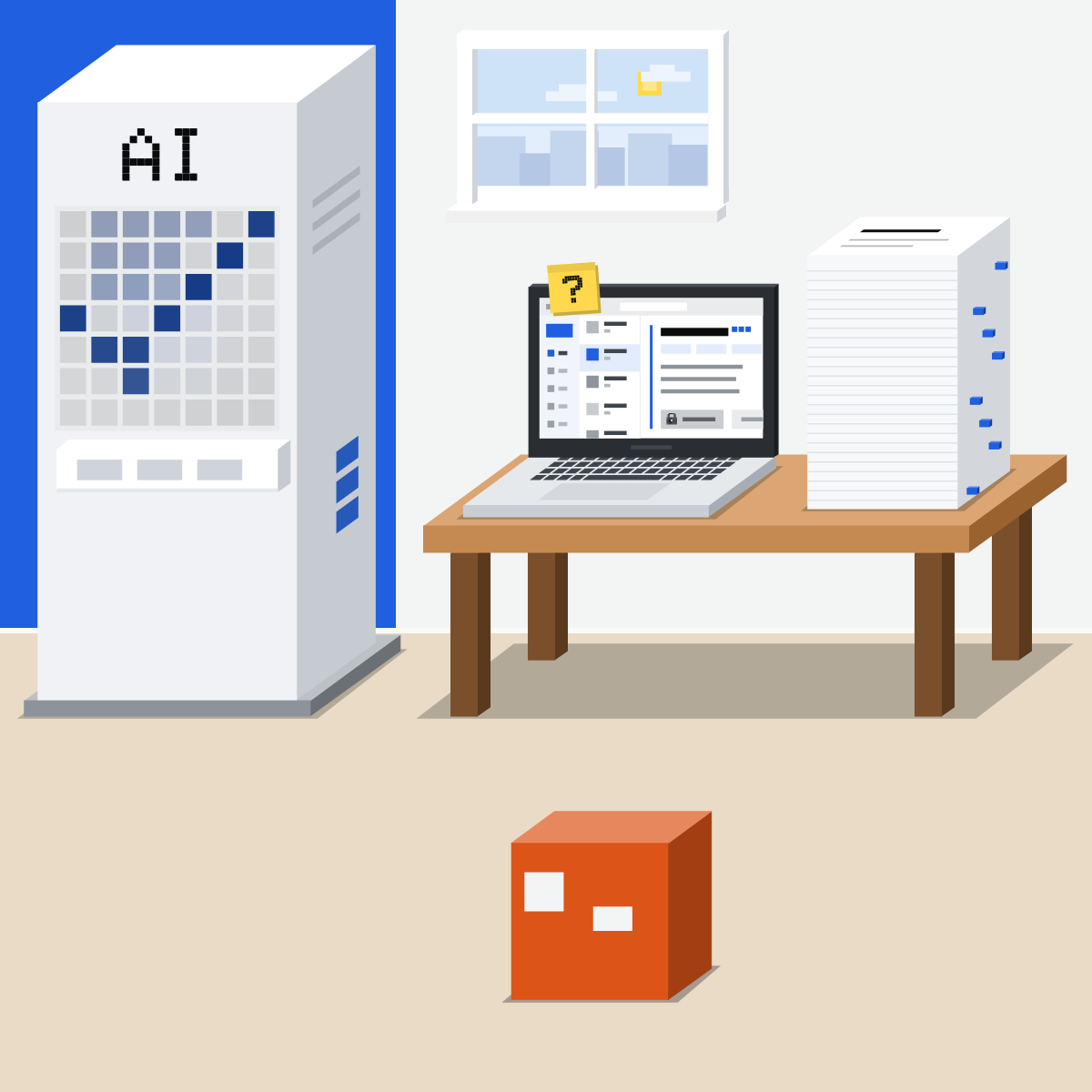
Four steps, one page
Deep research does the reading. You do the deciding.
- Brief the decision
- Run deep research
- Check five claims
- Write one page
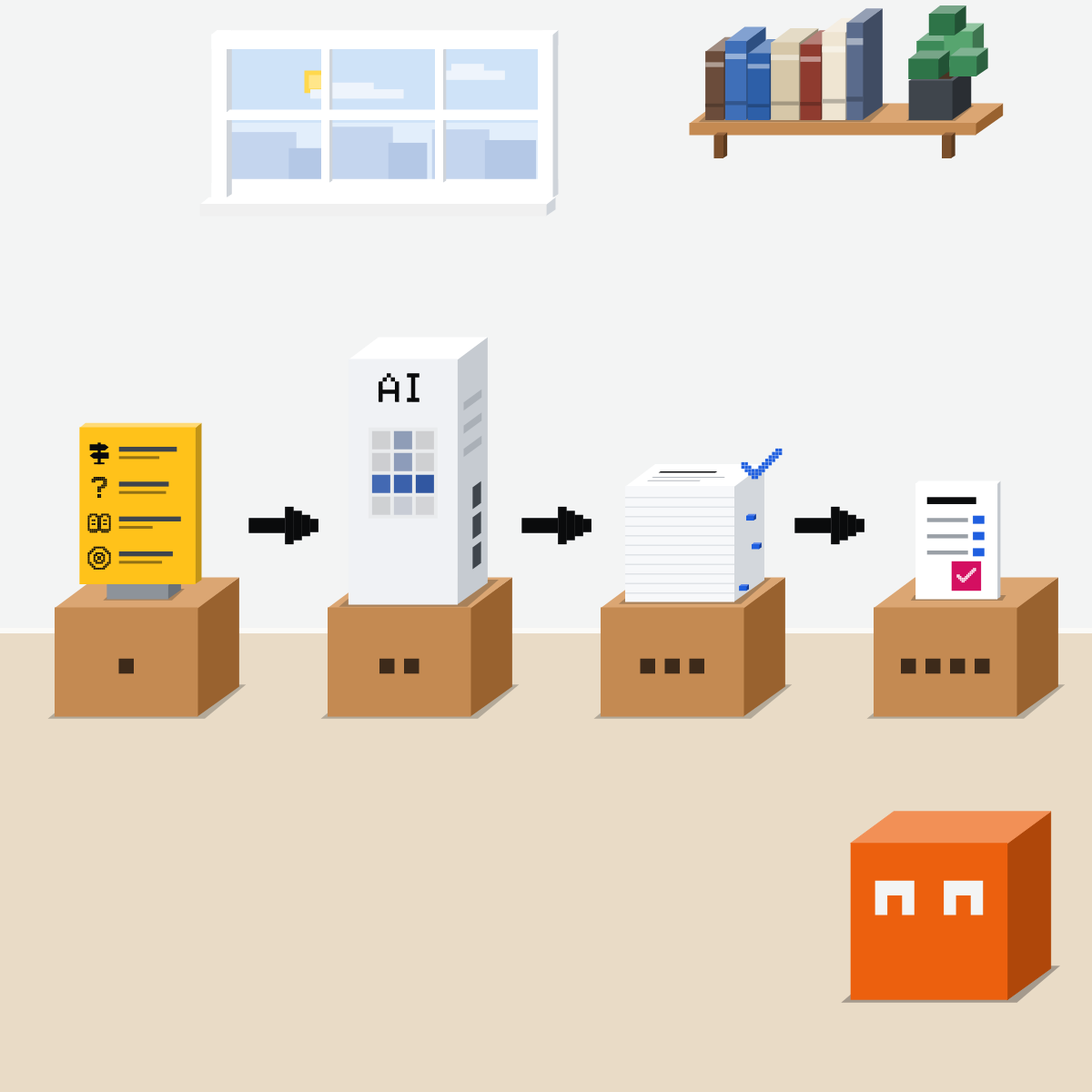
Brief the decision
Not just the topic:
- The decision and its deadline
- The question
- Sources you trust
- What you'll do with it
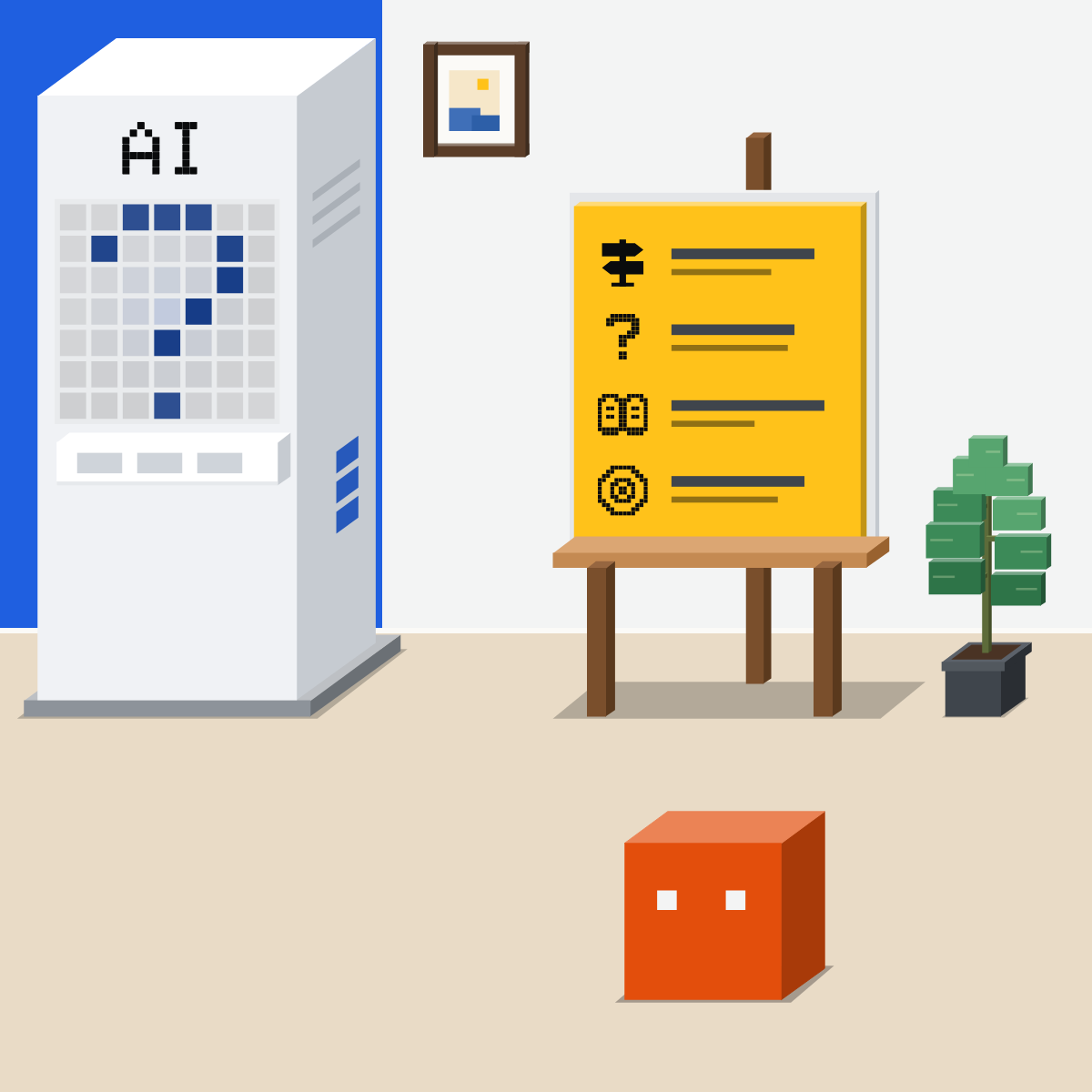
Point it at sources you trust
Name your sources. Check its plan, if it shows one. A cited report comes back.
My pick for research
 ChatGPT deep researchAlso good:
  Gemini Deep Research
Choose the sites it reads and review its plan. Then open its sources before you share.
All my picks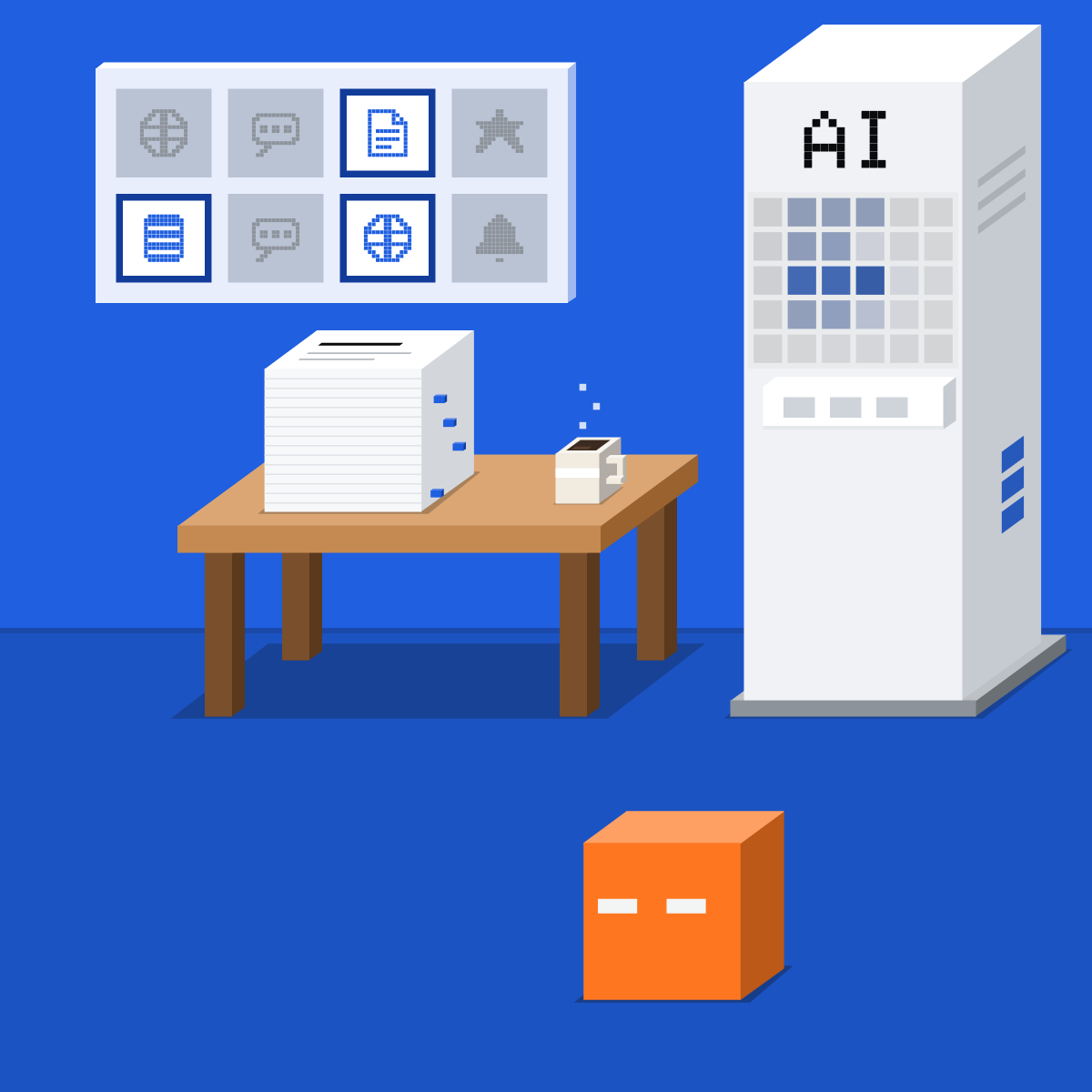
Check the five it rests on
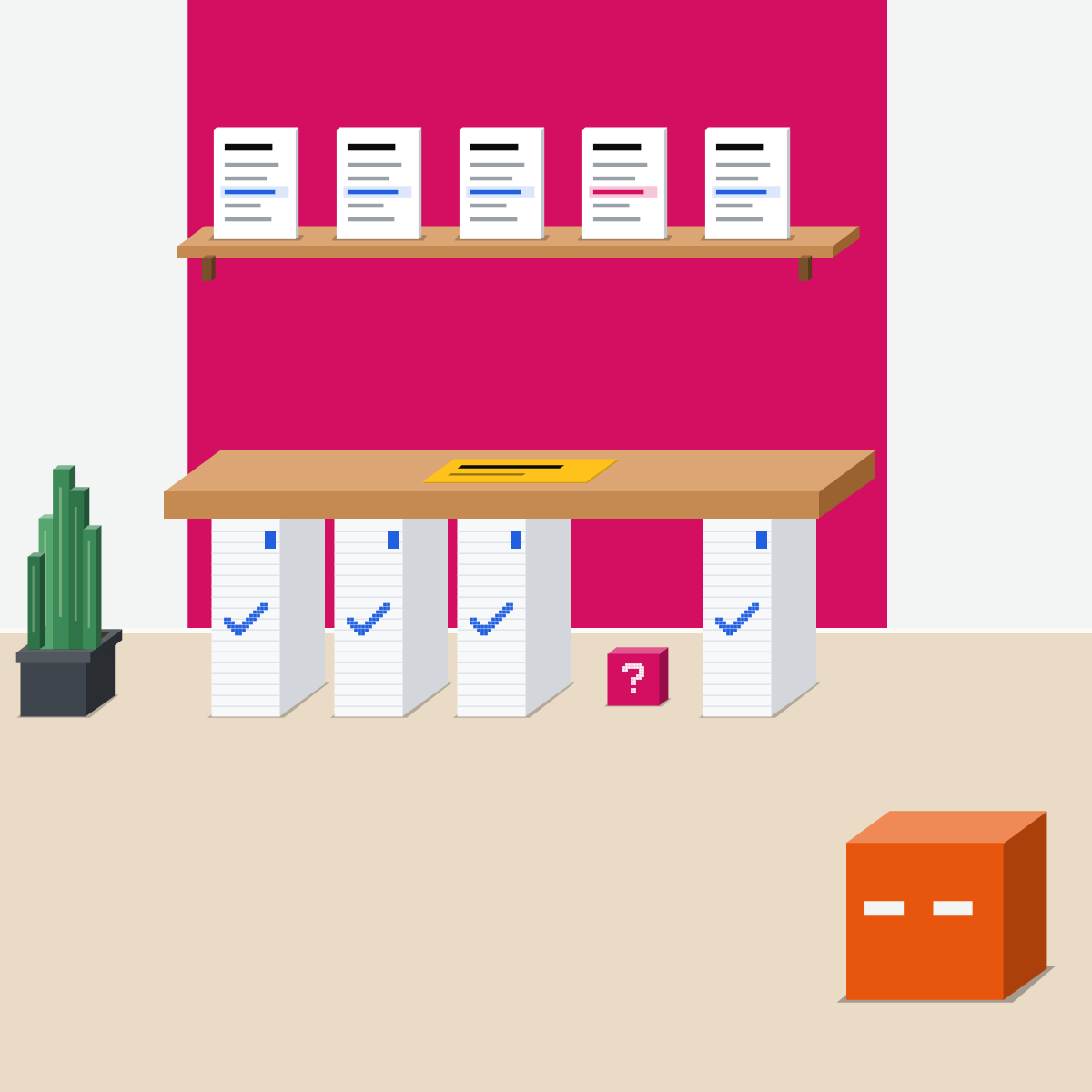
Find the claims your decision rests on. Check each on its page. Mark what fails.
Write one page
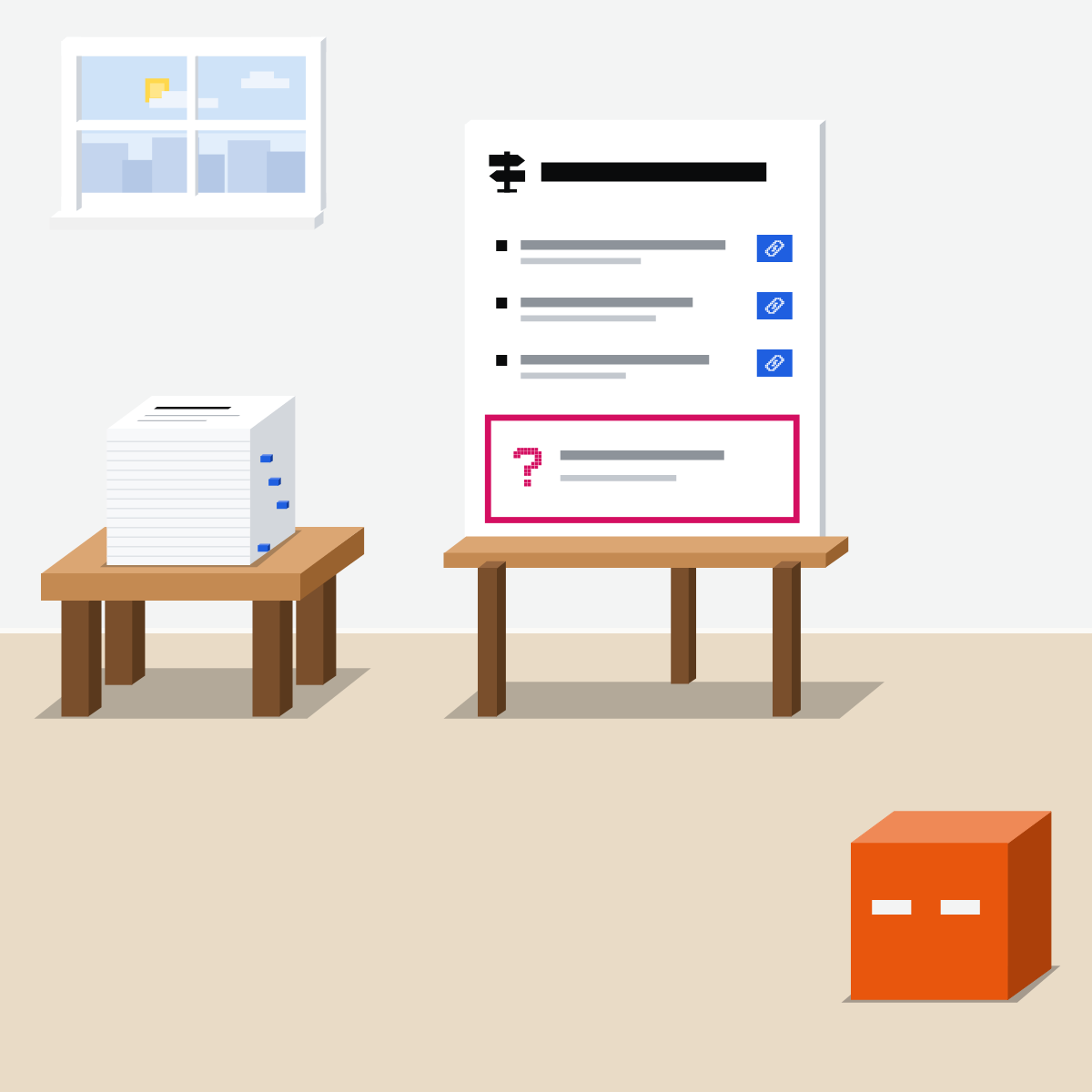
The decision. Three reasons, each with its source. What we still don't know.
The note is the work
The report is the input. Your checked page is what gets decided.

Brief one public decision
Public questions only.
- Paste the filled brief into deep research.2 min
- Check its plan if shown, then let it run.1 min
- Pick five claims. Find each on its page.5 min
- Write the note: decision, three reasons, unknowns.2 min
The brief to fill in
Decision: which of [two or three named suppliers] to shortlist, by [date].
Question: how do they compare on [delivery times, minimum order, support]?
Sources: their own websites and public reports first. Skip ads and forums.
Use: a one-page note for my manager.
Cite every claim. List what you could not find.
Good looks likeOne page: three sourced reasons, failed claims marked.
In your assistant · as of Oct 2026 · Claude, ChatGPT, GeminiFrom brief to report
Menus move often. Missing something? A rollout, your plan, country or admin may be why.
- CheckYour company approves it
- CheckNothing private in it
- CheckSources you can open
My pickMy picks for research: ChatGPT's deep research when you want to choose the sites it reads, and Gemini's Deep Research when you want Gmail and Drive in the mix. Open the sources and check them before you share.
Use the tool your company approves for company data. That rule comes before mine.
 Claude
Calls it Research. On Pro, Max, Team and Enterprise.
Or “+”, then Research. Still see Chat and Cowork? Turn on web search, then use “+”.
Switch on only what it should read. Its help page shows no plan step, so name your sources in the brief.
Ask for the note as a Claude Doc
Then share it by link, or export it.
Research runs on Opus 5.5, whatever model you picked. On the phone it searches the web only. It can use up your limits faster.
ChatGPT
Calls it Deep research.
Or “+”, then Deep research, or the sidebar.
Limit it to the sites you enter, or prioritise them. Then review and edit its plan.
Download it as Word or PDF
Check its sources used section before you rely on it.
Limited on Free and Go, expanded on Plus, most on Pro. Also on Business and Enterprise, where your company allows it. Connected apps are read only during research.
Gemini
Calls it Deep Research.
In the text box at gemini.google.com.
Google Search is on by default. Add Gmail or Drive through the Google Workspace app, or turn Search off.
In the Canvas panel. A report usually takes 5 to 10 minutes.
18 or over. Daily limits, higher on Google AI Pro and Ultra. On a work account, your Workspace licence sets them.
Quick check · three questionsDid it stick?
1Your manager asks whether to switch couriers. What does your brief lead with?
The answer: A A decision and a deadline tell it what to look for and what to skip. A topic gets you a survey.2A key claim says 98 percent on time. Its page says 89. The other four hold. Now what?
The answer: C You read the page yourself, so its figure is now checked. The note says what changed.3A claim your decision rests on has no page you can open. Where does it go?
The answer: B Not found on a page means not checked. Saying so lets the reader weigh it.
Two sources disagree?Side note
Sizing a marketSide note
Work files in the mixSide note
Sources, checked 18 Oct 2026Source
Product details as of Oct 2026, each checked on the vendor's own page on 18 Oct 2026. Recheck by 18 Nov 2026. The examples in the pictures are made up for this lesson.
- Anthropic, Use research on Claude (+ then Research; web search must be on; the web plus connected tools such as Gmail, Calendar and Docs; connector tools without asking each time; web only in Claude Mobile; Pro, Max, Team and Enterprise; runs on Opus 5.5 with Opus 4.8 as fallback; limits used faster)
- Anthropic, Claude Cowork and chat are one Claude (in the new Claude, type /deep-research or + then Research, with no web search toggle; still seeing Chat and Cowork means the older experience; Claude Docs; share by link or export)
- Anthropic, When should I use web search, extended thinking, and research? (research reports with citations)
- Anthropic, Get started with connectors (+ in the message box, then Connectors, a toggle for each conversation)
- Anthropic, Claude release notes (nothing newer on Research; latest entry 7 Oct 2026)
- OpenAI, Deep research in ChatGPT (how to start it; the web, files and connected apps, no app write actions; Sites and Manage sites; review and edit the plan; citations and a sources used section; download as Markdown, Word or PDF; a good prompt describes the question, desired outcome and constraints; admins control access on Enterprise)
- OpenAI, ChatGPT plans (deep research limited on Free and Go, expanded on Plus, maximum on Pro)
- OpenAI, Business, Enterprise and Edu plans (help page) (Deep Research on Business, Enterprise and Edu)
- OpenAI, What is ChatGPT Enterprise? (Enterprise seats include Deep Research)
- OpenAI, ChatGPT release notes (nothing newer that changes deep research; latest entry 16 Oct 2026)
- Google, Use Deep Research in Gemini Apps (Add Files, Deep Research; Edit plan, Start research; Google Search by default, Gmail and Drive through the Google Workspace app; about 5 to 10 minutes; Share & export, Export to Docs; 18 or over; daily limits, higher on Google AI Pro and Ultra)
- Google, Use Gemini Apps with a work or school Google Account (Deep Research limits on a work account depend on the Workspace licence)
- Google, Gemini Apps release notes (nothing newer that changes this lesson; latest entry 13 Oct 2026)
Free skillOne-page decision briefBring this to your teamTeam workshops · Get in touchBack to level 5, Office work, by task