How do you write customer replies with AI and keep them right?
Draft from your policy. Check every promise. Hard cases go to a person.
The reply sounded lovely
It promised a full refund. Nobody had approved one.

Three habits, every reply
Treat it like a keen new starter:
- Hand it the policy and best replies.
- Check every promise.
- Hard cases go to a person.
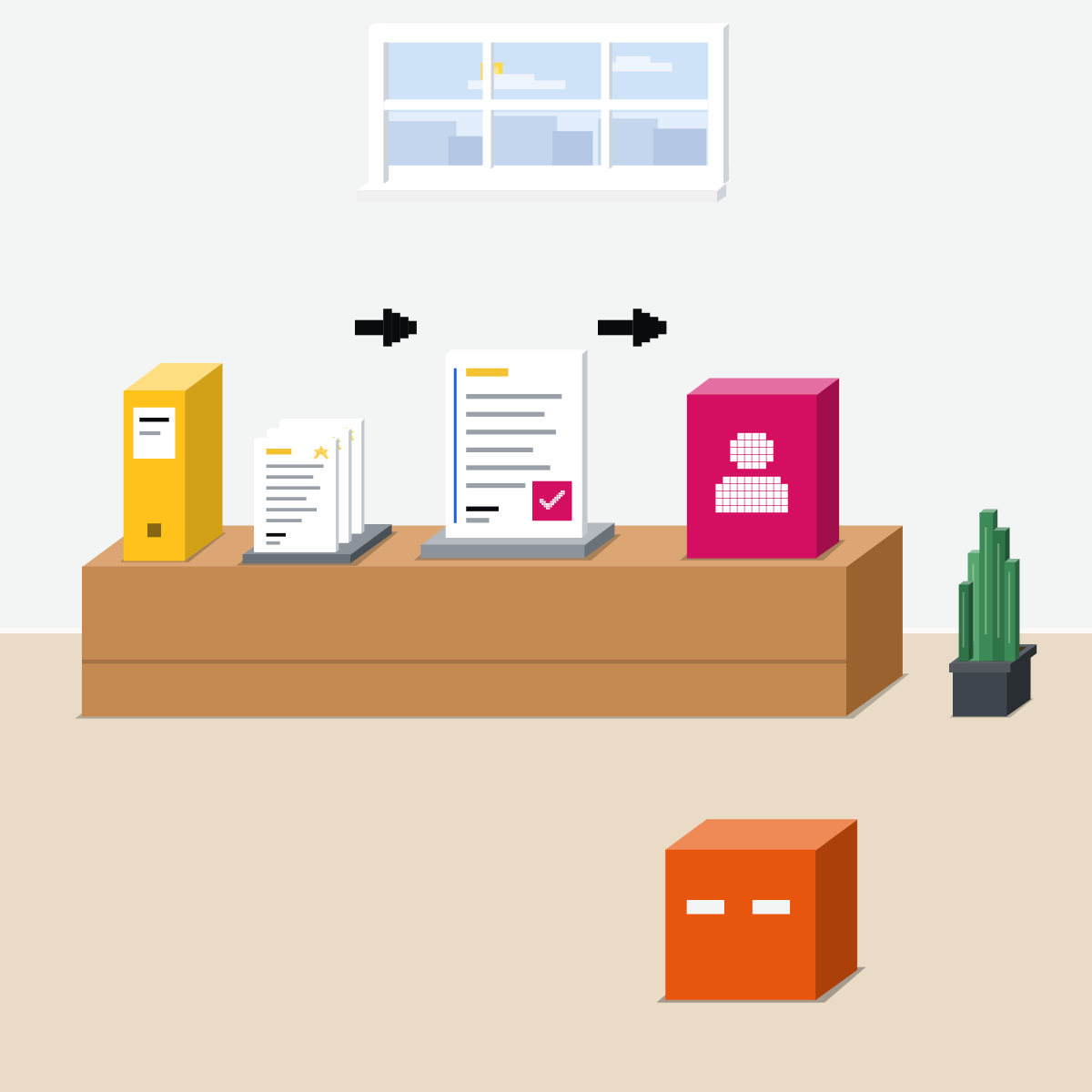
Hand over the binder
Your real policy and three replies you were proud of. Keep them in a project.
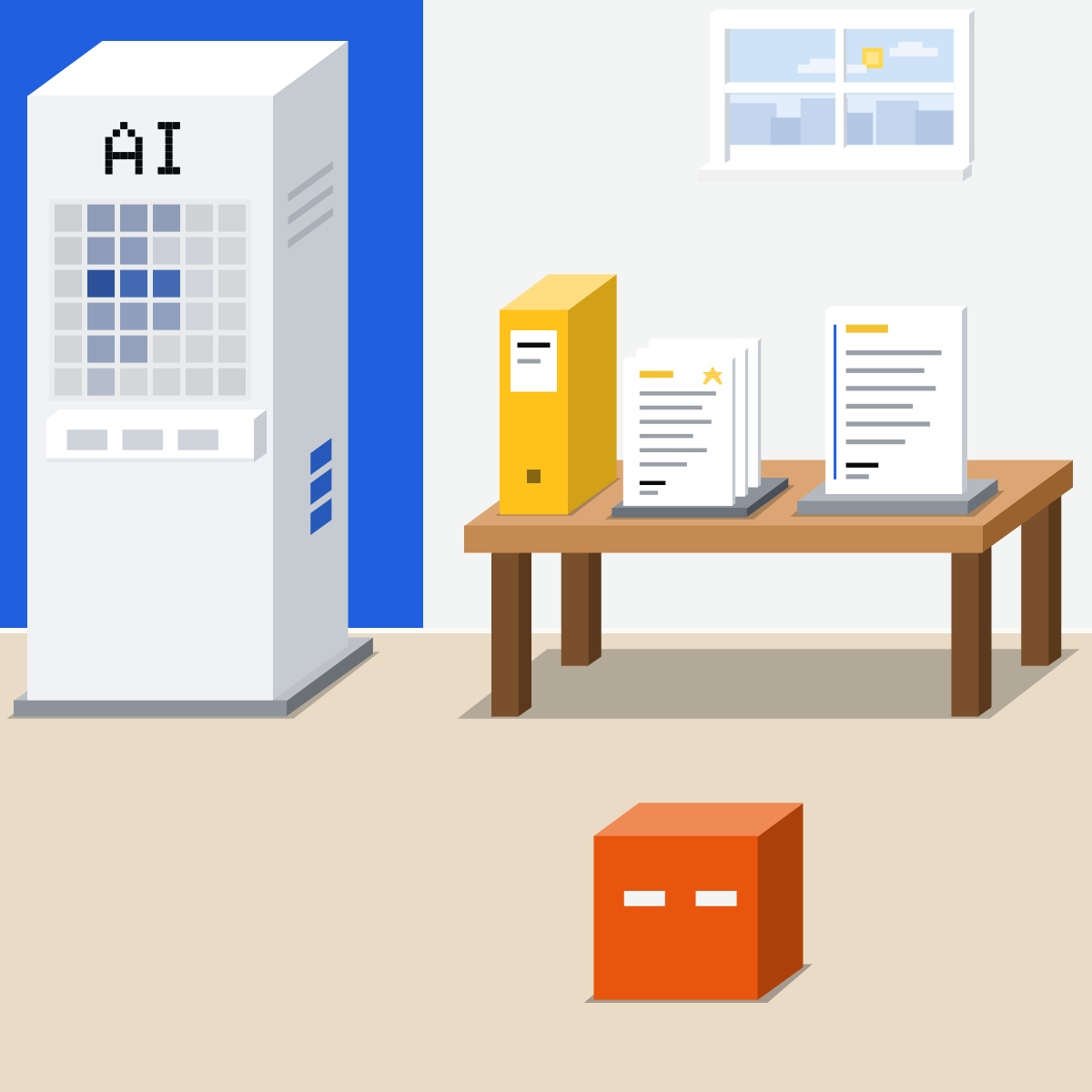
Check every promise against it
Match every promise, date, number and name to the policy. Not there? Cut it.
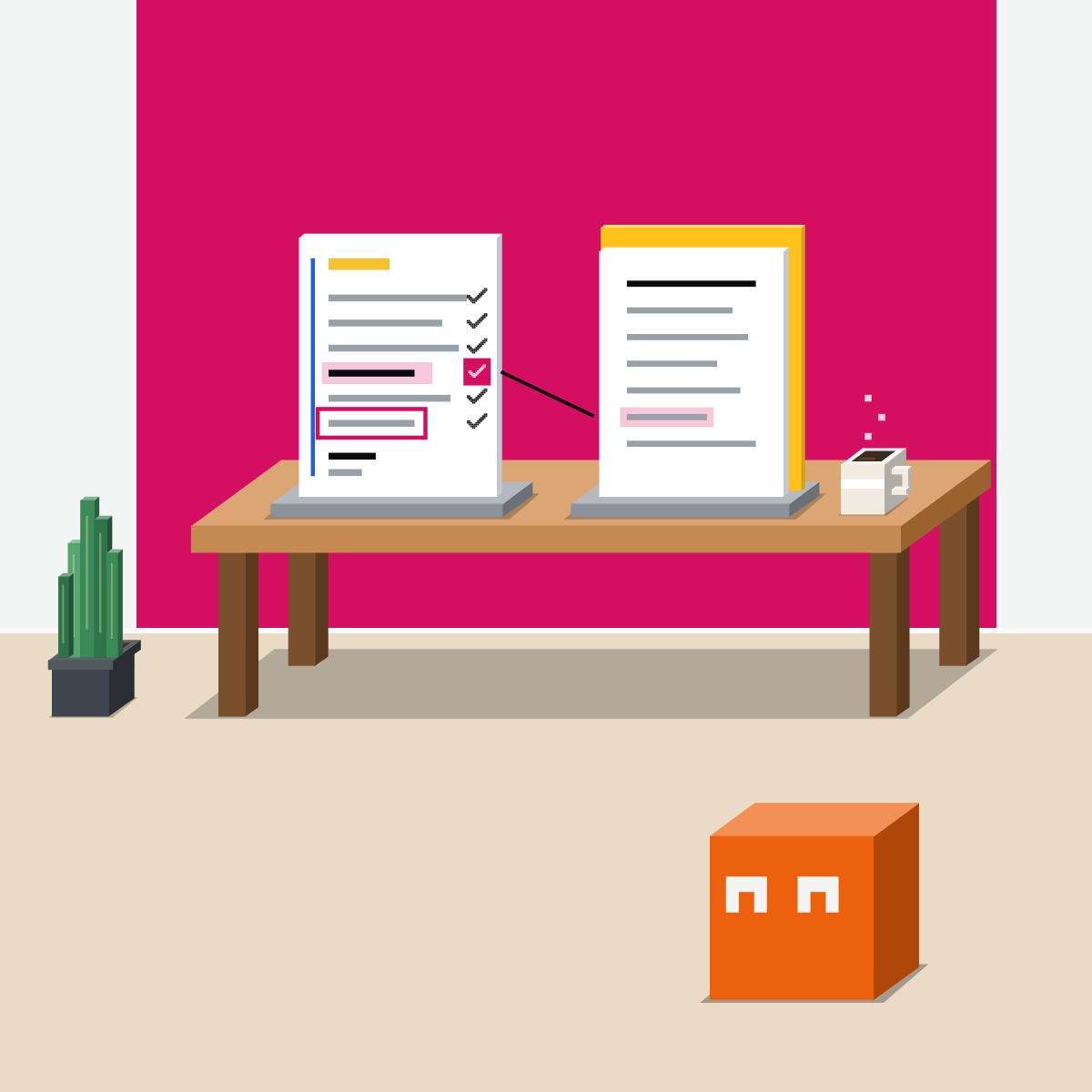
Hard cases go to a person
Legal threats, health, vulnerable customers, real anger: a person owns those. AI just helps draft.
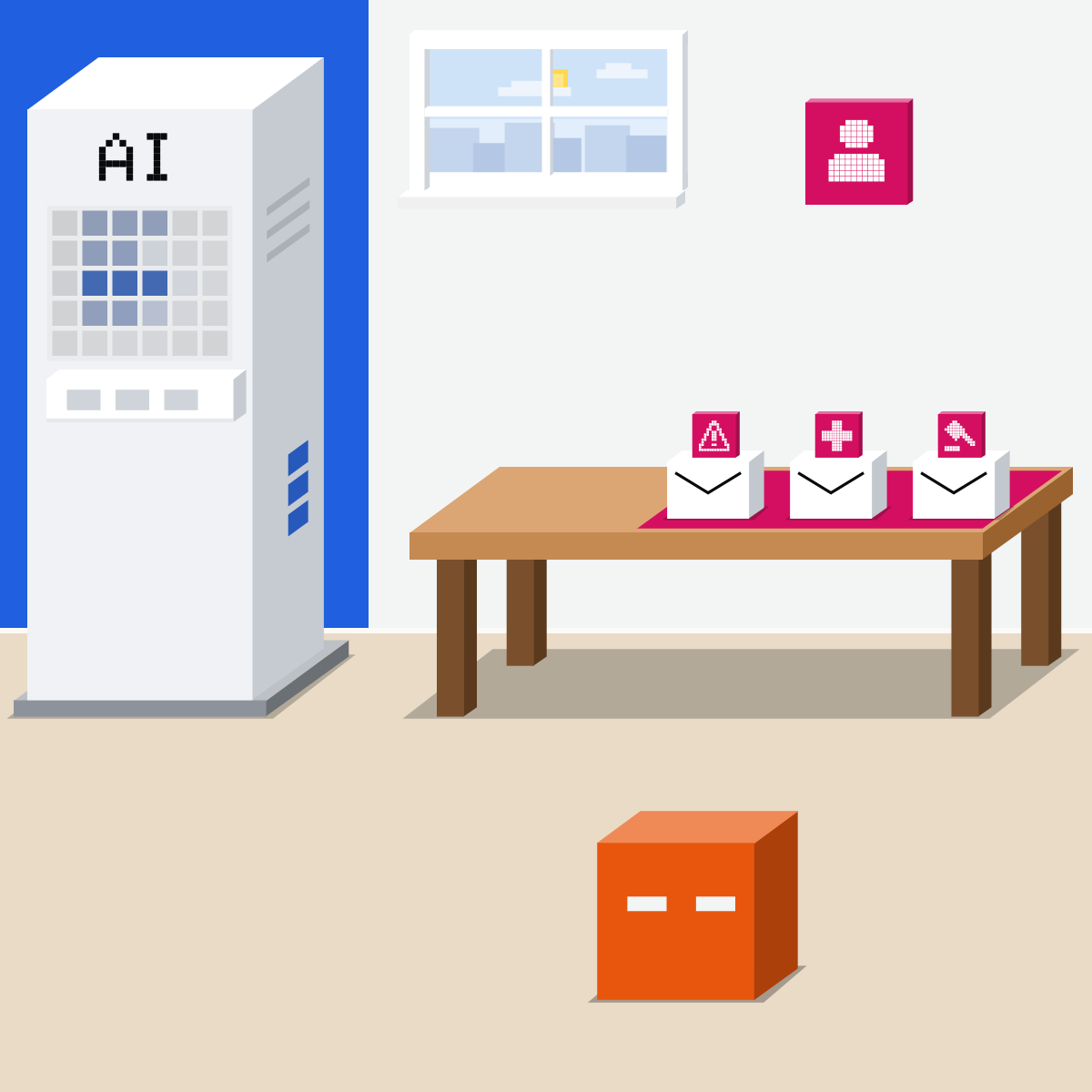
Emails can hide orders
Customer emails can hide text aimed at the AI. So it drafts; you send.
My pick for email
 Claude, with Gmail or OutlookAlso good:
  Gemini in Gmail
The Gmail connector asks before it sends, replies or forwards. At an Outlook company, Claude for Outlook drafts replies for you to send.
All my picks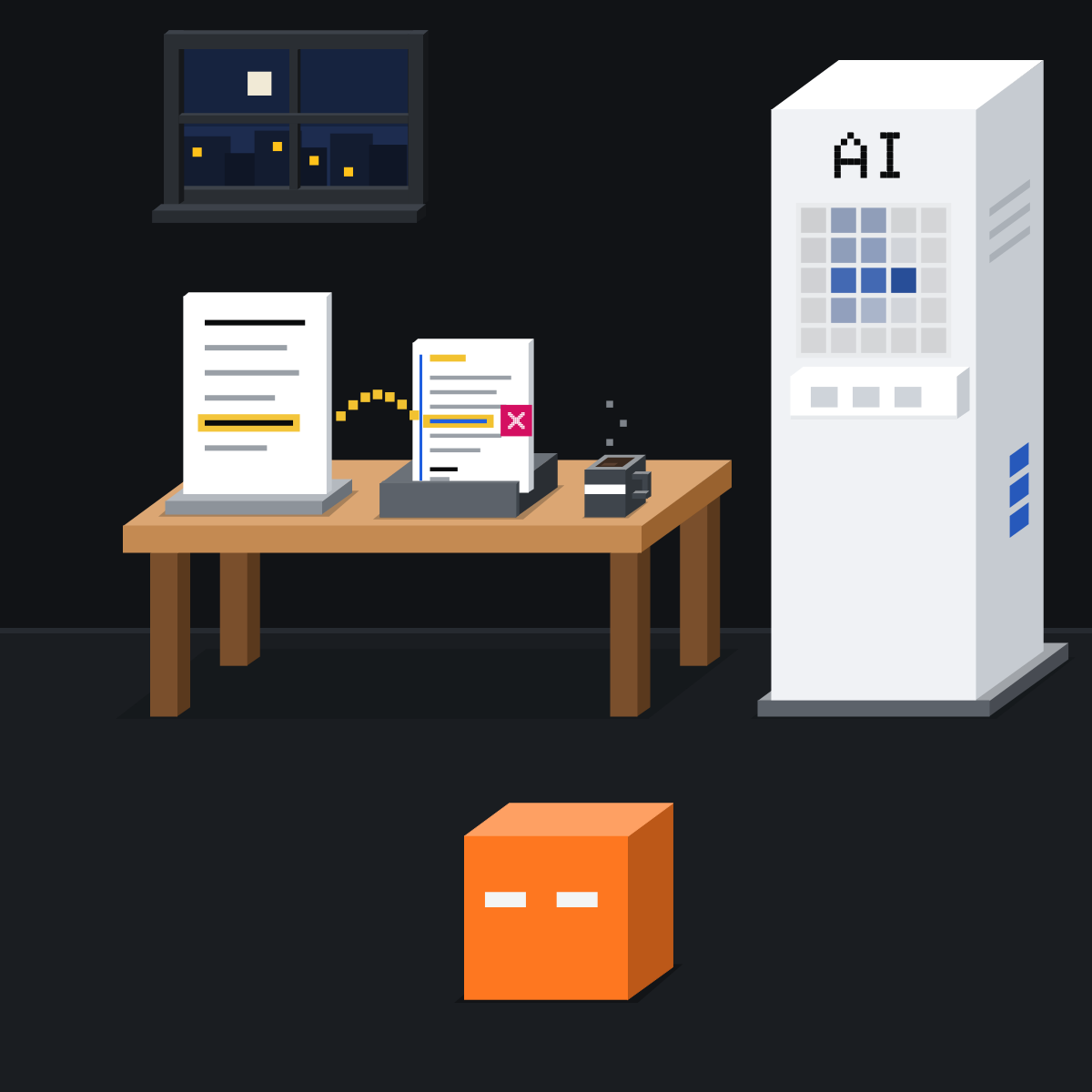
No policy, no promise.
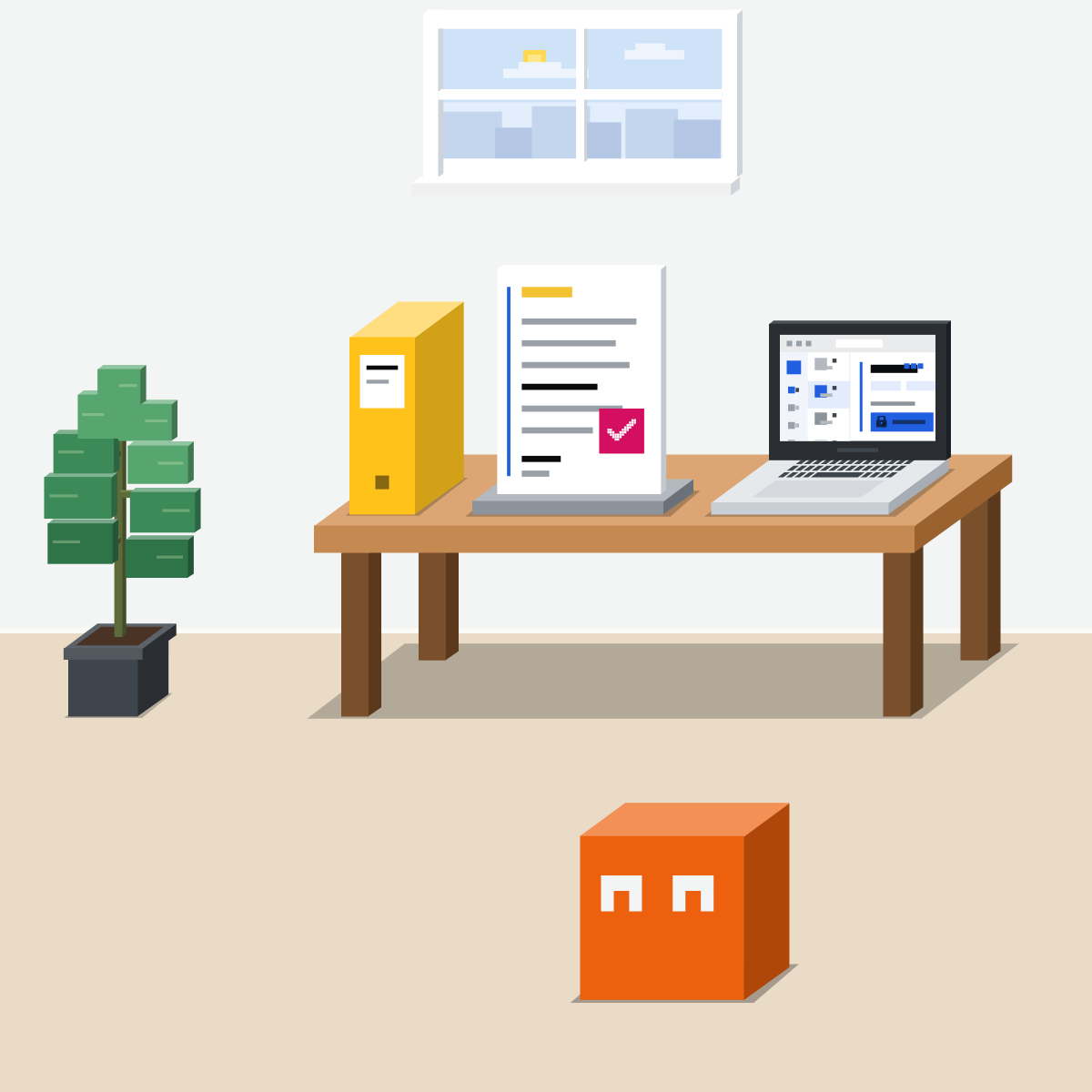
Every promise points to a line in your policy. Then a person sends it.
Draft one reply from a policy
Nothing private goes in.
- Copy a store's public returns policy.2 min
- Paste the prompt, with a made-up email asking for more.3 min
- Check each promise against the policy yourself.5 min
A prompt to paste (fill both blanks)
Draft a reply to the customer email below, using only the policy below. Then list every promise, date, number and name in your reply, each with the policy line it rests on. If the policy doesn't cover something, say so. Flag anything sensitive for a person. Don't send anything.

Policy: [paste]

Customer email: [paste]
Good looks likeEvery promise points to a policy line.
In your assistant · as of Oct 2026 · Claude, ChatGPT, GeminiSet up your reply desk
Menus move often. Use the tool your company approves for customer data.
- CheckYour current policy
- CheckReplies you'd resend
- CheckYour work account
Customer emails hold personal data: only in the tool your company approves for it. AI drafts; a person sends.
Claude
A project for the files, a skill for your style.
Make a project. Add your policy and three past replies to its knowledge. Then write its instructions: drafts only, from these files.
Optional: your team's reply style as a skill. Needs Code execution and file creation on.
Gmail connected? Claude asks before each send, reply and forward by default. Keep it that way.
At an Outlook company, Claude for Outlook (beta; Pro, Max, Team and Enterprise) drafts replies unsent in Outlook, and you click Send. Ask IT.
 ChatGPT
A project for the files and the rules.
In the sidebar. Add your policy and past replies as files.
Instructions here override your general ones. Say: drafts only, from these files.
For a connected Gmail or Outlook. Unless you or your workspace set another, Allow low-risk actions applies.
Files per project: Free 5; Go and Plus 25; Pro, Business and Enterprise 40. On Zendesk? Its plugin (beta) reviews tickets and customer history and prepares replies.
Gemini
A notebook for the files and rules, a skill for your style.
In the sidebar. Add your policy and past replies with Add sources, and your rules in Notebook settings.
Create with Gemini, start from a template, or upload a SKILL.md. Use it with /.
At the top right of Gmail. Google's page describes drafting replies, not sending them for you. Needs an eligible Workspace or Google AI plan.
Skills need you to be 18 or over, with Keep Activity on. On a work account, some features depend on your licence, which your admin manages.
Quick check · three questionsDid it stick?
1You answer the same kinds of customer question every week. Where should the policy and your best replies live?
The answer: C A project puts the same files and rules in front of every chat inside it, so each draft starts from them. A skill carries your reply style.2A draft reply offers a full refund. Your policy offers an exchange. What do you do?
The answer: A Customers hold you to what a reply promises, even a softened one. The policy decides, or the person who can approve an exception.3Which of these should a person own, with AI only helping to draft?
The answer: B Stakes decide, not length or tone. Health, legal threats, vulnerable customers and real anger need a person's judgement.
Keep the binder currentSide note
Write your hard-case listSide note
A rule in the chat isn't a gateSide note
Sources, checked 18 Oct 2026Source
Product details as of Oct 2026, each checked on the vendor's own page on 18 Oct 2026. Recheck by 18 Nov 2026. The examples in the pictures are made up for this lesson.
- UK National Cyber Security Centre, Managing the cyber risk of agentic AI, 20 Aug 2026 ("do not rely on prompting alone"; human-in-the-loop, "humans approve actions before they happen"; controls that match the consequences)
- OpenAI, ChatGPT release notes (3 Sep 2026: the Zendesk plugin, beta, helps teams review support tickets and customer history and prepare replies; 14 Sep 2026: if you make no changes to your Plugins settings, the default permission is Allow low-risk actions; 28 Aug 2026: the Gmail plugin)
- OpenAI, Using Zendesk in ChatGPT and Codex (review tickets and customer history, prepare replies; in a managed workspace an administrator may need to enable it)
- OpenAI, Outlook Email and Calendar apps in ChatGPT (the Outlook Email app; available actions depend on your permissions and workspace settings)
- Anthropic, Use Claude for Outlook (beta on Pro, Max, Team and Enterprise; drafts replies in your voice, unsent in the compose pane; never sends mail on its own; email bodies and attachments are untrusted input; not recommended for client-facing mail without reading the draft first)
- Anthropic, Use Google Workspace connectors (Gmail can draft, send, reply and forward; by default Claude asks for your approval before each send, reply and forward)
- Anthropic, What are projects (a project's knowledge base and instructions; Free: up to five projects)
- Anthropic, Use skills in Claude (every plan; Customize, Skills, +, Create skill; Code execution and file creation on)
- Anthropic, Prompting best practices (examples are "one of the most reliable ways" to steer format, tone and structure; 3 to 5 examples)
- OpenAI, Projects in ChatGPT (New project in the sidebar; Project settings instructions override custom instructions; files a project by plan)
- OpenAI, Managing app permissions in ChatGPT (Always ask, Allow read actions, Allow low-risk actions, Allow all actions; Allow low-risk actions "applies when no account, workspace, app, or connection policy overrides it"; Allow all actions "carries elevated risk")
- OpenAI, Skills and plugins (a skill packages instructions for a task; start with @skill-creator)
- Google, Collaborate with Gemini in Gmail (Ask Gemini drafts email responses; confirm first, 60 seconds to undo; an eligible Workspace or Google AI plan)
- Google, Create and manage skills for Gemini Apps (Customize, Skills, Create; Create with Gemini, a template, or upload a skill file; / to use; 18 or over, Keep Activity on)
- Google, Organize your projects with notebooks in Gemini Apps (Notebooks, New notebook, Add sources; instructions under More, Notebook settings; notebooks sync with Gemini Notebook; rolling out gradually)
- Google, Gemini Apps release notes (13 Oct 2026: Customize in the left menu; 30 Sep 2026: skills, which will soon replace Gems; no feature named projects up to 18 Oct 2026)
- Google, Use Gemini Apps with a work or school Google Account (some features only with certain Workspace licences, which your administrator manages)
- Agent Skills, Specification (a skill is a folder with an instructions file)
Free skillCheck a draft against its sourcesBring this to your teamWorkflow automation · Get in touchBack to level 5, Office work, by task
Your policy in. A person sends.
Next lesson · 15 minHow do you plan a project or a week with AI?