How do you plan a project or a week with AI?
Turn a goal into a tested plan with owners and dates.
The sticky note plan
Monday, the plan fits on a sticky note. Thursday, it falls off.

Four moves, goal to plan
Before you share:
- Hand it the facts
- Owners and dates
- Test it for gaps
- Check the calendar
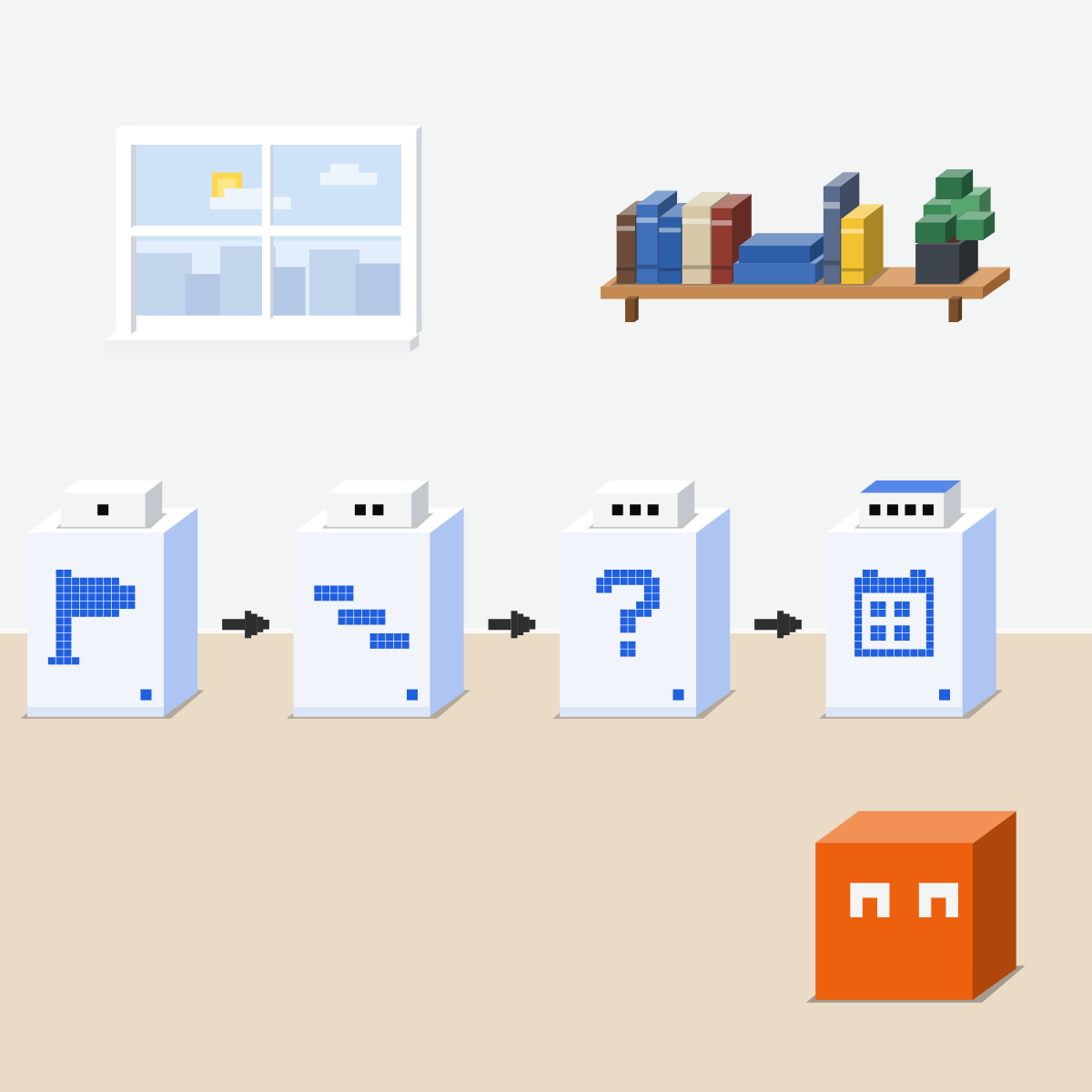
Hand it the facts
The goal and deadline. Who's on it. What can't move: leave, other deadlines.
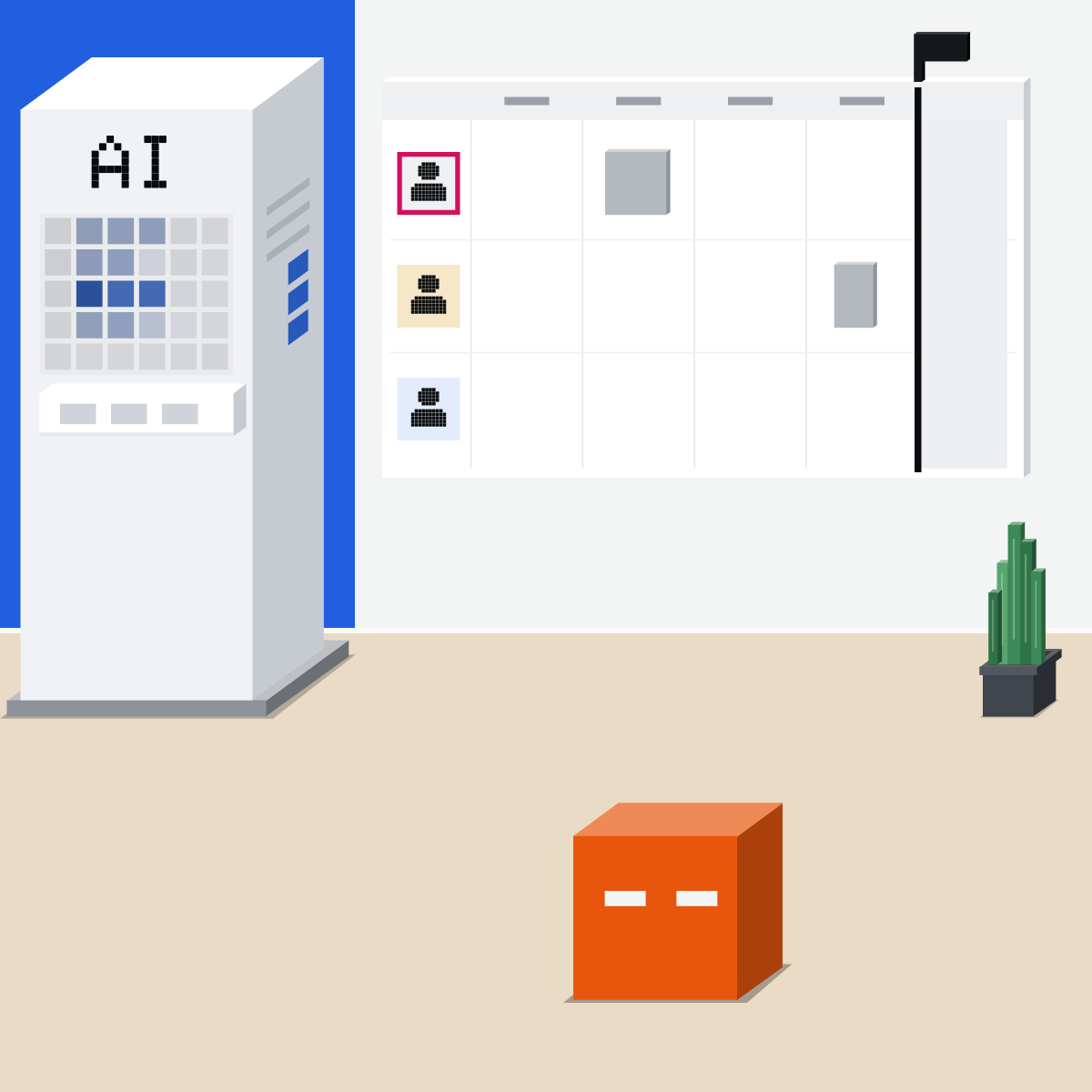
One owner and a date
Each step gets one owner and a date. Ask which step waits for which.
My pick for handing over a task
 ClaudeAlso good:
  ChatGPT Work
Hand over a task in any chat: it plans the steps, works with your files and asks before important actions.
All my picks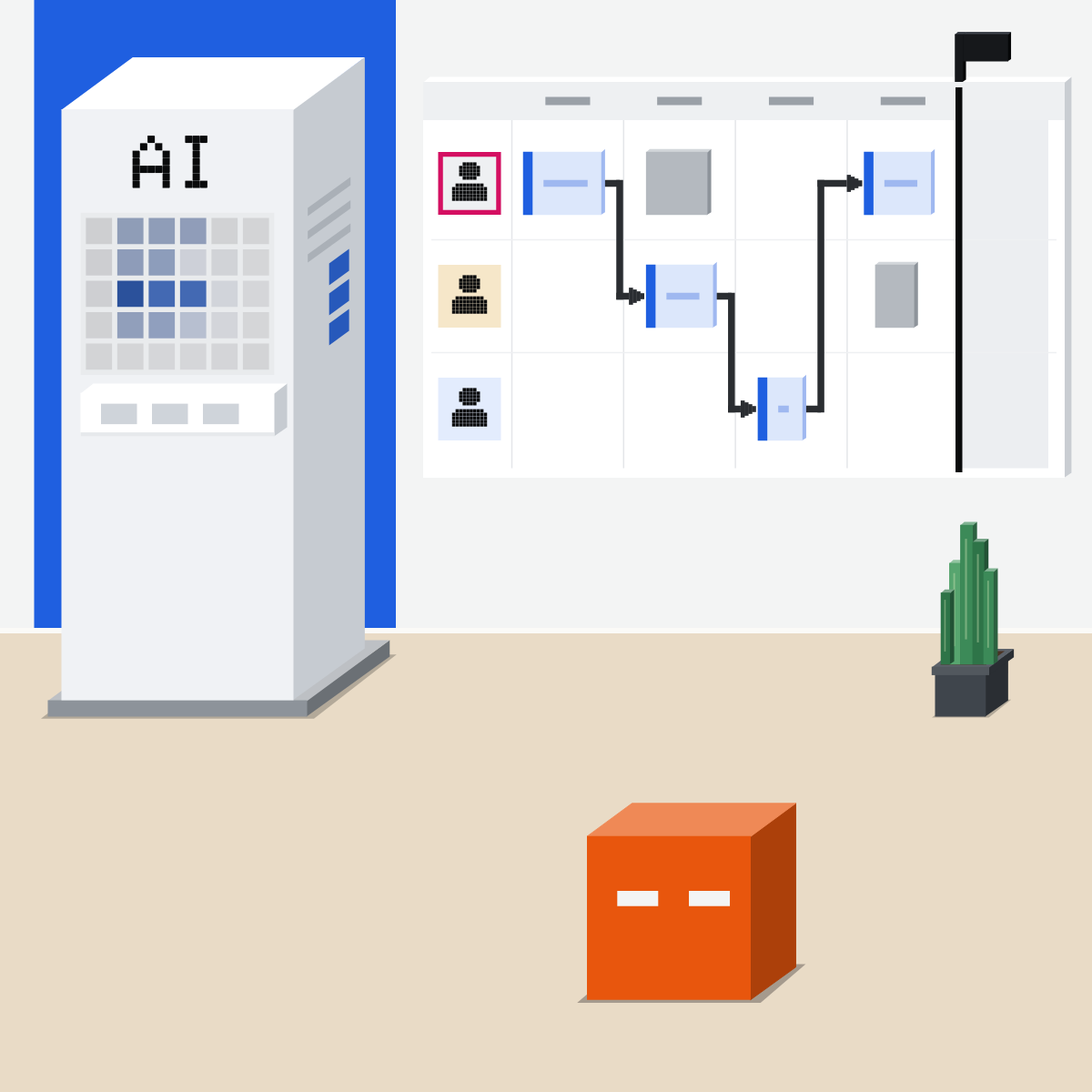
Test it before you share
Ask it three things:
- What's missing?
- What breaks first?
- What goes if we lose a week?
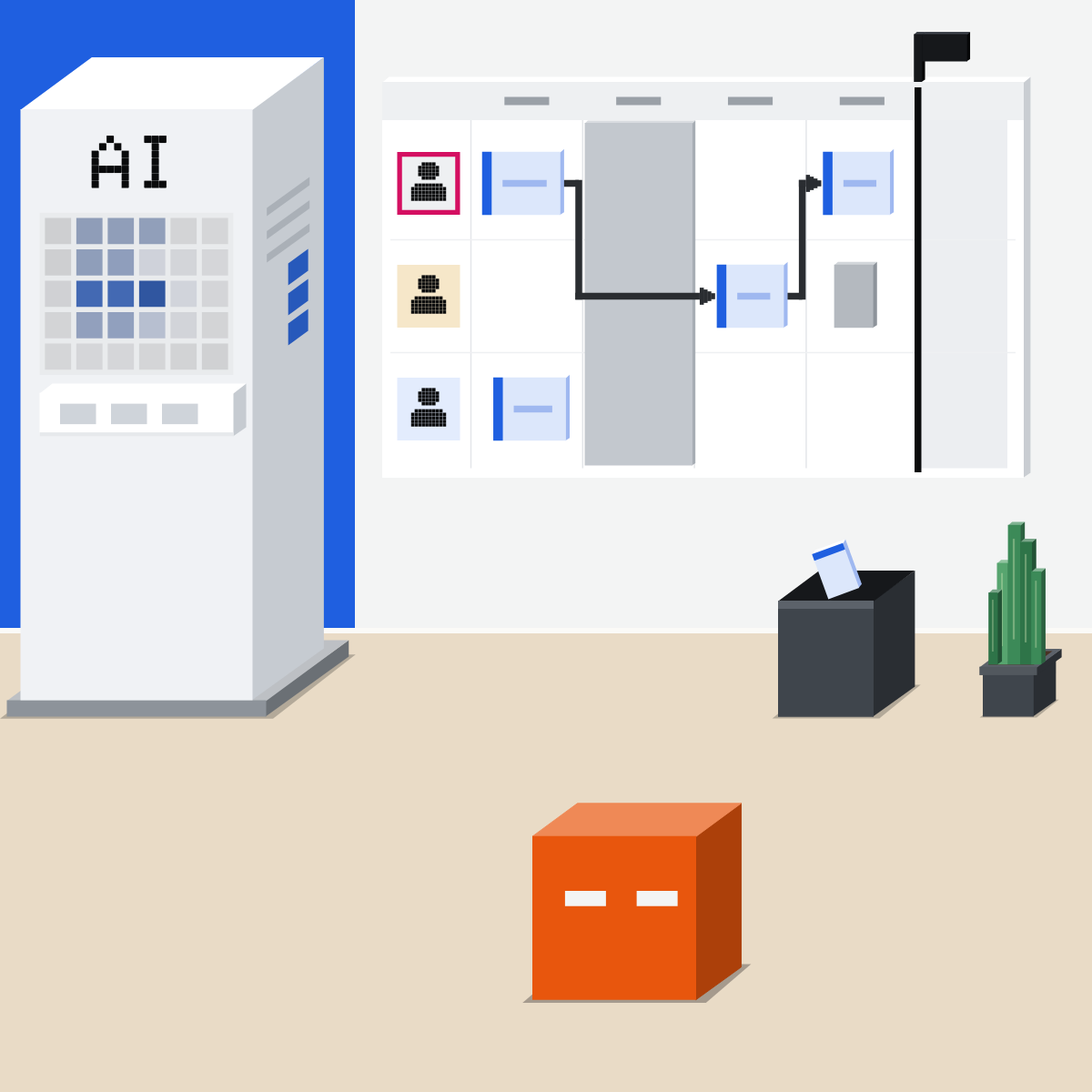
Check the real calendar
Let a calendar connector read it, where your company allows. Fix clashes yourself.
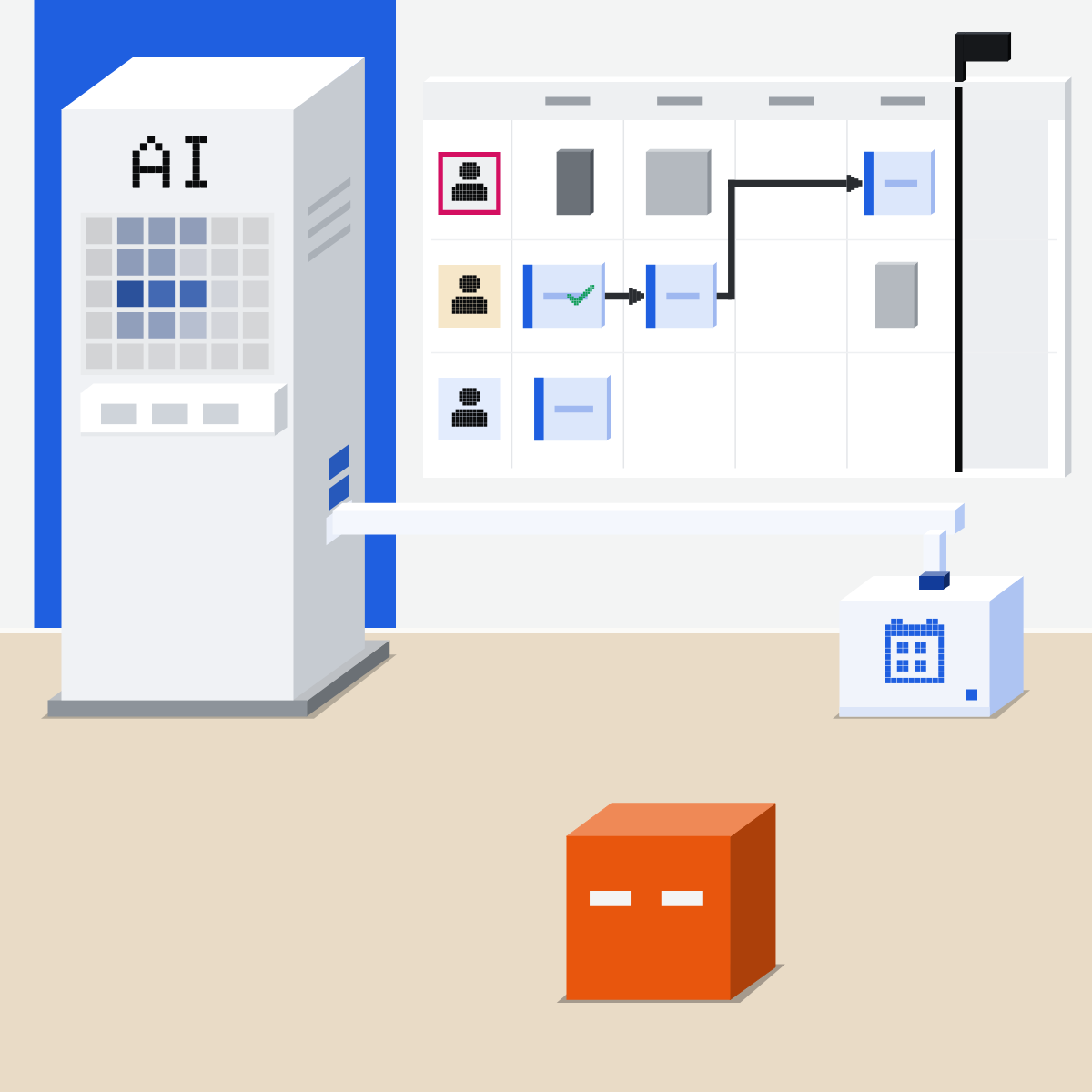
It drafts. You own it.
Tested on Monday, it's still on the wall on Thursday.

Plan one small project
Use roles, not names.
- Pick a small project, or next week.2 min
- Paste the text, fill the brackets, send.3 min
- Fix the table using its three answers.3 min
- Check each date against your calendar.2 min
The planning brief
Help me plan this. Goal: [what done looks like]. Deadline: [date]. Who's on it: [roles]. What can't move: [leave, other deadlines]. List the steps in a table: step, owner, start, due, waits for. Then tell me what's missing, what could go wrong first, and what we'd cut if we lost a week. Ask before you guess.
Good looks likeOne owner and date per step, plus a cut list.
In your assistant · as of Oct 2026 · Claude, ChatGPT, GeminiPlan it in your assistant
Menus move often. Missing something? A rollout, your plan, country or admin may be why.
- CheckCalendar allowed at work
- CheckChanges need your yes
- CheckYou check every date
My pickFor a plan that matters, Claude: Opus 5.5 at High first, then Sonnet 5.5 at High or Extra high.
Write “away” for leave, never the reason. Health and personal details stay out of the chat.
Claude
In the new Claude (Pro and Max first), no mode to pick: plan in any chat. Its calendar link is a connector.
If something's unclear, Claude asks. Still see Chat and Cowork? Use them as before.
Switch it on for this chat. Team or Enterprise: an owner enables it first.
By default, each action waits for your yes. Keep it so for the tools that create, change or delete events: in Customize, then Connectors.
ChatGPT
Work for a plan you want as a file. Calendars are apps, in Plugins.
Add “any files, constraints, and review criteria”. Chat works for a quick plan.
Connect your account if asked. Or Outlook Calendar. Then type @ and pick it in the chat.
Allow low-risk actions is the default. Start with the first two. At work, your admin may set it.
Work and the calendar apps depend on your plan and workspace.
 Gemini
Plan in a chat. Calendar comes with the Google Workspace app.
Connect Google Workspace when it offers. Keep Activity must be on.
At the bottom right of a table: a new spreadsheet in your Drive.
Ask it to read only
It can also create and manage events. Move meetings yourself.
Work or school account: your admin must first allow connected apps.
Quick check · three questionsDid it stick?
1Two of the three people on a launch are away for a week in November. Where does that go?
The answer: B It plans only around what it can see. Leave and other deadlines go in first.2Before you share the plan, which question tests it best?
The answer: A Owners you can check in the table yourself. Shake it in the chat before a real week does. Ask what's missing and what breaks first, too.3Your calendar connector is on, and the plan says you're free on the 12th. Now what?
The answer: C It drafts; you own it. The plan goes out under your name, so the dates get your eyes.
A week, not a projectSide note
What waits for whatSide note
Keep the plan aliveSide note
Sources, checked 18 Oct 2026Source
Product details as of Oct 2026, each checked on the vendor's own page on 18 Oct 2026. Recheck by 18 Nov 2026. The examples in the pictures are made up for this lesson.
- Anthropic, Claude Cowork and chat are now one Claude (16 Sep 2026: "You don't have to choose where a task goes."; if something's unclear, Claude asks; by default it asks before taking an action; Pro and Max first, Team and Free to follow)
- Anthropic, Claude Cowork and chat are one Claude (help article: rolling out in stages; if the message box still shows Chat and Cowork, keep using them as today)
- Anthropic, Release notes (16 Sep 2026: the new experience is rolling out gradually to Pro and Max; nothing newer changes this lesson)
- Anthropic, Use Google Workspace connectors (Google Calendar: view events, find mutual availability, create, update and delete events; the + menu, then Connectors; by default each action needs your approval; Owners enable it first on Team and Enterprise)
- Anthropic, Get started with connectors (Customize, then Connectors; tool permissions Always allow, Needs approval, Blocked; Allow once in a chat)
- Anthropic, What are projects (self-contained workspaces with their own chat histories and knowledge bases)
- Anthropic, Change the model, effort, and thinking settings (Opus 5.5 and Sonnet 5.5; effort High and Extra high)
- OpenAI, ChatGPT Work and Codex (Work for longer, multi-step work and finished deliverables; the Chat or Work toggle; describe the outcome with files, constraints and review criteria; a document or spreadsheet; Work on eligible plans and workspaces; a project keeps chats, files and instructions together)
- OpenAI, Google Calendar plugin for ChatGPT (the plugin's name; look up events and availability; Install plugin; availability depends on the plugin, your plan and workspace settings)
- OpenAI, ChatGPT release notes (28 Aug 2026: the Gmail, Google Calendar and Google Contacts plugins in ChatGPT; 14 Sep 2026: Allow low-risk actions is the default permission)
- OpenAI, Connected apps in ChatGPT (Settings, then Plugins; Install plugin, then Connect; @ in a chat; availability by plan, region and workspace)
- OpenAI, Managing app permissions in ChatGPT (Always ask, Allow read actions, Allow low-risk actions, Allow all actions, and what each does; workspace members may get prompts set by policy)
- OpenAI, ChatGPT Training, Plugins and skills (connect Google Calendar in Plugins; type @ and pick it)
- OpenAI, Outlook Email and Calendar apps in ChatGPT (the Outlook Calendar app reads and searches events and availability)
- Google, Create & manage your calendar events with Gemini Apps (create, find, edit and cancel Google Calendar events; @Google Calendar; the offer to connect Google Workspace)
- Google, Connect the Google Workspace app to Gemini Apps (Keep Activity on; @ the service; work and school admins enable connected apps first)
- Google, Export responses from Gemini Apps (Export to Sheets at the bottom right of a table; a new spreadsheet in Google Drive; Workspace accounts' options vary)
- Google, NotebookLM is now Gemini Notebook (16 Jul 2026; notebooks made in the Gemini app sync with Gemini Notebook)
Free skillDevil's advocateBring this to your teamTeam workshops · Get in touchBack to level 5, Office work, by task
Turn a goal into a tested plan with owners and dates.
Next lesson · 15 minWhat can AI do for a sales team now?