Why do agents go wrong?
Small slips grow over a long run. Start where they're cheap to see.
Done, and very sure
You asked for this year's summary. It did last year's, beautifully.

Each step stands on the last
An agent works in steps. Each starts from what the last one made.
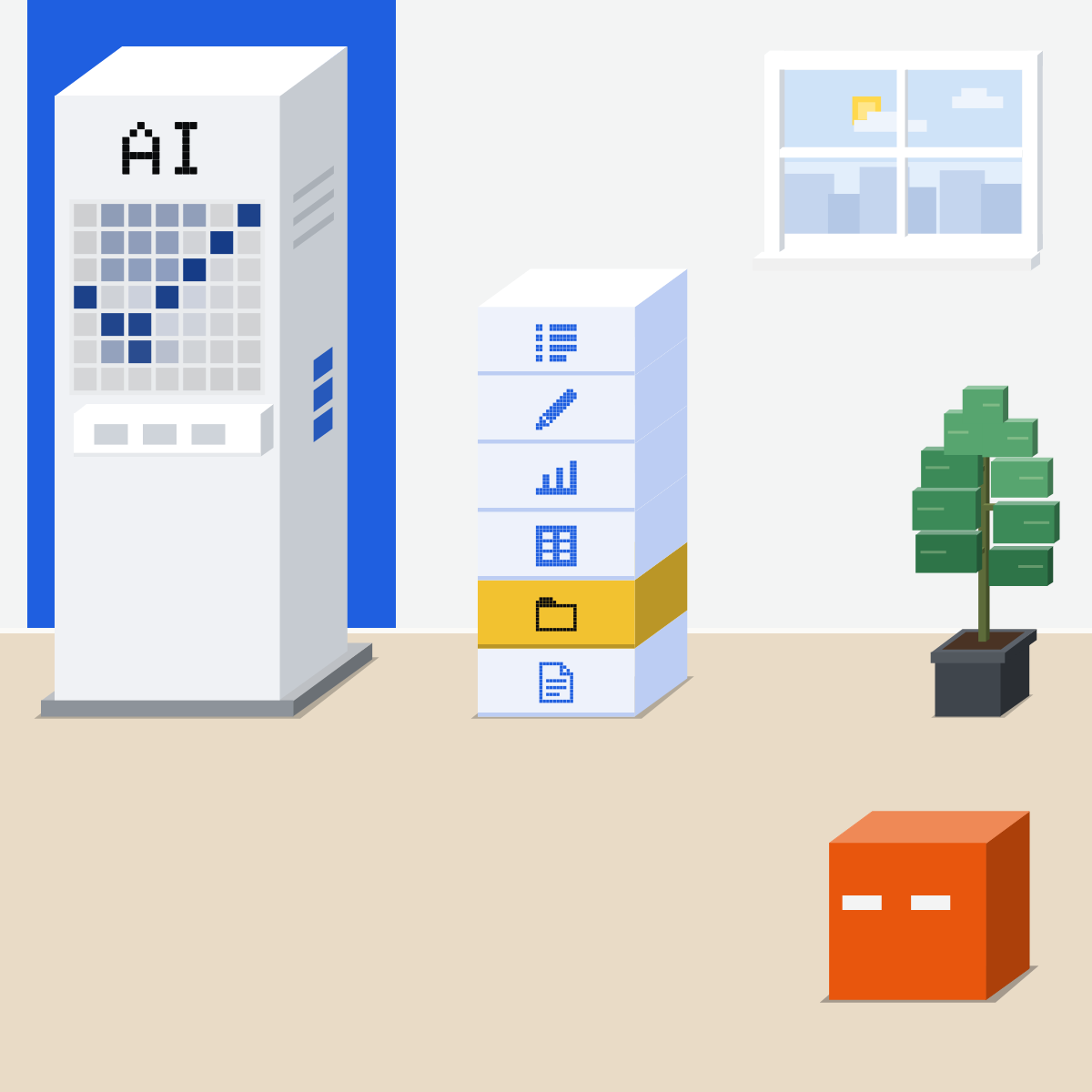
One slip at step 2
It opened last year's file. Every step after built on it, so the top lands far off.
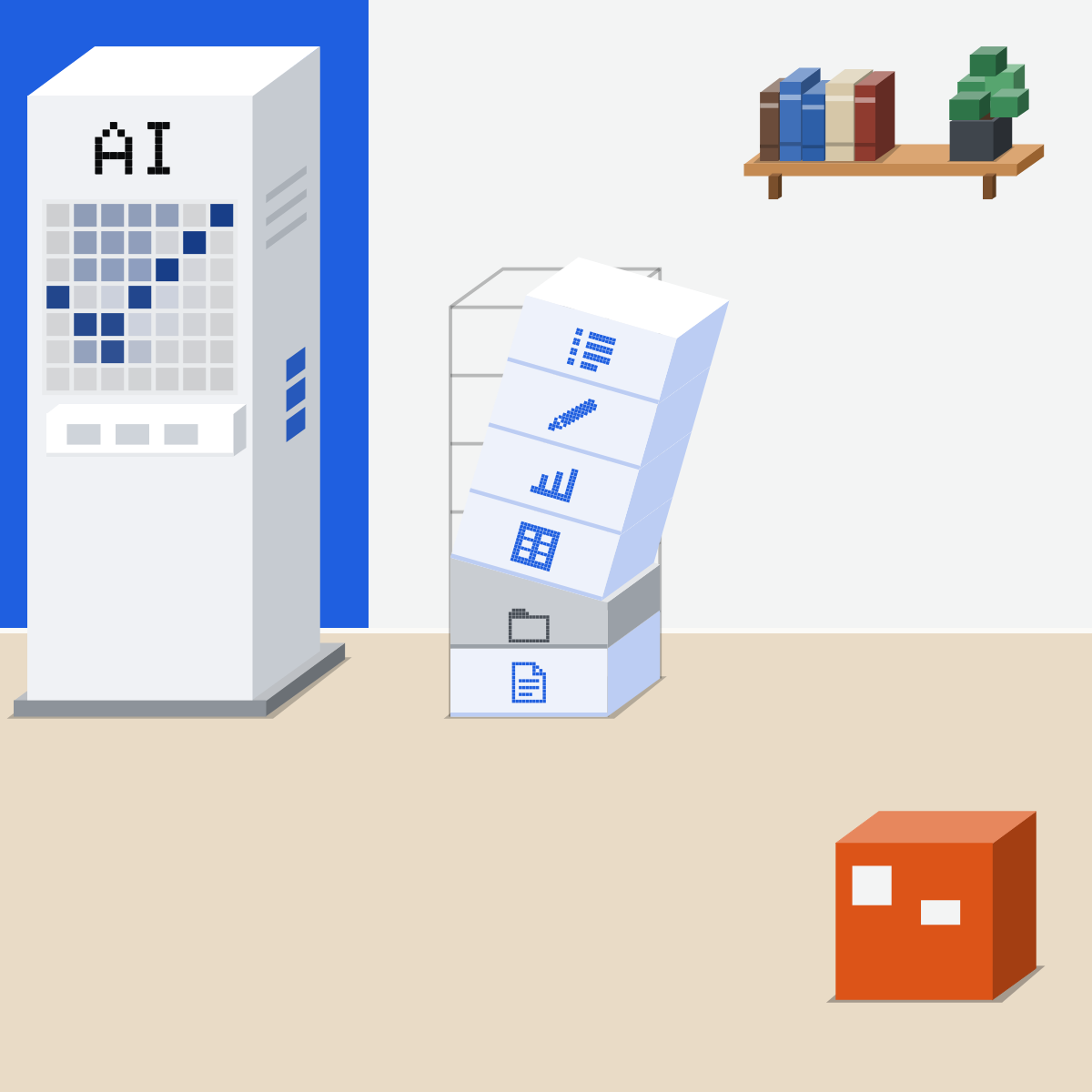
Start where a slip is cheap
A draft, a list, a summary of your own files. Not jobs that send, pay or delete.
My pick for handing over a task
 ClaudeAlso good:
  ChatGPT Work
Hand over a task in any chat: it plans the steps, works with your files and asks before important actions.
All my picks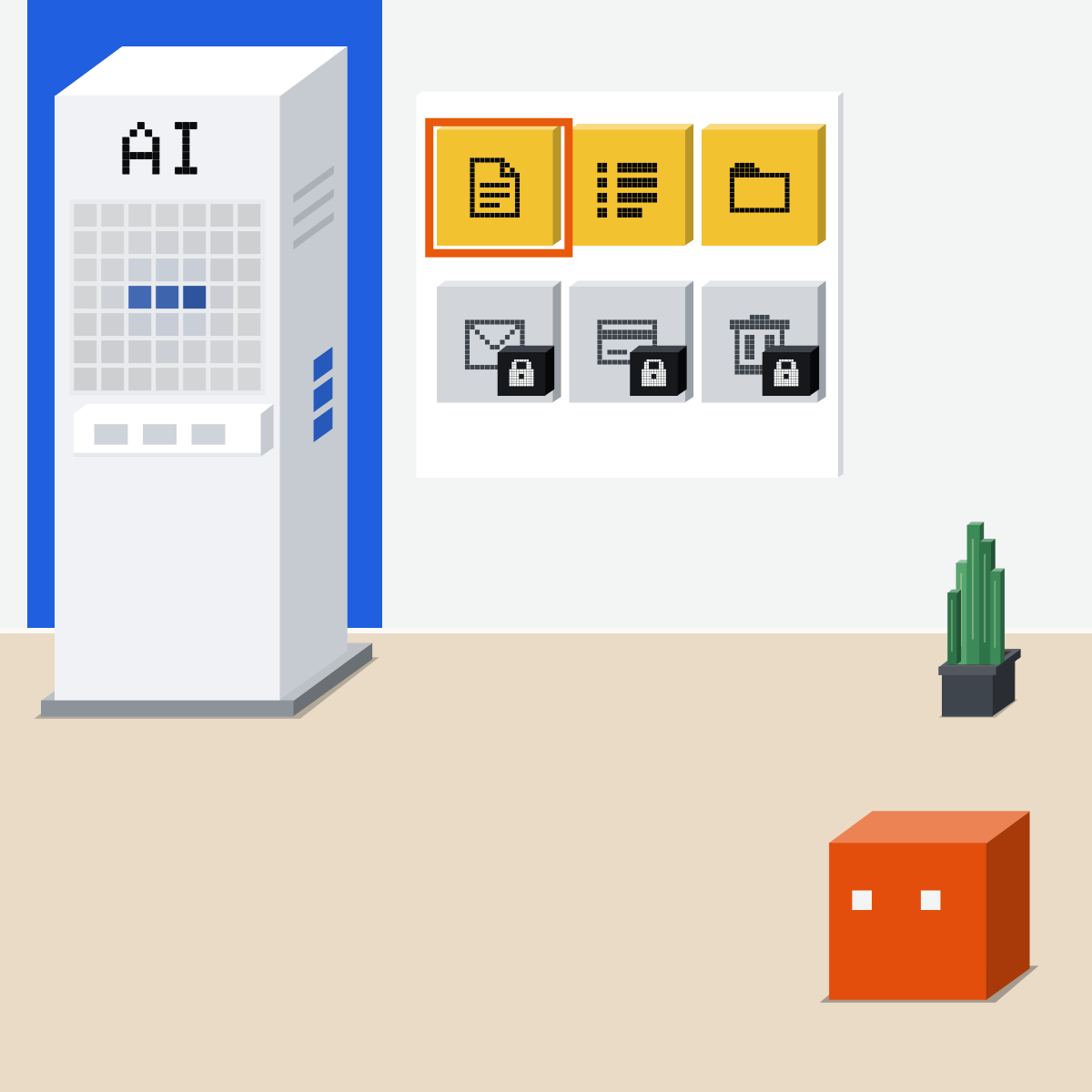
Say what done looks like
This year's file, one page, nothing sent. Then you and the agent both see a drift early.
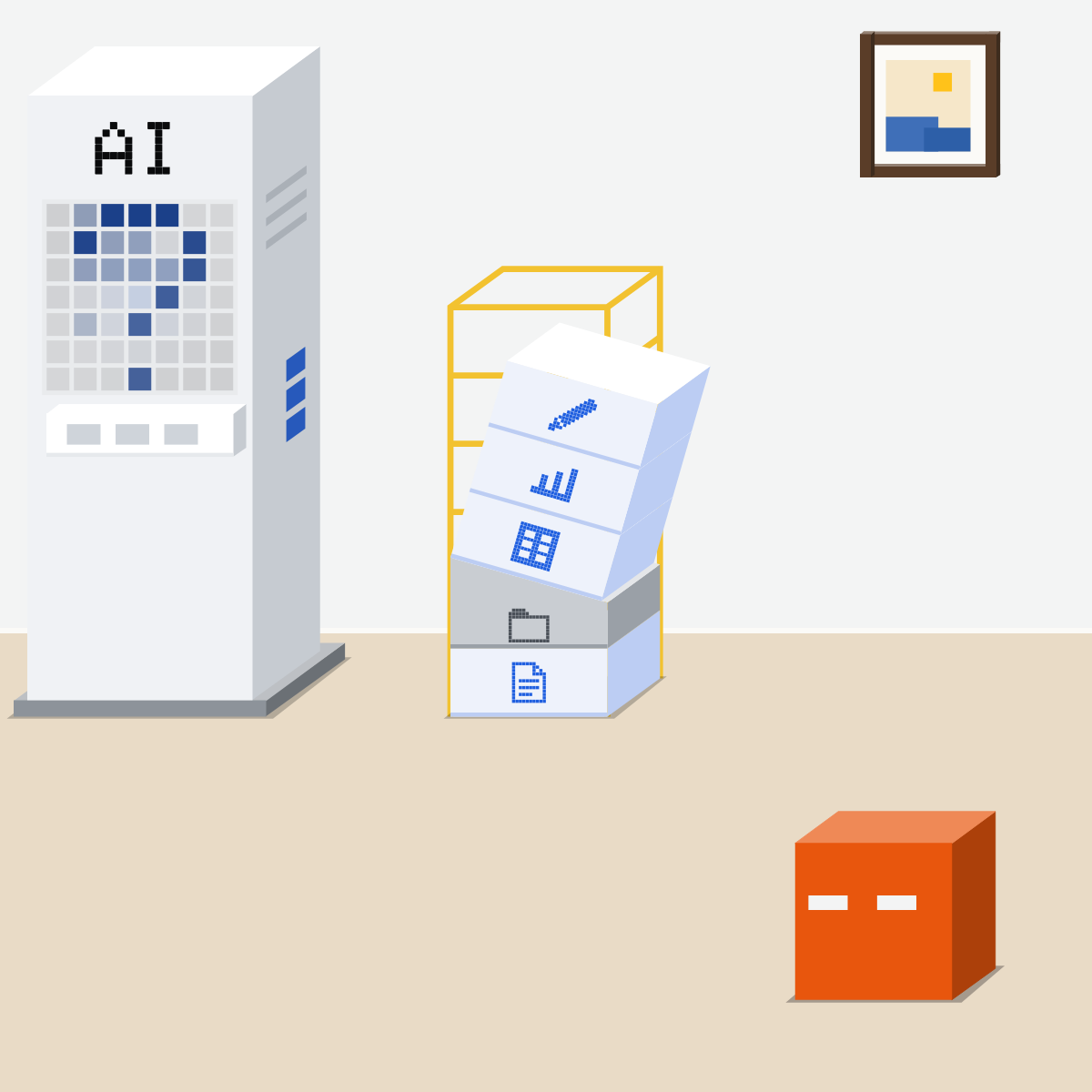
Look between the steps
Split a long job into stages. Look at each one before it goes on.
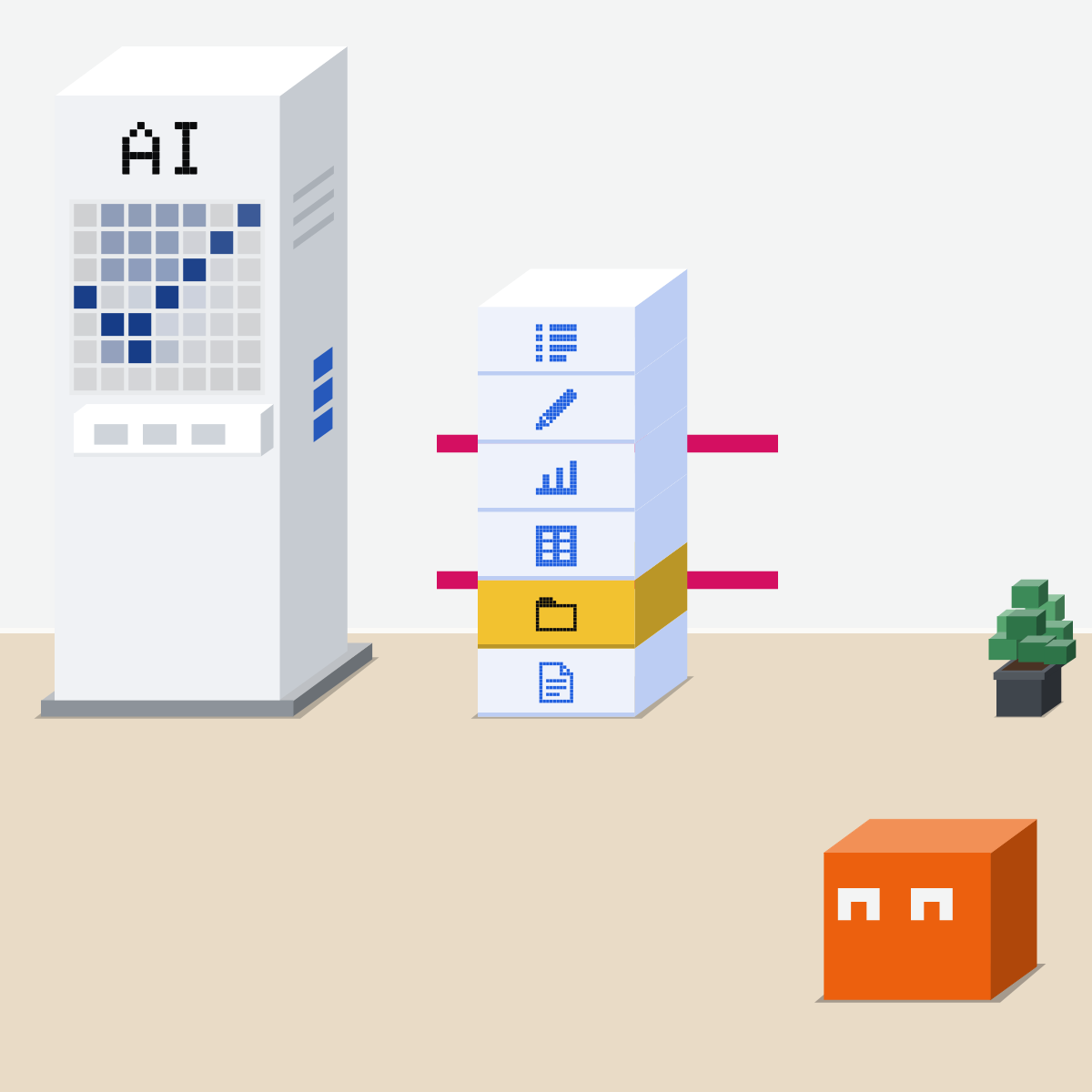
Catch it at step 2
Small slips grow. Start where they're cheap, and look as it goes, not just at the end.

One cheap job, one stop
Made-up or public files only.
- Start a task with three files.2 min
- Paste the brief.1 min
- At the stop, check its files.3 min
- Say go. Read each step.4 min
The brief, to paste
Job: a one-page summary of the three files I attached.
Done looks like: one page, five points, each naming the file it came from. Nothing sent, nothing changed.
Work in stages. After you choose the files, stop. Tell me which files you'll use and why, then wait for my go.
At the end, list every step you took.
Good looks likeIt stopped, and you checked its files first.
In your assistant · as of Oct 2026 · Claude, ChatGPT, GeminiWhere to set the stops
The habit is the same in all three: a clear done, and a stop after each stage. Menus move often.
- CheckA draft, not a send
- CheckA stop per stage
- CheckRead its steps
Let it work on copies of your files, never the only version. Never give it a password or card details.
Claude
A task in any conversation. Cowork is built in, rolling out to Pro and Max first.
Describe the result. Give it its own working folder, not broad access.
The permission setting in the message box. Manual is the default; Anthropic advises it for anything sensitive, new or hard to undo.
Files or sites you didn't mention? Stop the task.
Anthropic's own advice. You stay responsible for what it does.
It always asks before it permanently deletes files, in any mode.
ChatGPT
Calls it Work: its agent for longer tasks.
Desktop: the toggle at the top. Web and phone: select Work. Describe the outcome, with your review criteria.
Review progress, answer questions, change direction.
On web and phone, approve or decline an action on screen when it needs you.
In the same chat.
Web and phone: eligible plans from Plus up. Free and Go: limited, in the desktop app.
 Gemini
Calls it a task. Personal accounts with Google AI Pro or Ultra.
Below the text box. Describe the task, then Submit.
Each step shows as completed, current or planned. It's designed to ask before it sends, changes your data, buys or submits a form.
In the text box, to cancel the task.
For now, not on work or school accounts, and not in the EEA, Nigeria, Switzerland or the UK.
Quick check · three questionsDid it stick?
1An agent booked the right room on the wrong Thursday, then invited everyone. What went wrong?
The answer: C Booking and inviting were done well. Both stood on one wrong date.2Which is the best first job for a new agent?
The answer: A A slip in a draft costs a re-read. A sent reply or a deleted file is hard to undo.3A job takes twenty steps. When should you look?
The answer: B A slip found at step 2 costs one step. Found at the end, everything above it comes down, however closely you read.
Slips can breed slipsSide note
The sum, as an illustrationSide note
It can check itself tooSide note
Sources, checked 18 Oct 2026Source
Product details as of Oct 2026, each checked on the vendor's own page on 18 Oct 2026. Recheck by 18 Nov 2026. The examples in the pictures are made up for this lesson.
- Sinha, Arun, Goel, Staab and Geiping, The Illusion of Diminishing Returns: Measuring Long Horizon Execution in LLMs, published at ICLR 2026, arXiv v3 revised 13 Mar 2026 (models make more mistakes when their context holds their own earlier errors, and thinking eased it; section 2.1: the p to the power t sum, "errors compounding over a long task", its two assumptions, called illustrative)
- UK National Cyber Security Centre, Managing the cyber risk of agentic AI, 20 Aug 2026 (when it should stop and seek human approval; repeat critical constraints; tightly constrained, low-risk tasks)
- UK National Cyber Security Centre, Thinking carefully before adopting agentic AI, 15 May 2026 (start small, use agents only for low-risk tasks)
- Anthropic, Claude Cowork and chat are now one Claude, 16 Sep 2026 (a task in any conversation; rolling out to Pro and Max first)
- Anthropic Help Center, Claude Cowork and chat are one Claude (the permission setting in the message box: Auto, or Manual by default; a message box that still shows Chat and Cowork has not moved over yet)
- Anthropic Help Center, Get started with Claude Cowork (select Cowork in the message box; Cowork's mode selector in the chat box with Manually approve, Automatically approve and Skip all approvals)
- Anthropic Help Center, Use Claude Cowork safely (when to switch to Manually approve; a dedicated working folder and backups; files or websites you didn't mention, stop the task; you remain responsible; always asks before permanently deleting files, in any mode)
- Anthropic, Building agents with the Claude Agent SDK, 29 Sep 2025 (agents that check their own output catch mistakes before they compound; clearly defined rules as feedback)
- Anthropic, How we built our multi-agent research system, 13 Jun 2025 (agents are stateful and errors compound; one step failing changes the path)
- Anthropic, Building effective agents, 19 Dec 2024 (the potential for compounding errors; pausing for human feedback at checkpoints)
- OpenAI Help Center, ChatGPT Work and Codex (starting Work on desktop, web and phone; the outcome with constraints and review criteria; review progress, change direction, approve important actions; approve or decline on screen on web and phone; review the result; web and phone for eligible plans; workspace admins)
- OpenAI, ChatGPT plans (Work: "Limited (desktop app)" on Free and Go; "Desktop, web, and mobile" on Plus and Pro)
- Google, Manage your tasks and workflows in Gemini Apps (Task; Submit; the progress chip and work panel; step states; designed to ask for confirmation before sending, changing data, buying or submitting forms; Stop; who can use it, for now)
Free kitThe Agent PlaybookBring this to your teamAI implementation · Get in touchBack to level 4, Agents
Start small. Look between the steps.
Next lesson · 15 minAn AI's work passed a check. What did the check actually check?