How do you get a summary you can trust?
Name the reader, trace each point, and check what it left out.
Very thorough
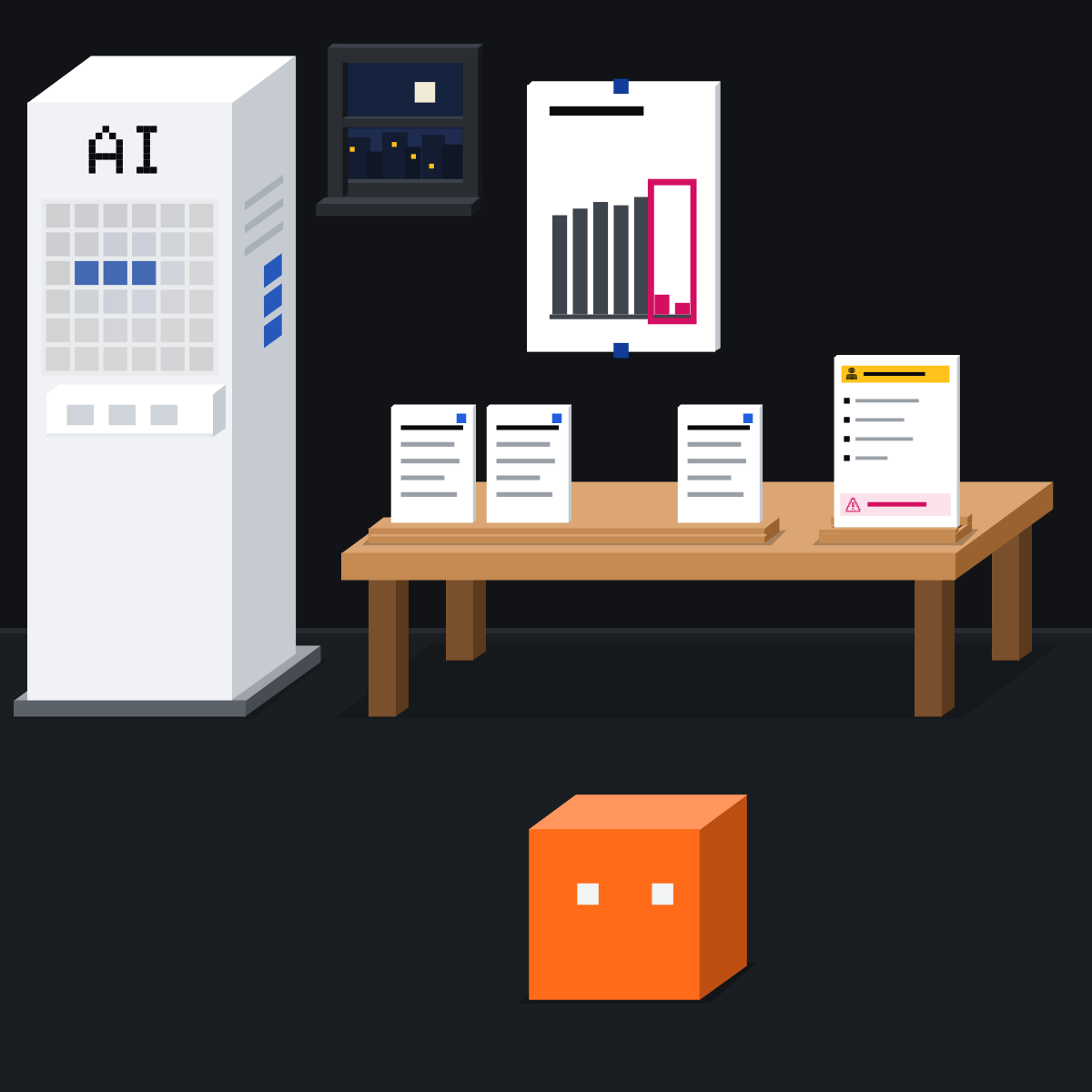
You asked for a summary. It came back longer than the report.
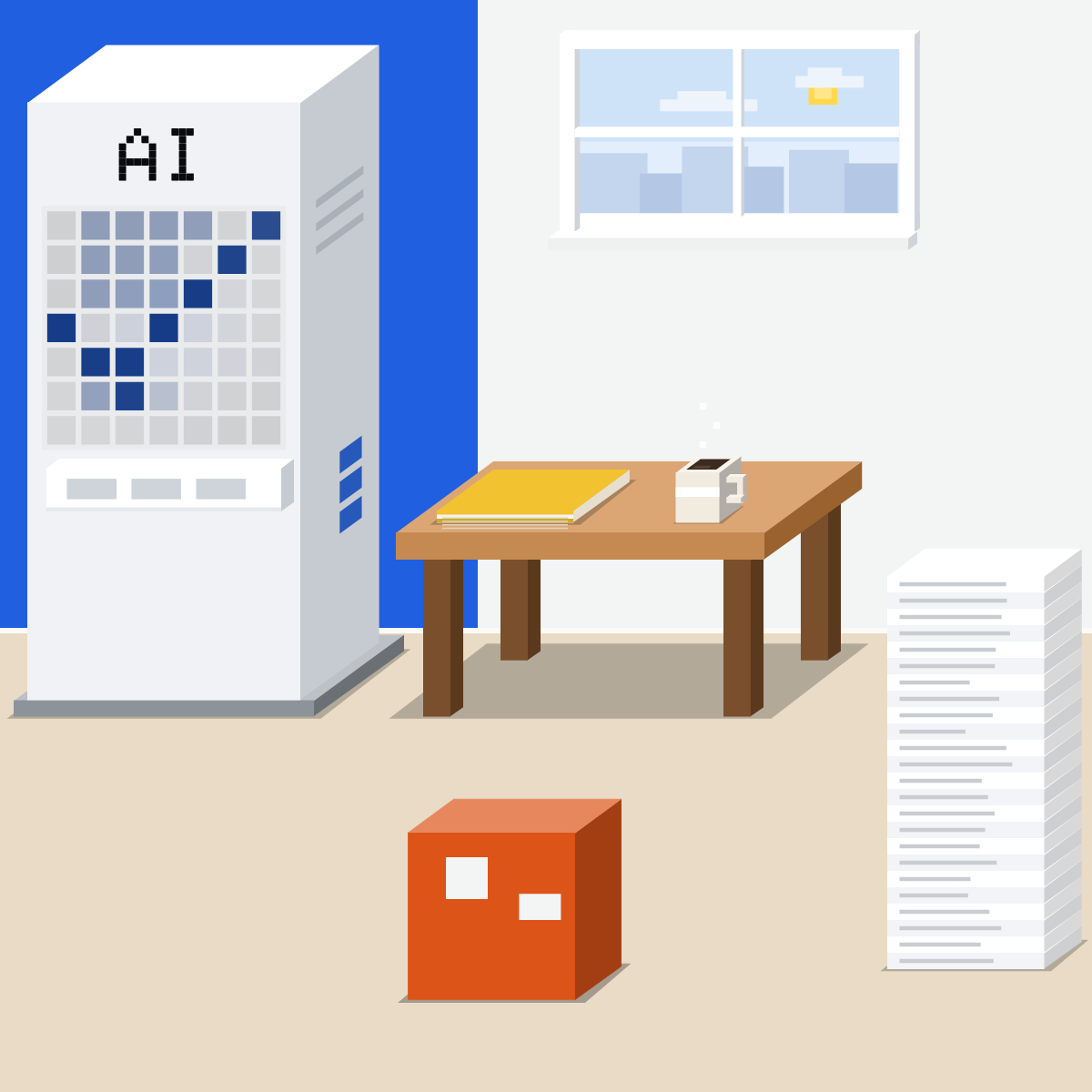
A summary is a map
A map that skips the cliff is worse than none. Four moves:
- Name the reader
- Trace each point
- Ask what's left out
- Check two yourself
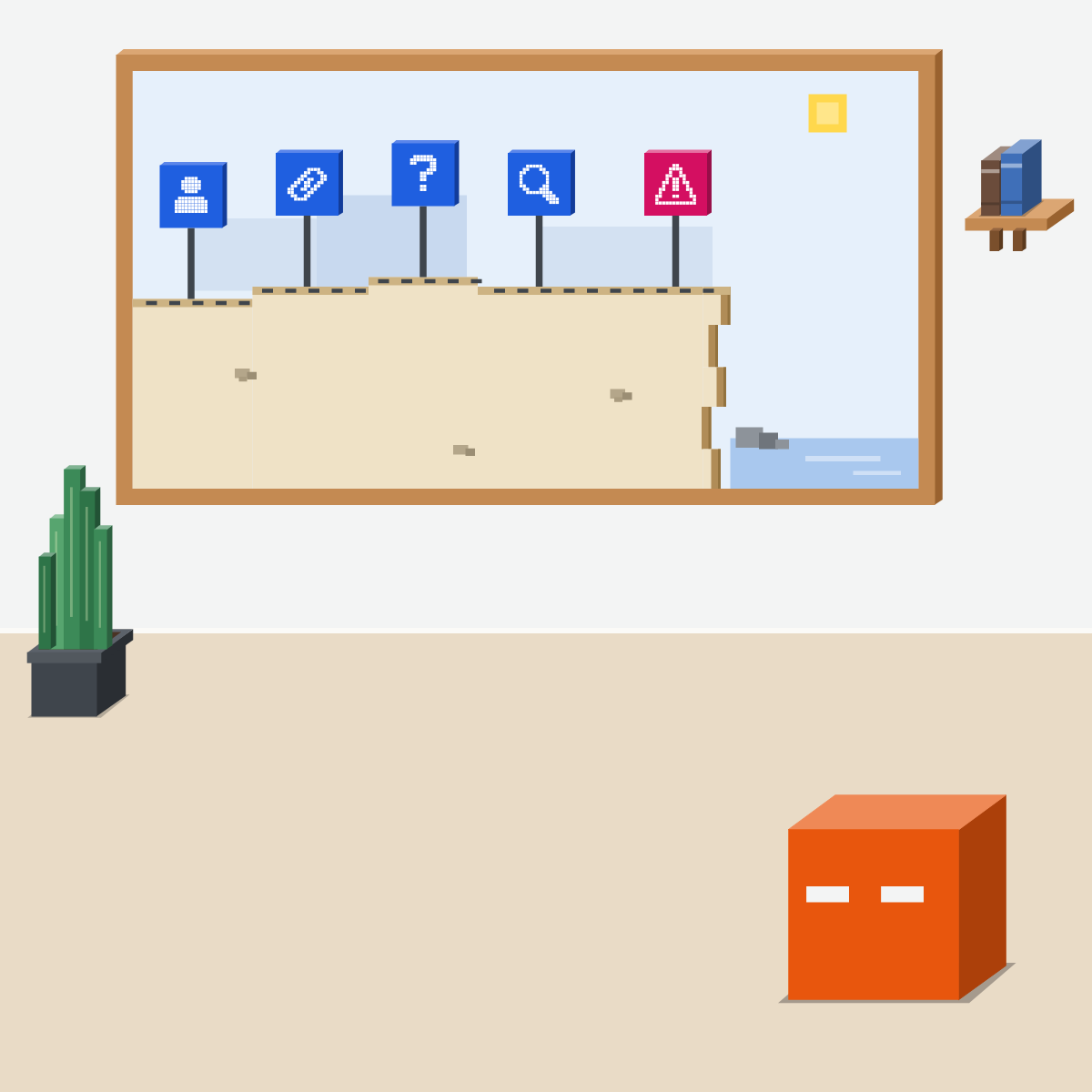
Name the reader
Say who will read it, and what they'll decide. Then set the length.
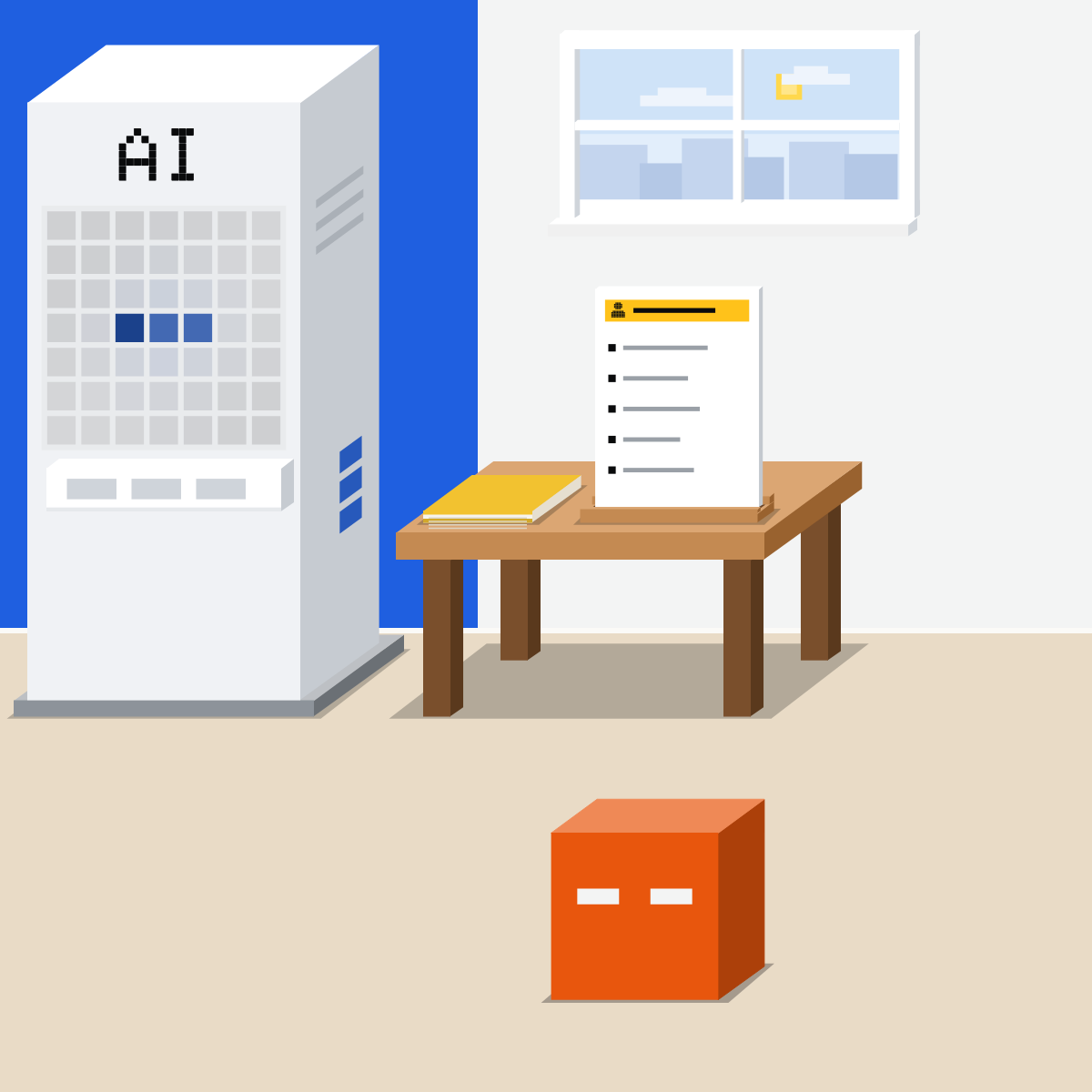
Trace each point
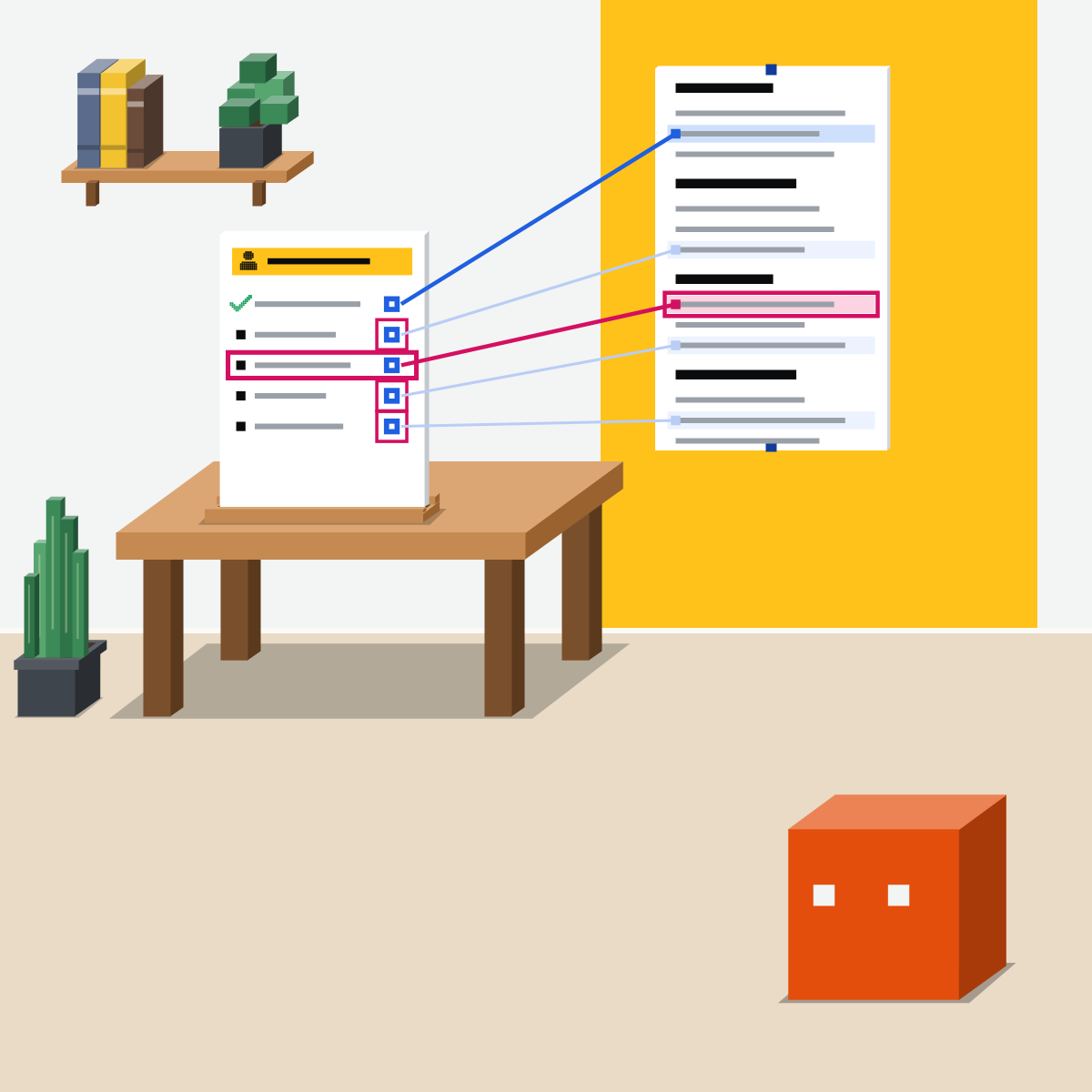
Ask for the section and a quote behind each point, so you can check.
My pick for your own files
 Gemini NotebookAlso good:
  Claude Projects
Built for answers drawn only from the files you add. It was called NotebookLM until July.
All my picks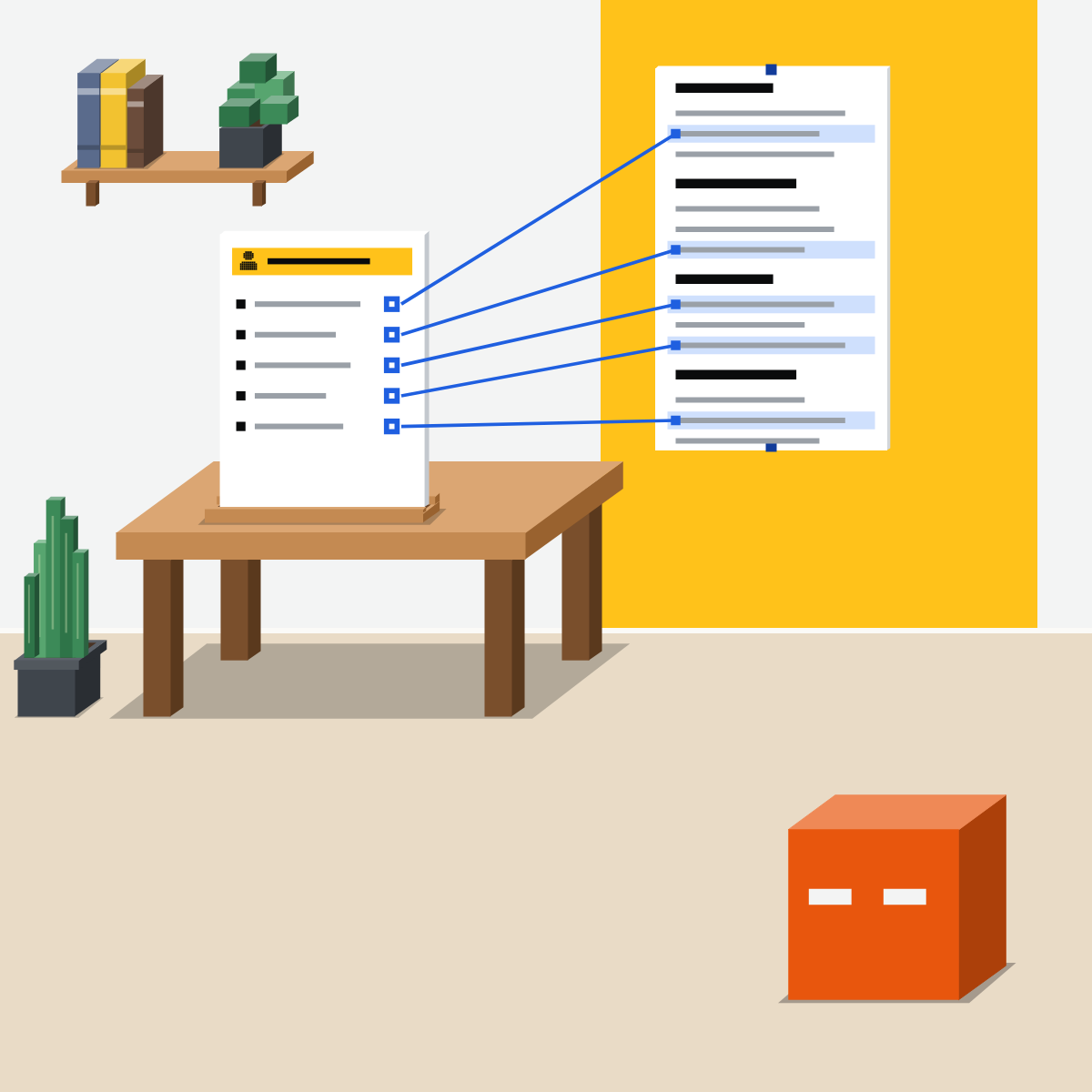
Ask what it left out
And what it couldn't read: some tools skip a long PDF's charts.
Check two yourself
Before you forward it, find two quotes in the report. One off? Check them all.
Small map. Cliffs marked.
One reader, one page, each point traced, its gaps named. Now forward it.
Summarise a public report
Use something public, nothing private.
- Attach a public report with the prompt below.3 min
- Find two of its quotes in the report.5 min
- Read what it says it left out.2 min
The prompt
Summarise the attached document for [who will read it], who needs to decide [what].
Keep it to [5 bullets].
After each point, give its section and a short quote from the document.
Then list what you left out, and anything you couldn't read, such as charts, tables or scanned pages.
Add nothing that isn't in the document.
Good looks likeThe quotes are really there, and the gaps are named.
In your assistant · as of Oct 2026 · Claude, ChatGPT, GeminiSummarise with the source beside it
Menus move often. Missing something? A rollout, your plan, country or admin may be why.
- CheckA named reader
- CheckA quote per point
- CheckWhat it left out
My pickMy Claude model rule: Opus 5.5 at High first, then Sonnet 5.5 at High or Extra high.
Use the tool your company approves for work documents. That rule comes before mine.
Claude
Attach the file, or ask inside Word
Up to 20 files a chat. PDFs over 100 pages: text only, no charts.
Answers about your document come with clickable section citations. Pro, Max, Team and Enterprise.
Ask which section and line each point came from.
Then open two of them yourself.
Anthropic doesn't recommend Claude for Word for final client deliverables without human review.
 ChatGPT
Attach the file, or use ChatGPT for Word
Attach the file to your message.
Free: 3 file uploads a day. Images in PDFs are read on Enterprise; other plans read the text.
Every plan, Free included. It can summarise the open document.
OpenAI: “Check important facts, figures, citations, and edits before using or sharing a document.”
In Word it can't see other files on your computer: paste in the text it needs.
Gemini
Gemini Notebook for your own files; Gmail at work
Hover to see the full quote. Select it to see the quote in your source.
Up to 10 files a prompt. A very large file can miss details: Google suggests smaller files.
Top right of Gmail: summarise a long thread. At work, on an eligible Google Workspace plan.
Google says Gemini Notebook “can make mistakes” and asks you to double check it.
Quick check · three questionsDid it stick?
1Your manager decides on Friday whether to renew a supplier. Which request gets the most useful summary of the 60-page contract?
The answer: B A named reader and a decision tell it what matters, and a length keeps it short. Full detail rebuilds the contract, and its own read-back isn't a check.2The summary says the project is on budget and quotes section 4. Before you forward it, you:
The answer: C The pointer is there so you can check. Asking the AI again checks nothing: it tells it which way you lean, and a quote can still be wrong.3You summarised a 300-page PDF report, and the summary mentions no charts at all. What next?
The answer: A Some tools read only the text of a long PDF: Claude, for one, reads text only in PDFs over 100 pages. A longer summary can't cover what it never saw.
What each tool can readSide note
Long documentsSide note
Summaries built into Google's appsSide note
Sources, checked 18 Oct 2026Source
Product details as of Oct 2026, each checked on the vendor's own page on 18 Oct 2026. Recheck by 18 Nov 2026. The examples in the pictures are made up for this lesson.
- Anthropic, Upload files to Claude (+, then Add files or photos; up to 20 files a chat; PDFs of 100 pages or fewer read with their charts and images, 101 to 1,000 pages text only; other documents text only)
- Anthropic, Use Claude for Word (answers with clickable section citations; Pro, Max, Team and Enterprise; not recommended for final client deliverables or counterparty sends without human review)
- Anthropic, Effective context engineering for AI agents (29 Sep 2025; as the tokens in the context window grow, the model's ability to recall information from it accurately decreases)
- Anthropic, Release notes (no change to file uploads, PDFs or Claude for Word up to 18 Oct 2026)
- OpenAI, Uploading files and audio to ChatGPT (attach a file to the conversation; Free: 3 file uploads a day; visual retrieval for PDFs on ChatGPT Enterprise, text-based retrieval on other plans)
- OpenAI, ChatGPT for Word (every plan, Free included; summarise a document or write an executive summary; cannot reference other files on your computer, paste the text in; check facts, figures, citations and edits)
- OpenAI, ChatGPT release notes (ChatGPT for Word on all plans, 17 Sep 2026; no change to PDF reading or upload limits up to 16 Oct 2026)
- Google, Use chat in Gemini Notebook (hover over a citation for the full quote, select it to see the quote in context; can make mistakes, double check it)
- Google, Upload & analyze files in Gemini Apps (Add files, then Upload Files; up to 10 files a prompt, subject to availability; a file that is too large can miss connections or details; upload smaller files)
- Google, Collaborate with Gemini in Gmail (Ask Gemini at the top right; summarise long threads; an eligible Google Workspace or Google AI plan; may suggest inaccurate or inappropriate information)
- Google, Get started with Google Workspace with Gemini (thread, Docs and Drive summaries by Workspace edition and Google AI plan; Google AI Pro and Ultra subscribers in the US may no longer see Ask Gemini in Gmail)
- Google, NotebookLM is now Gemini Notebook (16 Jul 2026; the new name)
Free skillCheck a draft against its sourcesBring this to your teamTeam workshops · Get in touchBack to level 2, Everyday skills
Name the reader, trace each point, and check what it left out.
Next lesson · 15 minHow do you research with AI and keep the sources?