How do you research with AI and keep the sources?
Get answers with links, check the ones you use, keep a list.
Where's that from?
Someone asks where that number came from. It's in a chat. Somewhere.

Four moves, one paper trail
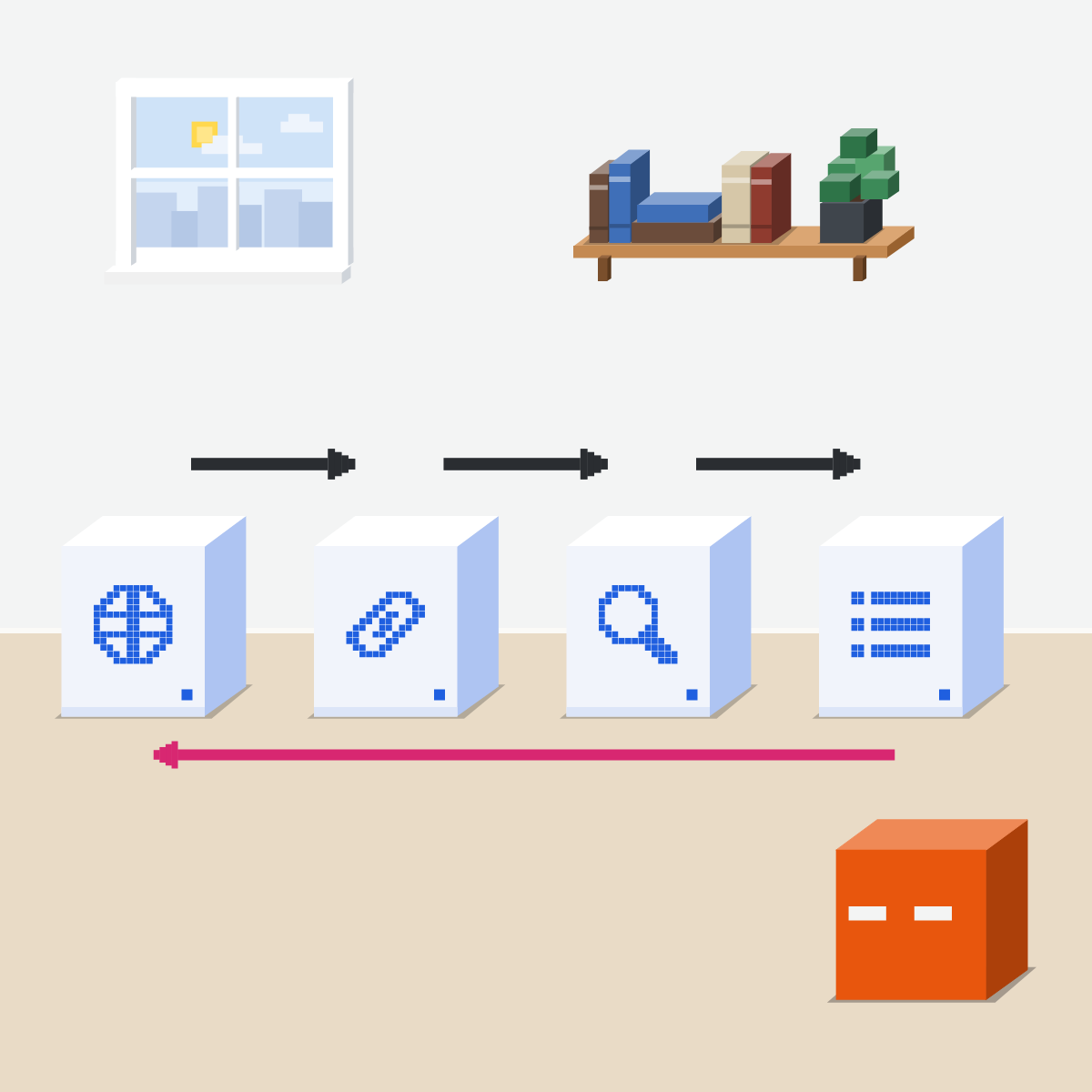
Each claim keeps a trail to its page.
- Search with links
- Open what you'll use
- Find the sentence
- Keep a source list
Search, and ask for links
Turn web search on. Ask for a link after each claim.
My pick for research
 ChatGPT deep researchAlso good:
  Gemini Deep Research
Choose the sites it reads and review its plan. Then open its sources before you share.
All my picks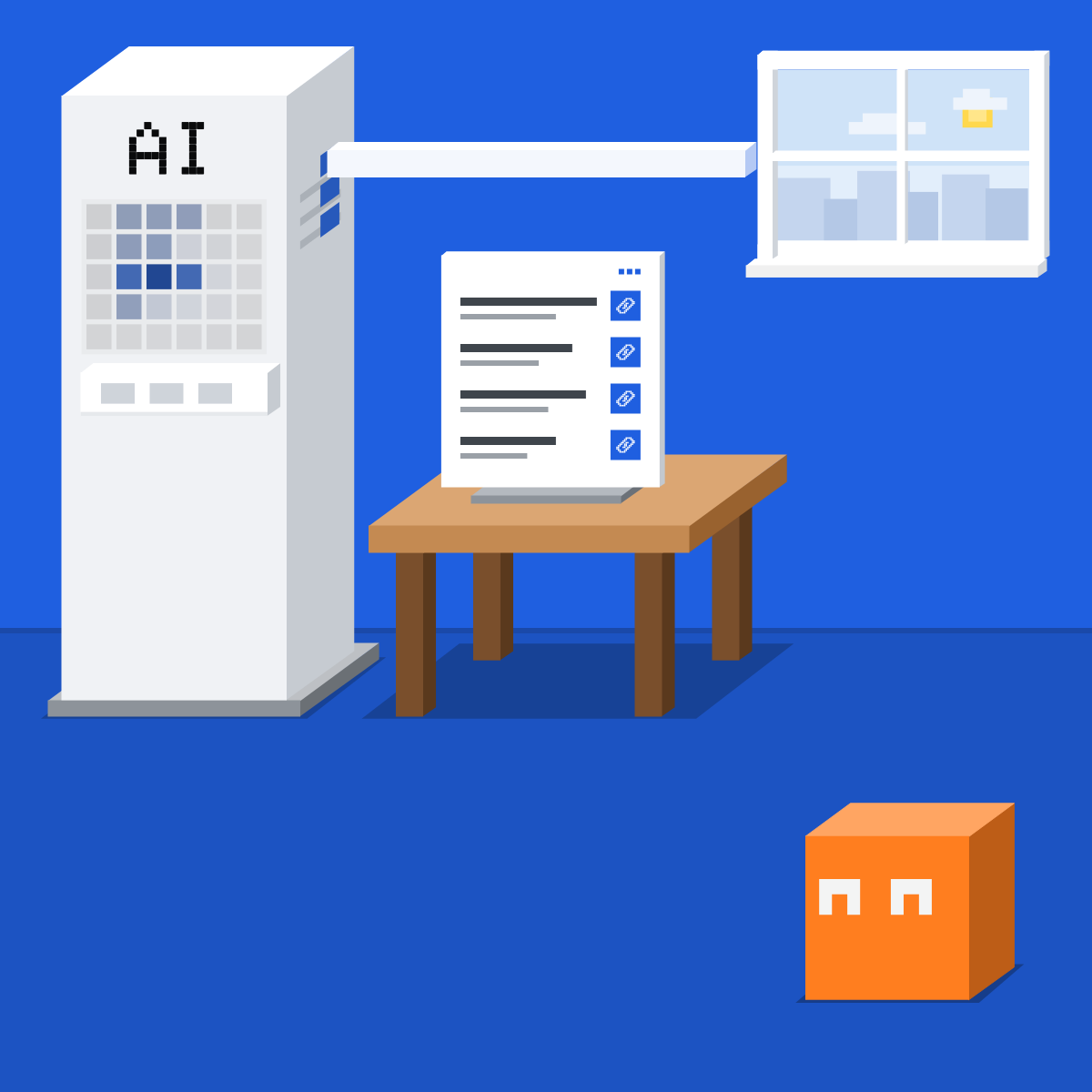
Open the links you'll use
Open only the links behind claims you'll repeat.
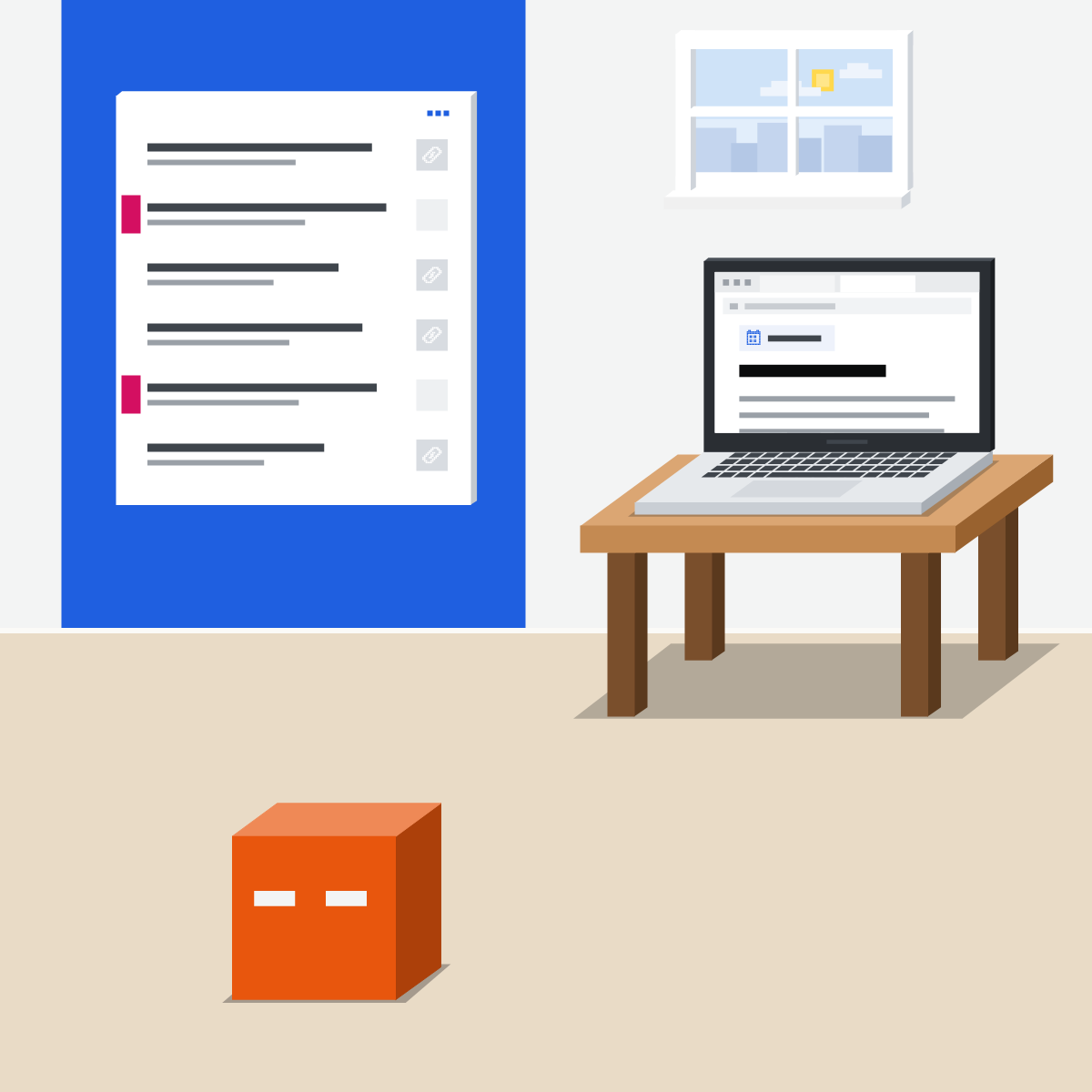
Find the sentence. Check the date.
Press Ctrl+F (Cmd+F on a Mac), type its number or key word. Not there, or different? Drop the claim.

Keep a short source list
In your own doc, not the chat: claim, link, date read.
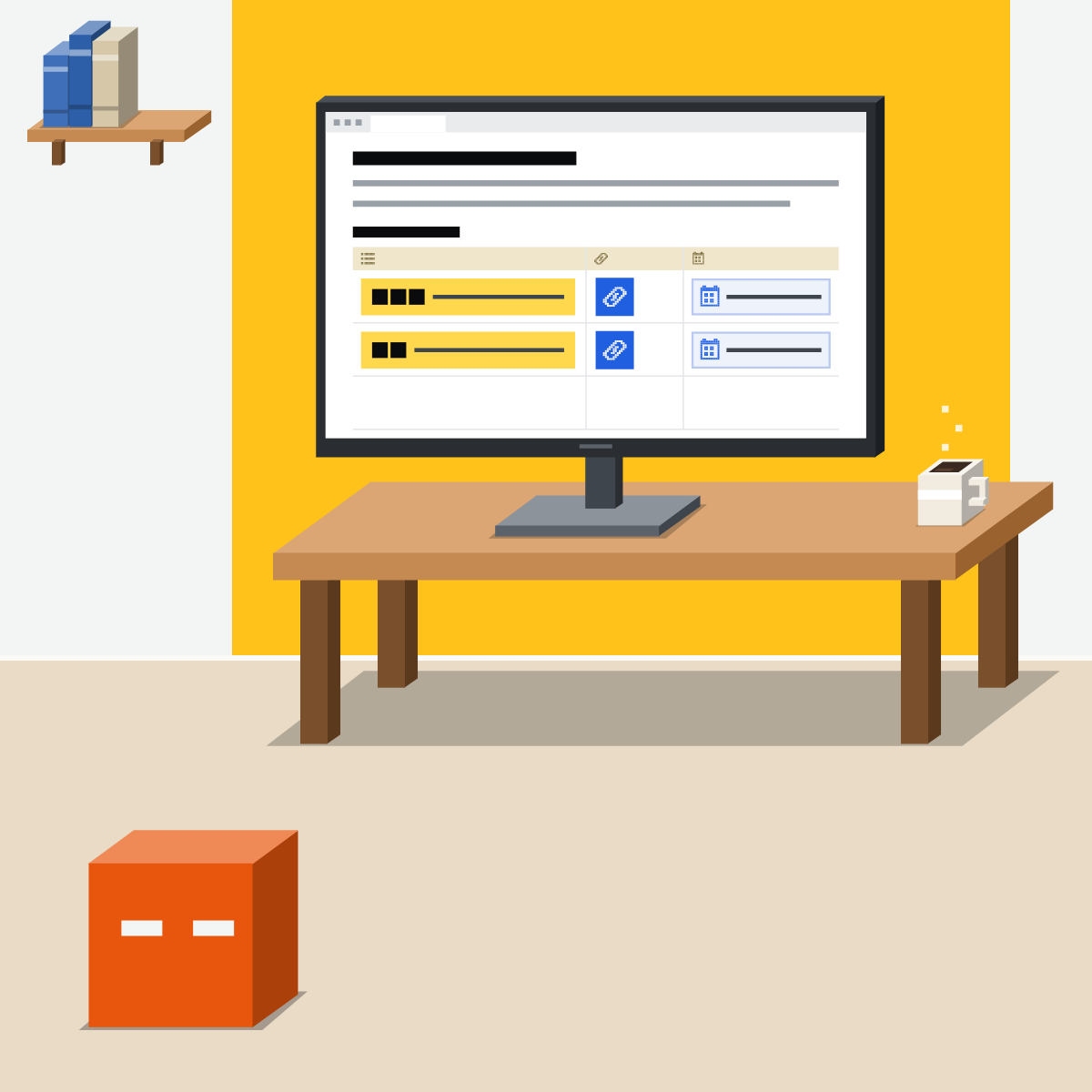
A link isn't proof. Reading is.
Next month, someone asks again. Your list answers in seconds.

Research one public question
Nothing private.
- Turn web search on. Paste the prompt.2 min
- Open the links behind two claims.3 min
- Ctrl+F each (Cmd+F on a Mac). Check its date.3 min
- Add both to your list: claim, link, date read.2 min
The prompt to paste
Search the web and answer: [your public question].
Put the link right after each claim it supports.
Prefer official, first-hand pages, and say when each was published.
If you can't find a source for something, say so instead of guessing.
Good looks likeTwo claims in your doc, with links and dates.
In your assistant · as of Oct 2026 · Claude, ChatGPT, GeminiWhere the links show up
Menus move often. On a work account, an admin may switch search on or off.
- CheckWeb search is on
- CheckA link per claim
- CheckRead before you repeat
With web search on, a version of your question may go to a search provider. Keep private details out of it.
 Claude
Calls it web search. Answers carry citations.
A checkmark shows it is on. Team or Enterprise: an owner switches it on first.
Say “Search the web” in your request
In the new Claude experience, rolling out in stages, there is no toggle: it searches when it helps.
Open the cited sources
Anthropic says every answer that searches includes citations, so you can verify sources yourself.
ChatGPT
Calls it Search. Answers may carry citations and a Sources list.
Or type / and pick Search. It may also search by itself.
Select a citation to open its source
Or select Sources, when shown, for cited sources and other links.
Check when the page was published or updated
OpenAI says results and citations can be incomplete, outdated or incorrect.
Gemini
Calls them sources and related links.
Ask it to search the web and link each claim
Not every answer includes sources.
At the bottom of the answer, or inline. A side panel opens with the links.
No Sources button: no links
Google says Gemini gave no links for that answer. Treat it as unsourced.
Quick check · three questionsDid it stick?
1You press Ctrl+F (Cmd+F on a Mac) for the number. It isn't on the page. You:
The answer: C A claim you can't find on its page isn't checked. Asking the AI again isn't a check either.2The answer has 14 links. Two of its claims go in your slide. Which links do you open?
The answer: A Check what you'll repeat. The links behind claims you won't use can wait.3Where should your source list live?
The answer: B Chats get long and get deleted. In ChatGPT, deleting a chat also deletes its deep research report.
Search or deep research?Side note
Pages changeSide note
The full checkSide note
Sources, checked 18 Oct 2026Source
Product details as of Oct 2026, each checked on the vendor's own page on 18 Oct 2026. Recheck by 18 Nov 2026. The examples in the pictures are made up for this lesson.
- Anthropic, Enable and use web search (+, then Web search; the checkmark; Organization settings, then Capabilities on Team and Enterprise; no toggle in the new Claude experience; "Search the web"; every response includes citations, "so you can easily verify sources yourself")
- Anthropic, Claude Cowork and chat are one Claude (the new Claude experience is rolling out in stages)
- OpenAI, Does ChatGPT tell the truth? ("Fabricated quotes, studies, citations or references to non-existent sources"; "first draft, not a final source"; check sources by visiting links directly)
- OpenAI, Searching the web with ChatGPT (View all tools, then Search; / then Search; it may search by itself; responses may include citations; Sources, when available; "Search results and citations can be incomplete, outdated, or incorrect"; check when a page was published or updated; rewritten queries sent to search partners; managed workspaces)
- OpenAI, Deep research in ChatGPT (Sites, then Manage sites; review and edit the plan; search for quick facts, deep research for depth and thoroughness; deleting the chat deletes its deep research outputs)
- Google, View related sources from Gemini Apps (the Sources button, at the bottom or inline; the side panel on the right; not every response has sources; no button means no links)
- Google, Search the web in Chrome, section Search within a page (Ctrl + f on Windows, Linux and ChromeOS, Command + f on a Mac; matches highlighted in yellow)
Free kitThe AI Fact-Check KitBring this to your teamTeam workshops · Get in touchBack to level 2, Everyday skills
Read the link. Keep the list.
Next lesson · 15 minWhen should work live in a project, and how do you set one up?