What can AI do for operations now?
AI drafts the papers operations runs on. You check numbers and promises.
The process doc nobody updated
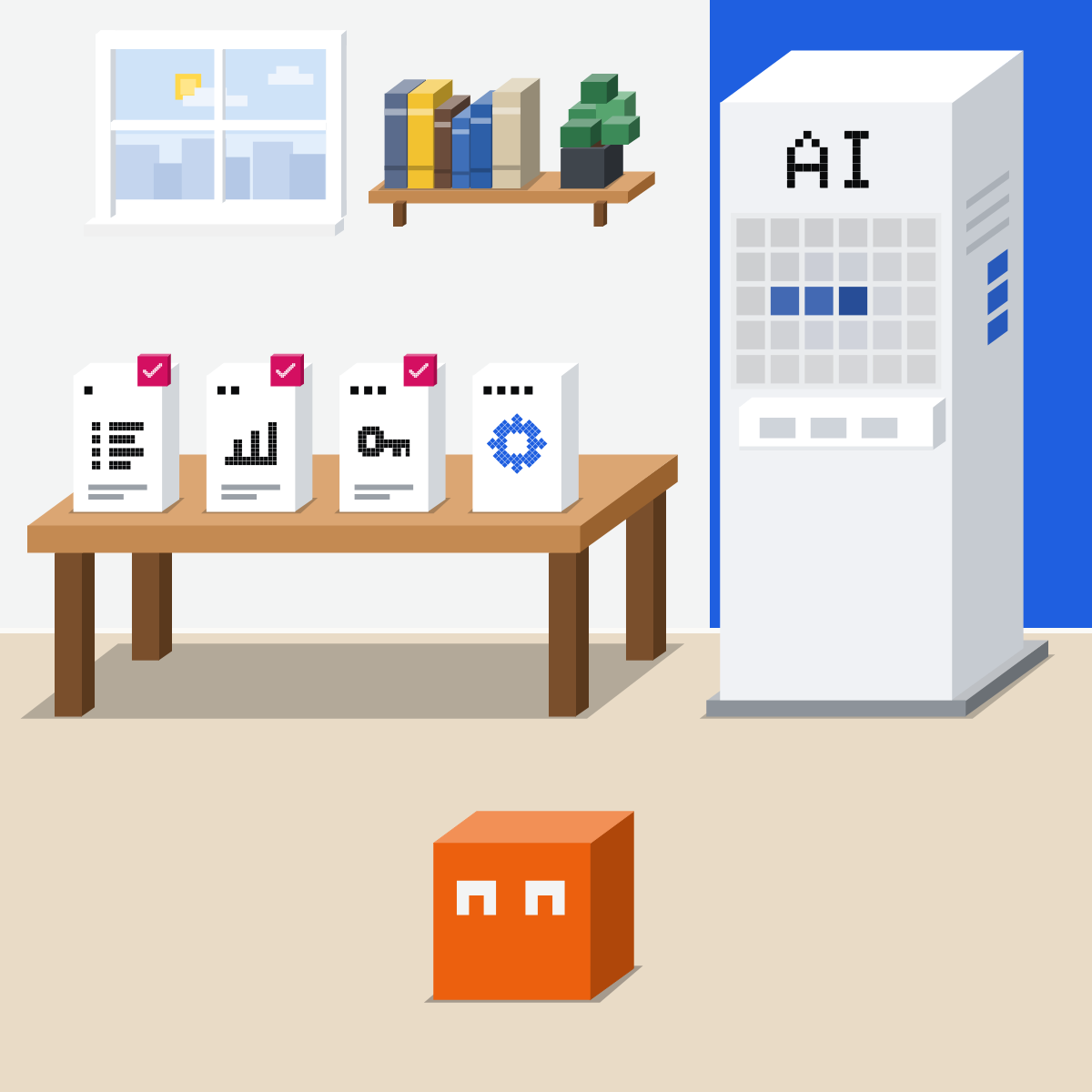
The process document is years old. Nobody works that way now.

Three papers, one more move
AI drafts. You check.
- Process document
- Status report
- Handover page
- Spot the repeats
Say it once. They fix it.
Talk it through or paste messy steps. The people who do the work fix it.
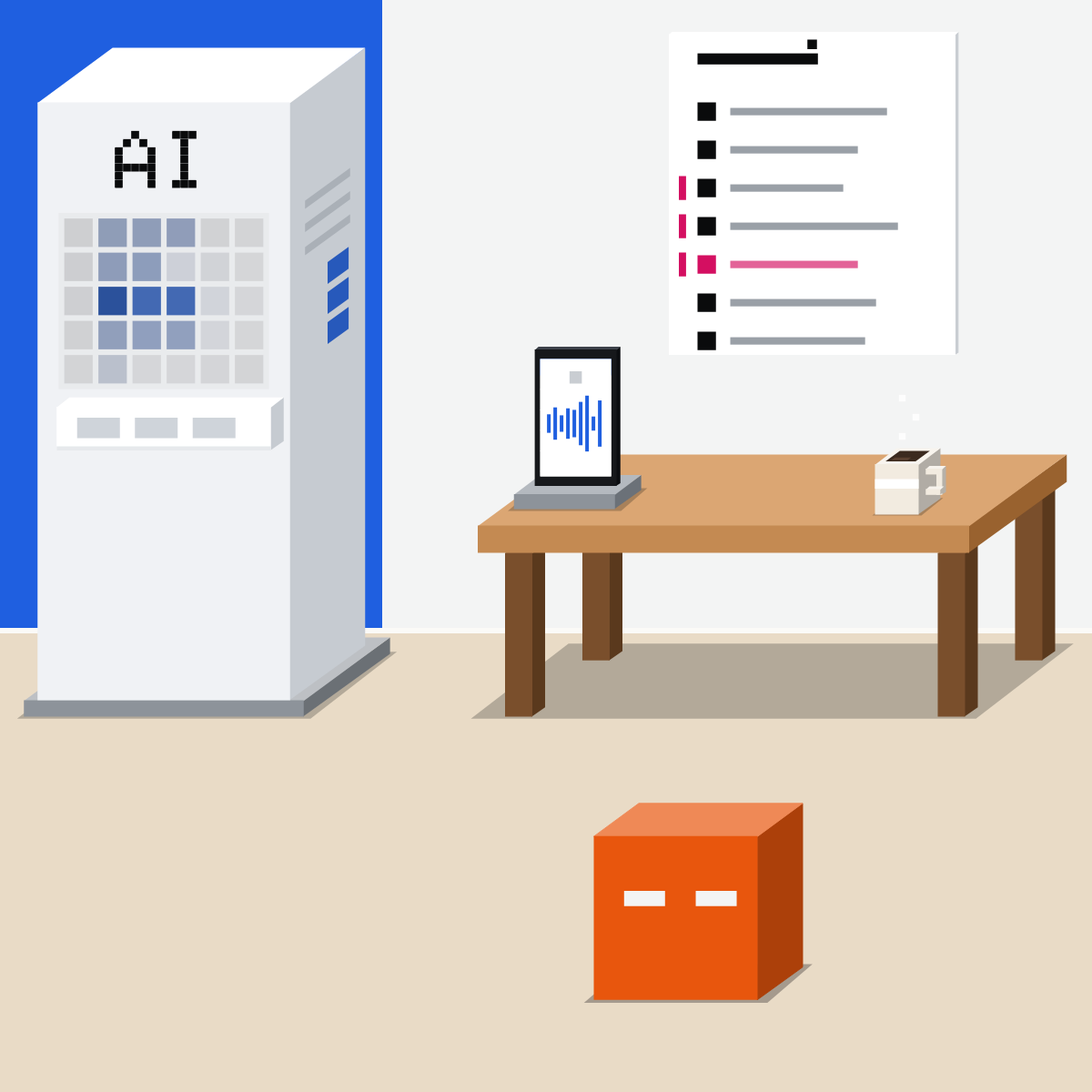
The weekly status report
Hand it the tracker and your notes. Check every number and every risk before it goes.
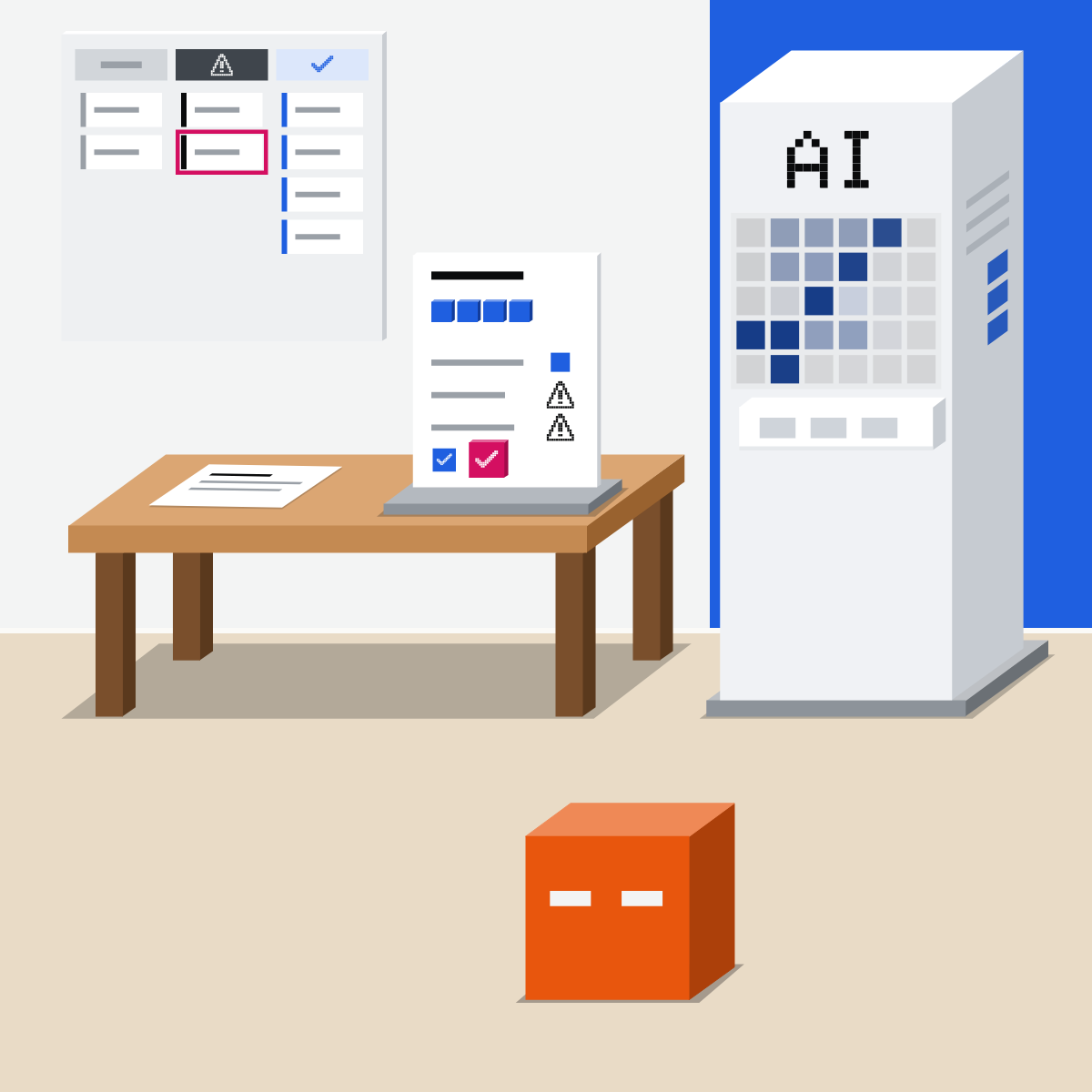
A handover it can answer
Before leave: inbox, tracker and notes become one page. Check its promises. Your cover asks it questions.
My pick for your own files
 Gemini NotebookAlso good:
  Claude Projects
Built for answers drawn only from the files you add. It was called NotebookLM until July.
All my picks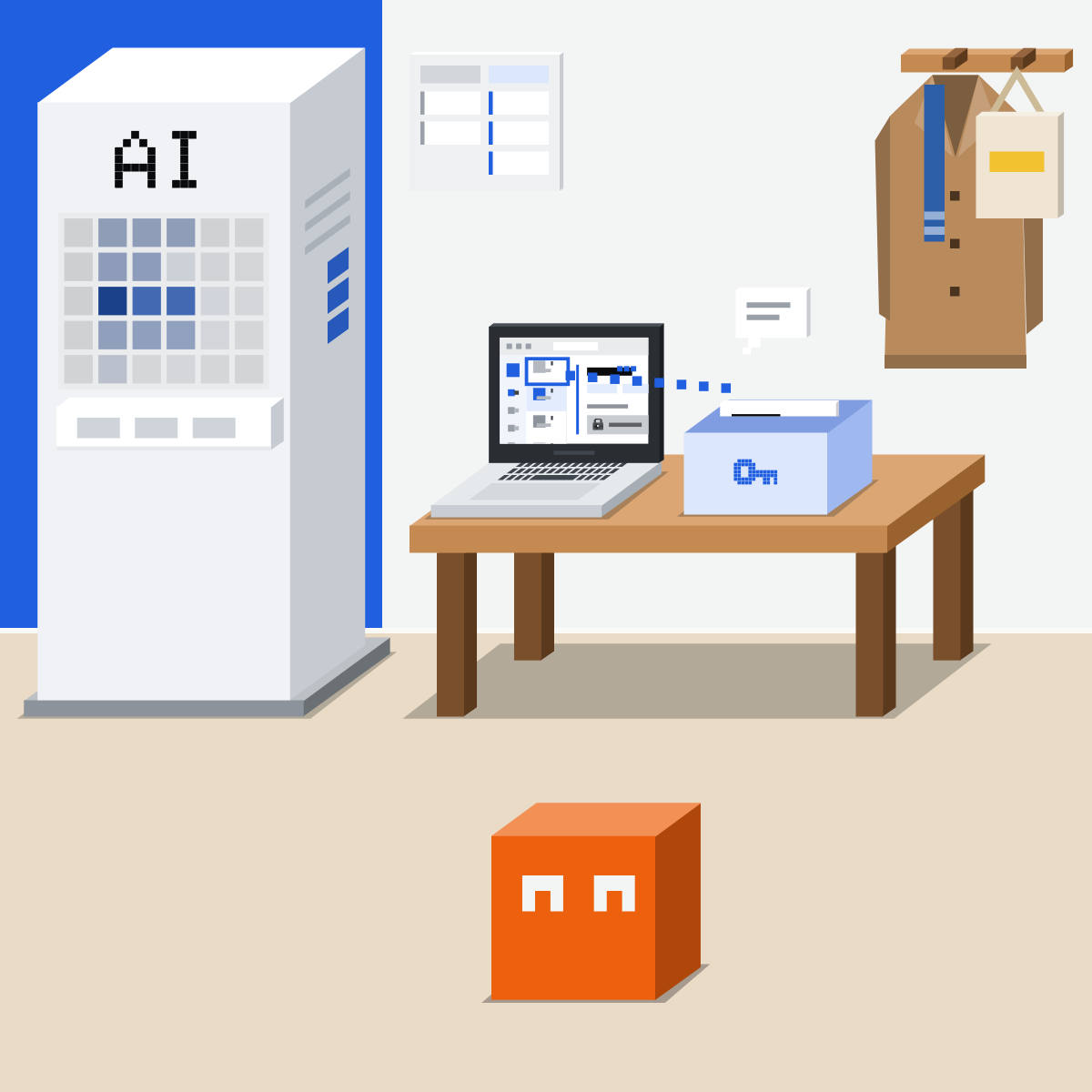
Same every time? Automate it.
Mark the steps that are the same every time. Those are worth automating.
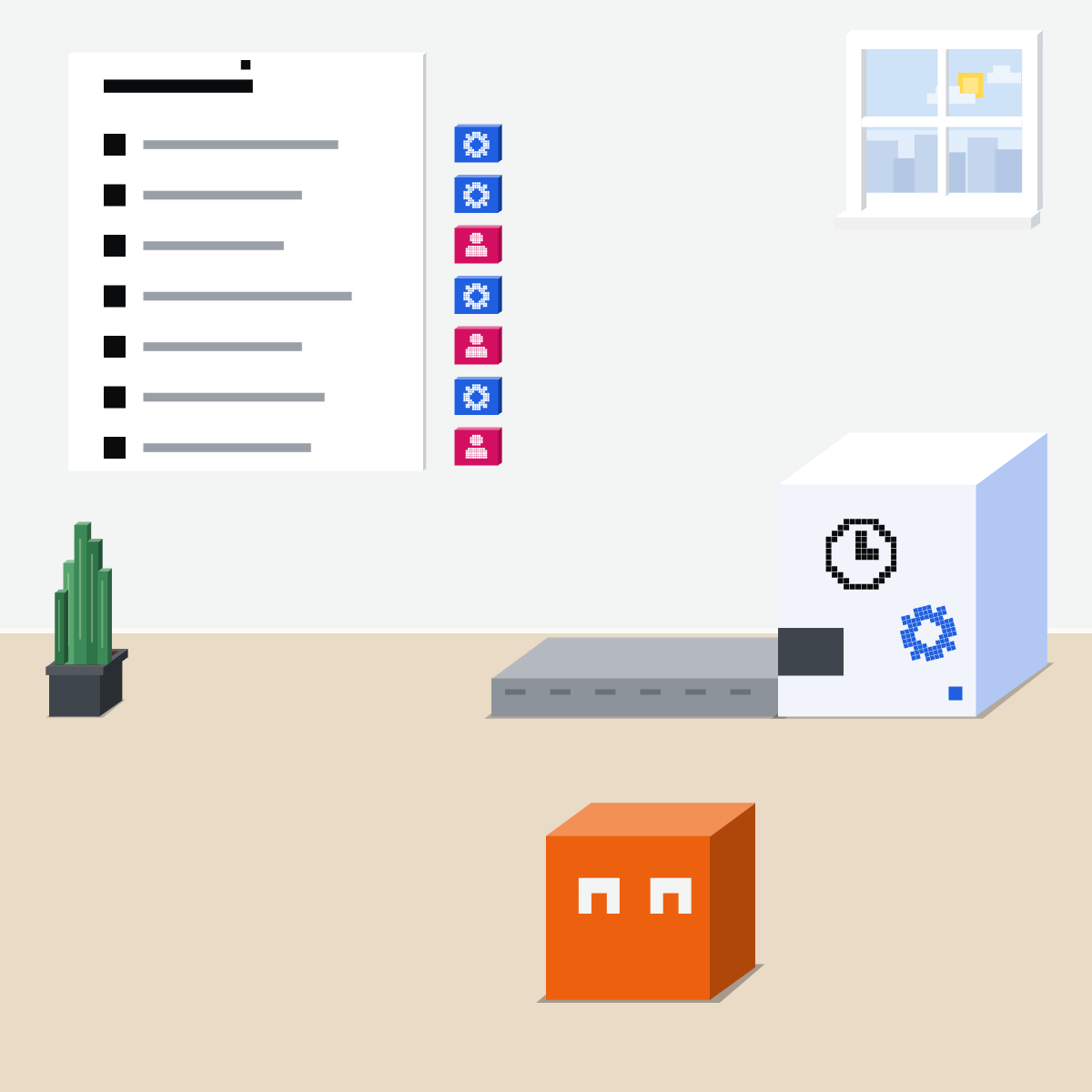
It drafts. A person signs.
Fast first drafts, every week. A person checks every number and every promise.
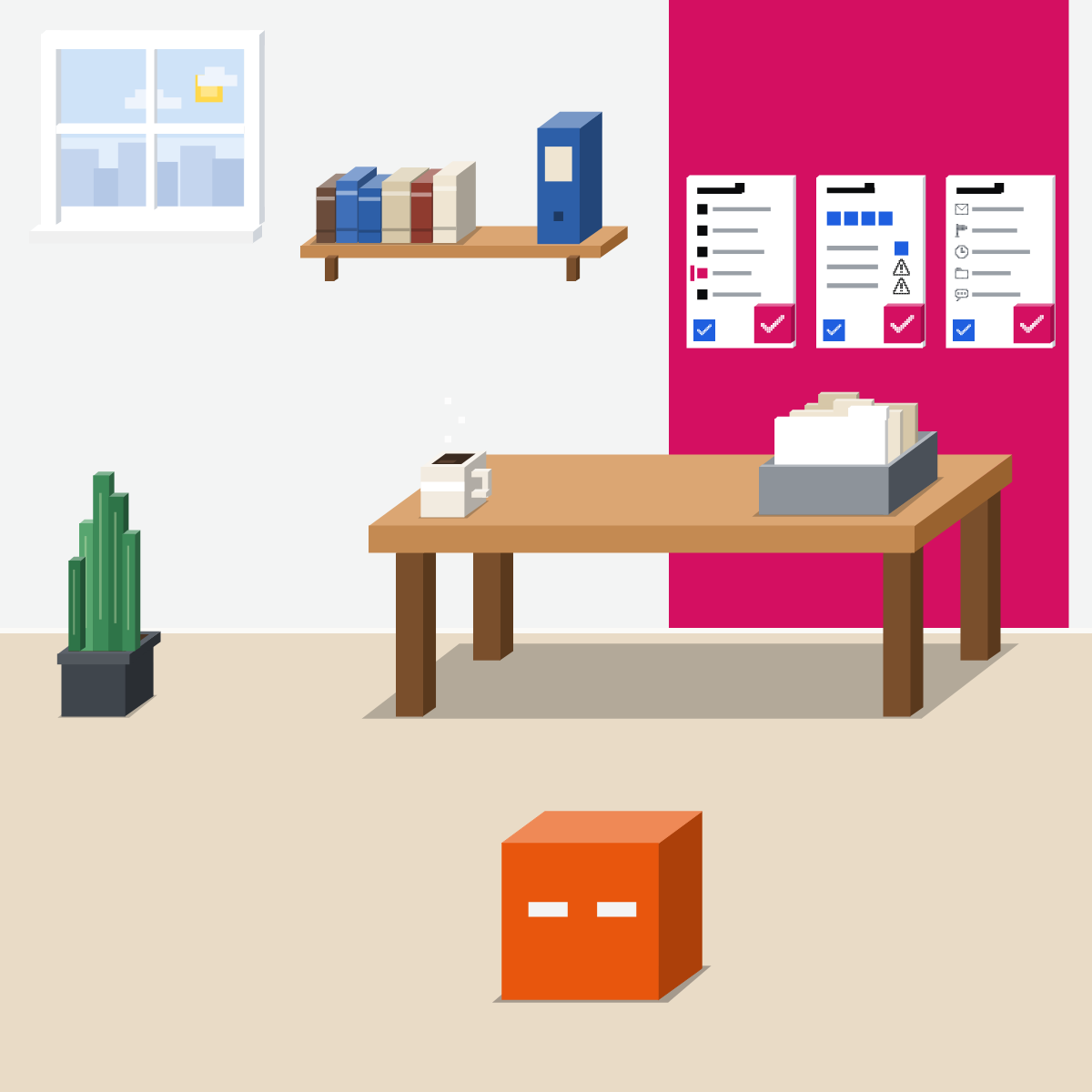
Write up one process
No names, no customer data.
- Pick a weekly task.2 min
- Paste the brief with your steps. Messy is fine.3 min
- Fix any step it got wrong.3 min
- Note the steps marked same every time.2 min
The process brief
Turn these steps into a process document: [type the steps as you'd tell a new starter; messy is fine]. Write numbered steps: who does it, what they need, what done looks like. List the exceptions you can spot. Mark each step: same every time, or needs judgement. Ask me about anything unclear. Don't add steps I didn't give.
Good looks likeSteps a new starter could follow.
In your assistant · as of Oct 2026 · Claude, ChatGPT, GeminiSet it up in your assistant
Menus move often. Missing something? A rollout, your plan, country or admin may be why.
- CheckApproved for work data
- CheckTracker reads only
- CheckYou check every number
My pickFor papers that matter, Claude: Opus 5.5 at High, or Sonnet 5.5 at High or Extra high.
Handover pages hold names and promises. Use the tool your company approves, and share with your cover only.
Claude
Anthropic's Operations plugin, or any chat. The handover goes in a project.
Made by Anthropic. Directory plugins appear on Pro, Max, Team and Enterprise. Read its tabs, then Add.
Or just describe the task: Claude loads the matching skill.
Add the page and files. Team and Enterprise: give your cover Can view.
The Asana, Atlassian (Jira) and monday.com connectors can also change tasks. Set those tools to Needs approval.
 ChatGPT
Work for a finished file. The handover goes in a shared project.
Dictation: say the steps, fix the words, then send.
Attach the tracker export and your notes. It can make a document or spreadsheet. Plus and up; limited on Free and Go, in the desktop app.
Add the page and files. Give your cover chat access. Every plan, Free included.
Apps live in Settings > Plugins. If your tracker has one, set it to Always ask or Allow read actions.
Gemini
Gemini Notebook for the handover. Your Drive files through @.
Say the steps as you'd tell a new starter.
Use keywords from the file, not links. Work accounts: your admin allows it first.
Upload the page and files. Add your cover as a Viewer: they ask, it answers from those files.
Chat view hides the sources, but Google says viewers may still reach them. Share only what your cover may see.
Quick check · three questionsDid it stick?
1Your status report draft says 14 orders shipped late this week. Before it goes out, you:
The answer: C Asking isn't checking, and a skim misses a wrong count. The number goes back to the tracker, and a person counts.2AI turned your voice note into a process document. Who should check it before it's shared?
The answer: A They know the shortcuts and the exceptions. Even the person who knows it best leaves steps out.3Which step in a process is most worth automating?
The answer: B It's the same every time and needs no judgement. Explaining why, and choosing what comes first, need a person.
Anthropic's Operations pluginSide note
Why papersSide note
From marks to an automationSide note
Sources, checked 18 Oct 2026Source
Product details as of Oct 2026, each checked on the vendor's own page on 18 Oct 2026. Recheck by 18 Nov 2026. The examples in the pictures are made up for this lesson.
- Anthropic, Operations plugin on GitHub (made by Anthropic; process-doc, status-report and runbook skills; the runbook tip to have someone unfamiliar follow it and fix where they get stuck)
- Anthropic, Operations plugin listing (Anthropic verified; process documentation among its jobs)
- Anthropic, Plugins (Customize, then Plugins, then Discover; select a plugin, read its tabs, then Add; the directory's plugins appear on Pro, Max, Team and Enterprise; type / to pick a skill, or describe the task)
- Anthropic, Plugin feature support across platforms (Discover on Pro, Max, Team and Enterprise; an Owner can remove the directory as a source; skills load in chat)
- Anthropic, Get started with connectors (Customize, then Connectors; Always allow, Needs approval or Blocked per tool)
- Anthropic, Asana connector (search, create, update and track tasks)
- Anthropic, Atlassian connector (search, read and update Jira, Confluence and other Atlassian apps)
- Anthropic, monday.com connector (search boards, create and update items)
- Anthropic, How can I create and manage projects (+ New Project; project knowledge; Share project; Can view and Can edit on Team and Enterprise)
- Anthropic, How to choose between Claude's Voice Mode and Dictation (your words become text in the message box; on the web, mobile and desktop app)
- Anthropic, Change the model, effort, and thinking settings (the effort levels High and Extra high on Opus 5.5 and Sonnet 5.5)
- Anthropic, Anthropic Economic Index report: Cadences, 26 Jun 2026 (work conversations with Claude most often produce documents and reports, 20 percent)
- OpenAI, Voice Dictation FAQ (the microphone icon; text you can edit before sending)
- OpenAI, ChatGPT Work and Codex (Work makes documents and spreadsheets; describe the outcome and add files)
- OpenAI, ChatGPT plans (Work limited in the desktop app on Free and Go; on desktop, web and phone from Plus)
- OpenAI, Connected apps in ChatGPT (Settings, then Plugins; Always ask, Allow read actions and the other permission choices)
- OpenAI, Projects in ChatGPT (New project in the sidebar; Share with chat or edit access; sharing on Free, Go, Plus, Pro, Business, Enterprise and Edu)
- Google, Get started with the Gemini mobile app (tap Microphone, say your prompt, tap Send)
- Google, Use apps connected to Gemini with a work or school Google Account (enter @ and select Google Drive; use keywords from the content; the Workspace administrator enables apps)
- Google, Connect the Google Workspace app to Gemini Apps (enter @ and select the service; do not paste links, use keywords; admins enable it on work and school accounts)
- Google, Create a notebook in Gemini Notebook (Create new notebook; Share; Viewer or Editor; Chat View does not fully block a viewer's access to sources)
- Google, Use public notebooks and featured notebooks in Gemini Notebook (a viewer can ask questions about the sources in chat)
Free skillCheck a draft against its sourcesBring this to your teamWorkflow automation · Get in touchBack to level 6, Advanced and by role
Check every number and every promise.
Next lesson · 15 minWhere can HR use AI, and where do the rules bite?