Where can HR use AI, and where do the rules bite?
Let AI draft HR's paperwork. Know which people decisions the law calls high risk.
The keen offer
A pile of applications. Your AI offers to rank them by lunch.
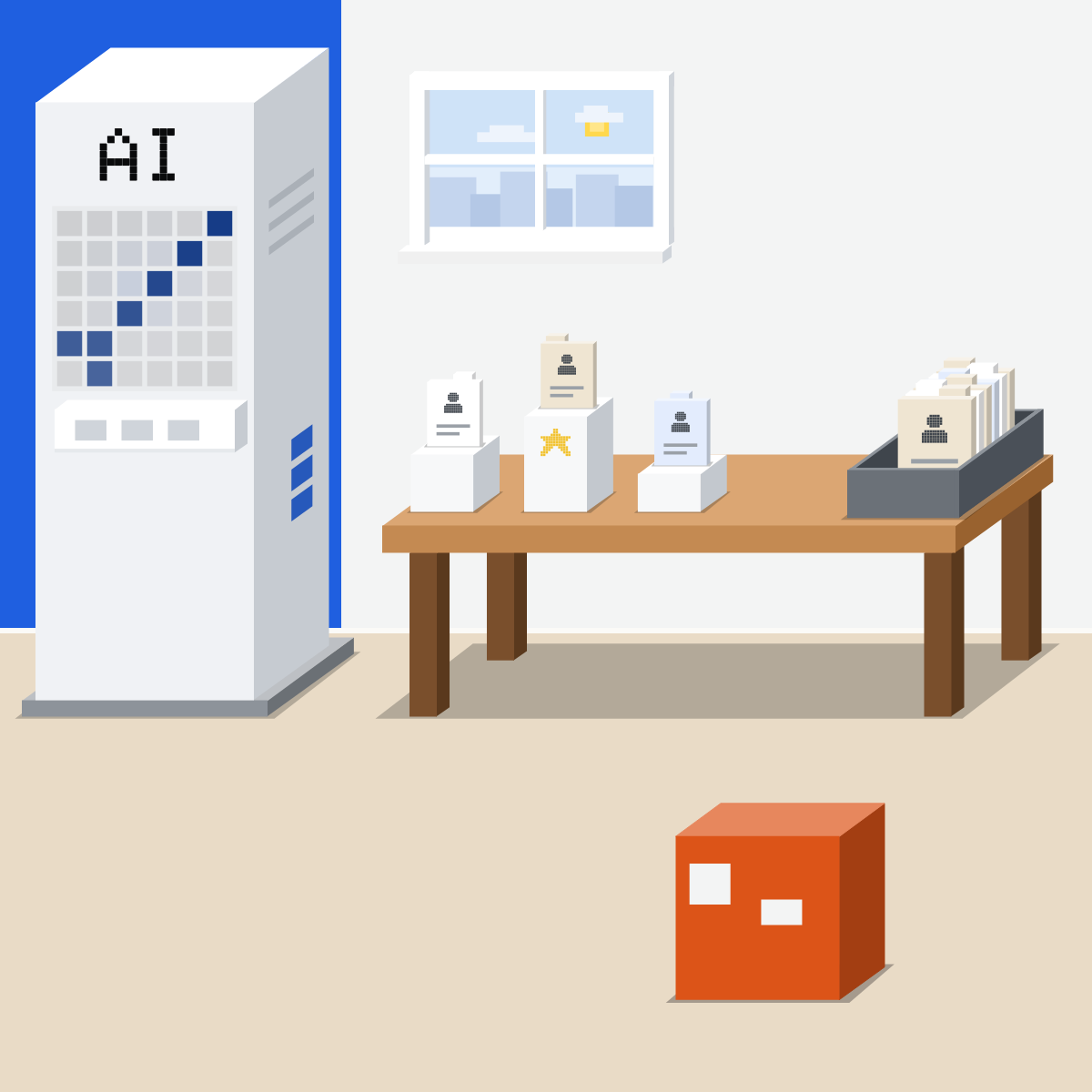
One desk, two sides
Paper side: AI drafts. People side: a person decides. The people line runs between.
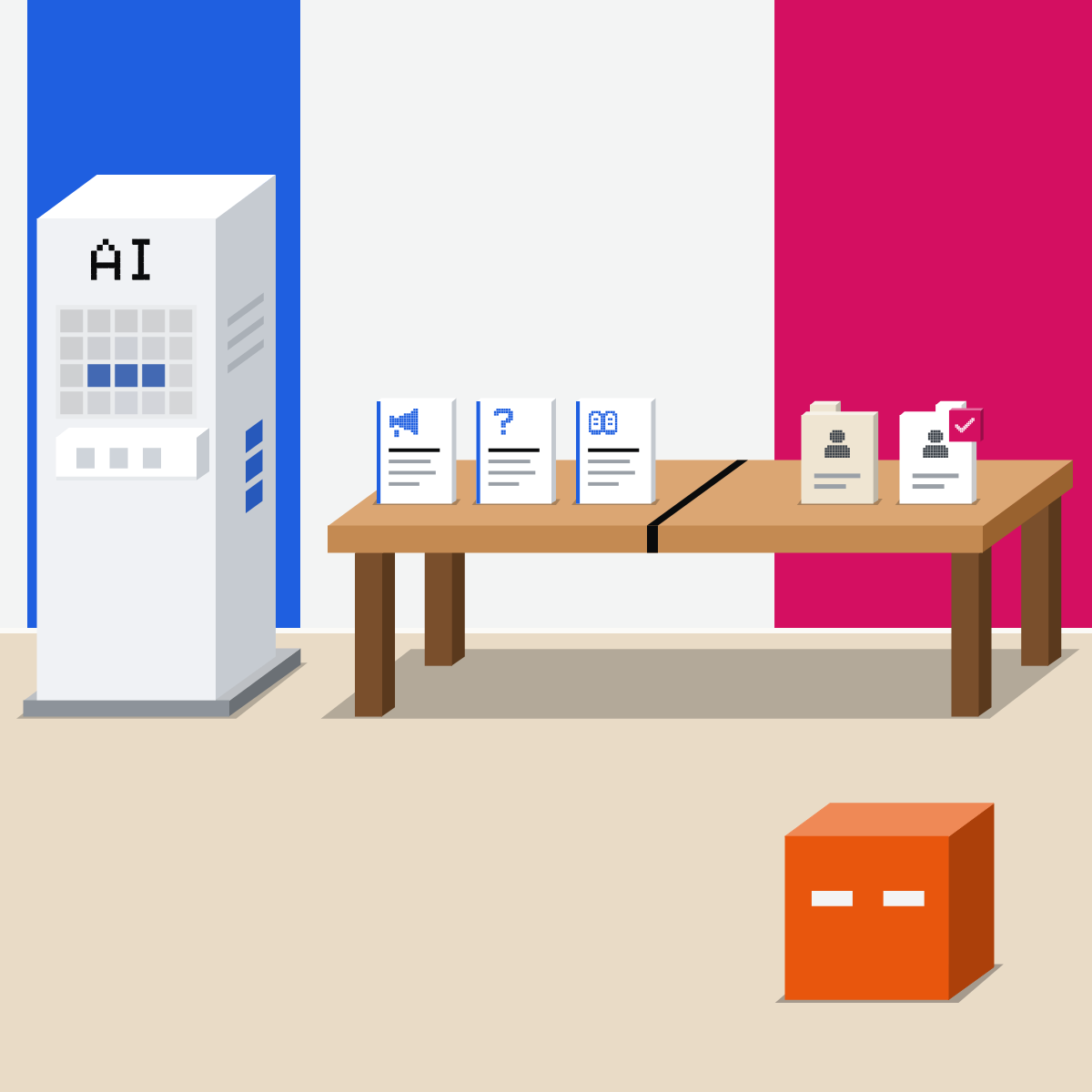
The paper side
It drafts and plans. You check every one.
- Job ads in plain words
- Interview questions
- Onboarding plans
My pick for writing
 ChatGPTAlso good:
  Claude
Quick drafts in a chat, and ChatGPT for Word to work right inside your document.
All my picks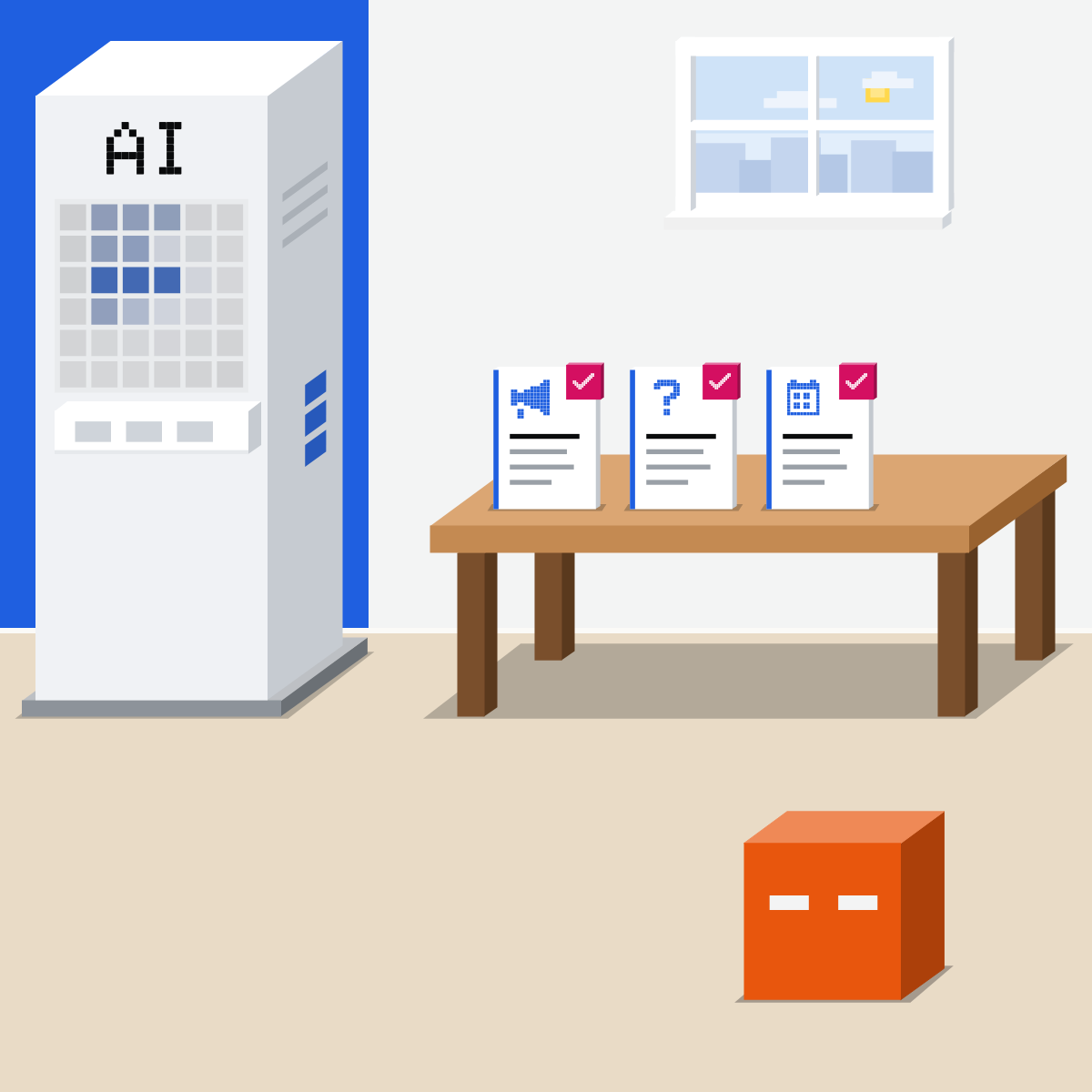
The people line
Will it choose, rank, rate or watch a person? The EU AI Act lists that as high risk.
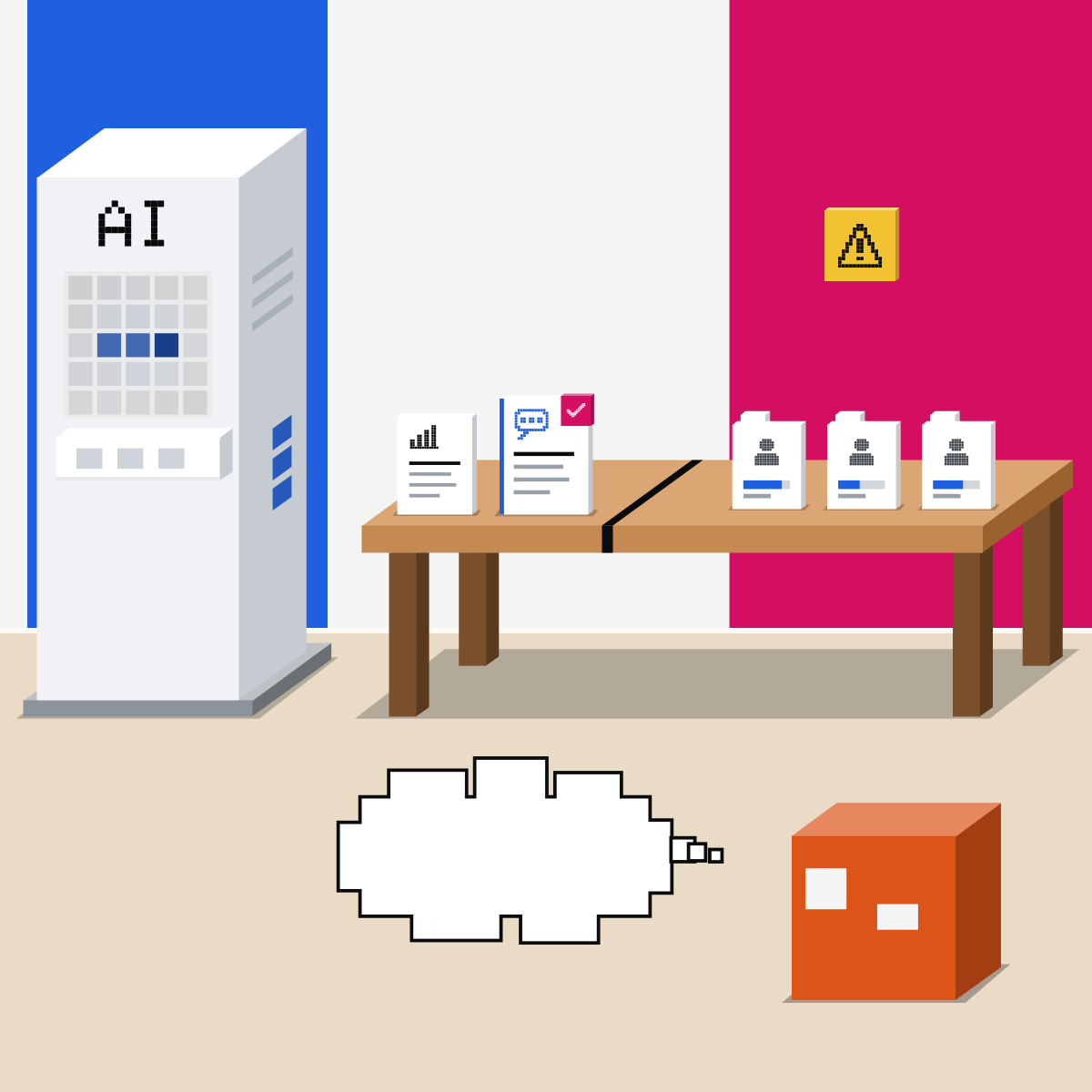
Where the rules bite
Illinois rules have applied since 1 Jan 2026. EU duties start 2 Dec 2027. Not legal advice.

Past the line
Ask your legal team first. Tell staff before you use it. A person makes each decision.
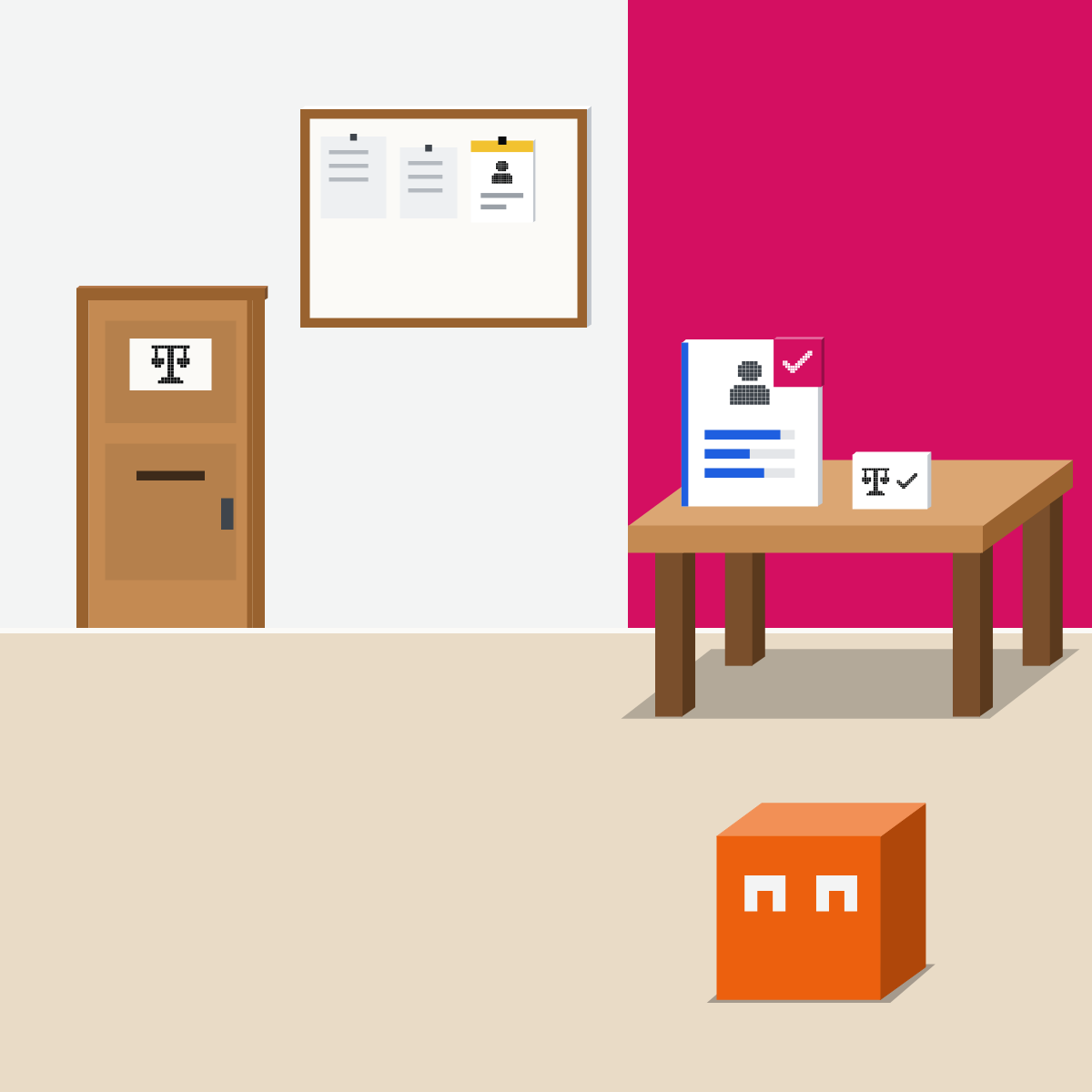
AI drafts. A person decides.
Hand AI the paperwork. Anything that decides about a person goes to a person.
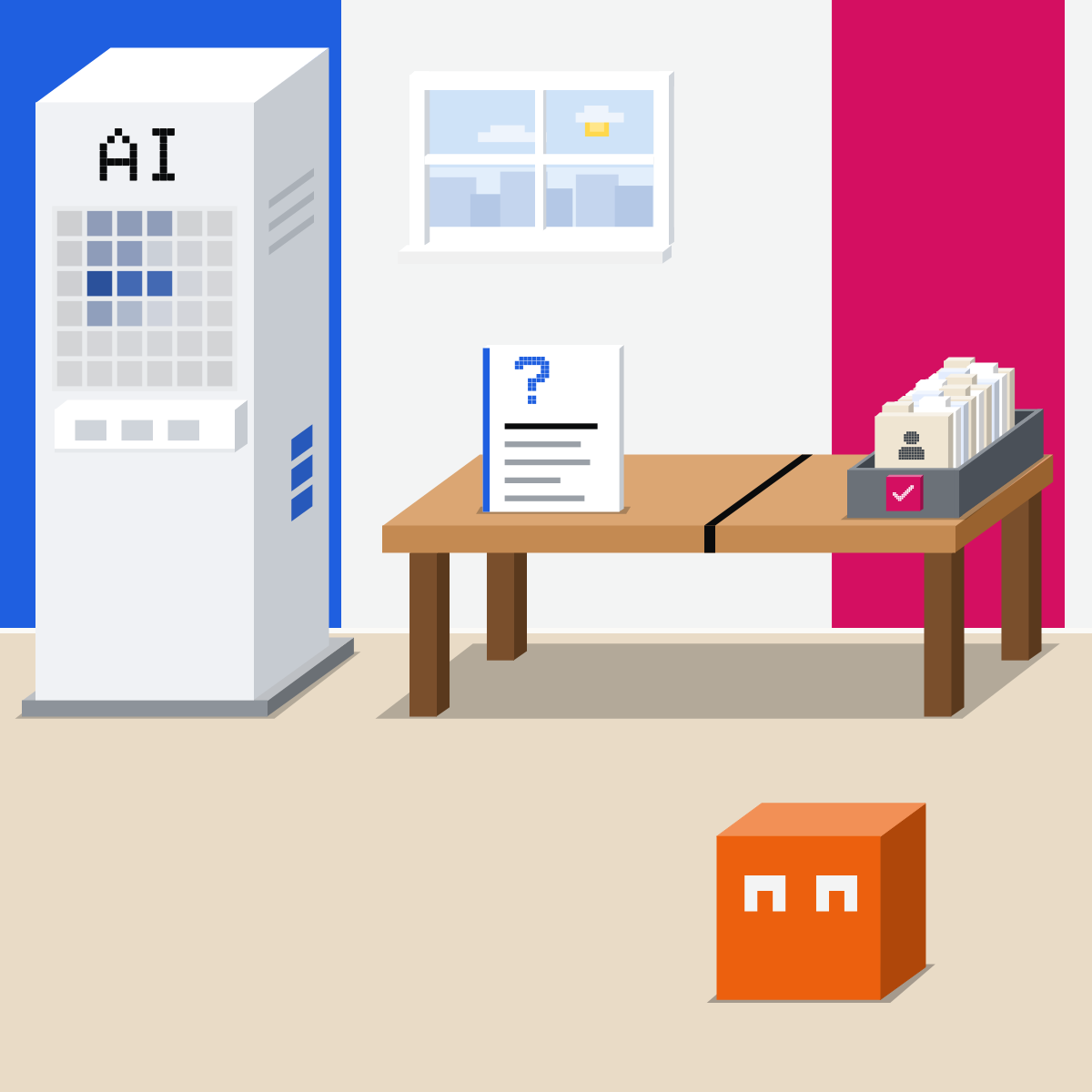
Draft one job ad
No names, no CVs.
- Paste the prompt with your role filled in.3 min
- Check each question ties to a must-have.6 min
- Offers to screen anyone? Say no.1 min
The prompt, for Claude, ChatGPT or Gemini
Help me draft, not decide.
The role: [job title, team, three must-haves]
1. Write a job ad under 250 words, in plain words. Flag any word that could put good people off.
2. Write five interview questions, each tied to one must-have, the same for every candidate.
Don't screen, score or rank anyone.
Good looks likeA plain ad, five questions for everyone, nobody ranked.
In your assistant · as of Oct 2026 · Claude, ChatGPT, GeminiSet up an HR drafting space
Templates and tone go in. No CVs, no staff files. Menus move often.
- CheckYour work account
- CheckTemplates, not people
- CheckA person decides
Keep candidates' and staff's details out, even here. Use roles and made-up examples.
Claude
Calls it a project
On Team or Enterprise, choose to keep it private or share it with your organization.
Click + by the project's knowledge. Add your job ad template, public policies and tone guide.
Never CVs, reviews or staff files.
For example: draft and plan only, never rank or score people. A reminder, not a lock.
Free: up to five projects. Team and Enterprise can share one with Can view or Can edit.
ChatGPT
Calls it a project
In the sidebar. Name it, then add your templates and public policies.
Add instructions such as: draft and plan only. A reminder, not a lock.
Chats outside the project can't draw on its chats, and your saved memories stay out of it.
Shared projects always use project-only memory. ChatGPT Work isn't available in a project-only project.
 Gemini
No projects by that name. The nearest thing is a notebook.
Under Notebooks. Name it, then click Add sources for your templates and public policies.
Open the notebook from All notebooks, then add its instructions. A reminder, not a lock.
Notebooks are still rolling out, so you may not have them yet. Some notebook features need Keep Activity on. In the European Economic Area, connect Gemini Notebook to Gemini first.
Quick check · three questionsDid it stick?
1Which request crosses the people line?
The answer: B Giving out work by someone's behaviour or traits is on the EU's high-risk list. A policy rewrite and guidance for reviews decide nothing about anyone.2Your hiring software adds an AI feature that hides the weakest applications. Under the EU AI Act, that use is:
The answer: A Annex III, point 4, lists AI meant to analyse and filter job applications. Duties for companies using such tools start on 2 Dec 2027; a tool already on the market or in use before then is covered once its design changes significantly. Not legal advice.3Your company in Illinois uses AI to help decide promotions. What does the state's law ask today?
The answer: C Since 1 Jan 2026, Public Act 103-0804 requires notice to employees, and rules out AI that has the effect of discriminating, or zip codes as a proxy. A sign-off doesn't change that. Not legal advice.
AI inside your HR softwareSide note
Look for unfair patternsSide note
Names out, even on the paper sideSide note
The law, in plain EnglishLaw
Orientation from the official texts, read 18 Oct 2026. Not legal advice. Whether a law applies depends on where you are, what you do and how you use AI.
- Hiring and staff decisions are high risk (EU AI Act, Annex III, point 4). Covers AI meant to: recruit or select people, including placing targeted job ads, analysing and filtering applications and evaluating candidates; decide on terms of work, promotion or termination; give out tasks by behaviour or personal traits; monitor and evaluate performance and behaviour.
- Duties from 2 Dec 2027 (EU AI Act, Articles 111 and 113, as amended in July 2026). Regulation (EU) 2026/1744 moved the high-risk duties for these systems from 2 Aug 2026 to 2 Dec 2027. Systems already on the market or in use before then are covered only once their design changes significantly; public bodies' systems must comply by 2 Aug 2030 either way.
- What an organisation using a high-risk system must do (EU AI Act, Article 26, from 2 Dec 2027). Use it as its instructions say; give its oversight to people with the competence, training and authority; keep its logs for at least six months where they are under your control; tell workers' representatives and the affected workers before using it at work; tell people it helps make decisions about them.
- Turning a tool to a high-risk job (EU AI Act, Article 25(1)(c), from 2 Dec 2027). Whoever changes an AI system's intended purpose, a general-purpose one included, so that it becomes high risk counts as its provider, with the provider's duties. Ask before you set a general assistant to sort candidates.
- No reading emotions at work (EU AI Act, Article 5(1)(f), since 2 Feb 2025). AI that infers people's emotions in the workplace is banned, except for medical or safety reasons.
- AI in employment decisions (Illinois, Public Act 103-0804, since 1 Jan 2026). In recruitment, hiring, promotion, discipline, discharge and the other decisions it lists, an employer may not use AI that has the effect of discriminating on protected classes, or use zip codes as a proxy for them, and must give employees notice when it uses AI for them. The state's Department of Human Rights is to set the notice rules; its rules page listed none for AI on 18 Oct 2026.
Ask your legal team or adviser before any AI tool touches a hiring or staff decision. Other countries' and states' rules aren't covered here. Not legal advice.
Sources, checked 18 Oct 2026Source
Product details as of Oct 2026, each checked on the vendor's own page on 18 Oct 2026; every law line read on its official site on 18 Oct 2026. Recheck by 18 Nov 2026. The examples in the pictures are made up for this lesson.
- EUR-Lex, the AI Act, Regulation 2024/1689 (Annex III, point 4, the hiring and staff uses; Article 5(1)(f), the ban on inferring emotions at work; Article 25(1)(c), changing a system's purpose; Article 26, the duties of an organisation using one; Article 113, from 2 Feb 2025 for the bans)
- EUR-Lex, the Digital Omnibus on AI, Regulation 2026/1744 of 8 Jul 2026 (Article 1, point (40): Annex III high-risk rules from 2 Dec 2027 instead of 2 Aug 2026, recital 40; point (39): the new Article 111(2), systems already on the market or in use)
- Illinois General Assembly, Public Act 103-0804 (775 ILCS 5/2-101 and 5/2-102(L): notice, no discriminatory effect, zip codes, generative AI included; effective 1 Jan 2026)
- Illinois General Assembly, Illinois Human Rights Act, Article 2 as in force (subdivision (L) of 775 ILCS 5/2-102 unchanged by later Acts)
- Illinois Department of Human Rights, Rules and Regulations (no AI notice rules listed on 18 Oct 2026)
- Anthropic, How can I create and manage projects? (Projects, + New Project; + by the knowledge; Set project instructions; private or shared)
- Anthropic, What are projects? (Free: up to five; Can view and Can edit on Team and Enterprise)
- OpenAI, Projects in ChatGPT (New project; •••, Project settings; Project-only memory; shared projects; ChatGPT Work)
- Google, Organize your projects with notebooks in Gemini Apps (New notebook, Add sources, Notebook settings, Keep Activity, the European Economic Area; still rolling out)
Free kitThe Team AI Policy KitBring this to your teamTeam workshops · Get in touchBack to level 6, Advanced and by role
Keep people decisions with people.
Next lesson · 16 minWhat can AI do for marketing, and when must you say AI made it?