How do you get AI to edit your writing without taking it over?
Get AI's edits as changes you can see, in your own voice.
A light polish, please
It came back longer, smoother, and not yours.

Four moves keep it yours
Like a colleague with a pen:
- Say how far it may go
- Show it your voice
- Get changes you can see
- Decide each one
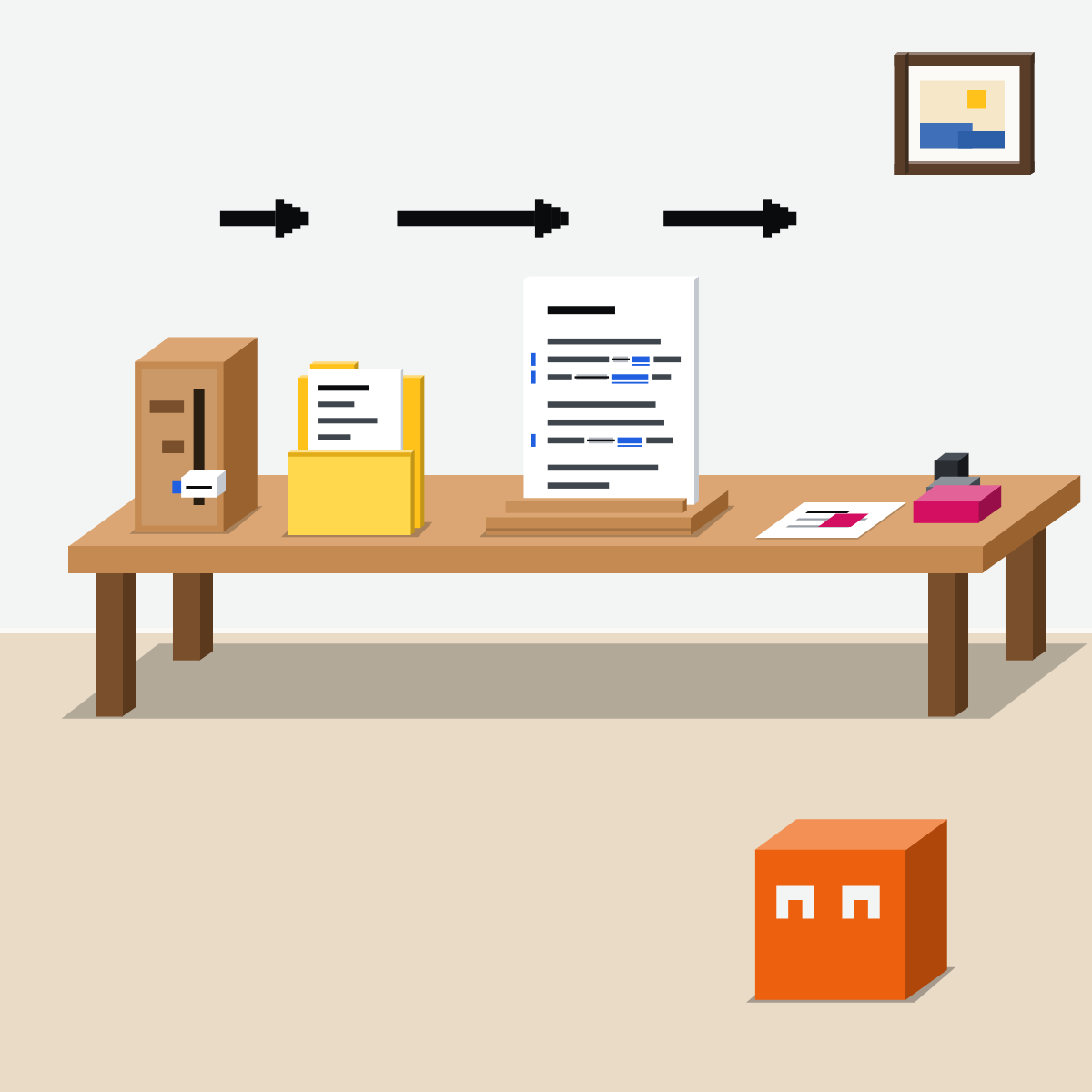
Say how far to go
Proofread, tighten or restructure? Name one, and say what must stay.
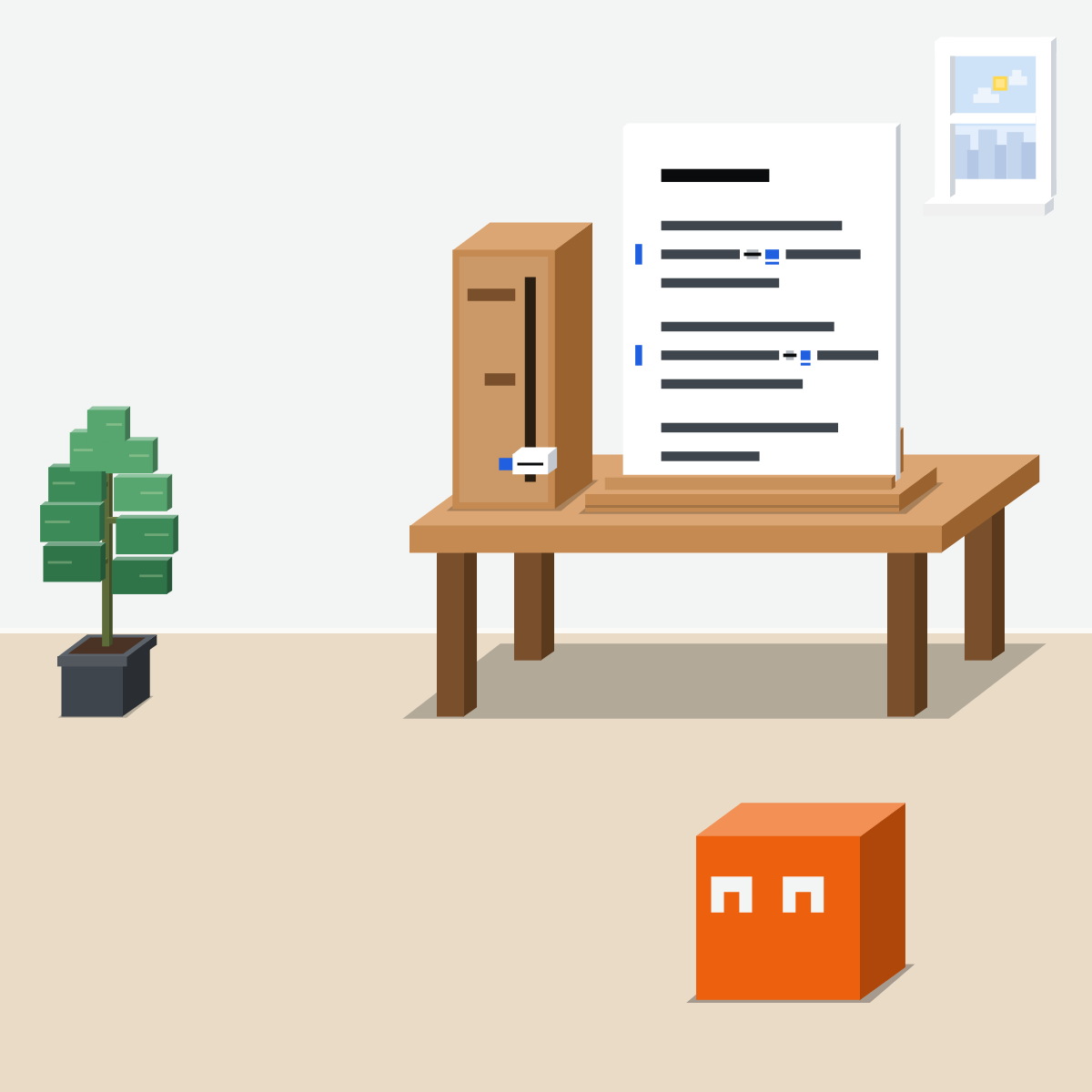
Show it your voice
Paste a page you wrote. Ask it to match that voice.
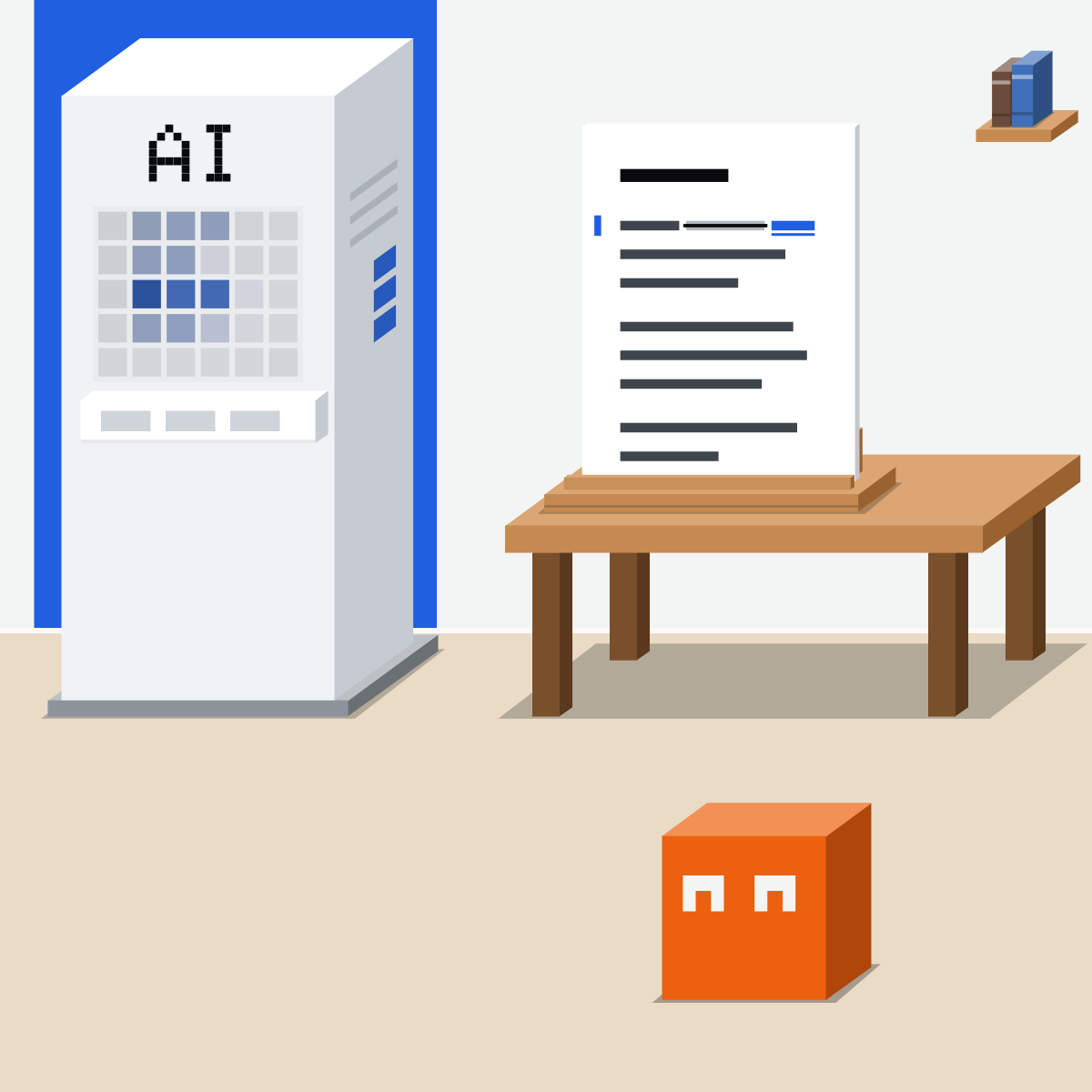
Ask for changes you can see
Tracked changes in Word, suggestions in Google Docs. In a chat, a list with reasons.
My pick for writing
 ChatGPTAlso good:
  Claude
Quick drafts in a chat, and ChatGPT for Word to work right inside your document.
All my picks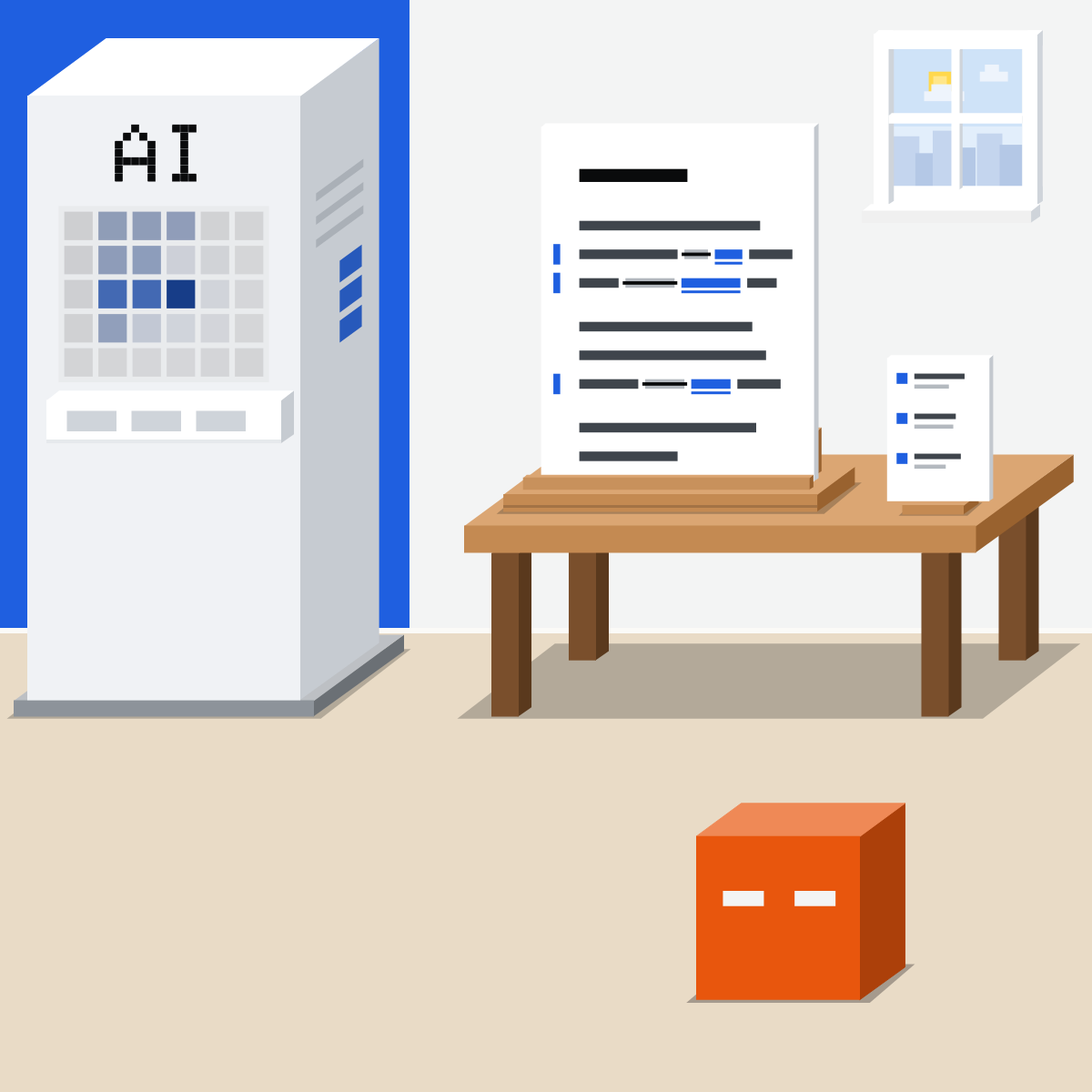
Decide each one yourself
One at a time. Reject any that change your point or your voice.
Its pen. Your page.
Say how far and what stays. Then take its changes one by one.
Edit one paragraph, your way
Use a paragraph you wrote that's safe to share.
- Fill in the request, then send it.2 min
- Read its list of changes.2 min
- Make the ones you agree with yourself.4 min
- Read it aloud. Still you?2 min
The request
Please [proofread, tighten or restructure] my paragraph below.
Keep my points, my length and my voice. Don't rewrite it.
List each change: the old words, the new words, and why. One per line.
A sample of my writing, for my voice: [paste a short sample]
My paragraph: [paste it]
Good looks likeYou chose every change, and it still sounds like you.
In your assistant · as of Oct 2026 · Claude, ChatGPT, GeminiSee each change, in your tool
Menus move often, and plans differ. Save a copy before any AI edits your file.
- CheckA saved copy
- CheckOne change at a time
- CheckYour company approves it
Use the tool your company approves for work documents, and let AI edit only documents you trust.
Claude
Tracked changes in Claude for Word
Pro and up. Each edit lands as a revision you accept or reject in Word. Anthropic: “Review every edit before accepting it.”
In the add-in's sidebar: your tone and style, for every chat in Word.
Beta, Pro and up. Ask for changes as cards you accept one at a time. Its other edits land directly.
On every plan, in a chat or a Claude Doc: ask for a list of changes first. Then highlight a line and click Edit with Claude.
ChatGPT
ChatGPT for Word, on every plan
On Word's ribbon, Free included. OpenAI: “Include anything that should stay the same.”
Ask it to explain its proposed edits first
OpenAI's advice for larger changes, before it changes the document.
OpenAI: “Save a copy of important work before making substantial changes.”
Your ChatGPT memory and skills don't carry over to Word, so paste your voice sample into the sidebar.
 Gemini
Gemini in Google Docs, as suggestions
Or select text, then Refine: Shorten, Rephrase or More formal. Needs an eligible Google Workspace or Google AI plan.
Accept suggestion, the tick, takes its changes one at a time.
Pick a document you wrote. For now only in Workspace Experiments, Google's tester program for personal accounts.
Gemini shows its suggestions right in your document. For edits from people, switch Docs to Suggesting.
Quick check · three questionsDid it stick?
1A client email needs one last look for typos before it goes. What do you ask for?
The answer: B Naming the level keeps the edit small. “Better” and “more professional” both invite a rewrite.2Your AI tool edits the document directly, with no suggestions or tracked changes. What do you do first?
The answer: A A copy lets you compare and go back. Claude's edits in Google Docs, for one, land directly unless you ask for change cards.3The edit reads well, but it no longer sounds like you. What helps most next time?
The answer: C A sample shows your voice instead of describing it. Anthropic calls examples one of the most reliable ways to steer tone.
Why not Accept all?Side note
When edits land directlySide note
Watch the small wordsSide note
Sources, checked 18 Oct 2026Source
Product details as of Oct 2026, each checked on the vendor's own page on 18 Oct 2026. Recheck by 18 Nov 2026. The examples in the pictures are made up for this lesson.
- Anthropic, Use Claude for Word (Pro, Max, Team and Enterprise; tracked changes mode, each edit a revision you accept or reject in Word's review pane; "Review every edit before accepting it"; Settings, Instructions for tone and style)
- Anthropic, Use Claude in Google Docs, Sheets, and Slides (Claude for Google Workspace in beta on Pro, Max, Team and Enterprise; Ask before edits is the default; its edits land as direct edits, not suggestions; in Docs, proposed text changes as cards you accept or reject one at a time)
- Anthropic, What are artifacts and how do I use them (Docs on all plans; in a doc, highlight text and click Edit with Claude)
- Anthropic, Prompting best practices (examples steer Claude's output format, tone and structure)
- OpenAI, ChatGPT for Word (all plans, including Free; open ChatGPT from the ribbon; select text and describe the change; include what should stay the same; explain proposed edits before changing the document; can change content you intended to keep; save a copy; memory and skills don't carry over; says nothing about tracked changes)
- OpenAI, ChatGPT release notes (17 Sep 2026: ChatGPT for Word, on all plans including Free)
- Google, Write & edit with Gemini in Docs (click Gemini and enter a prompt; Refine options; suggestions in your document; Accept suggestion, Accept all, Reject all; Tools, Writing style, Add a document from Drive, through Workspace Experiments; eligible plan)
- Google, Suggest edits in Google Docs (Suggesting mode; accept or reject suggestions one by one)
- Google, Find what's changed in a file (Last edit at the top right; restore an earlier version; name a version)
- Microsoft, Track changes in Word (Review, Tracking, Track Changes; deletions struck through, additions underlined; accept or reject each change)
Free skillSecond readerBring this to your teamTeam workshops · Get in touchBack to level 2, Everyday skills
Your page, in your own voice.
Next lesson · 15 minHow do you get a summary you can trust?