When is talking to AI better than typing?
Talk to think it through. Type what must be exact. Know what's kept.
Stuck on the first line
You've typed it and deleted it four times.

Talk, type, check
Talk to find what you mean. Type what must be exact. Check what it did and kept.
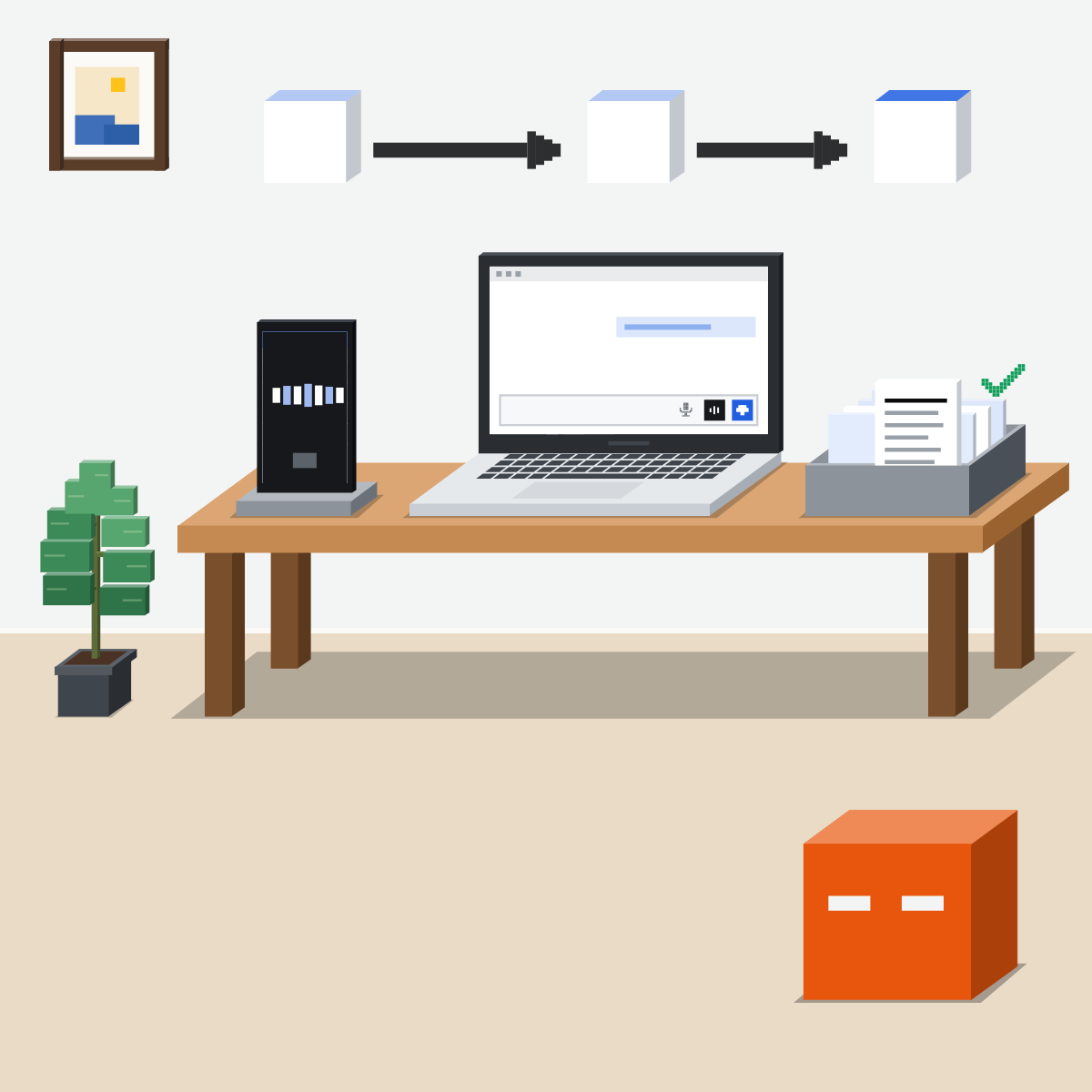
Talk to think out loud
On a walk, with busy hands, rehearsing a hard talk, untangling a problem. Messy is fine.
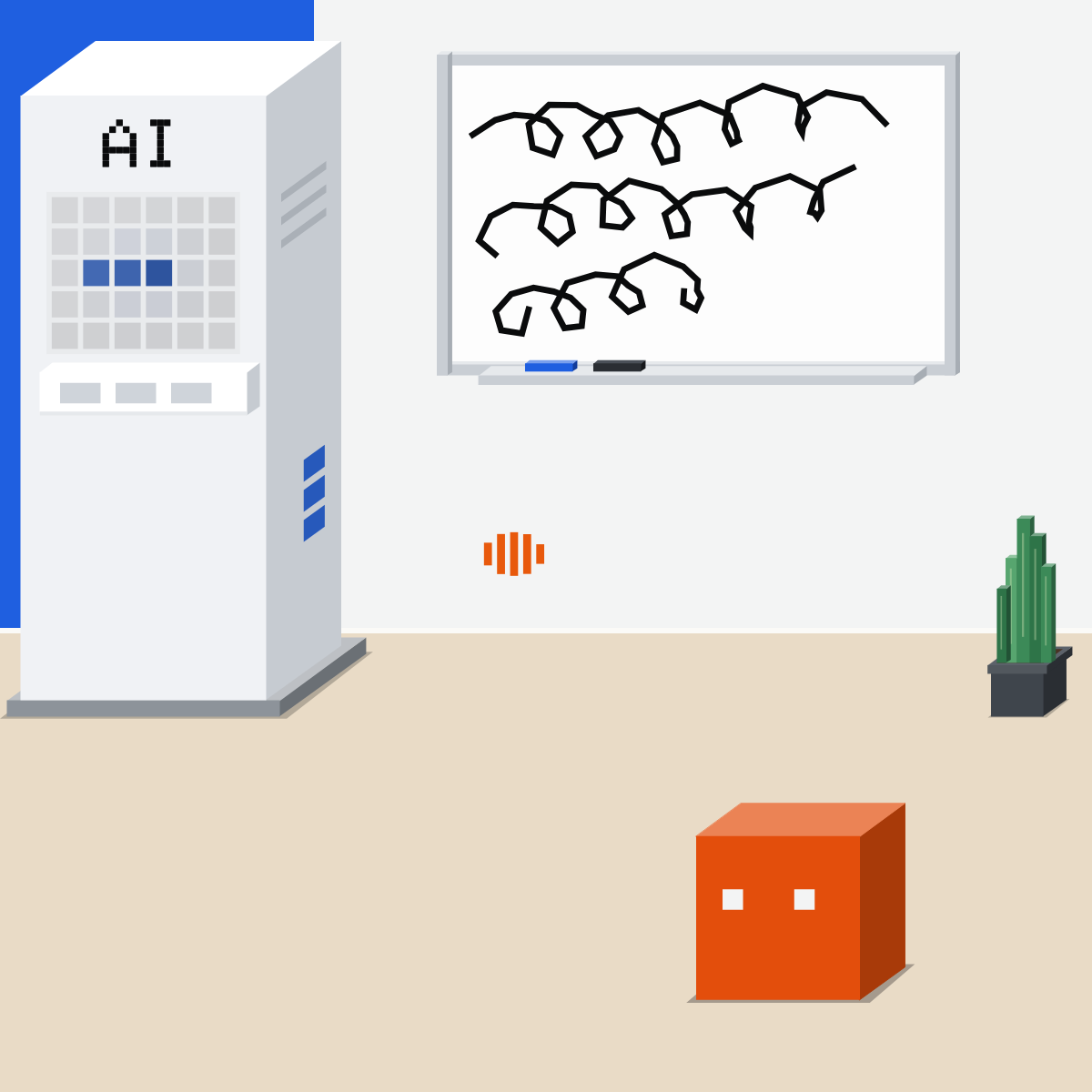
Type what must be exact
Numbers, names, links, the final text. Voice can mishear them. Dictating? Read it before you send.
My pick for dictation
 WillowAlso good:
  Wispr Flow
Hold a key, speak, and clean text appears in the app you are using. On Mac, Windows and iPhone.
All my picks
It can act. Check it first.
By voice, it can use your apps. Confirm on screen before anything is sent.

The talk is kept as text
Each voice chat leaves a transcript in your history. Delete the chat to remove it.
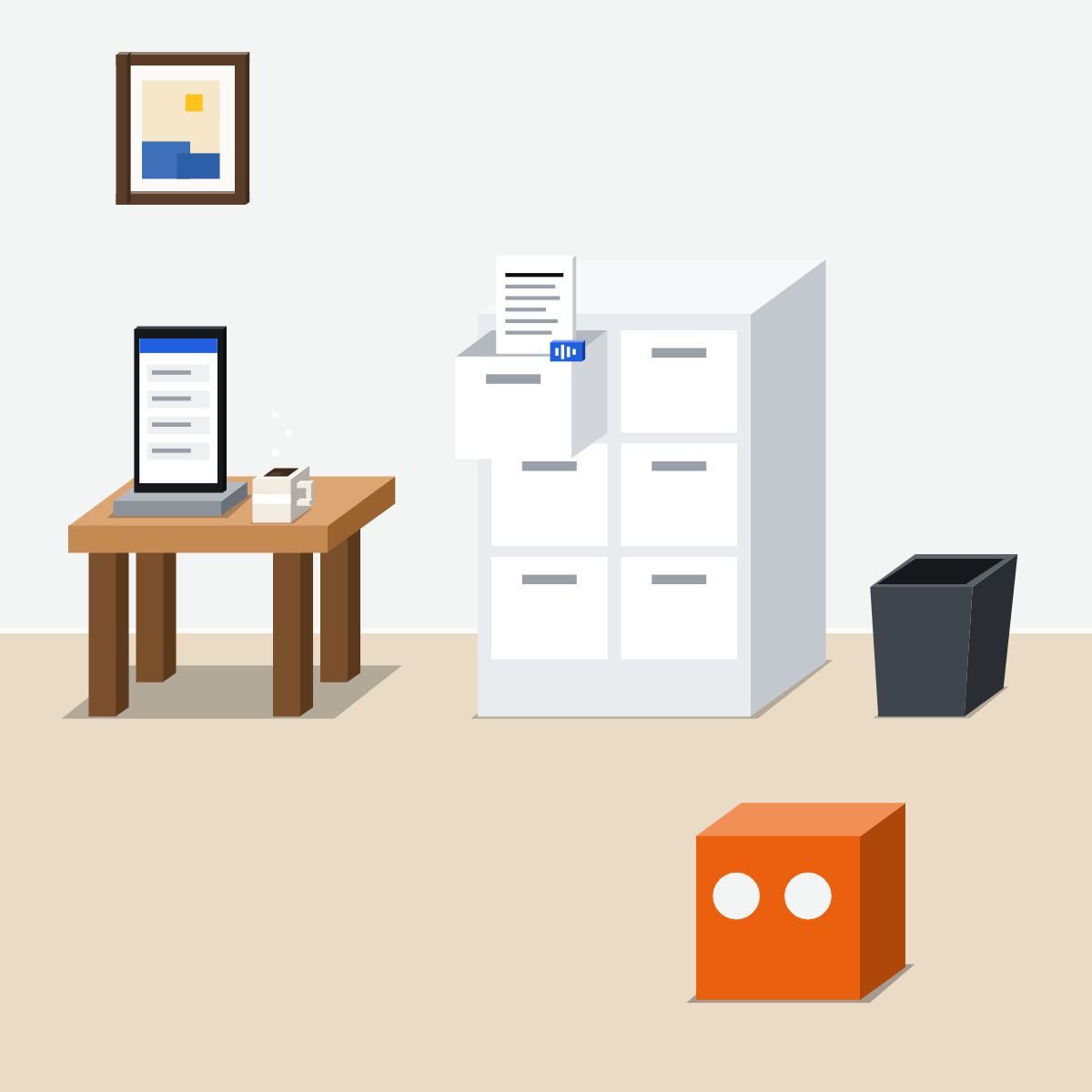
Say it messy. Send it exact.
Talk to find what you mean. Type, check and approve what goes out.

Rehearse a hard talk
Made up: nothing private.
- Paste this into a new chat.1 min
- Switch to voice and talk it through.6 min
- Open the transcript, then delete the chat.3 min
The made-up rehearsal
Help me rehearse a made-up conversation. You play my manager: busy, fair, a bit doubtful. I want to move a report's deadline by one week. Keep your replies short and realistic. After three rounds, stop and tell me what landed, what didn't, and one sentence I should say more simply.
Good looks likeA clearer second try, and the chat deleted.
In your assistant · as of Oct 2026 · Claude, ChatGPT, GeminiTalk, approve, delete
Menus move often. Missing something? A rollout, your plan, country or admin may be why.
- CheckType exact details
- CheckApprove on screen
- CheckDelete what's kept
People nearby hear you too. Keep private and client details for a quiet place and a tool your company approves.
 Claude
Calls it voice mode
Lower right of the chat window. On a phone, it sits next to the microphone, which dictates.
Switch to text in the same chat
The context carries over, so you can type a link or a number.
Next to the chat. Its transcript sits in your history like any chat.
In beta, on every plan. It can use your connected tools, such as Gmail and Google Calendar, under the same rules as a text chat.
 ChatGPT
Calls it ChatGPT Voice
In the message bar. New voices rolling out since 15 Oct 2026: Settings, then Voice.
On screen, not by voice
On web and phone. OpenAI: “Spoken approval is not supported.”
Its audio and video clips go within 30 days. Archiving only hides it.
Free and Go have Voice too, with limits by plan. In Work, ChatGPT's agent for longer jobs, Voice also needs Work access.
 Gemini
Calls it Gemini Live
In the Gemini app on your phone. Not in the web app for now.
It can add a calendar event. Wrong? Tap Undo, or ask it, while Live is open.
On gemini.google.com. Its audio, transcript, videos and screenshares go with it.
On a work account, only Calendar, Keep and Tasks work in Live, once your admin turns them on.
Quick check · three questionsDid it stick?
1On a walk, you need to reply to a supplier with a part number and a date. Best way?
The answer: A Voice can mishear numbers and names, and so can dictation. Dictating is fine: reading before you send is the check.2In ChatGPT Voice on your phone, it asks to send an email for you. You say “Yes, send it.” What happens?
The answer: B OpenAI says “Spoken approval is not supported.” You approve or decline with the on-screen controls.3You rehearsed a hard conversation in Claude's voice mode. What is left afterwards?
The answer: C Anthropic says transcripts are “saved in your chat history just like text conversations”. Delete the chat to remove it.
Dictation or voice mode?Side note
Clips and recordingsSide note
At workSide note
Sources, checked 18 Oct 2026Source
Product details as of Oct 2026, each checked on the vendor's own page on 18 Oct 2026. Recheck by 18 Nov 2026. The examples in the pictures are made up for this lesson.
- Anthropic, Use voice mode (a beta on every plan; web, desktop and phone; the sound wave icon; hands-free and push-to-talk; "when your hands are busy but your mind isn't"; connected tools such as Gmail, Google Calendar, Google Docs and Slack that "follow the rules of your plan"; switch to text for a link or code; transcripts "saved in your chat history just like text conversations"; dictation and voice mode; usage limits; Enterprise owners contact support to switch it off)
- Anthropic, Think through hard problems in voice mode, 23 Jul 2026 (Claude "will ask for permission before using one of your connected tools"; its picture shows the request on screen)
- Anthropic, Use dictation on Claude mobile (the microphone icon on the right of the chat input; every plan; the audio is deleted once converted to text)
- Anthropic, Claude plans (voice mode on every plan)
- Anthropic, Delete or rename a conversation (personal plans: ⋮, then Delete on the web; removed from history at once and from back-end systems within 30 days)
- Anthropic, Get started with connectors (per-tool settings: Always allow, Needs approval, Blocked)
- OpenAI, ChatGPT release notes (15 Oct 2026, GPT-Live-1.1 and GPT-Live-1.1 Quip rolling out with new voices, Settings then Voice; 23 Sep 2026, plugins in Voice and Voice in Work, Free and Go in Chat, Voice in Work needs Voice and Work access)
- OpenAI, ChatGPT Voice (the Voice icon in the message bar; GPT-Live-1.1 Quip on Free and Go; plugins and connected apps; on web and mobile, approve or decline on screen, spoken approval is not supported; transcript added to the chat; Live and Advanced clips kept 30 days and deleted with the chat within 30 days; archiving only hides)
- OpenAI, ChatGPT Work and Codex (Work, for longer tasks and finished files; Voice in Work on web and mobile; "Spoken approval is not supported.")
- OpenAI, Voice Dictation FAQ (the microphone icon; dictation audio kept as long as the chat is in your history)
- OpenAI, Deleting and archiving chats in ChatGPT (•••, then Delete)
- Google, Talk naturally with Gemini Live (Android and iPhone: tap Live at the bottom or swipe left; not in the web app; switch between Live and text in one chat; connected apps such as Calendar, Keep and Tasks, released gradually; add an event; Undo while Live is open; work accounts: Calendar, Keep and Tasks once the administrator enables them)
- Google, Gemini Apps release notes (19 May 2026, Gemini Live inside chat, switch between talking and typing; 29 Jul 2026, Fn-key dictation on the Gemini Mac app, in English)
- Google, Gemini Apps Privacy Hub (Live transcripts and recordings kept with Keep Activity on, up to 72 hours with it off; 18-month auto-delete; Live audio, videos and screenshares not used to improve services by default; Live transcripts used with Keep Activity on)
- Google, Manage & delete your activity in Gemini Apps (Keep Activity on by default at 18 and over; on gemini.google.com, Settings & help, then Activity; deleting Live activity deletes its audio, transcript, videos and screenshares)
- Willow, home page (press your hotkey, speak, text appears at your cursor in any app; Mac, Windows and iPhone)
Free skillDevil's advocateBring this to your teamExecutive coaching · Get in touchBack to level 3, Power features
Talk to think. Type to be exact.
Next lesson · 15 minWhat is an AI agent, actually?