Why does your prompt only make sense to you?
Add what only you know: the reader, and the use.
Fine, for nobody
“Summarise this report.” A fine summary came back, for nobody in particular.
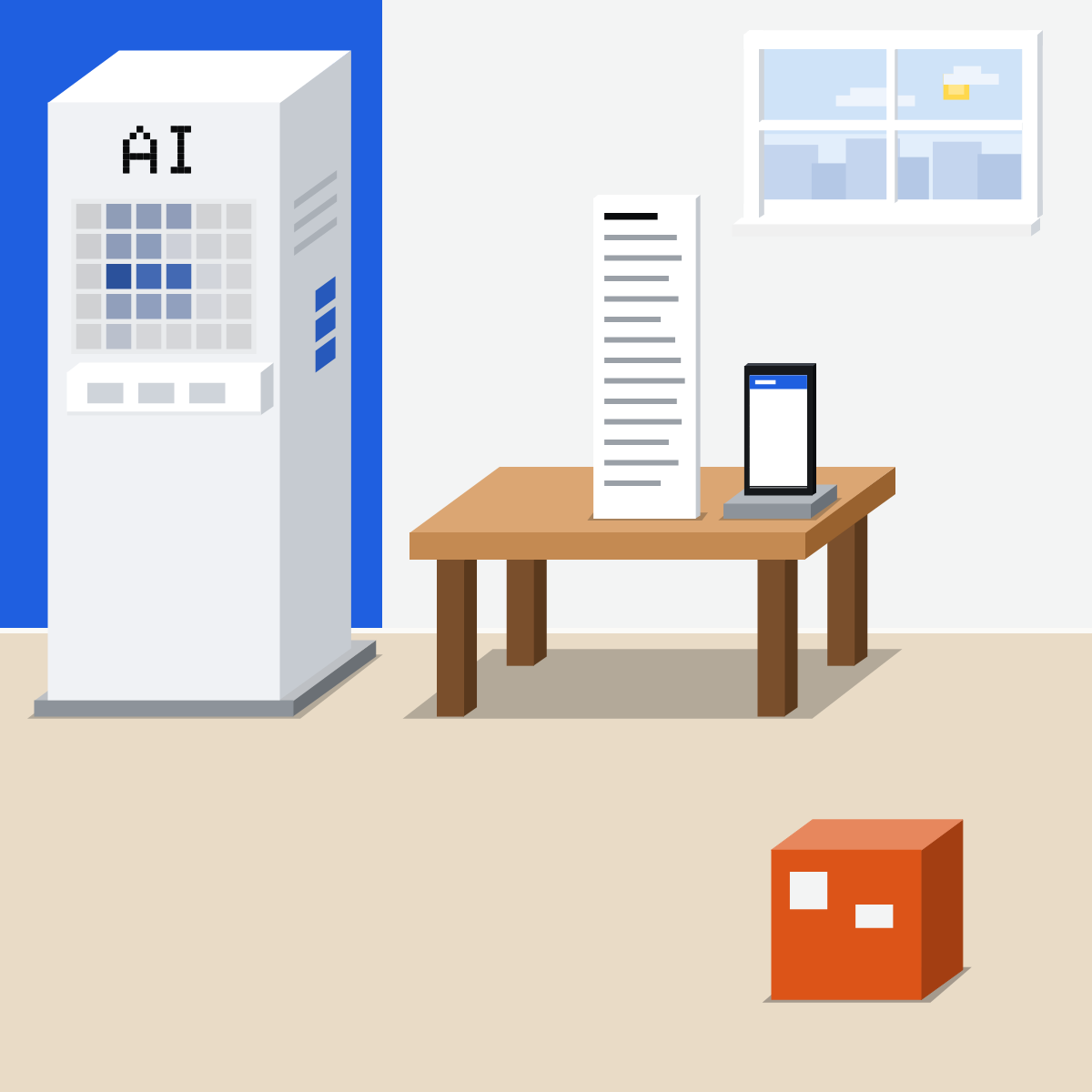
Only you hear the tune
A 1990 study: tappers expected half their songs named, on average. Listeners got 1 in 40.
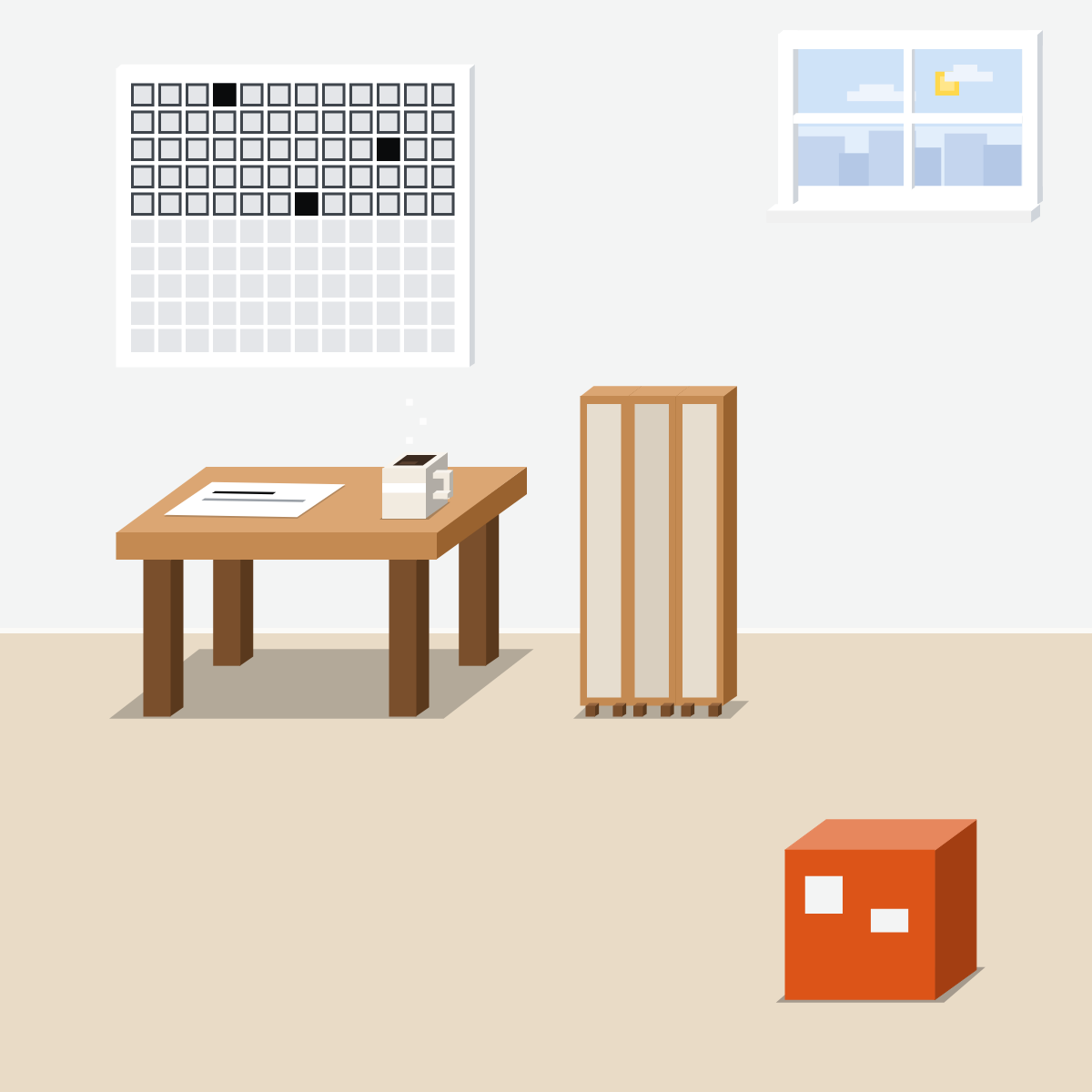
Your request is the tapping
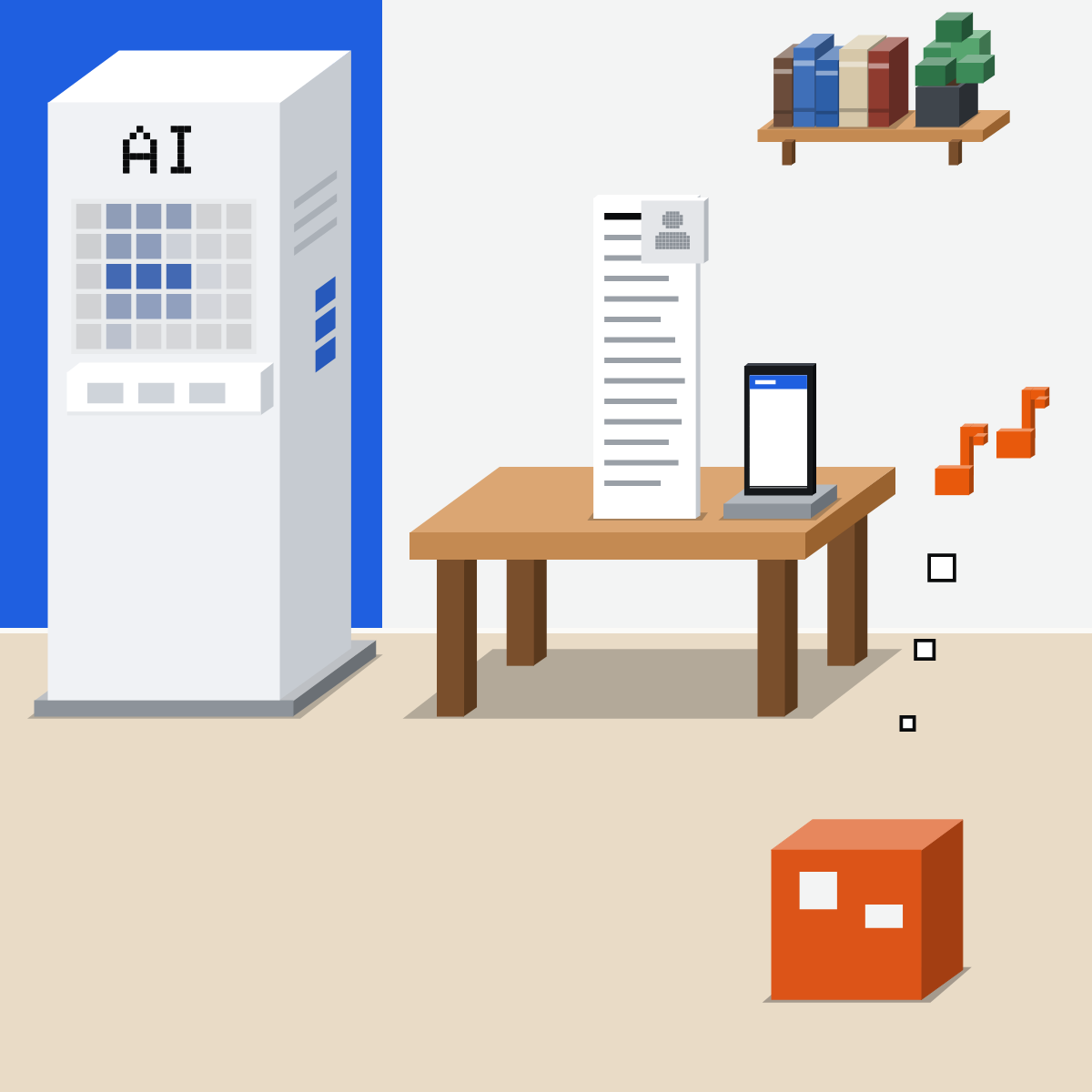
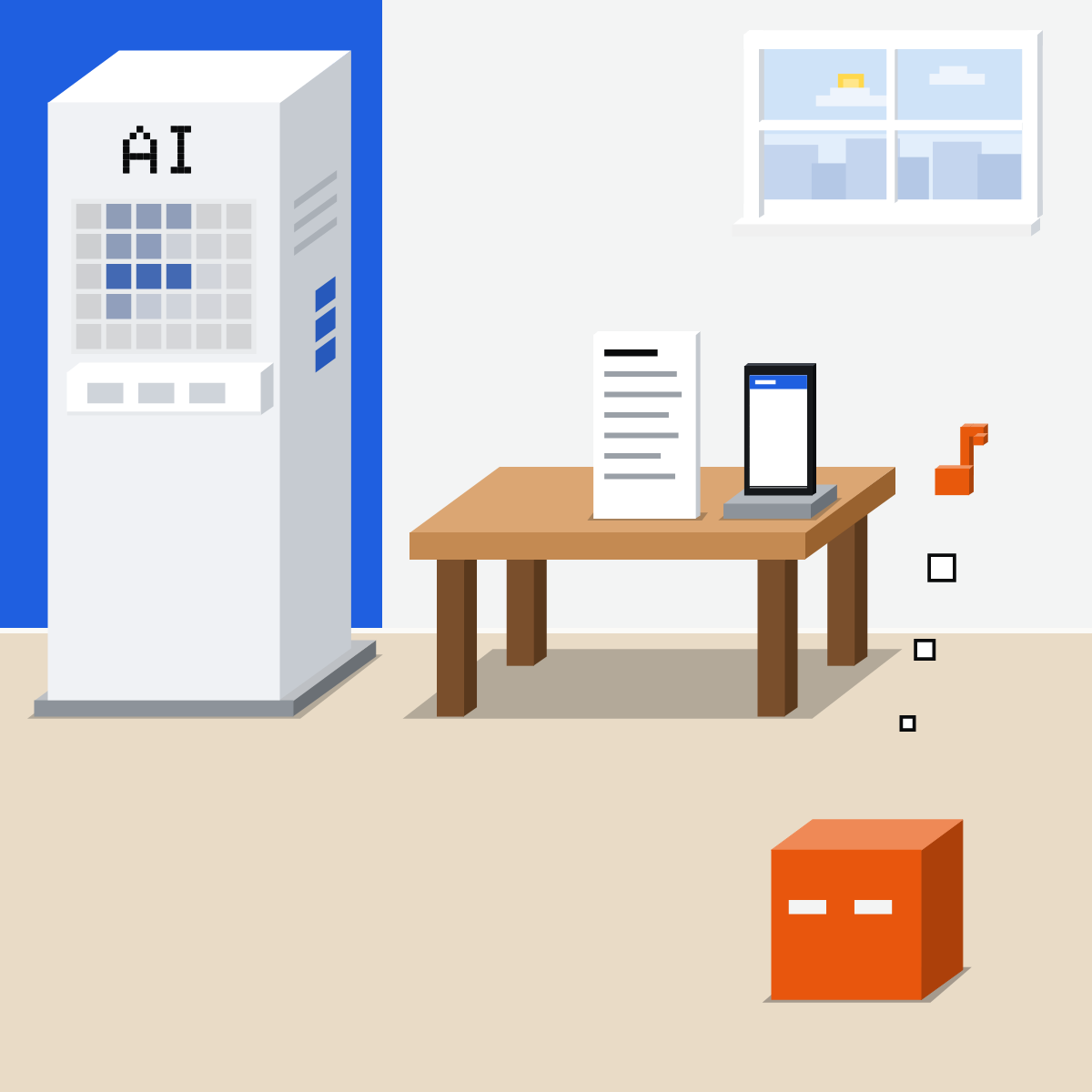
Our comparison: it gets the taps, not the tune. So it picks a typical reader.
Three moves
Before you send:
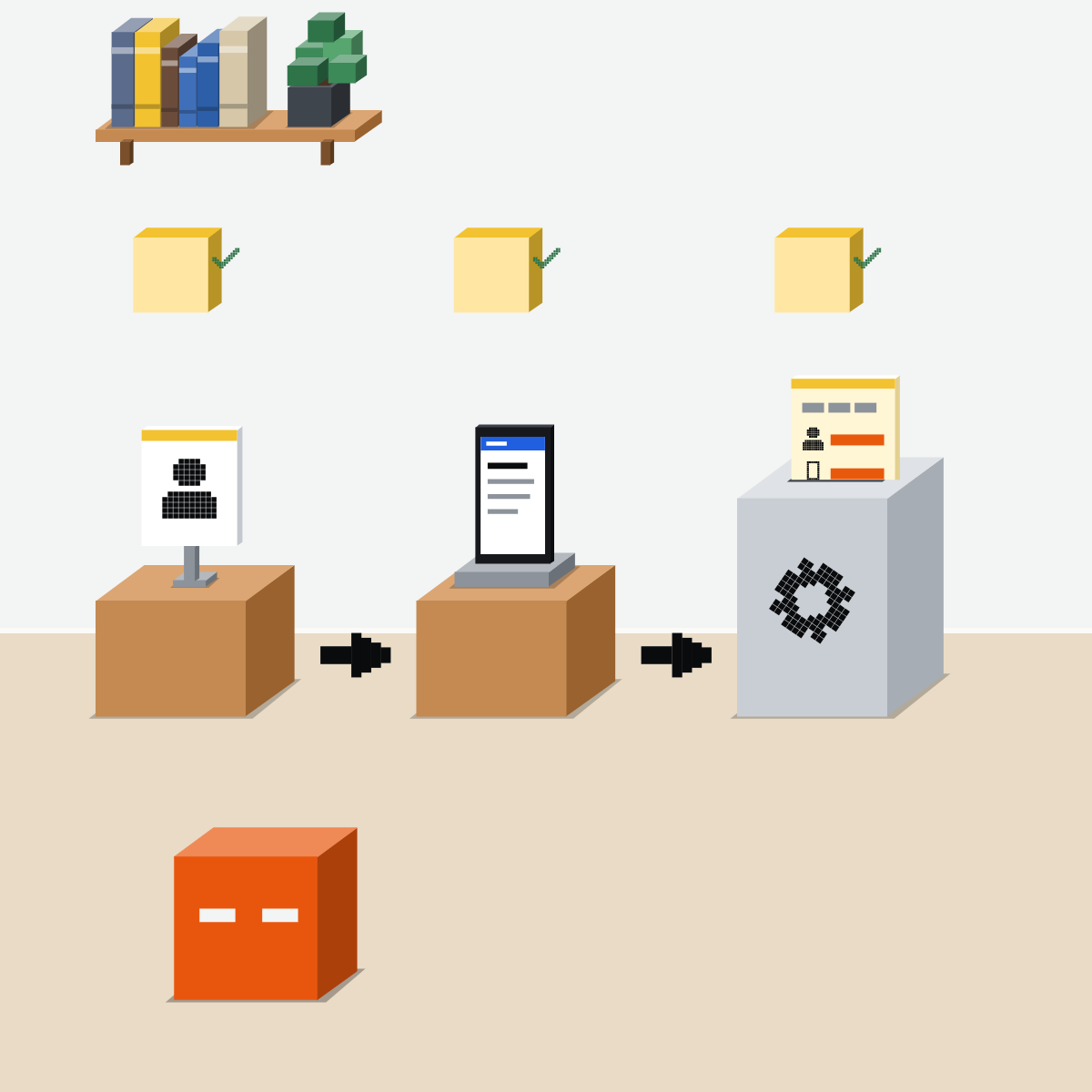
- Who reads it
- How they'll use it
- Say it once
1. Who reads it
And what they know: “For my boss. She knows the project, not the figures.”
2. How they'll use it
Where and when they'll read it. “On her phone, two minutes before a meeting.”
My pick for writing
 ChatGPTAlso good:
  Claude
Quick drafts in a chat, and ChatGPT for Word to work right inside your document.
All my picks
3. Say it once
Save your usual reader in standing instructions. Add the lines for anyone else.

Put the tune into words
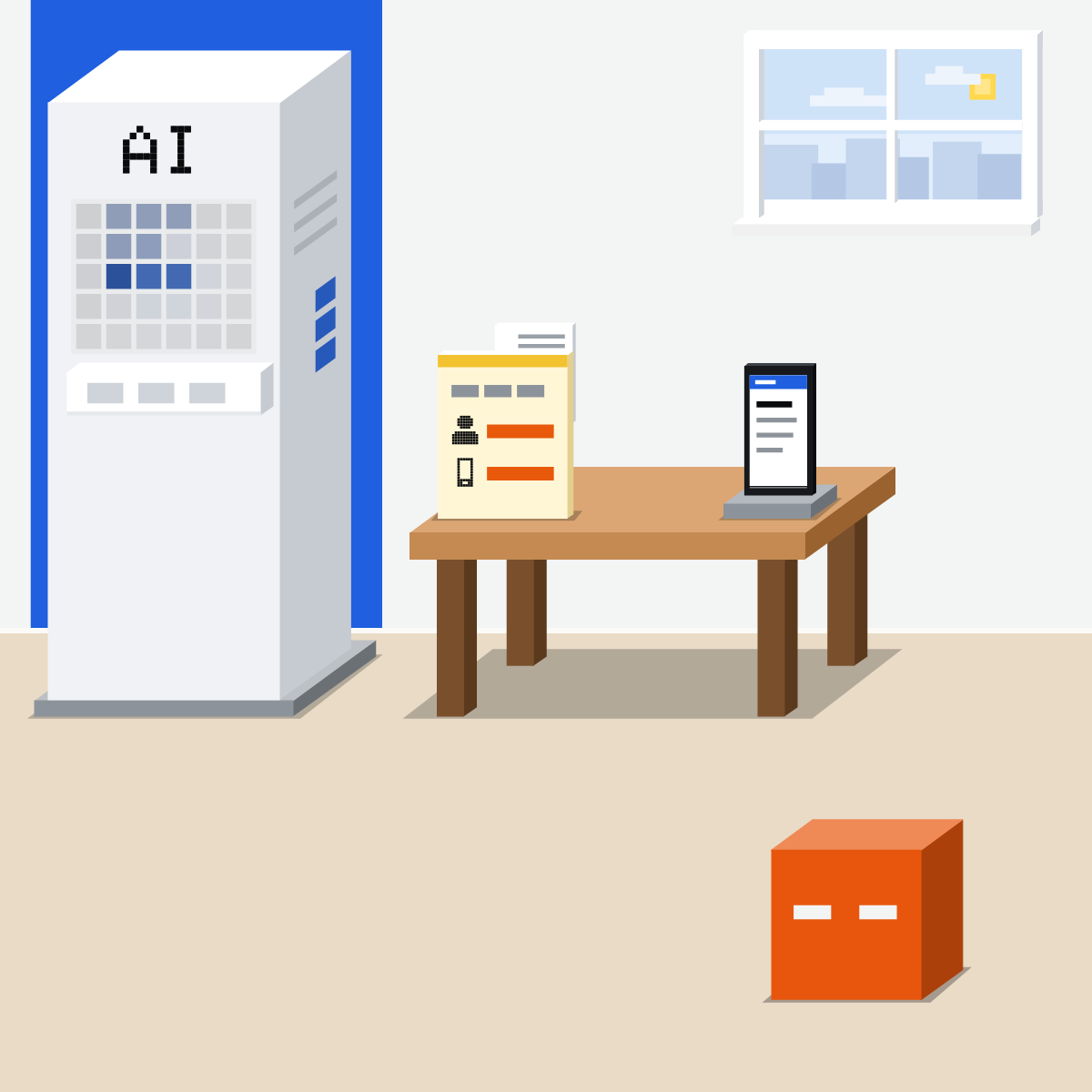
Two lines in every request: who reads it, and how they'll use it.
Catch its guess
Use made-up or public material.
- Take a request you send often.1 min
- Add: “First, guess who reads this, and how.”2 min
- Read its guess. Reply with the two lines.2 min
The two lines
For: [who reads it, and what they already know]
Use: [where and when they'll read it, and what they'll do next]
Good looks likeThe next answer fits your reader.
In your assistant · as of Oct 2026 · Claude, ChatGPT, GeminiSay your usual reader once
Standing instructions go into every chat. Menus move often; at work, an admin may decide.
- CheckYour role, in brief
- CheckWho usually reads it
- CheckHow they usually read
Use roles, not names: “my director”, not her name. Keep clients and anything private out of standing instructions.
Claude
Instructions for Claude, and project instructions
Click your initials first. Applies to all your chats.
Only chats in that project use them. Save instructions when done.
Someone new? Add the two lines to the request.
For: who reads it. Use: how they'll use it.
ChatGPT
Custom Instructions, and project instructions
Turn on Enable customization first. On every plan.
Project instructions apply only in that project and override your custom instructions.
Someone new? Add the two lines to the request.
For: who reads it. Use: how they'll use it.
 Gemini
Instructions for Gemini, and skills
Then Add, type it and Submit. Gemini applies it to every chat.
Saves instructions for one kind of task. Personal accounts, 18 or over, for now.
Someone new? Add the two lines to the request.
For: who reads it. Use: how they'll use it.
Can't find Customize? Click More in the sidebar first.
Quick check · three questionsDid it stick?
1Your request reads perfectly to you. Why can the answer still miss?
The answer: B What's obvious to you never reaches it. Two plain lines fix that, not clever wording.2You ask: “Write a note about the office move.” Which line adds the most?
The answer: C It names the reader and the use. Adjectives and job titles leave the reader to a guess.3You write for the same director most weeks. What saves retyping?
The answer: A Standing instructions go into every chat. Add the two lines when the reader is someone else.
The studySide note
The vendors say it tooSide note
The rest of a briefSide note
Sources, checked 18 Oct 2026Source
Product details as of Oct 2026, each checked on the vendor's own page on 18 Oct 2026. Recheck by 18 Nov 2026. The examples in the pictures are made up for this lesson.
- Elizabeth Newton, The rocky road from actions to intentions, PhD dissertation, Department of Psychology, Stanford University, June 1990, scanned copy (page 40 and Table 1, page 41: 3 hits in 120 tries, 2.5 percent; the tappers' guesses averaged 50 percent, from 10 to 95; pages 35, 36 and 44: the tapper hears the tune, the listener only the taps)
- Stanford Magazine, Getting Attention, July/August 2007 (Chip Heath cites Elizabeth Newton's tappers: they predicted 50 percent, and listeners guessed 3 of 120 songs; the Heaths' curse of knowledge)
- Anthropic, Prompting best practices, for current Claude models (Claude as "a brilliant but new employee who lacks context on your norms and workflows"; context or motivation helps Claude deliver more targeted responses)
- Anthropic, Best practices for prompt engineering for 2026, dated 10 Nov 2025 (when to provide context: the purpose or audience for the output; how the output will be used; vague instructions and generic outputs)
- OpenAI, How do I create a good prompt for an AI model? (ask as if sending another human a request; provide necessary context)
- Anthropic, Understanding Claude's personalization features (Instructions for Claude, from your initials and Settings, for all conversations; project instructions only in that project)
- Anthropic, How can I create and manage projects? (Set project instructions, Save instructions)
- OpenAI, ChatGPT Custom Instructions (Settings, Personalization, Enable customization, Custom Instructions; all plans; all chats)
- OpenAI, Projects in ChatGPT (the ••• menu, Project settings; project instructions apply only in that project and override your custom instructions)
- Google, Manage what Gemini remembers about you and customize responses (Settings & help, Personal Intelligence, Instructions for Gemini, Add, Submit; applied to every chat)
- Google, Create & manage skills for Gemini Apps (Customize, More, Skills, Create; 18 or over)
- Google, About the transition from Gems to skills (skills for individuals over 18 on a personal Google Account; work and school accounts soon)
Free kitThe 2026 AI StarterBring this to your teamTeam workshops · Get in touchBack to level 2, Everyday skills
Name the reader. Name the use.
Next lesson · 15 minWhat should you hand AI, and what should you leave out?