How do you use AI in a spreadsheet and still trust the numbers?
Work on a copy. Ask for formulas. Trace three figures and the total.
It fixed the totals
It typed 48,200 over your formula. Right today, wrong next month.

Copy first, then one range
Save a copy or name a version. Then name the job and the range: “Sales tab only. Change nothing else.”
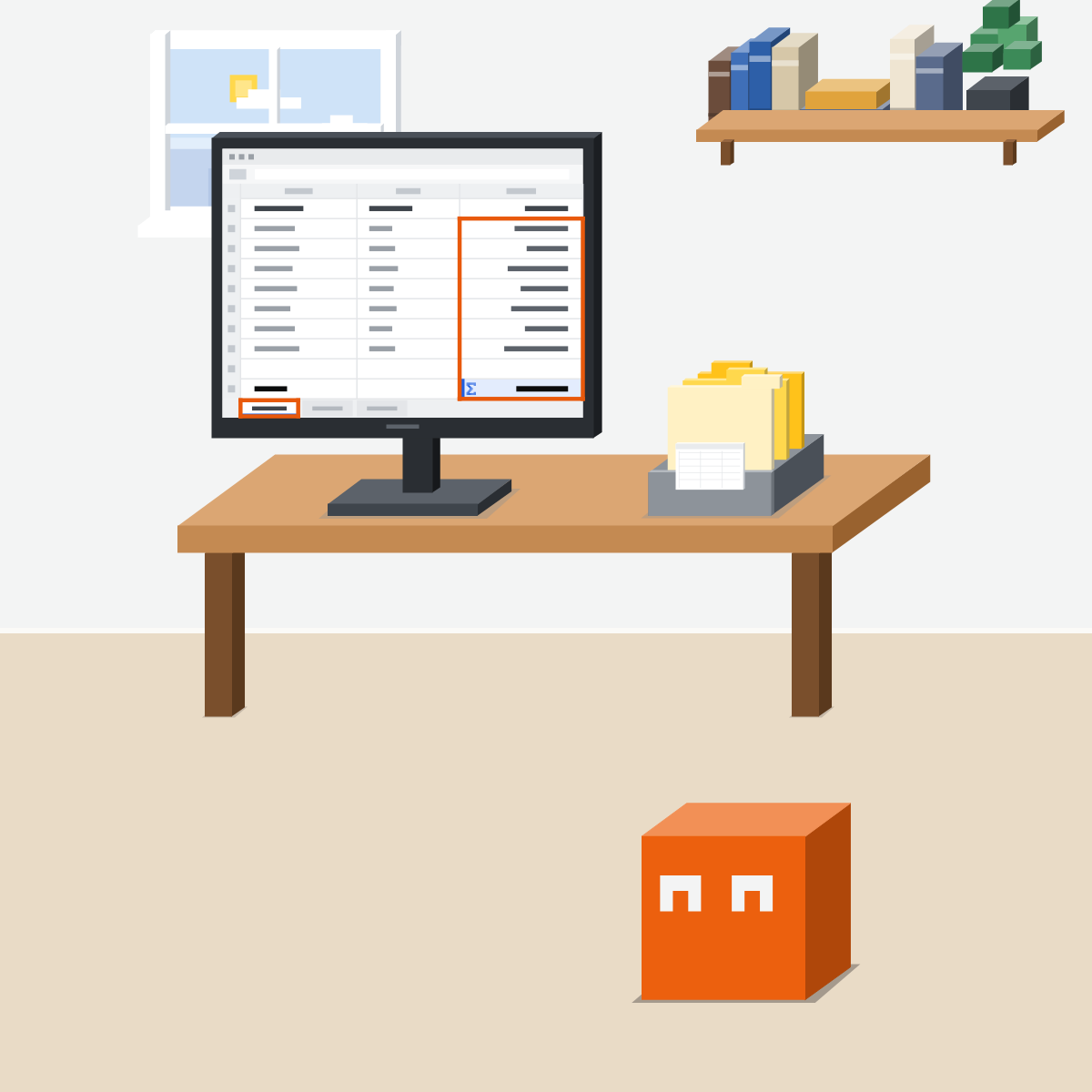
Formulas, not typed numbers
Ask for formulas, not results. A formula shows its working and updates. A typed number never does.
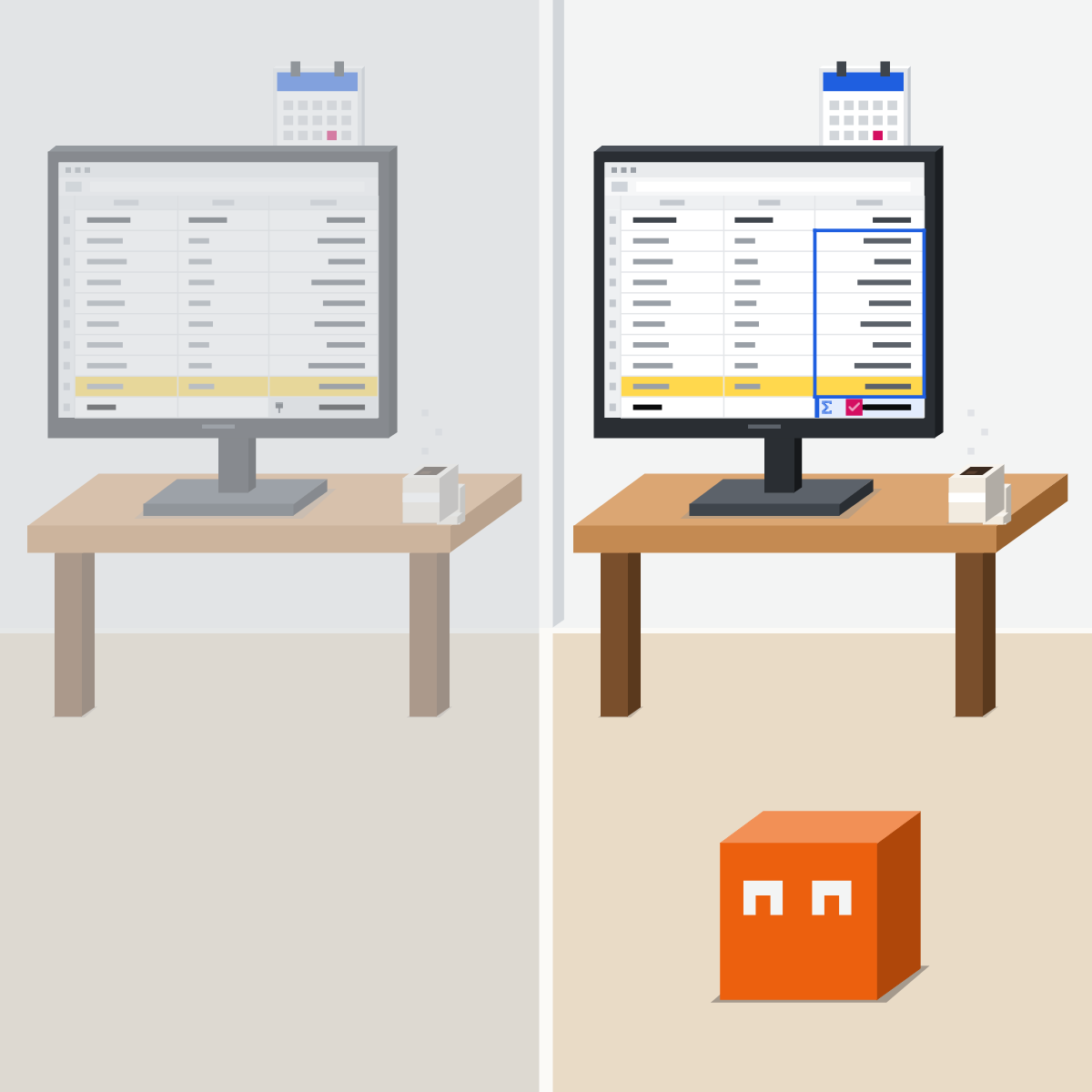
Show me the cells
Make it point to the cells it used and list exactly what it changed. Review each change before you approve.

Trace three, match the total
Trace three figures back to the raw rows. Then check the total against a figure you already know.
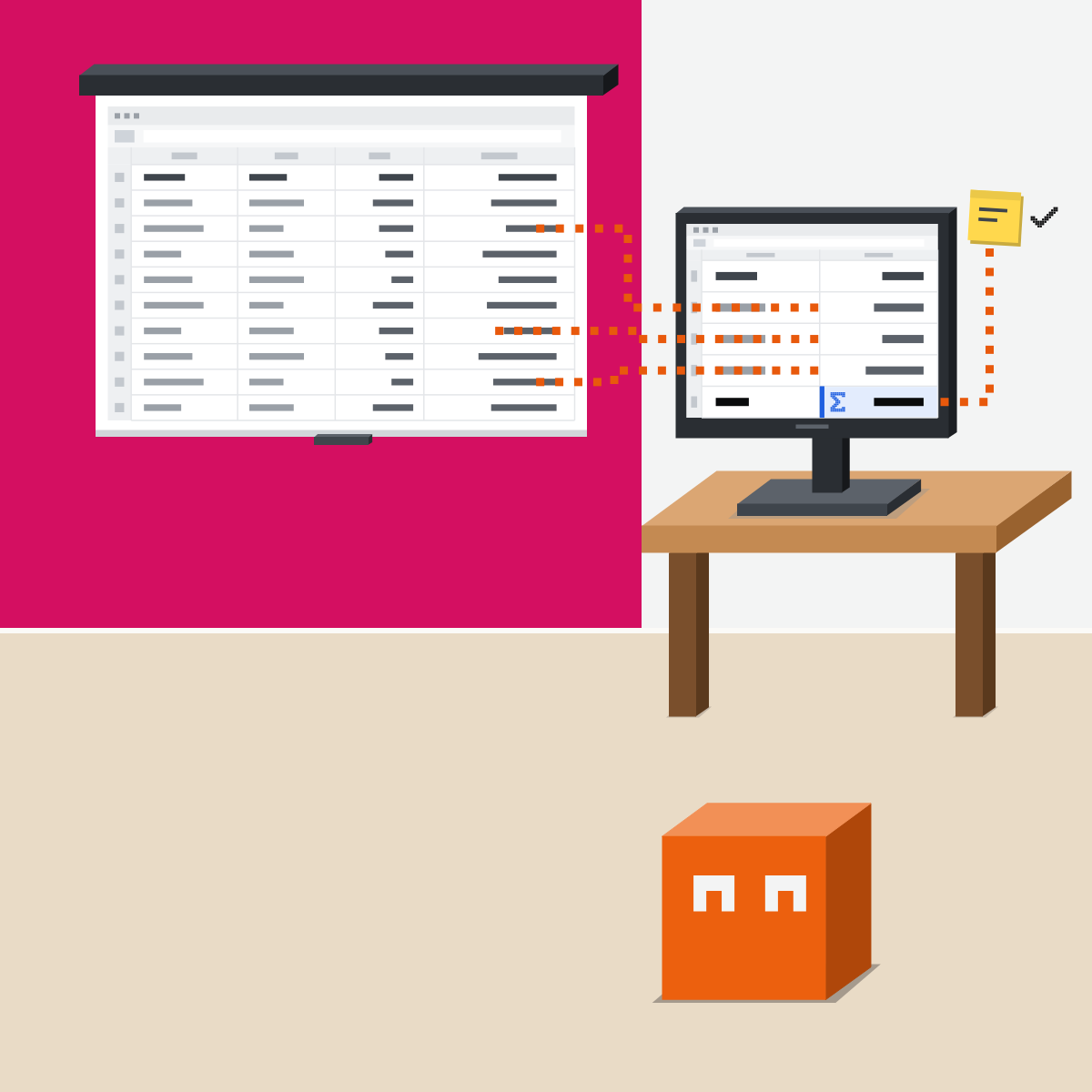
Right today. Right next month.
Work on a copy, ask for formulas, and trace three figures and the total yourself.
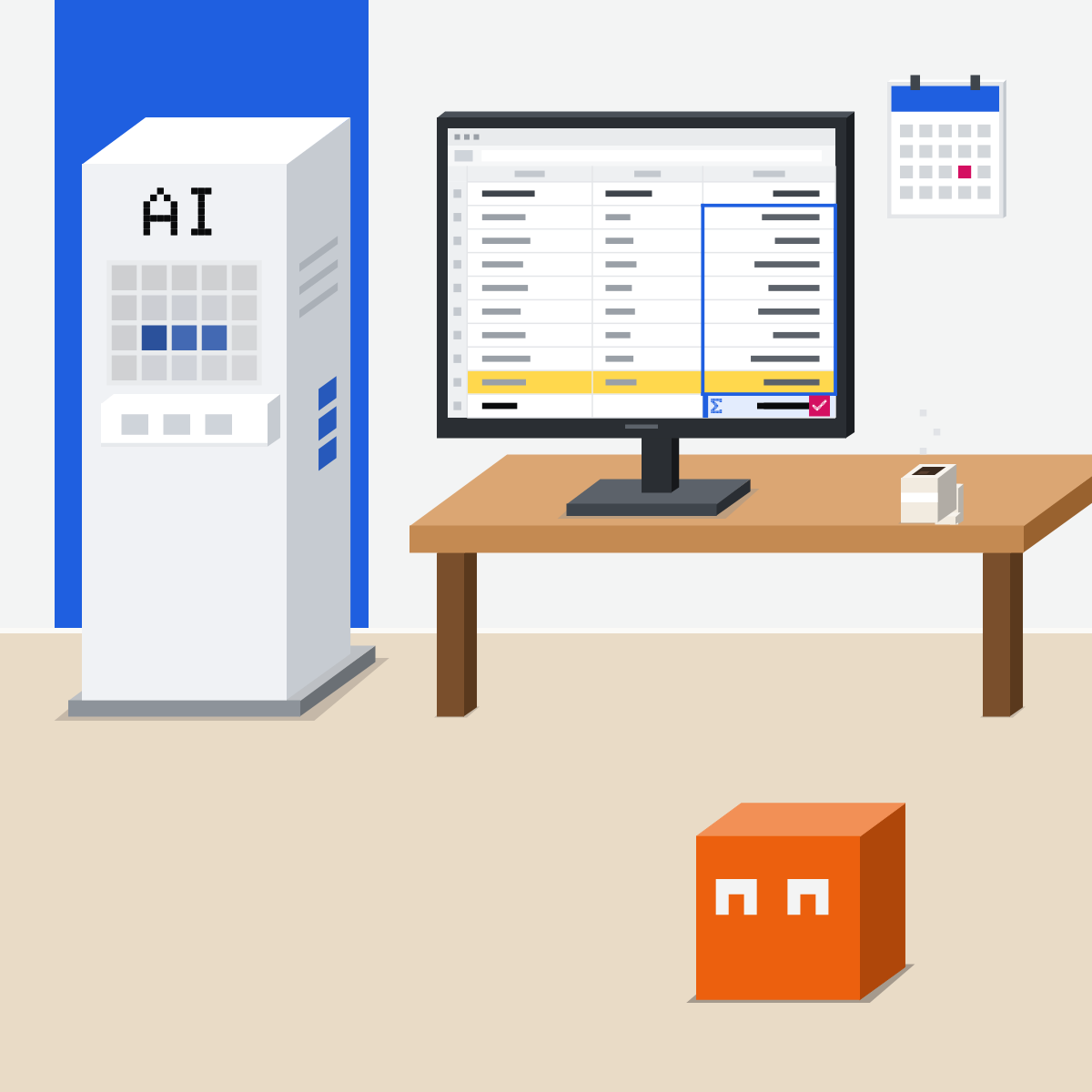
Ten rows, three checks
Made-up figures only. Nothing private.
- Type ten rows: month, region, sales.2 min
- Ask for the text below.3 min
- Check three results: read each formula, check it covers all ten rows, redo one sum by hand.4 min
- Count what was wrong or typed in.1 min
Ask for
Add a total, an average per region and the top month, as formulas. Say which cells you used.
Good looks likeYou know how much checking this tool needs.
In your assistant · as of Oct 2026 · Claude, ChatGPT, GeminiIn your spreadsheet
My pick: Claude, then ChatGPT, then Gemini. Menus move often, and plans differ.
- CheckYour company approves it
- CheckA copy first
- CheckOne named range
Personal or confidential data only where your company's rules allow it. This is not legal advice.
Claude
Claude for Excel, an add-in
Or ask IT, then sign in. Excel on the web, Windows and Mac.
Answers cite cells you can click. Change a value and formulas stay linked.
It warns before overwriting data.
In Google Sheets, Claude for Google Workspace (beta) edits the sheet directly, so keep “Ask before edits” on. Plans: Pro, Max, Team and Enterprise.
ChatGPT
ChatGPT for Excel and Google Sheets, a sidebar
In Sheets, install it from the Google Workspace Marketplace. Then sign in.
OpenAI's own example: “Before editing, outline exactly which tabs/ranges you'll modify.”
After the change, ask it to “list exactly what changed”. Review formulas and changed cells.
Every plan; limited on Free and Go.
Gemini
Gemini in Google Sheets
Top right. For an Excel file, choose File > Save as Google Sheets first.
Ask for a formula, an analysis or a chart, then see how it got there.
Undo works until you change anything else.
Plans: Google AI Pro or Ultra on personal accounts; at work, Business Standard, Business Plus, Enterprise Standard or Enterprise Plus.
Quick check · three questionsDid it stick?
1The AI “fixed” your totals and they look right. What do you check first?
The answer: B A typed number looks right today and never updates.2Which step works in every tool before an AI edits a sheet?
The answer: A With a copy you can always compare and go back.3It says sales rose 12 percent (an example figure). How do you check?
The answer: C A chart or a bigger model can repeat the mistake.
Even Anthropic says soSide note
Which modelSide note
Files from outsideSide note
Sources, checked 16 Oct 2026Source
Product details as of Oct 2026, each checked on the vendor's own page on 16 Oct 2026. Recheck by 16 Nov 2026. The examples in the pictures are made up for this lesson.
- Anthropic, Use Claude for Excel (plans; Excel versions; install; cell citations; formulas stay linked; overwrite warning; trusted spreadsheets; audit-critical calculations; read 16 Oct 2026)
- Anthropic, Use Claude in Google Docs, Sheets, and Slides (beta on Pro, Max, Team and Enterprise; Ask before edits; edits in place; read 16 Oct 2026)
- Anthropic, Claude now works with Google Docs, Sheets, and Slides (6 Oct 2026; public beta; read 16 Oct 2026)
- Anthropic, Change the model, effort, and thinking settings (effort levels; Extra high on Opus 4.7 and newer; read 16 Oct 2026)
- Anthropic, Introducing Claude Sonnet 5.5 (28 Sep 2026; Sonnet 5.5's effort levels; read 16 Oct 2026)
- OpenAI, ChatGPT for Excel and Google Sheets (install; outline the ranges first; list what changed; every plan, limited on Free and Go; read 16 Oct 2026)
- OpenAI, ChatGPT for Excel and Google Sheets product page (answers linked to cells, OpenAI's description; read 16 Oct 2026)
- OpenAI, ChatGPT plans (the extensions, limited on Free and Go; read 16 Oct 2026)
- Google, Collaborate with Gemini in Google Sheets (Ask Gemini; Save as Google Sheets; Analysis steps; Show code; Action preview card; Apply; Undo; read 16 Oct 2026)
- Google, Get started with Google Workspace with Gemini (the Workspace editions and Google AI plans with Gemini in Sheets; read 16 Oct 2026)
Free kitThe AI Fact-Check KitBring this to your teamTeam workshops · Get in touchBack to level 5, Office work, by task
Work on a copy. Ask for formulas. Trace three figures and the total.
Next lesson · 15 minHow do you make a deck with AI that still says what you mean?