How do you make a deck with AI that still says what you mean?
Your message first. Let AI build. Then cut hard and check every figure.
Fourteen slides, very fast
It made 14 neat slides. Slide 9's figure comes from no file.
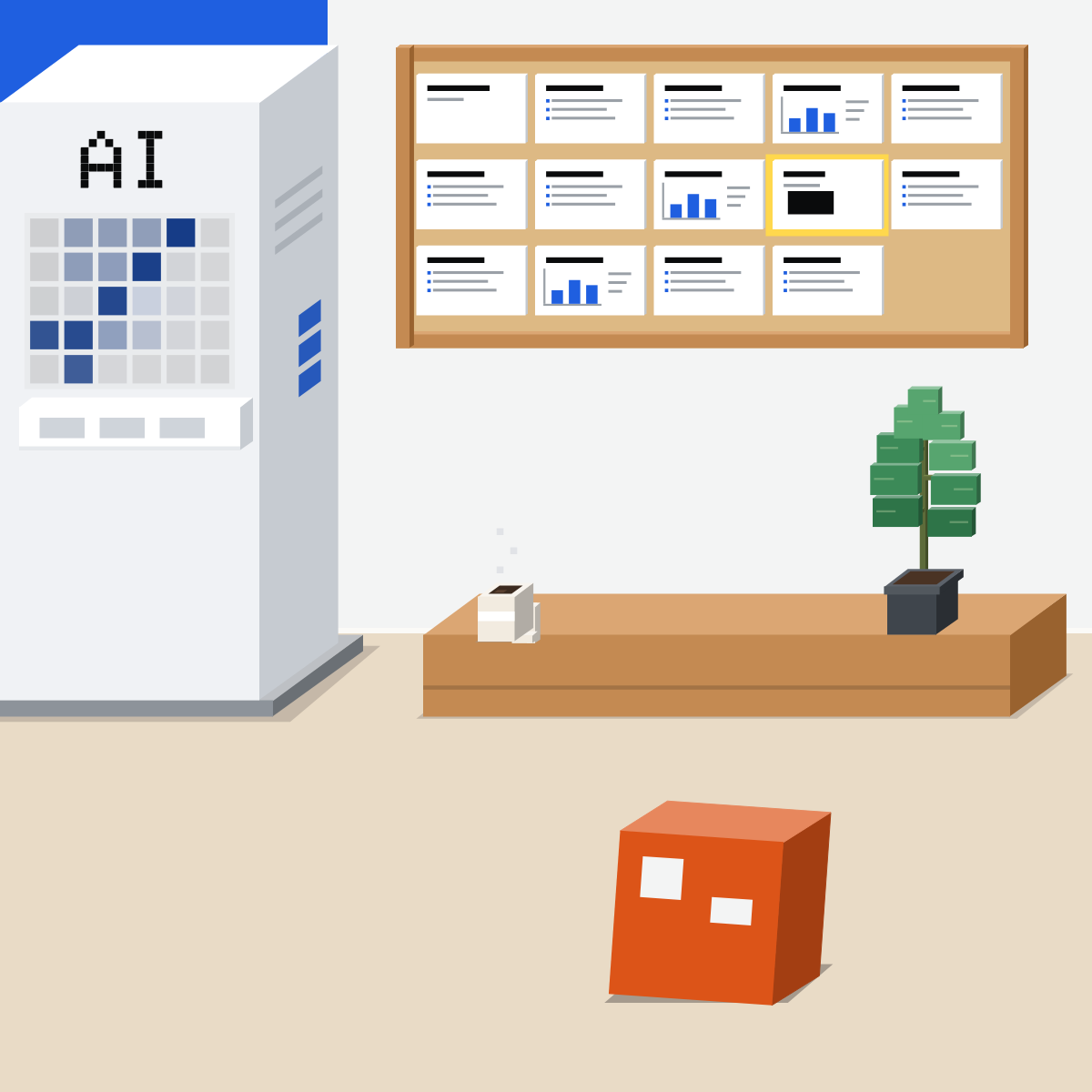
Your message first
Before any slide, write the one thing they must leave with. Then three to five points, a source for each.
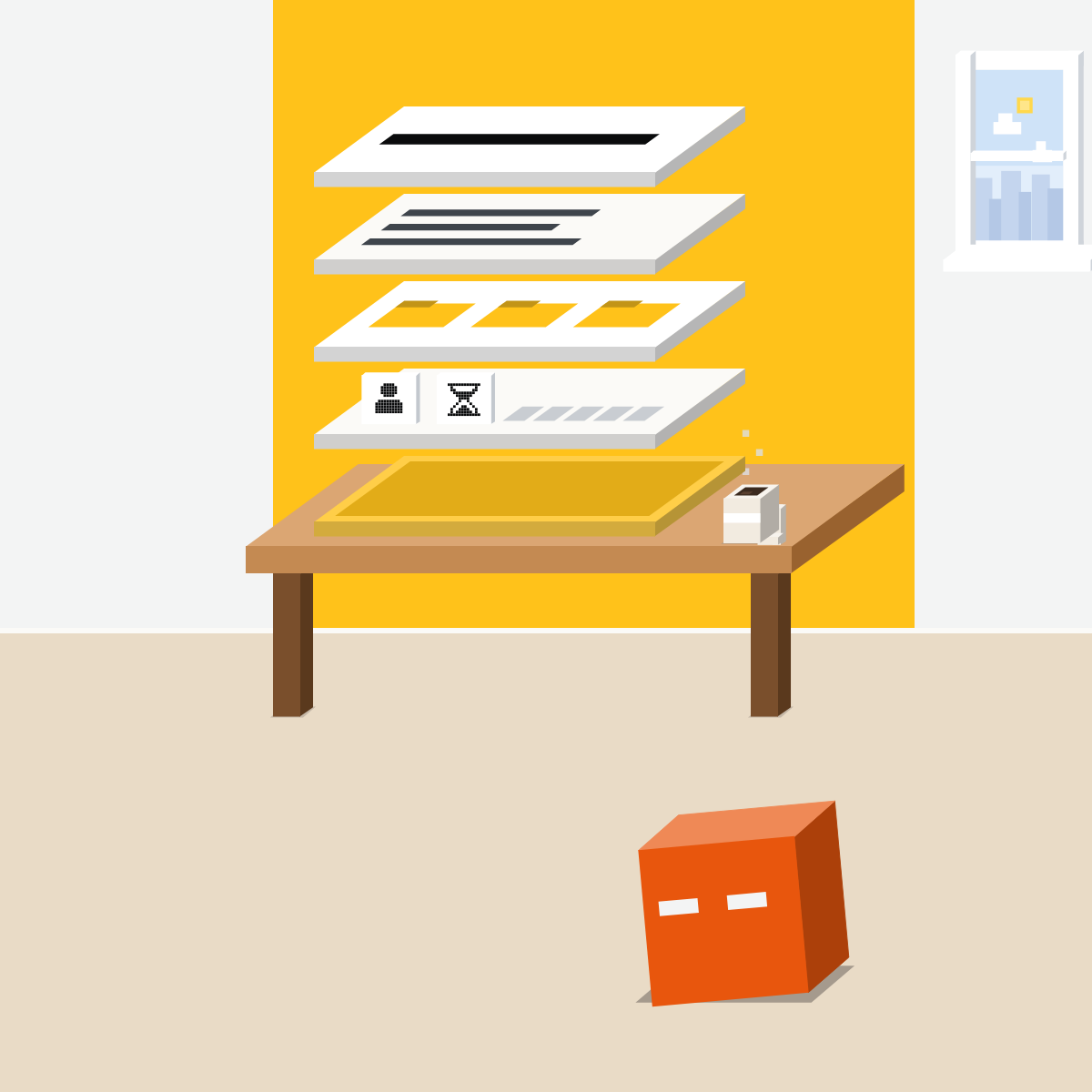
The title test
Ask for slide titles only and read them alone. If they tell your story, the deck will.
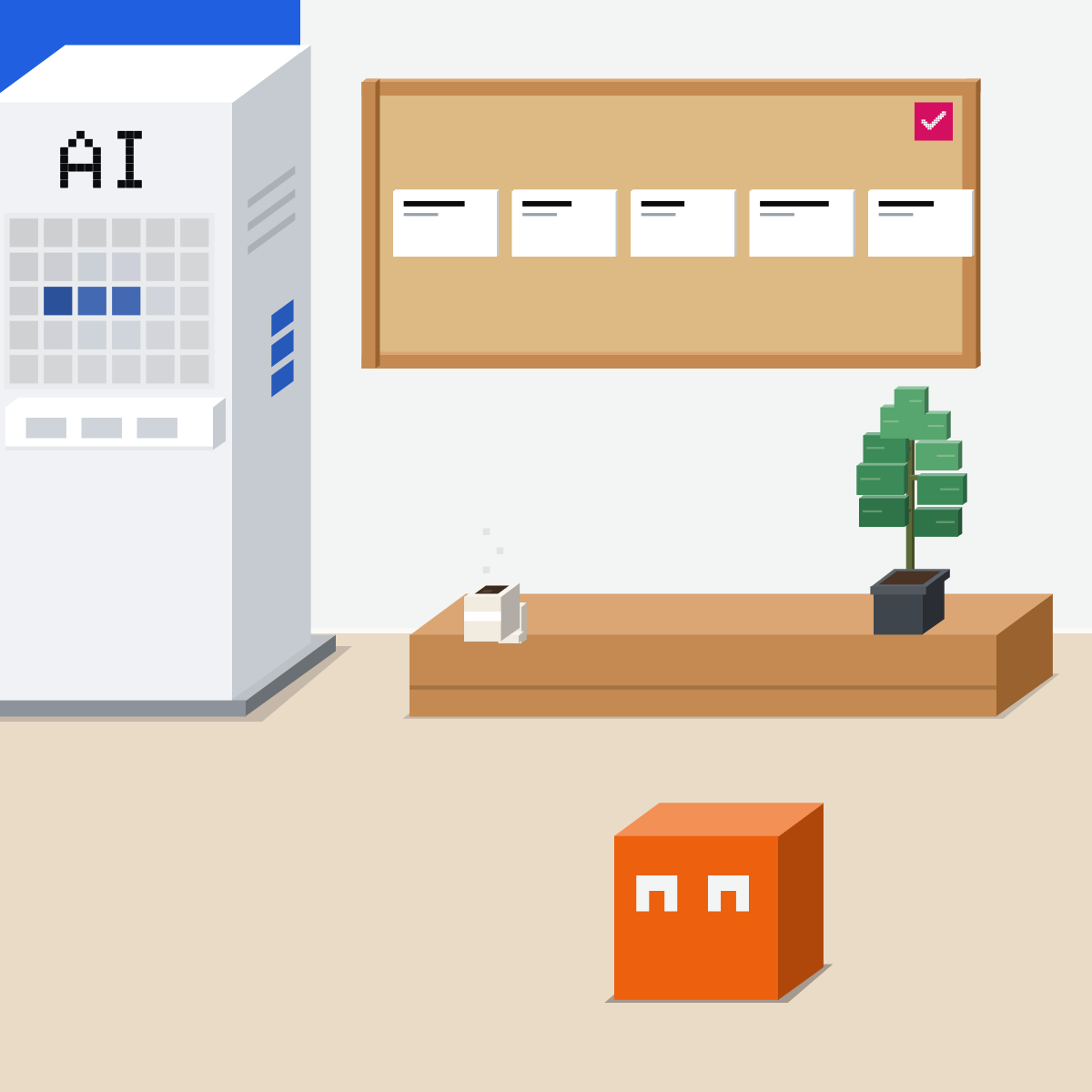
Then let it build
Now it builds the slides from the attached sources only. It will be generous.
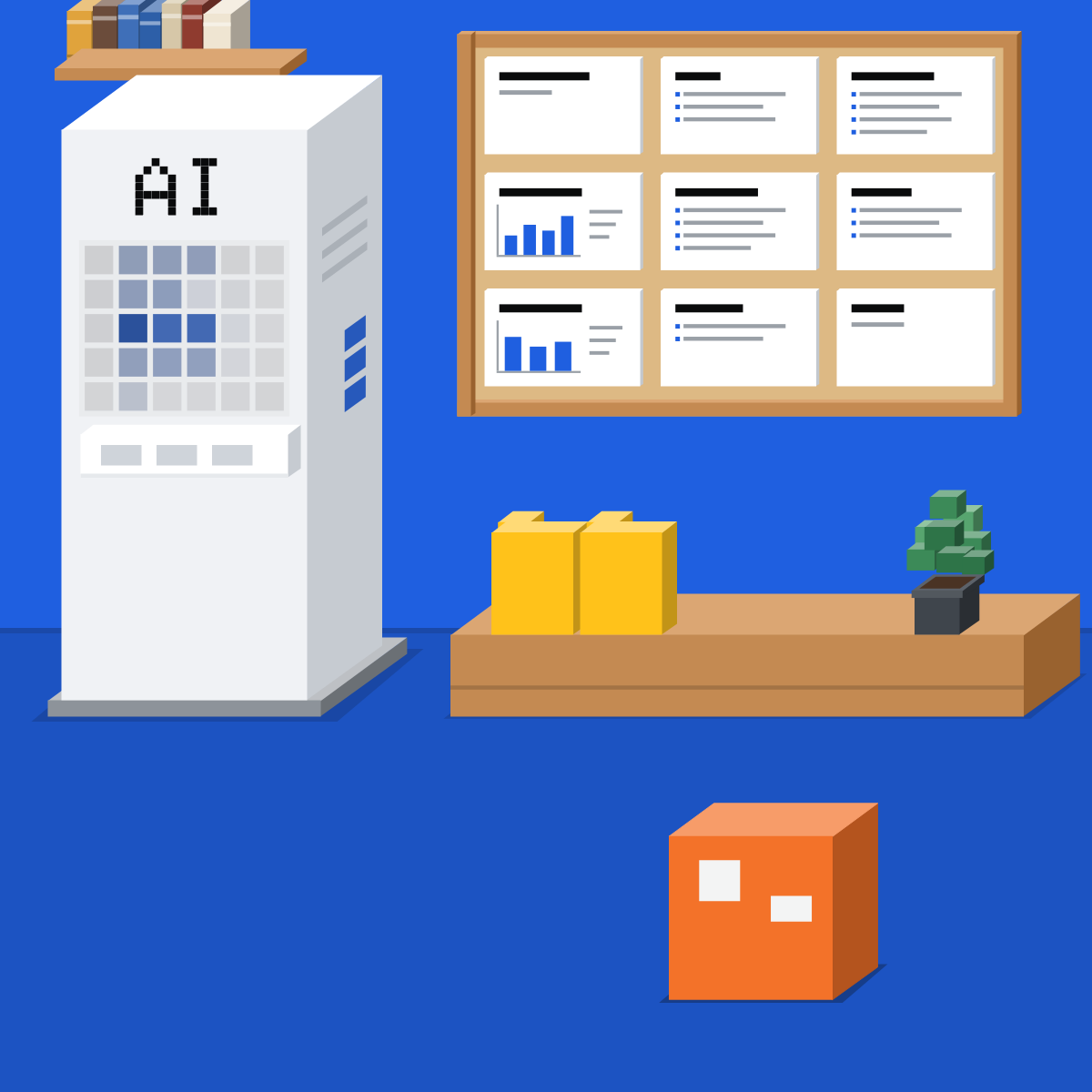
Now cut hard
AI is good at adding. Your job is taking away: fewer slides, half the words.
Trace every figure
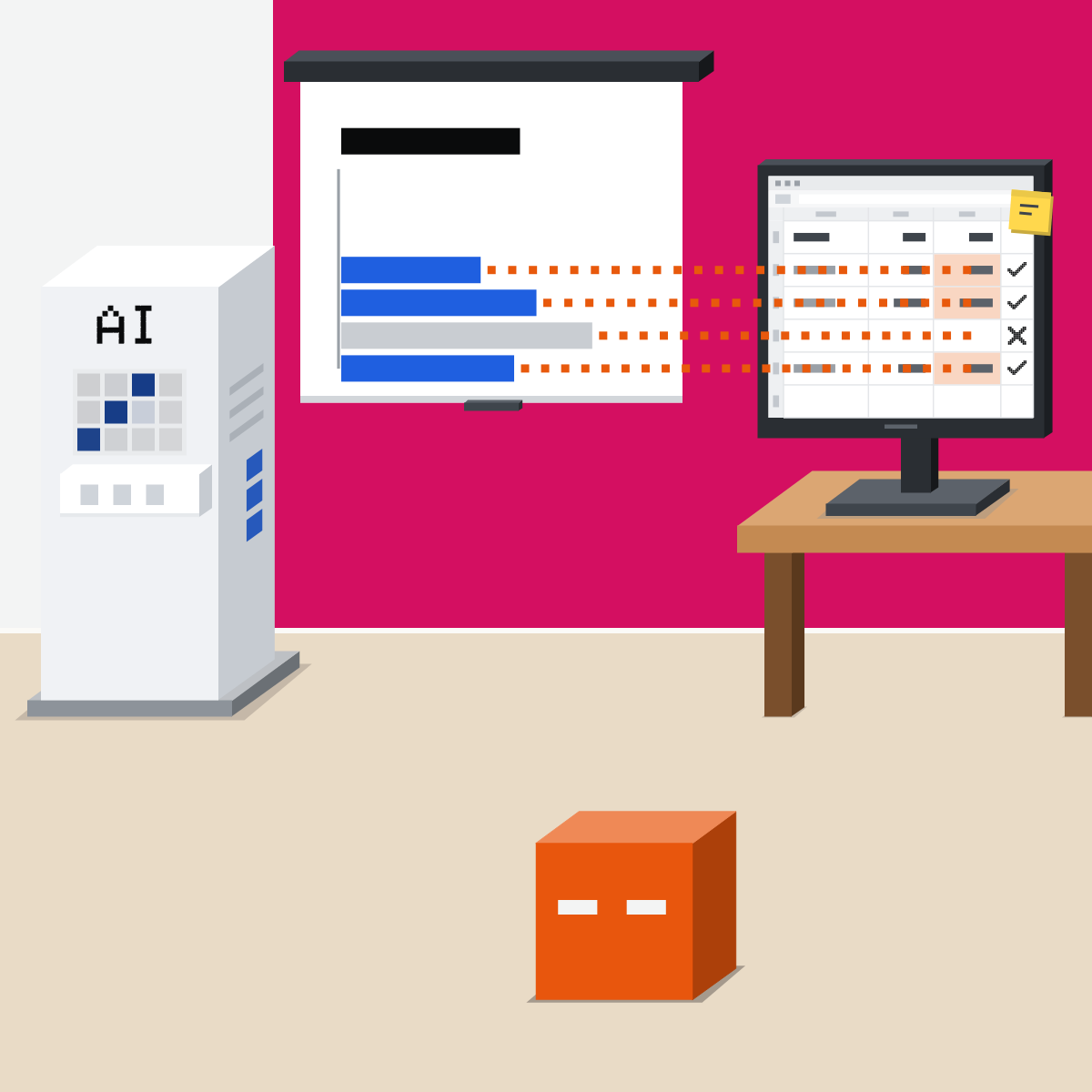
Find each figure, chart and quote in its source. A neat chart with no source is a well-designed guess.
Fewer slides. Your message.
You bring the message and the sources. AI builds. You cut and check.
Three slides, then the check
Public or made-up material only.
- Write the brief below: one line, three points, a source each.2 min
- Ask for titles only. Fix the story.3 min
- Ask for the first three slides.3 min
- Find every figure in its source. Count the fixes.2 min
The deck brief
Message: [the one thing they must leave with]. Points: [point 1], [point 2], [point 3], each from [its source]. Audience: [who]. Length: [how many] slides. First, give me the slide titles only.
Good looks likeEvery figure found in its source. The count tells you how much checking your next deck needs.
In your assistant · as of Oct 2026 · Claude, ChatGPT, GeminiMake it in your tool
My pick for slides: Claude first. Menus move often, and plans differ.
- CheckYour company approves it
- CheckTitles first
- CheckFiles you trust
Attach only files your company allows, and let AI edit only files you trust.
Claude
Claude Slides, in any conversation
Or just ask for Claude Slides. Every plan, Free included. Edit slides directly, or ask Claude.
PowerPoint, PDF or Google Slides.
Builds from your template, so open it first. Pro, Max, Team and Enterprise.
Slides needs “Cloud code execution and file creation” on, in Settings > Capabilities, or by your admin. In Google Slides (Claude for Google Workspace, beta), its charts are images that do not update.
ChatGPT
ChatGPT Work makes decks
Add your files, describe the outcome, and ask for titles first. Ask for changes in the same chat.
Add it, sign in. Every plan, limited on Free and Go. Duplicate the file first.
New on 16 Oct 2026, rolling out to Pro, Business and Enterprise. Ask Work for a presentation in Space; share an example deck to set the style.
Work runs on desktop, web and phone from Plus.
Gemini
Gemini in Google Slides
Type @ and a file name to build from your Drive files. New slides use your current theme.
Shows which files it used. Then click Insert.
A task can make a PowerPoint or Google Slides deck: personal accounts with Google AI Pro or Ultra, not in the EEA, Nigeria, Switzerland or the UK.
Gemini in Slides needs an eligible Google Workspace or Google AI plan.
Quick check · three questionsDid it stick?
1What do you write before AI makes a slide?
The answer: A Only you can supply the message and the sources.2The AI made 14 slides that look finished. What next?
The answer: C Looking finished is not being right.3Claude made a chart in Google Slides, then the numbers change. What happens?
The answer: B Anthropic's page says these charts are inserted as images, not linked Sheets charts. Ask Claude to regenerate the chart instead.
A strict company templateSide note
Which modelSide note
Template and notes, lastSide note
Sources, checked 16 Oct 2026Source
Product details as of Oct 2026, each checked on the vendor's own page on 16 Oct 2026. Recheck by 16 Nov 2026. The examples in the pictures are made up for this lesson.
- Anthropic, What are artifacts and how do I use them (Claude Slides on all plans; Output; Export to PowerPoint, PDF or Google Slides; Cloud code execution and file creation; read 16 Oct 2026)
- Anthropic, Claude plans (Claude Slides on Free; Opus from Pro; read 16 Oct 2026)
- Anthropic, Build live dashboards and animate explainers with Claude (8 Oct 2026; Slides on every plan; read 16 Oct 2026)
- Anthropic, Use Claude for PowerPoint (plans; builds from your template; start with it applied; read 16 Oct 2026)
- Anthropic, Use Claude in Google Docs, Sheets, and Slides (Ask before edits; charts inserted as images; read 16 Oct 2026)
- Anthropic, Change the model, effort, and thinking settings (effort levels; read 16 Oct 2026)
- OpenAI, ChatGPT release notes (16 Oct 2026, ChatGPT Slides; 6 Jul 2026, ChatGPT for PowerPoint; read 16 Oct 2026)
- OpenAI, ChatGPT for PowerPoint (install steps; plans; duplicate the file; read 16 Oct 2026)
- OpenAI, ChatGPT Slides (an example deck to guide the style; Pro, Business and Enterprise; read 16 Oct 2026)
- OpenAI, ChatGPT Work and Codex (Work makes presentations; Astra in Work on Plus, Pro and Business; read 16 Oct 2026)
- OpenAI, ChatGPT plans (Work and the PowerPoint add-in by plan; read 16 Oct 2026)
- OpenAI, GPT-6 Astra (3 Sep 2026; templates, OpenAI's claim; read 16 Oct 2026)
- Google, Collaborate with Gemini in Google Slides (Ask Gemini; Help me create a slide; @ files; Sources; eligible plans; read 16 Oct 2026)
- Google, Manage your tasks and workflows in Gemini Apps (tasks make .pptx and Google Slides files; accounts and countries; read 16 Oct 2026)
Free kitThe AI Fact-Check KitBring this to your teamTeam workshops · Get in touchBack to level 5, Office work, by task
Your message first. Let AI build. Then cut hard and check every figure.
Next lesson · 16 minWhy don't better AI tools alone change results, and what should a manager do?