Should an agent work while you are away?
Let it read and draft while you're away. Everything else waits for you.
It keeps working after you leave
You close the laptop. The agent keeps going. Nobody's watching.
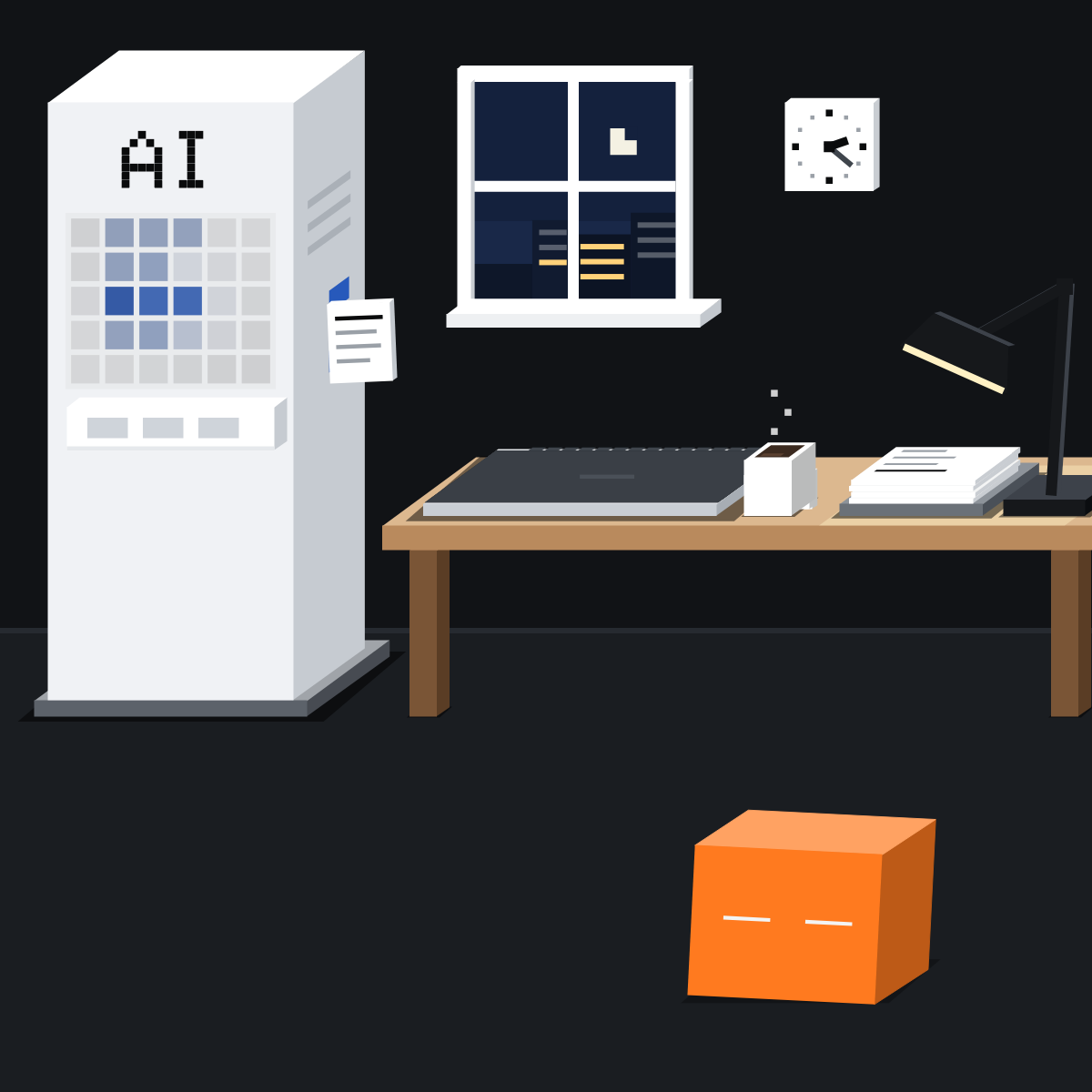
Three ways it works alone
A long task carries on after you leave. A schedule runs by the clock. An event, like a new email, starts it.

Reads and drafts. Nothing else.
Left alone, it only reads and drafts. Sending, paying, deleting or changing records waits for you. A 3 am email can't be unsent.
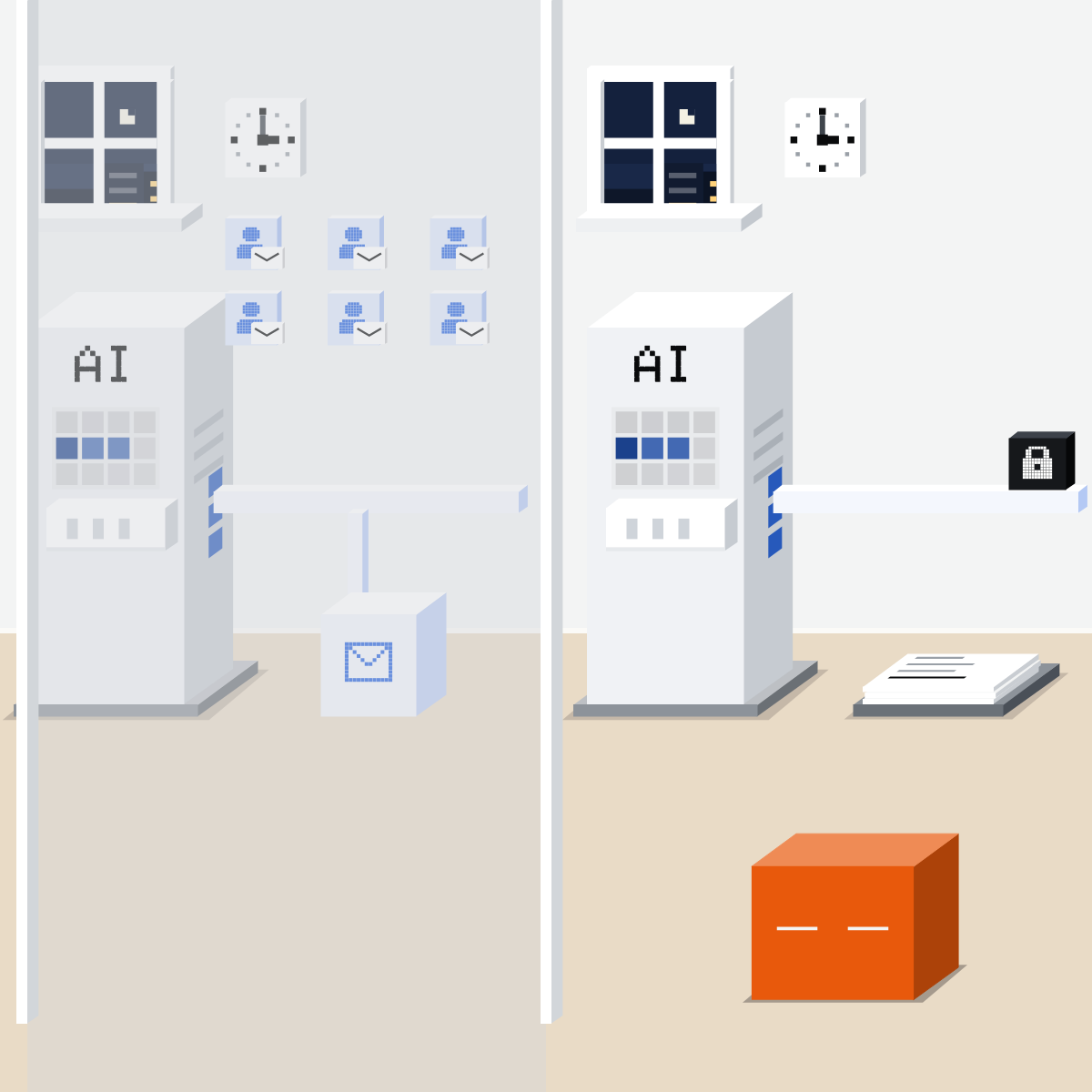
The away test
Any no? It waits for you.
- Same job every time?
- Only reads and drafts?
- Mistakes easy to undo?
- OK to find a bad run tomorrow?
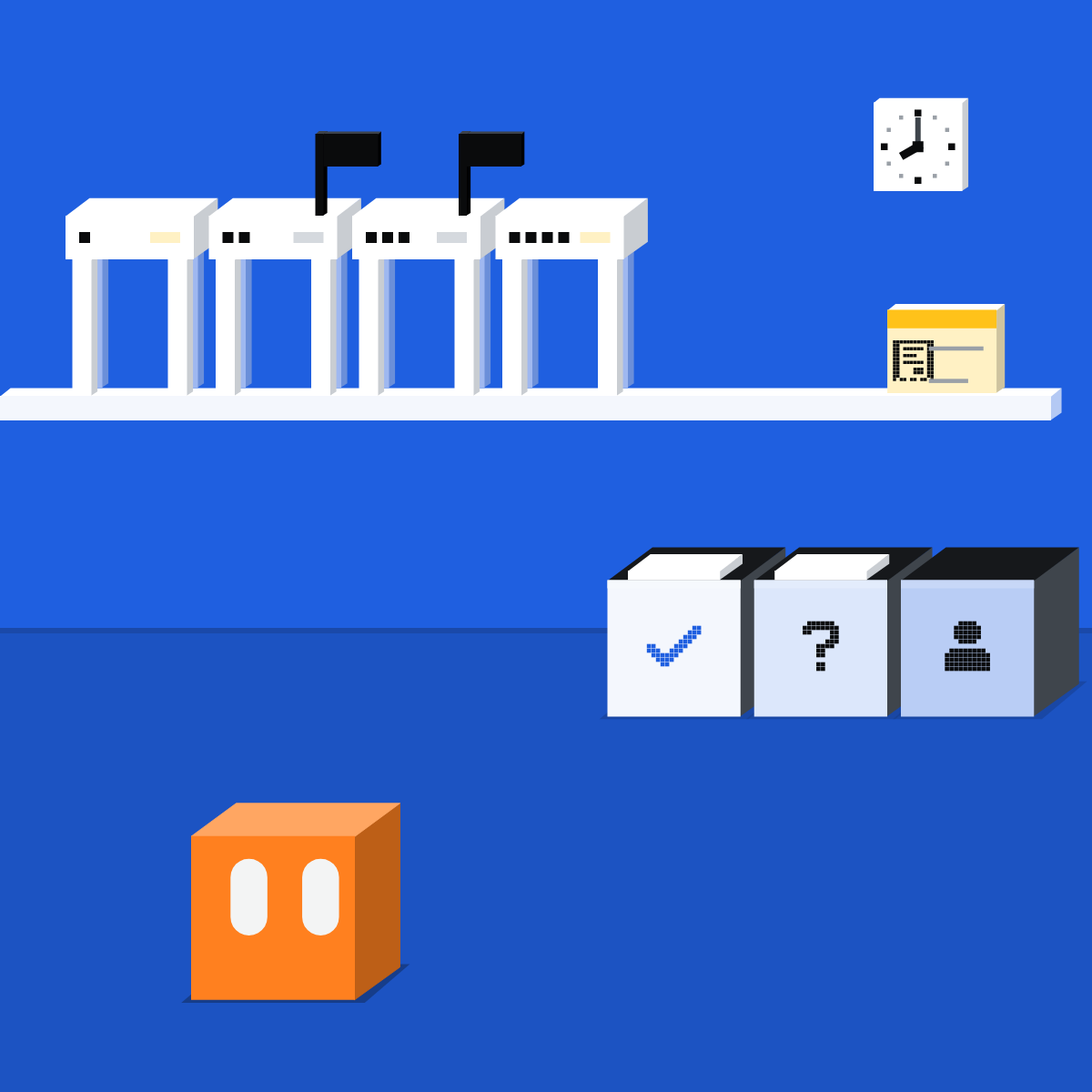
Block it in the tool
Since 1 Oct 2026, tasks Claude schedules can use tools without asking. Your organisation must allow it. Only Blocked holds.
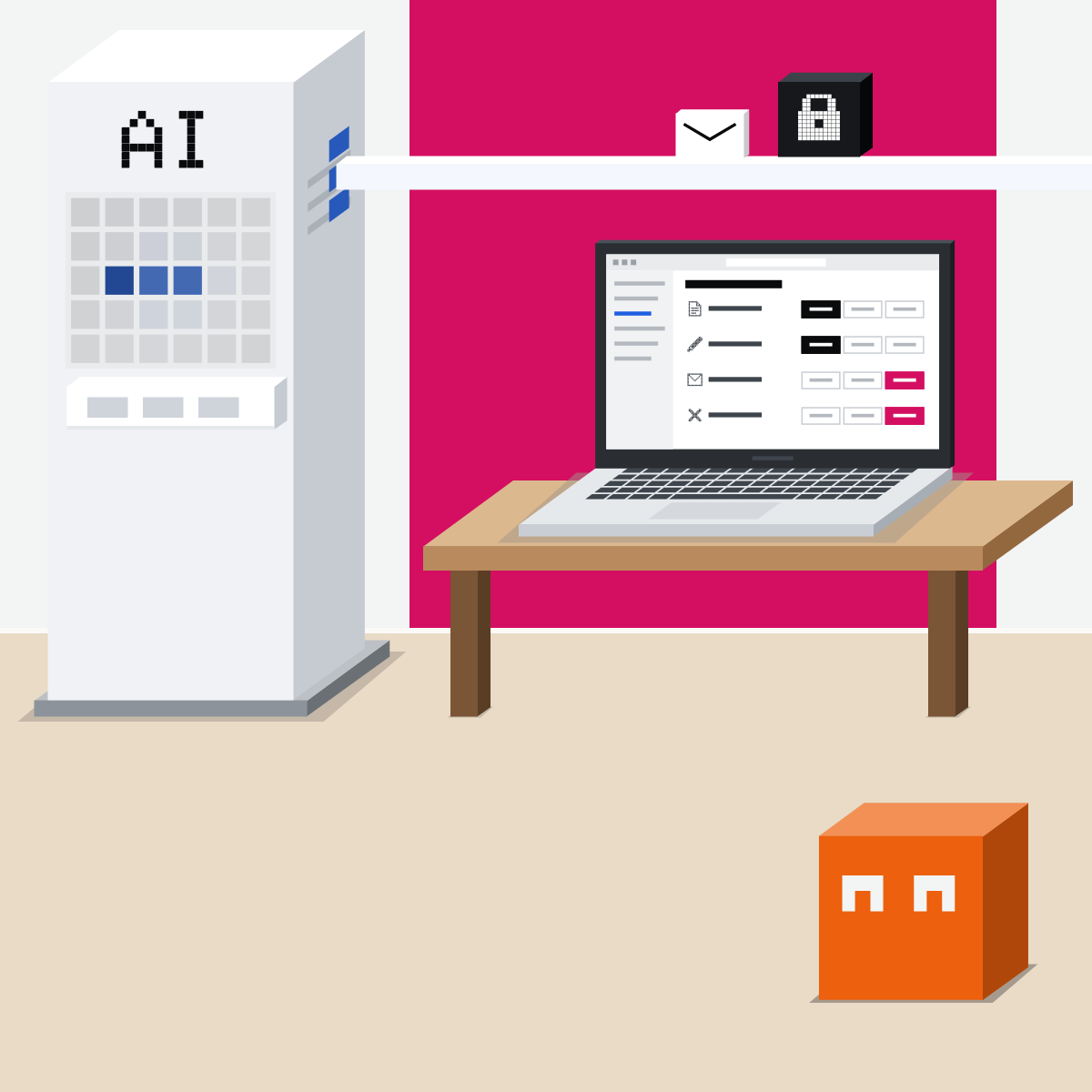
Someone reads every run
Watch the first run. Then read every run against the brief, and look over all your tasks weekly. Pause what nobody reads.
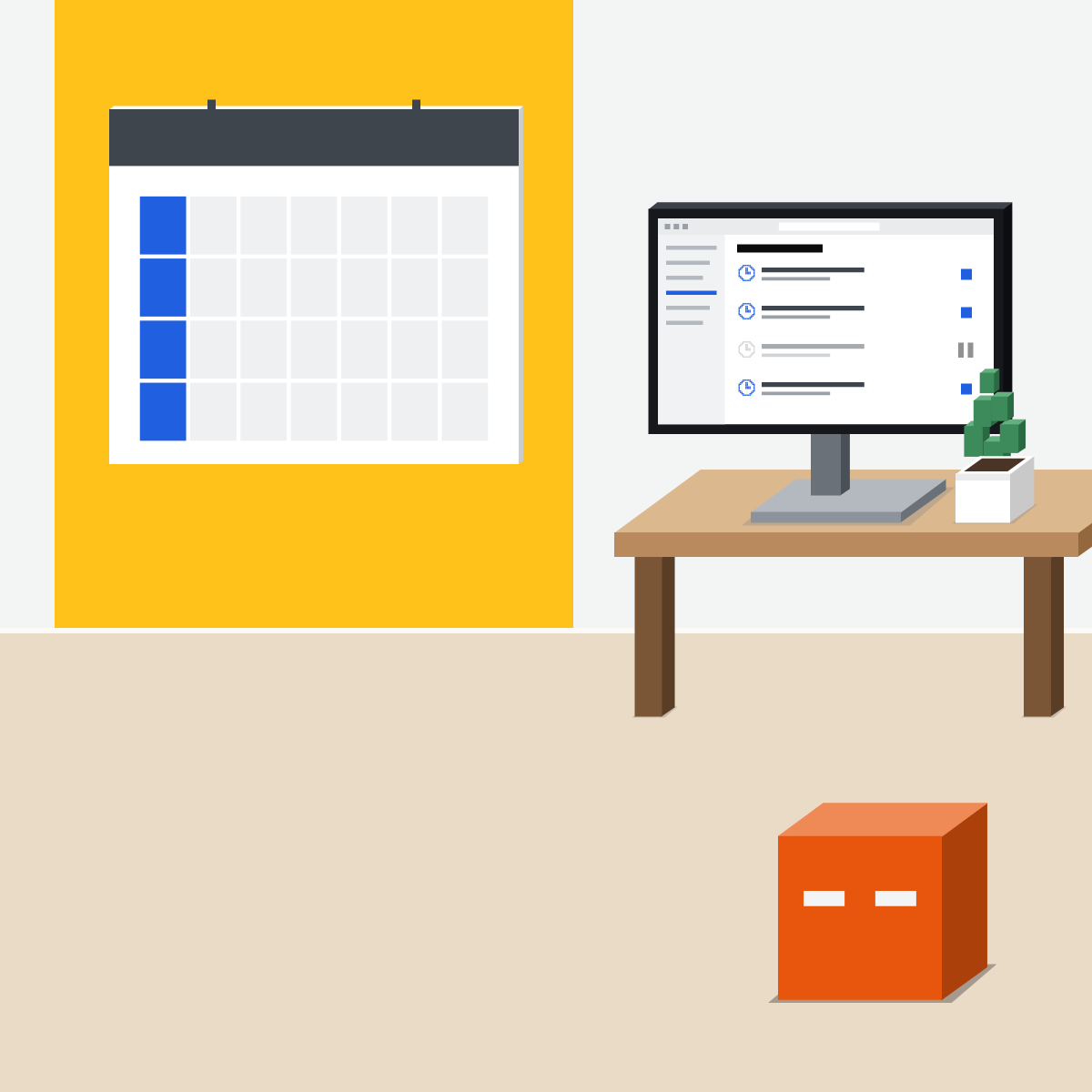
It drafts. You send.
The rest waits for your yes.
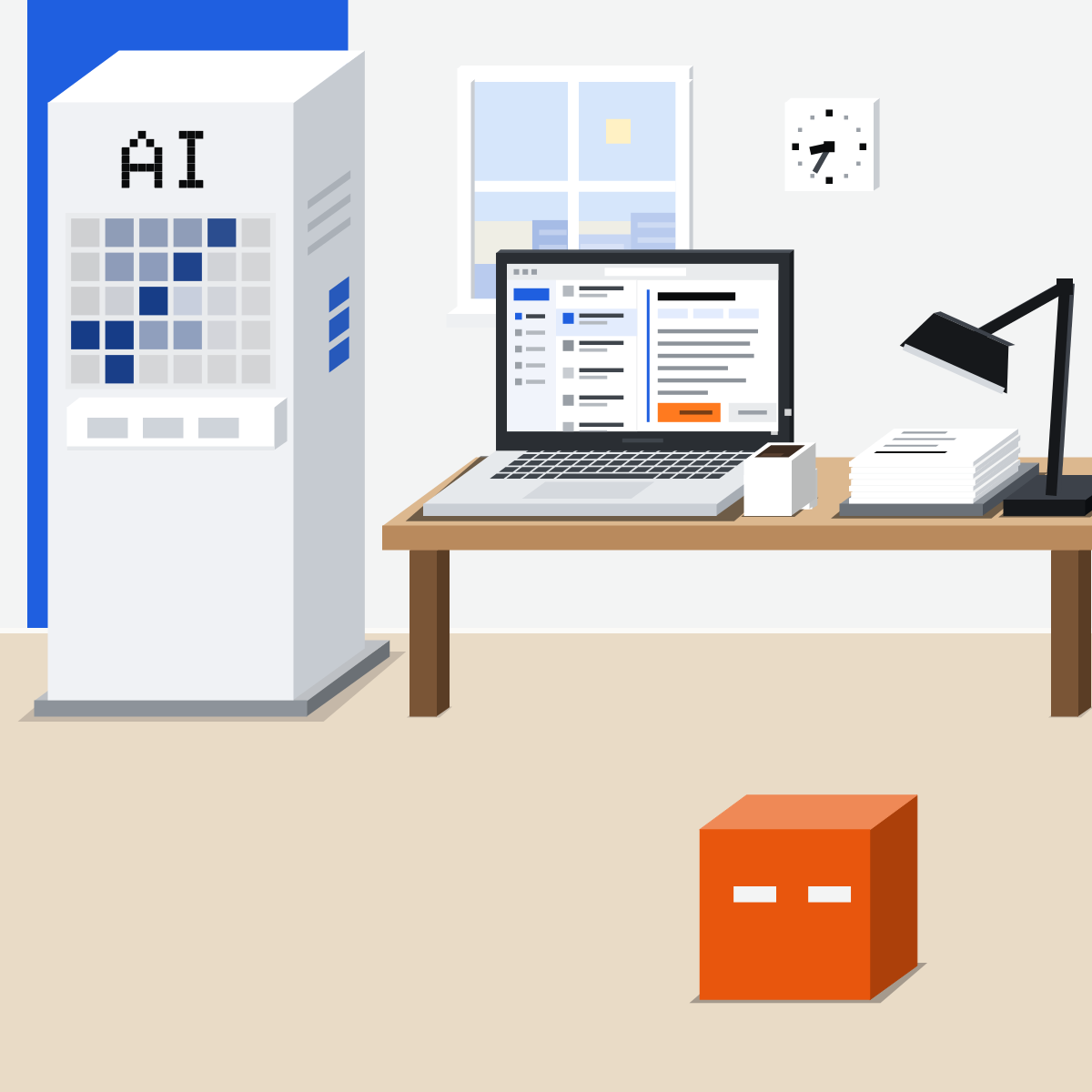
Sort three jobs, then try one
Use made-up or public material only.
- List three jobs you repeat.3 min
- Sort them: runs alone, asks first, or waits for you.3 min
- Schedule one read-only task, or brief it if your plan has none.3 min
- Pause or delete it.1 min
A read-and-draft brief to start from
Every Monday at 8 am, read [a public page or made-up notes]. Draft a one-page summary for me: what changed, and what needs my decision. Use only the connections this needs. Draft only. Send nothing.
Good looks likeOne task that only drafts, one run you've read, and the task paused or deleted.
In your assistant · as of Oct 2026 · Claude, ChatGPT, GeminiSet one up, brakes on
Menus move often. Missing something? A rollout, your plan, country or admin may be why.
My pickClaude first, ChatGPT second, Gemini third. For timed work, Claude is simplest: ask in any conversation, and every run sits on one Scheduled page. For routines started by a new email or Slack message, ChatGPT wins.
Use the tool your company approves for company data. That rule comes before mine.
Claude
Calls it scheduled tasks. They run in the cloud, unless they need files or apps on your computer.
Check Claude's proposal, then click Schedule.
In the left sidebar: past runs; pause, edit or delete.
In Customize, then Connectors. In scheduled tasks Claude creates, only Blocked is a firm stop.
Pro, Max, Team and Enterprise.
ChatGPT
Calls it Scheduled tasks: once, on a schedule, or on an event.
In the sidebar, or just ask in a chat.
Connect Gmail, Slack or GitHub, describe it in Work, then review all three.
Sends and changes to outside data may need approval; the task pauses until you review it.
Scheduled shows results; pause, edit or delete there. Event tasks: Plus and up, and Edu. Timed tasks: Go and up; on Free, OpenAI's pages disagree.
Gemini
Calls it schedules, inside a task. Personal accounts only (some work accounts get schedules in chat).
Say what and when: a time, a Gmail filter or a topic.
Open the run's thread: its steps, and what it read or updated.
Or Delete.
18 or over, Google AI Pro or Ultra, Keep Activity and Personal Intelligence on. Not in the EEA, Nigeria, Switzerland or the UK.
Quick check · three questionsDid it stick?
1A morning task reads new supplier emails. What may it do without asking?
The answer: C It reads outside words, so it gets no power to send or delete.2A Claude task runs in Automatically approve. Which tool setting is a firm stop?
The answer: A In that mode, only Blocked is always denied.3Before you switch off your Slack connection, what do you check?
The answer: B A task whose app is gone can quietly stop.
Outside words, no powerSide note
First runs in office hoursSide note
Google's own warningSide note
Sources, checked 16 Oct 2026Source
Product details as of Oct 2026, each line checked on the vendor's own page on 16 Oct 2026. Recheck by 16 Nov 2026. The examples in the pictures (a Monday notes summary, replies to suppliers, invoices) are made up for this lesson.
- Anthropic, Schedule recurring tasks in Claude Cowork (read 16 Oct 2026)
- Anthropic, Use Claude Cowork safely (review outputs after each run; read 16 Oct 2026)
- Anthropic, Get started with Claude Cowork (approval modes; read 16 Oct 2026)
- Anthropic, Claude Desktop release notes, v2.19675.0, 1 Oct 2026 (Automatically approve for scheduled tasks Claude creates; read 16 Oct 2026)
- Anthropic, Claude Cowork and chat are one Claude (tasks in the cloud; local files need Claude Desktop open; read 16 Oct 2026)
- Anthropic, Claude Cowork and chat are now one Claude, 16 Sep 2026 (read 16 Oct 2026)
- Anthropic, Connectors overview (Always allow, Needs approval or Blocked; read 16 Oct 2026)
- OpenAI, Scheduled tasks in ChatGPT (read 16 Oct 2026)
- OpenAI, ChatGPT Work and Codex (read 16 Oct 2026)
- OpenAI, ChatGPT release notes (17 Jun and 25 Aug 2026; read 16 Oct 2026)
- OpenAI, ChatGPT plans (scheduled tasks by plan; read 16 Oct 2026)
- Google, Create and manage schedules for tasks in Gemini (read 16 Oct 2026)
- Google, Manage your tasks and workflows in Gemini Apps (the offline warning; read 16 Oct 2026)
- Google, Schedules in Gemini Apps (work accounts; read 16 Oct 2026)
- UK National Cyber Security Centre, Managing the cyber risk of agentic AI, 20 Aug 2026 (read 16 Oct 2026)
Free kitThe Agent PlaybookBring this to your teamWorkflow automation · Get in touchBack to level 4, Agents
Let it read and draft while you're away. Everything else waits for you.
Next lesson · 15 minWhat should you let an agent do in a web browser?