What should you let an agent do in a web browser?
Let it read and fill in. Never let it pay, change settings or type a password.
Any page can hide orders
It opens pages and clicks for you. Any page can hide orders.
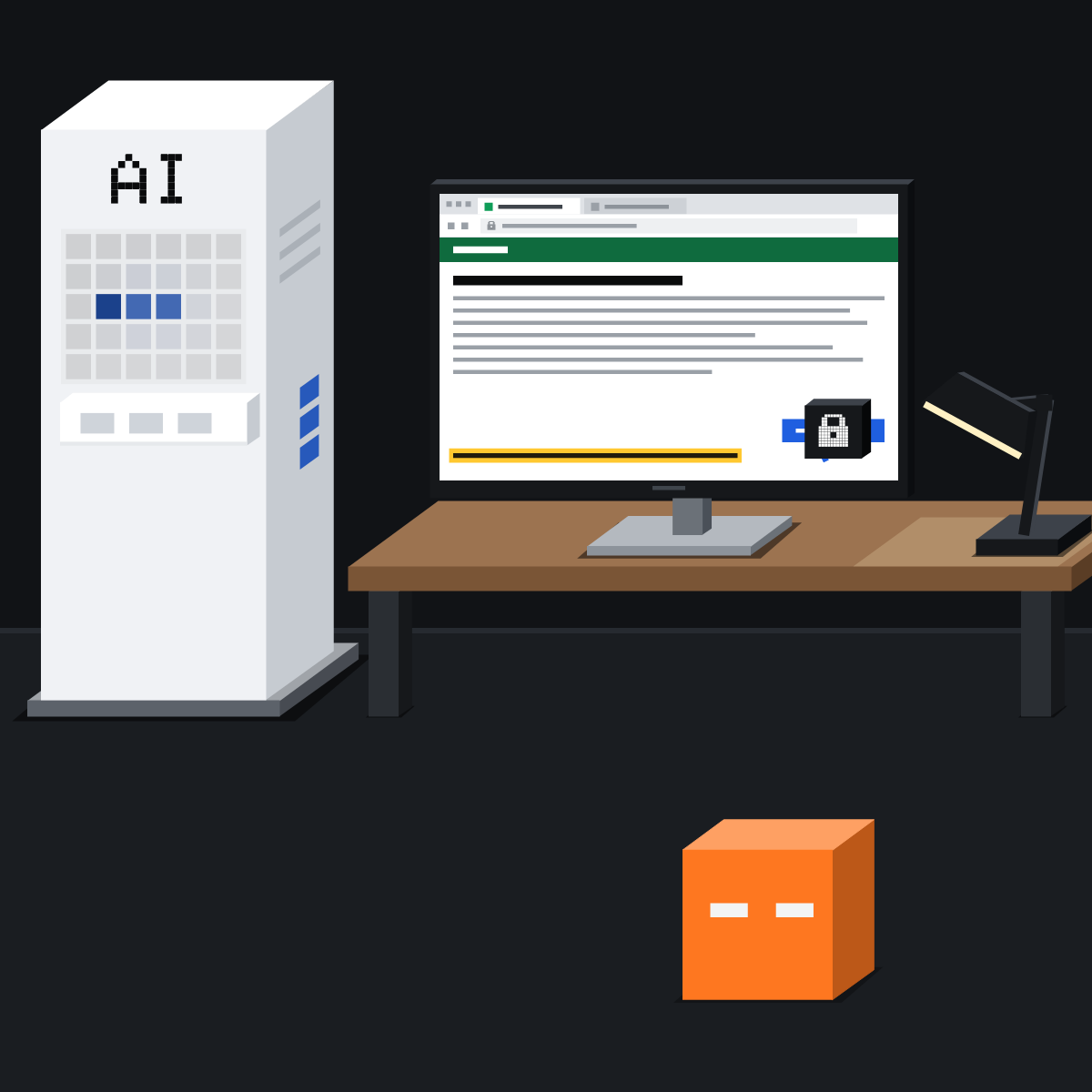
Three kinds of browser
Your own has your logins. A built-in one is kept apart. A cloud one runs on the vendor's computers, even with your laptop closed.
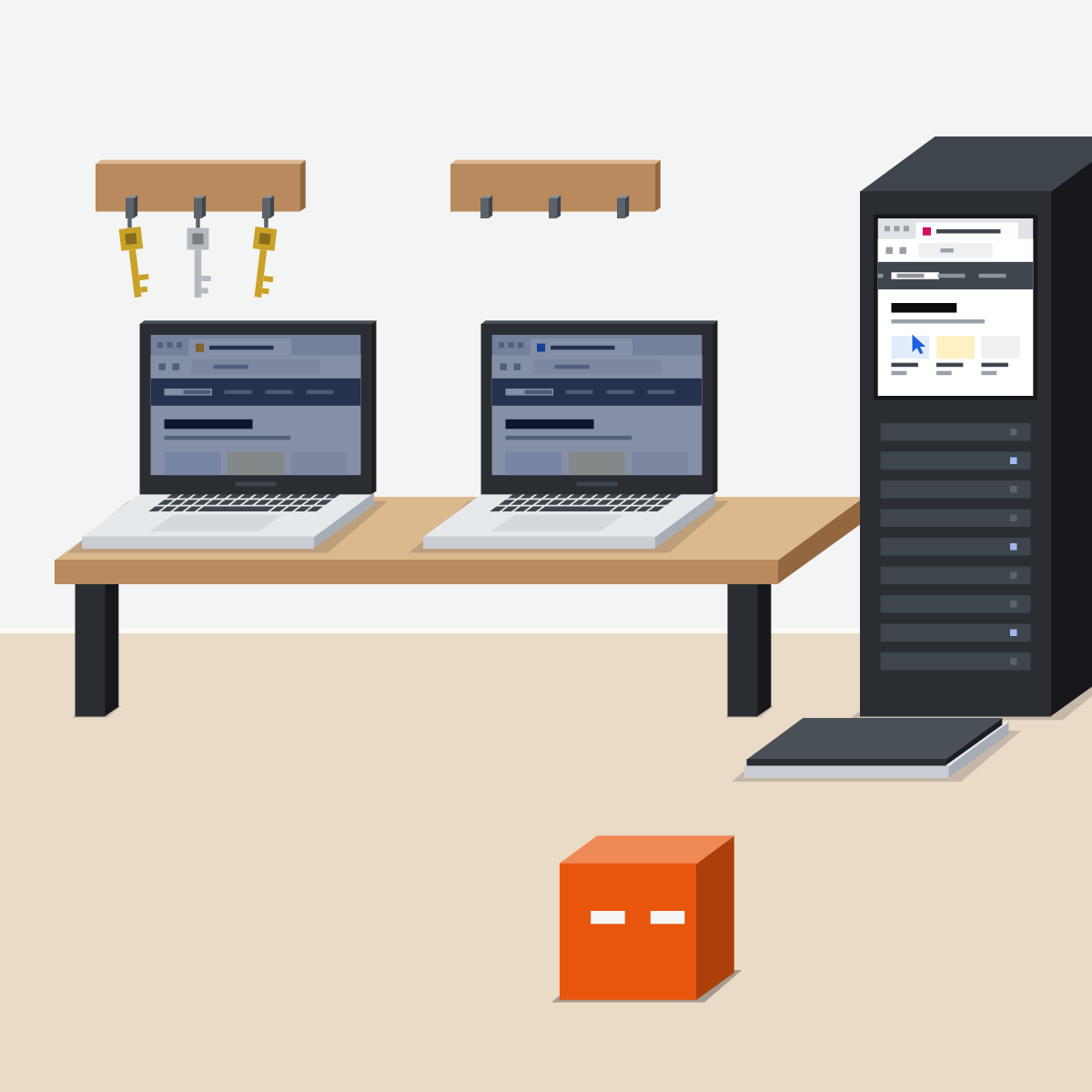
Yes, almost, never
Yes: read, compare, take notes. A form? Up to the last step; you check and submit. Never: payments, settings, passwords.
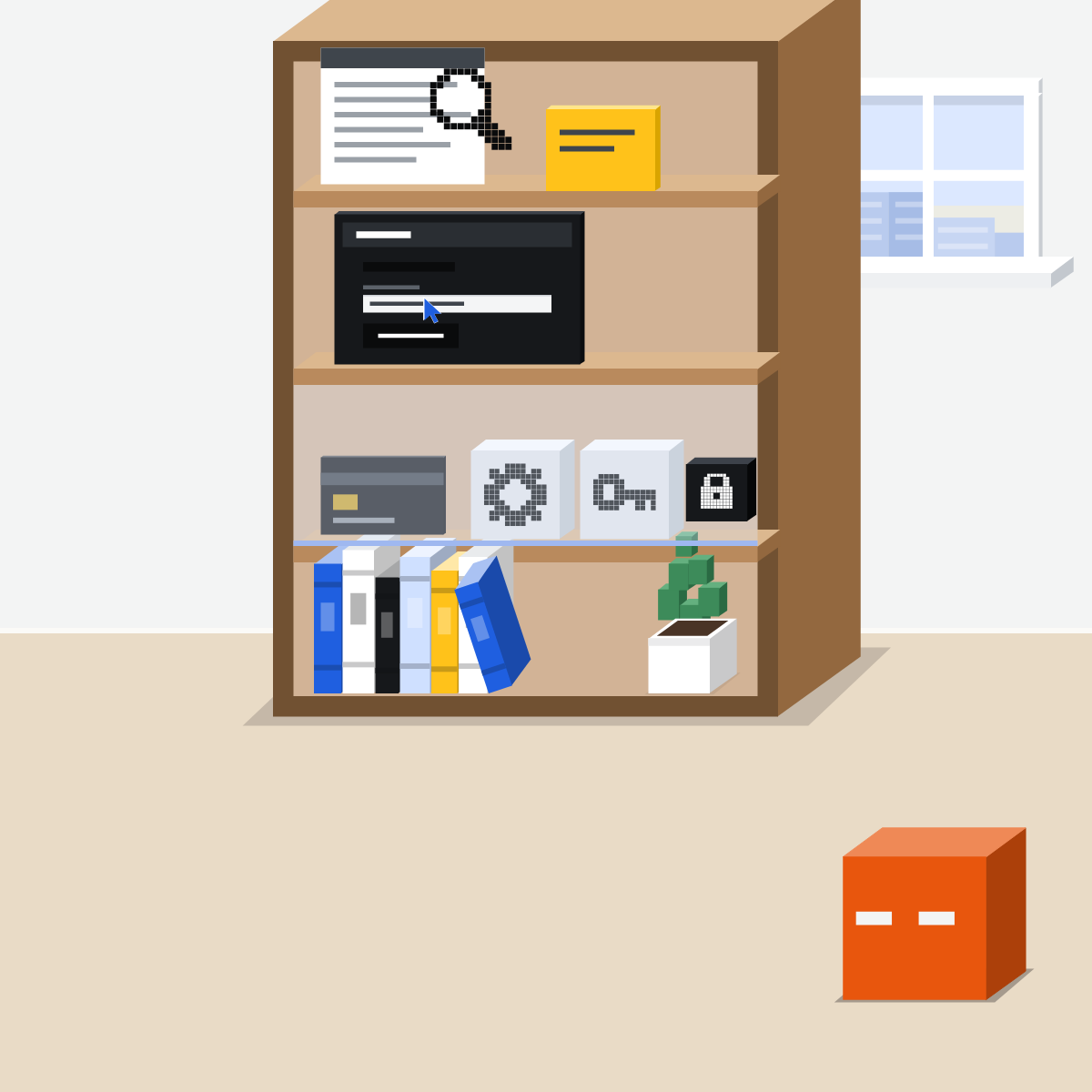
Only the sites it needs
List the sites the task needs, with approvals on. Gemini picks its own sites; Google describes no list you set.
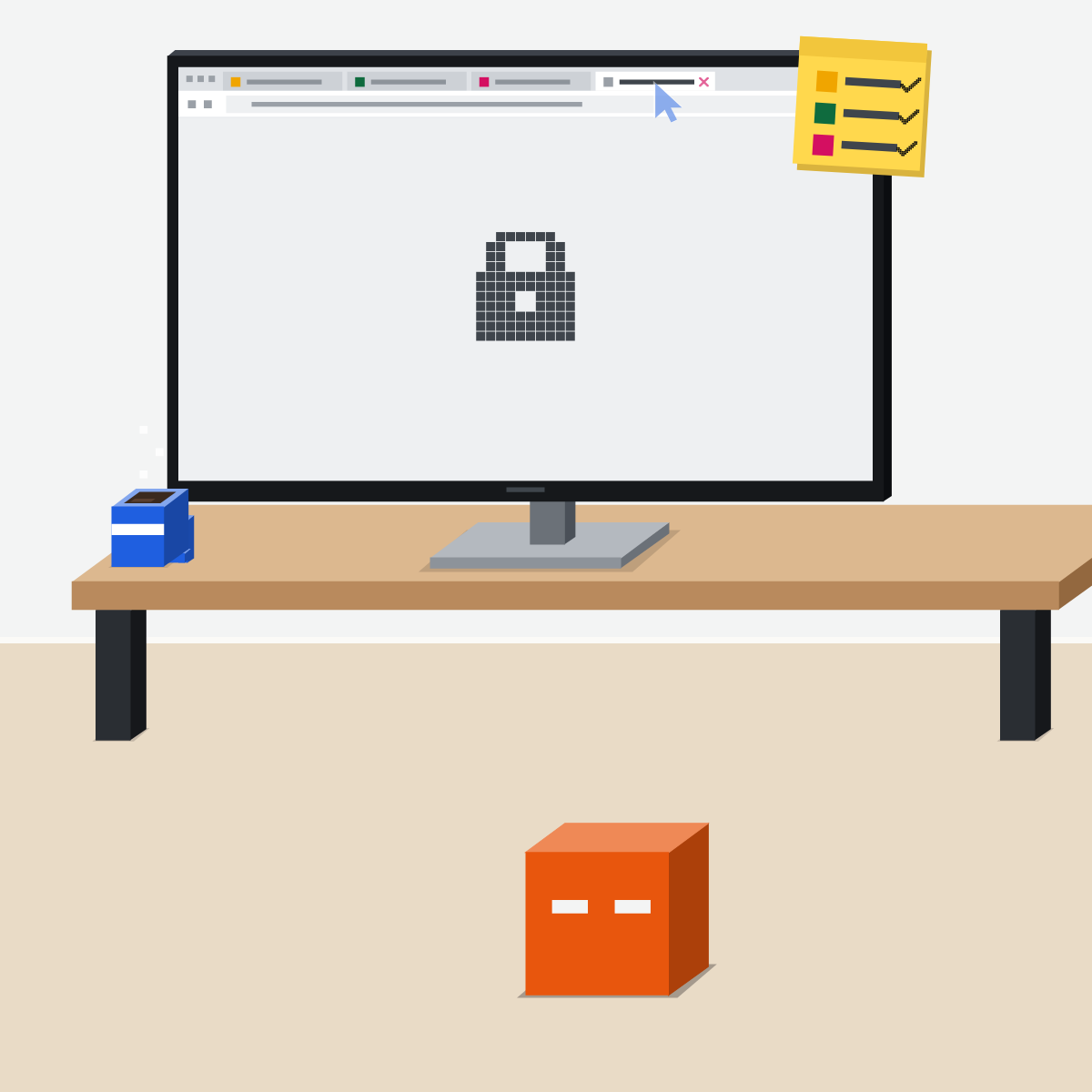
You type the password
At a sign-in, take over and type it on the site yourself. Never into the chat.
Watch it, then stop it
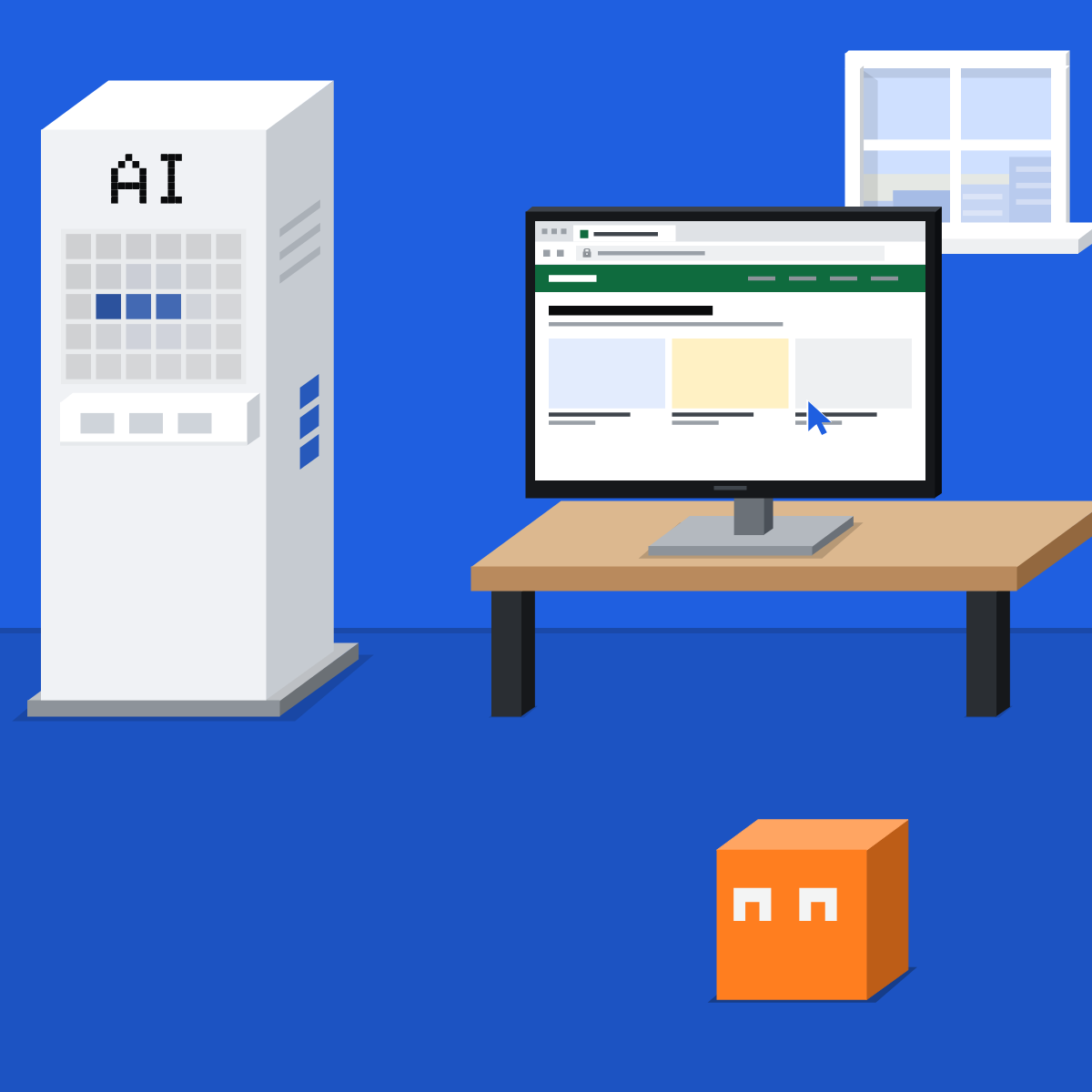
Watch the first runs. When it wanders off the task, stop it, then check what it touched.
Run one public-sites job
Public sites only.
- Pick three suppliers' opening hours or return policies.1 min
- Brief it with the three sites and the limits below.3 min
- Run it with approvals on, and watch.4 min
- Note every point where it asked, or should have.2 min
Copy this into your assistant, then fill in the three sites
Find the opening hours (or the return policy) on these three sites:
1.
2.
3.
Give me a table with a link to each page.
No other sites, no sign-ins, submit nothing.
Good looks likeA table with three links, each fact on its own page, and nothing signed in to or submitted.
In your assistant · as of Oct 2026 · Claude, ChatGPT, GeminiSet it up in your assistant
Menus move often. Missing something? Usually a rollout, your plan, your country or an admin setting.
My pickClaude first, ChatGPT second, Gemini third. Claude makes the careful start easy; I'd use Opus 5.5 at High. ChatGPT wins for signed-in sites.
Passwords, security codes and card details: you type them into the site yourself, never into the chat.
Claude
Claude in Chrome uses your own Chrome and logins. The desktop app has a built-in browser, kept apart.
Choose the built-in browser.
The Chrome side panel starts on Automatically approve: change it. Then Allow this time only, step by step.
If something feels off, stop it (Anthropic's advice).
Both on Pro and up; on Enterprise, an owner turns the built-in browser on. Claude in Chrome refuses purchases.
ChatGPT
Work's cloud browser runs on OpenAI's computers. The extension uses your own browser.
Keep Always ask. OpenAI calls Always allow “not recommended”. Allow or block single sites.
OpenAI says the model cannot see what you type there.
Before a booking or payment it asks in chat.
The cloud browser is on Plus and up, not Free or Go. The extension's site lists: Settings, Computer Use, Manage.
Gemini
Auto browse in Gemini in Chrome. Tasks use your Chrome or a remote browser.
Read its plan first. Gemini picks the sites.
Type it on the page, never in the task. The same for payments.
To switch it off: Chrome settings, AI innovations, Gemini in Chrome, Let Gemini browse for you.
Google AI Pro or Ultra on a personal account. Auto browse: US and English only. Tasks: not in the EEA, Nigeria, Switzerland or the UK.
Quick check · three questionsDid it stick?
1The agent reaches a sign-in page. What do you do?
The answer: B Type it on the site yourself. OpenAI and Google both say never in the chat.2Which Claude in Chrome mode asks before every action?
The answer: C It asks before each action. The side panel starts on Automatically approve, so change it.3The agent opens a site you never listed. What next?
The answer: A An unlisted site is a warning sign. Stop it, then check what it touched.
“The risk is not zero”Side note
Clear old loginsSide note
Which modelSide note
Sources, checked 16 Oct 2026Source
Product details as of Oct 2026, each checked on the vendor's own page on 16 Oct 2026. Recheck by 16 Nov 2026. The example in the pictures is made up for this lesson.
- Anthropic, Get started with Claude in Chrome (26 Aug 2026)
- Anthropic, Claude in Chrome permissions guide
- Anthropic, Use Claude in Chrome safely (“The risk is not zero.”)
- Anthropic, Use the built-in browser in Claude Cowork
- Anthropic, Use Claude Cowork safely
- Anthropic, Claude in Chrome admin controls
- Anthropic, Change the model, effort, and thinking settings
- OpenAI, Using cloud browser in ChatGPT
- OpenAI, Using the built-in browser in the ChatGPT desktop app
- OpenAI, Browser extension
- OpenAI, GPT-6 Astra (3 Sep 2026; OpenAI's own claim)
- Google, Ask Gemini in Chrome to complete tasks for you with auto browse
- Google, Use Gemini in Chrome
- Google, Manage your tasks and workflows in Gemini Apps
Free kitThe Agent PlaybookBring this to your teamAI implementation · Get in touchBack to level 4, Agents
Let it read and fill in. Never let it pay, change settings or type a password.
Next lesson · 15 minHow can AI help with your inbox without sending the wrong thing?