What are plugins and extensions, and which ones should you add?
Add only what a job needs, read what's inside, keep changes on ask first.
One click, a whole kit
One click adds a plugin: a whole job's kit, in one box.

Connectors and skills, in one box
A connector links one app. A skill is a how-to. A plugin packs both. Made up here: a deal review plugin.
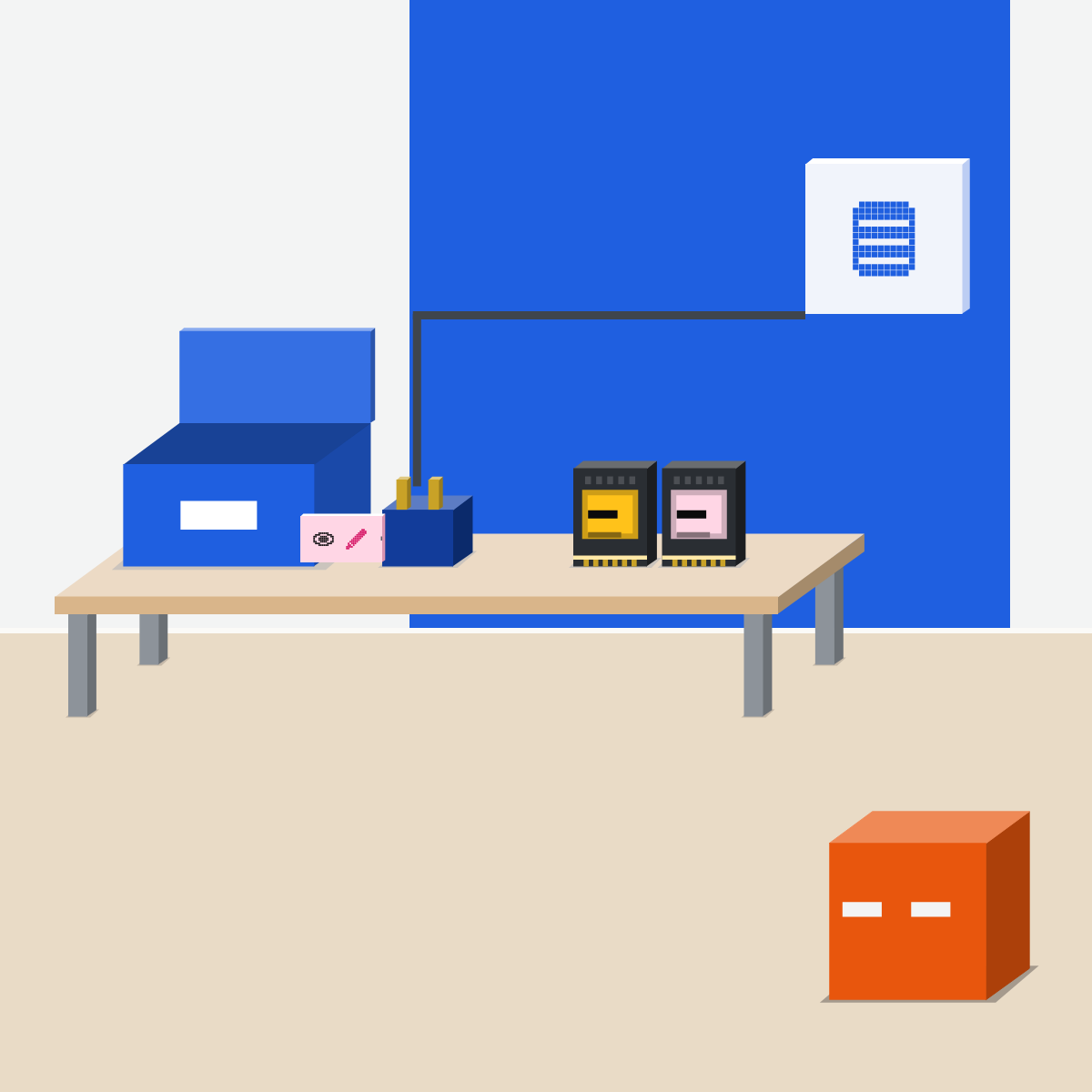
Every connector is a door
Each connector inside can open a door into one of your apps. Add one for a real job, not just in case.
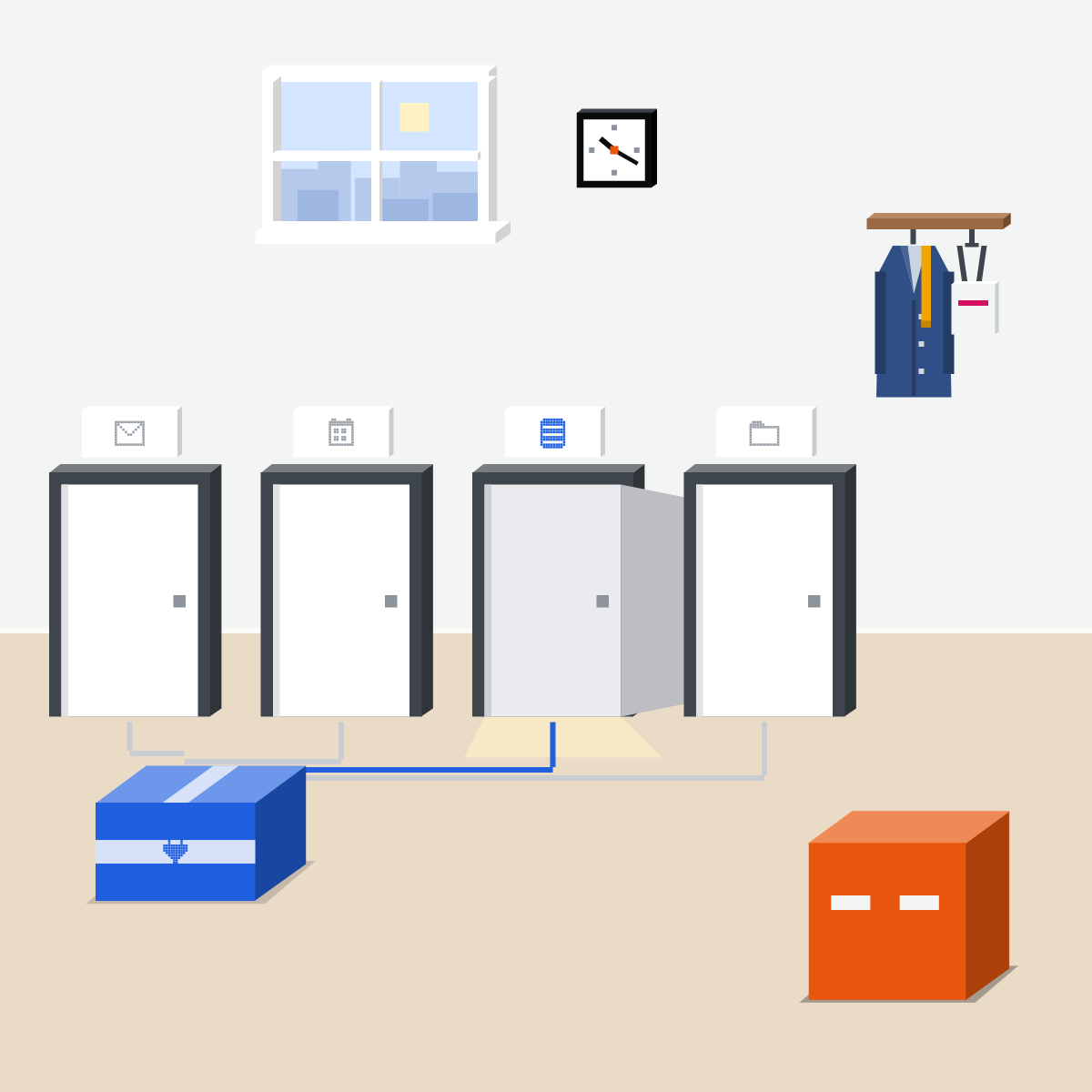
Four checks before you add one
A real job, not “might be handy”. On your approved list. A maker you trust. What each connector can read and change.
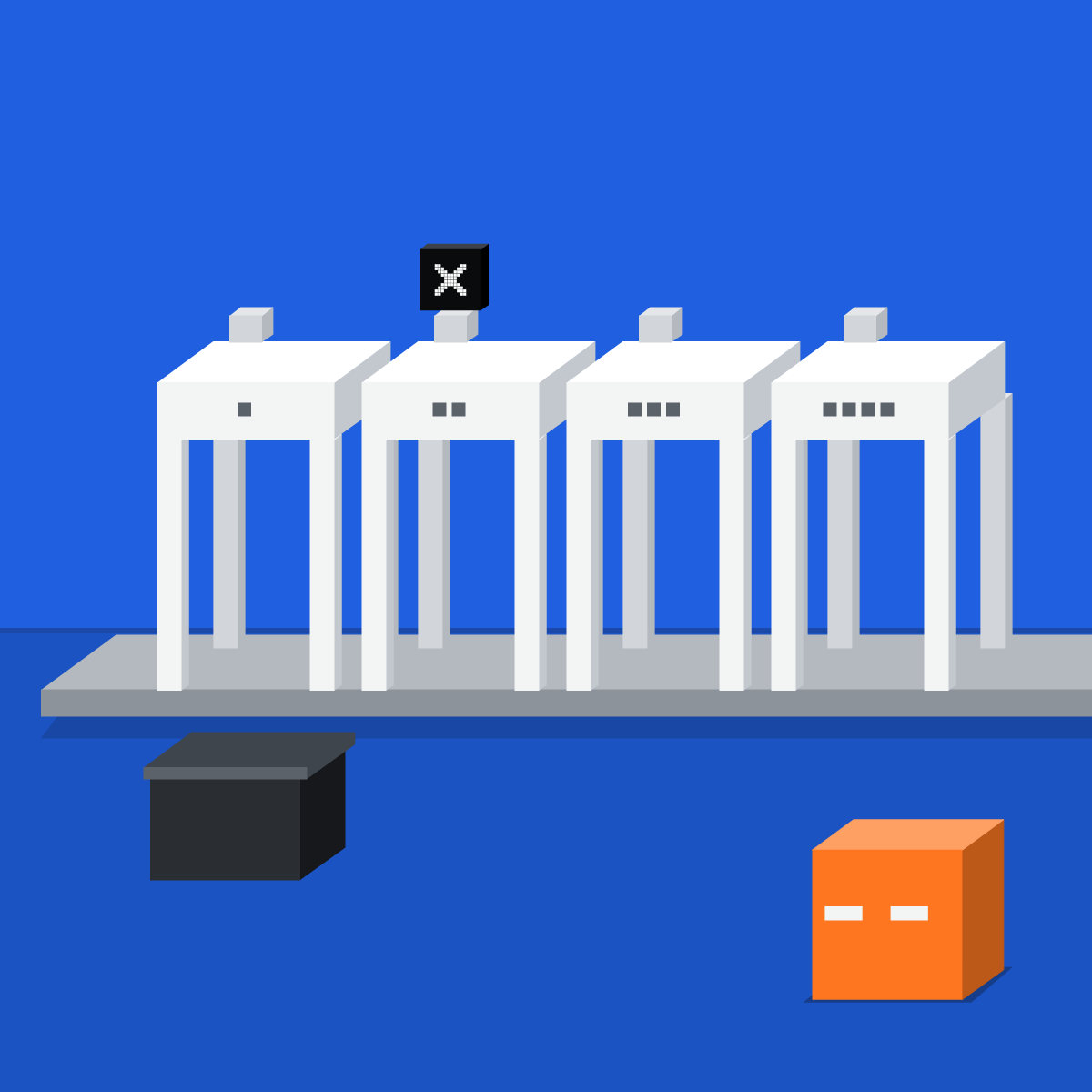
Changes wait for your yes
Mark each connector: reads, or changes. Set sending, editing and deleting to ask first. Left untouched, ChatGPT allows low-risk actions.
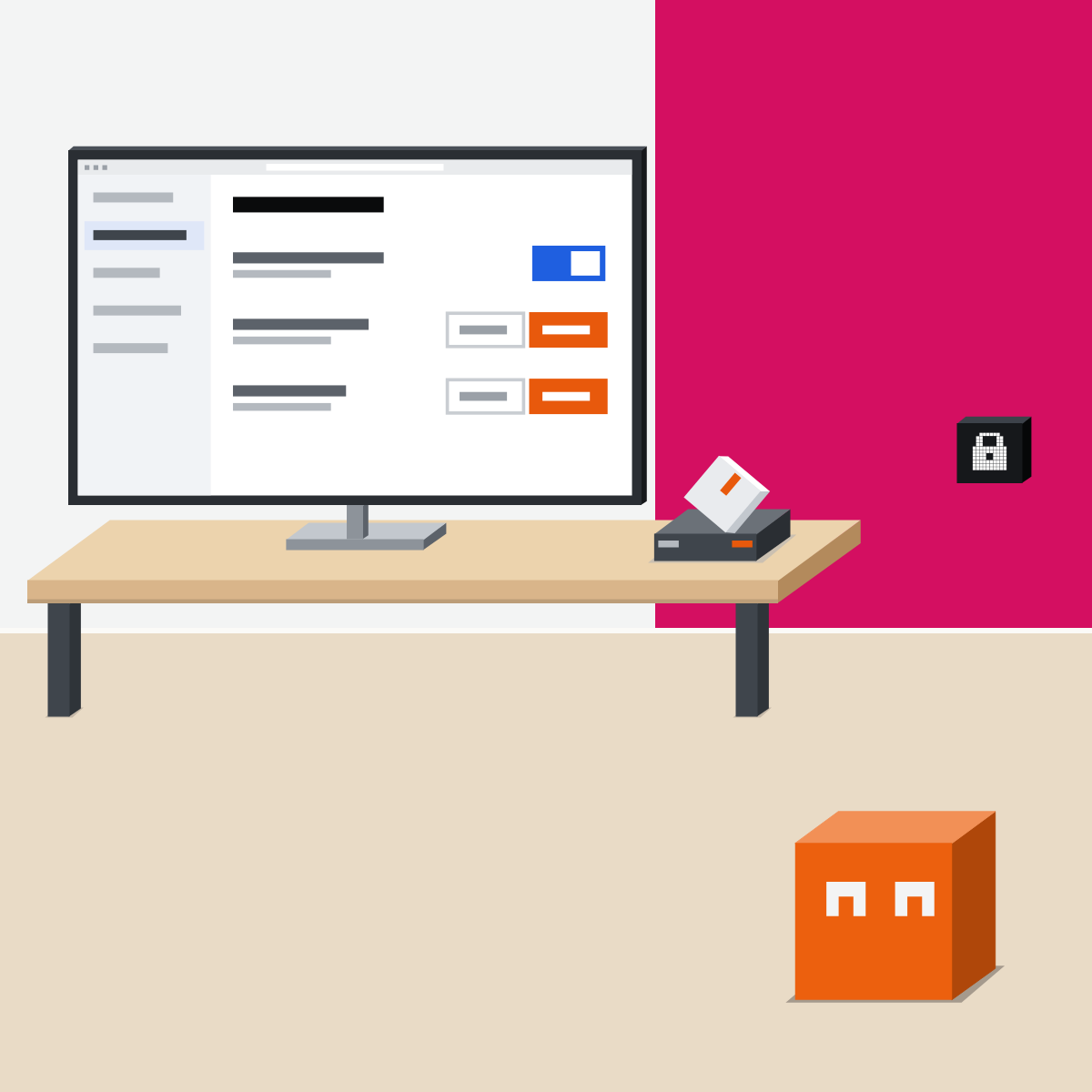
An extension sits beside the page
An extension puts your AI beside the page. Claude in Chrome's new side panel (rolling out by plan) starts on Automatically approve. Pick Manually approve.

Keep only what gets used
After the first run, look where it acted: sent items, files, records. Remove what nobody used this month.

Read one before you add it
Settings only: nothing added, nothing pasted.
- Open your assistant's plugin directory.2 min
- Pick one. Note what's inside, what it reads, what it changes.4 min
- Check who made it.2 min
- Decide: add, add with ask first, or skip.2 min
Your note, on paper or in a doc of your own
Plugin:
Made by:                 Verified? yes / no
Skills inside:
Connectors inside:
  1. App:       reads / reads and changes
  2. App:       reads / reads and changes
For which job:
Decision:  add / add with ask first / skip
Good looks likeYou know what it reads and changes before anything is connected.
In your assistant · as of Oct 2026 · Claude, ChatGPT, GeminiAdd one safely, in your assistant
Menus move often. Missing something? A rollout, your plan, your country or an admin setting may be why.
- CheckA real job
- CheckOn the approved list
- CheckWho made it
My pickClaude first, ChatGPT second, Gemini third. Claude makes the careful start easy: a directory Anthropic reviews, and each connector tool can wait for your yes. ChatGPT's directory is on every plan, but I'd set it to Always ask. On Google Workspace, Gemini's own apps need no plugin.
Work account, approved list, ask first for changes. A verified badge doesn't replace your company's own security review.
Claude
Calls it a plugin.
Open one and read its tabs, then select Add. That signs you in to nothing.
On its Connectors tab, connect only what you need.
In Customize > Connectors, set write tools to Needs approval. In chat, choose Allow once.
Directory plugins on Pro, Max, Team and Enterprise, reviewed by Anthropic; on Team and Enterprise an Owner decides what you see. Claude in Chrome (Pro and up, beta): its new side panel, rolling out by plan, starts on Automatically approve; pick Manually approve while you learn.
ChatGPT
Calls it a plugin. The Plugin Directory is under Plugins in the sidebar.
In the sidebar, or Settings > Plugins. Review its skills and apps, look for OpenAI Verified, connect with your work account, review the permissions.
In Settings > Plugins > Permissions (personal accounts). Untouched, it's Allow low-risk actions.
The directory is on every plan; each plugin depends on plan, region and, at work, your admin. The browser extension asks before each new site: avoid Allow for all sites.
Gemini
No plugins by that name, as of 16 Oct 2026: you add apps one by one.
Click an app to read its supported and unsupported actions, then click Add.
Type @ and pick the app.
Those steps are for a personal account. On a work account, your admin turns apps on; you type @. Gemini in Chrome is built in (Ask Gemini) and reads your current tab by default.
Quick check · three questionsDid it stick?
1What is a plugin?
The answer: B A connector links one app; a browser extension sits beside the web page.2You add a plugin in Claude. Are its apps connected?
The answer: C Adding a plugin signs you in to nothing. You connect each app from its Connectors tab.3You never touched ChatGPT's plugin permissions. What applies?
The answer: A OpenAI's release notes of 14 Sep 2026 name Allow low-risk actions as the default if you change nothing.
The words, in plain termsSide note
Trusting the badgeSide note
They change by themselvesSide note
Sources, checked 16 Oct 2026Source
Product details as of Oct 2026, each checked on the vendor's own page on 16 Oct 2026. Recheck by 16 Nov 2026. The examples in the pictures are made up for this lesson.
- Anthropic, Connectors, skills, and plugins (read 16 Oct 2026)
- Anthropic, Plugins (Customize > Plugins, Discover, Add; adding signs you in to nothing; the review; plans; updates; read 16 Oct 2026)
- Anthropic, Manage plugins for your organization (read 16 Oct 2026)
- Anthropic, Connector verification (Verified is not a security audit; read 16 Oct 2026)
- Anthropic, Get started with connectors (Needs approval, Allow once; read 16 Oct 2026)
- Anthropic, Use connectors to extend Claude's capabilities (read-only and write/delete tools; read 16 Oct 2026)
- Anthropic, Get started with Claude in Chrome (plans; beta; the new side panel's default; read 16 Oct 2026)
- Anthropic, Claude in Chrome permissions guide (Manually approve; read 16 Oct 2026)
- OpenAI, Plugins in ChatGPT and Codex (the directory, OpenAI Verified, install steps; read 16 Oct 2026)
- OpenAI, Connected apps in ChatGPT (Settings > Plugins, the four permission choices; read 16 Oct 2026)
- OpenAI, Managing app permissions in ChatGPT (personal accounts; read 16 Oct 2026)
- OpenAI, ChatGPT release notes (9 Jul 2026 Plugin Directory; 11 Sep 2026 custom GPTs; 14 Sep 2026 default permission; read 16 Oct 2026)
- OpenAI, Browser extension (asks before each new site; read 16 Oct 2026)
- Google, Use and manage Connected Apps in Gemini (personal accounts; read 16 Oct 2026)
- Google, Use apps connected to Gemini with a work or school account (read 16 Oct 2026)
- Google, Connect and manage custom apps for Gemini Apps (custom apps confirm writes; read 16 Oct 2026)
- Google, Use Gemini in Chrome (Ask Gemini; current tab by default; read 16 Oct 2026)
- Google, Gemini Apps release notes (13 Oct 2026: Customize; no plugin bundle named; read 16 Oct 2026)
Free kitThe Agent PlaybookBring this to your teamAI implementation · Get in touchBack to level 3, Power features
Add for a job. Keep changes on ask first.
Next lesson · 15 minWhen should you use deep research, and how do you check its report?