When should you use deep research, and how do you check its report?
Use it when a question needs many sources. Then check the claims you rely on.
A report that looks finished
Ask a big question. A tidy report comes back, citations and all.
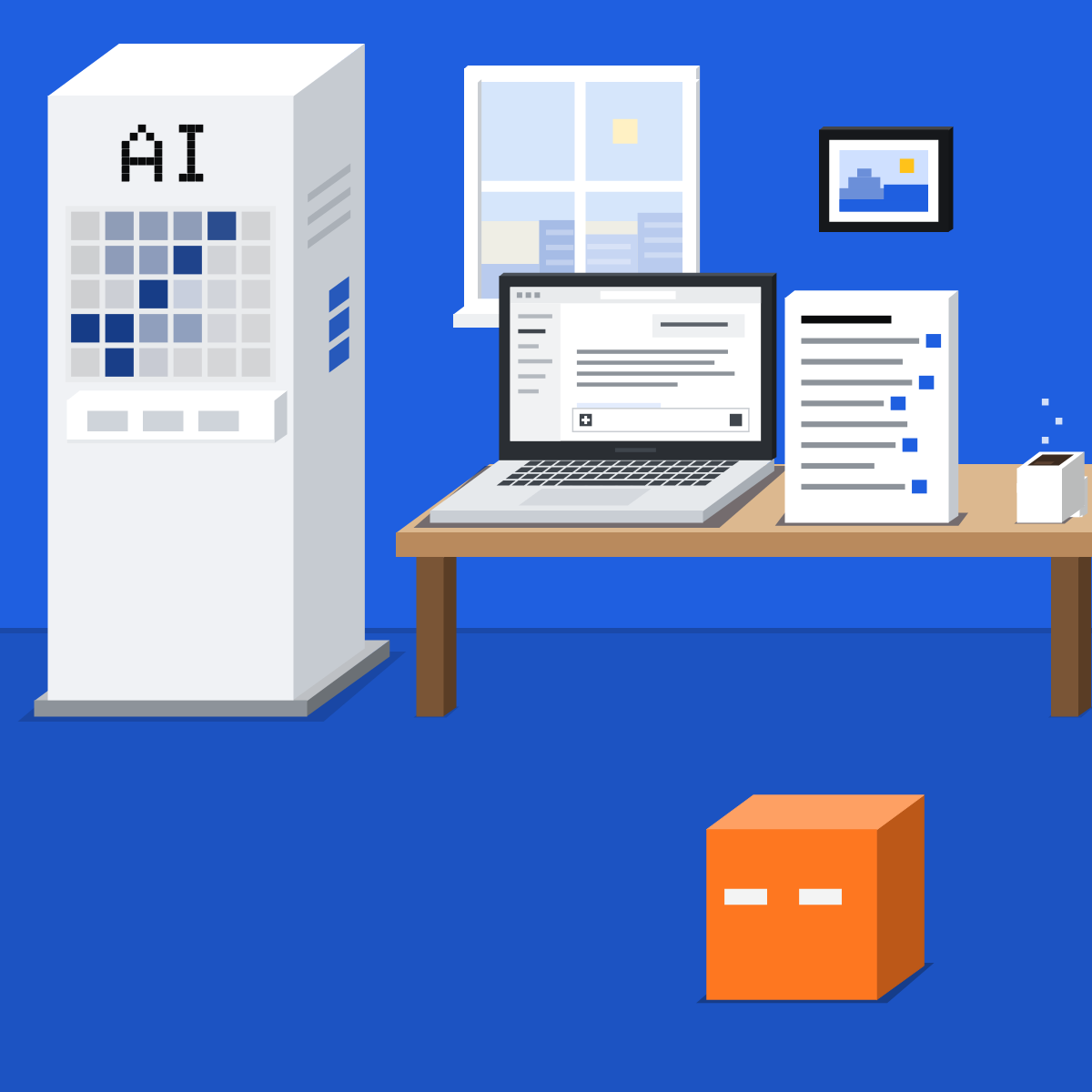
Plan, read, report
It plans its searches, reads many sources, then writes a report with citations. A desk researcher's first pass.
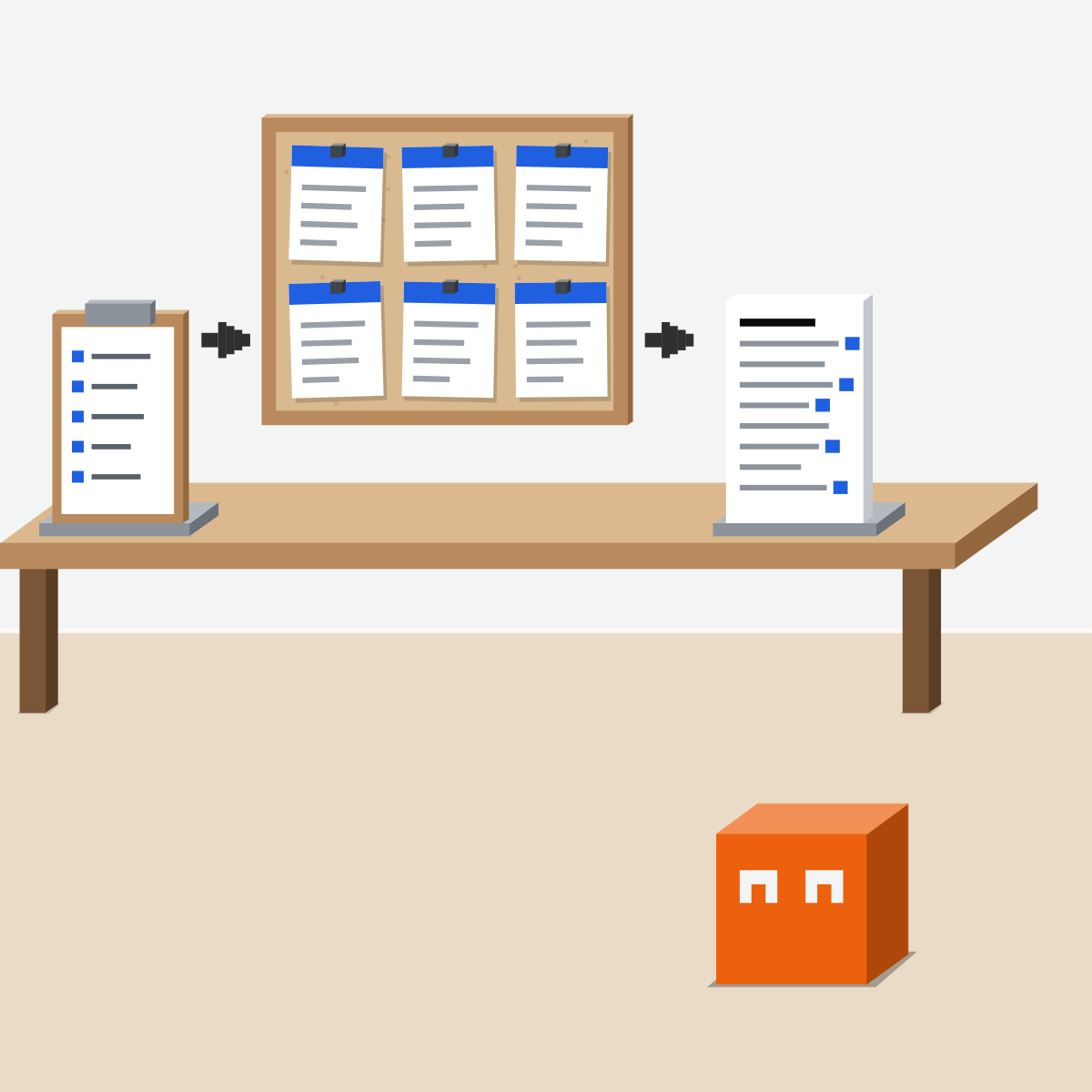
Many sources, or one fact?
Use it for a market, a supplier or a policy. For a quick lookup, OpenAI says chat may be faster.
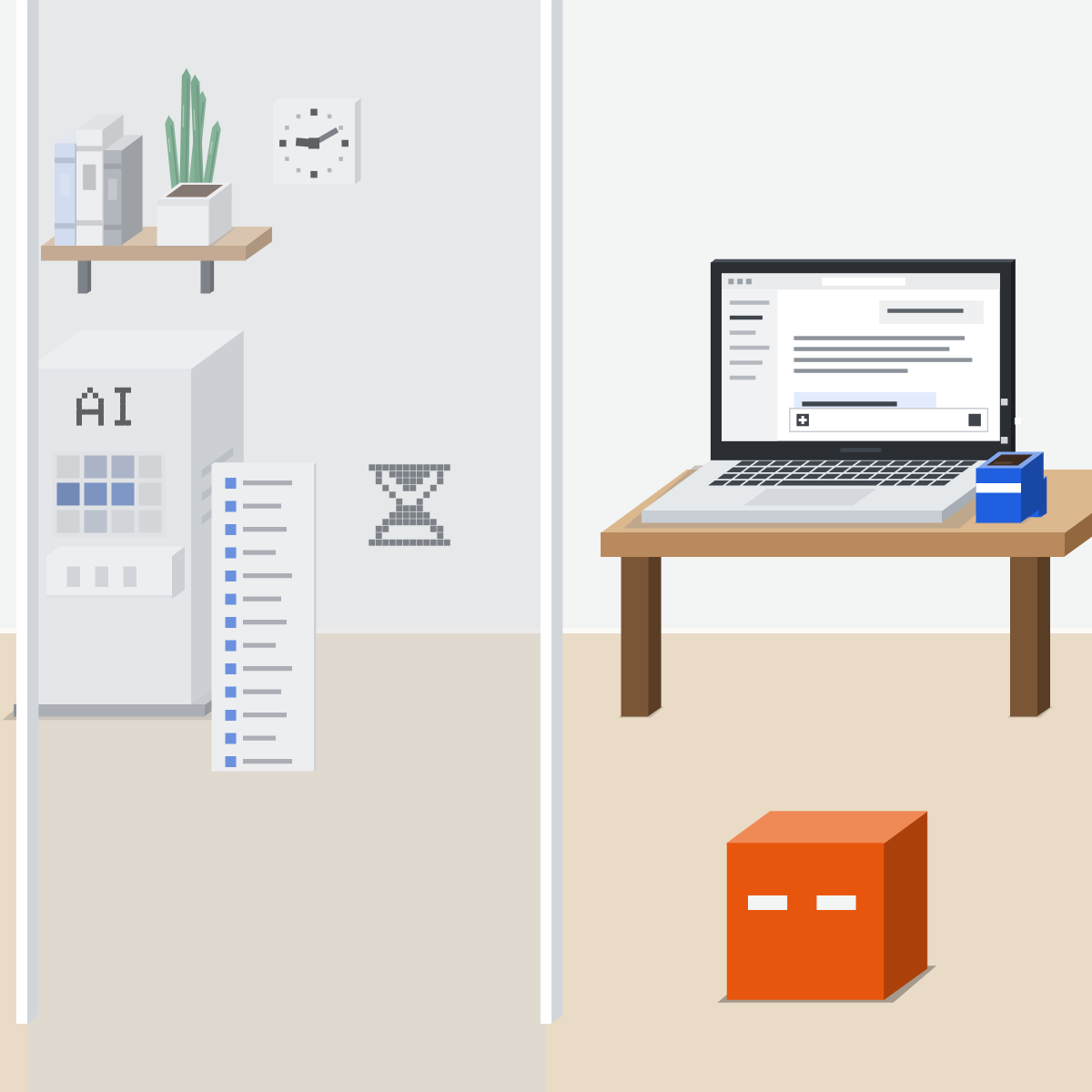
Brief it, then fix the plan
Give it the question, what it's for and sources to prefer. Add a time window and the format. Then fix its plan.

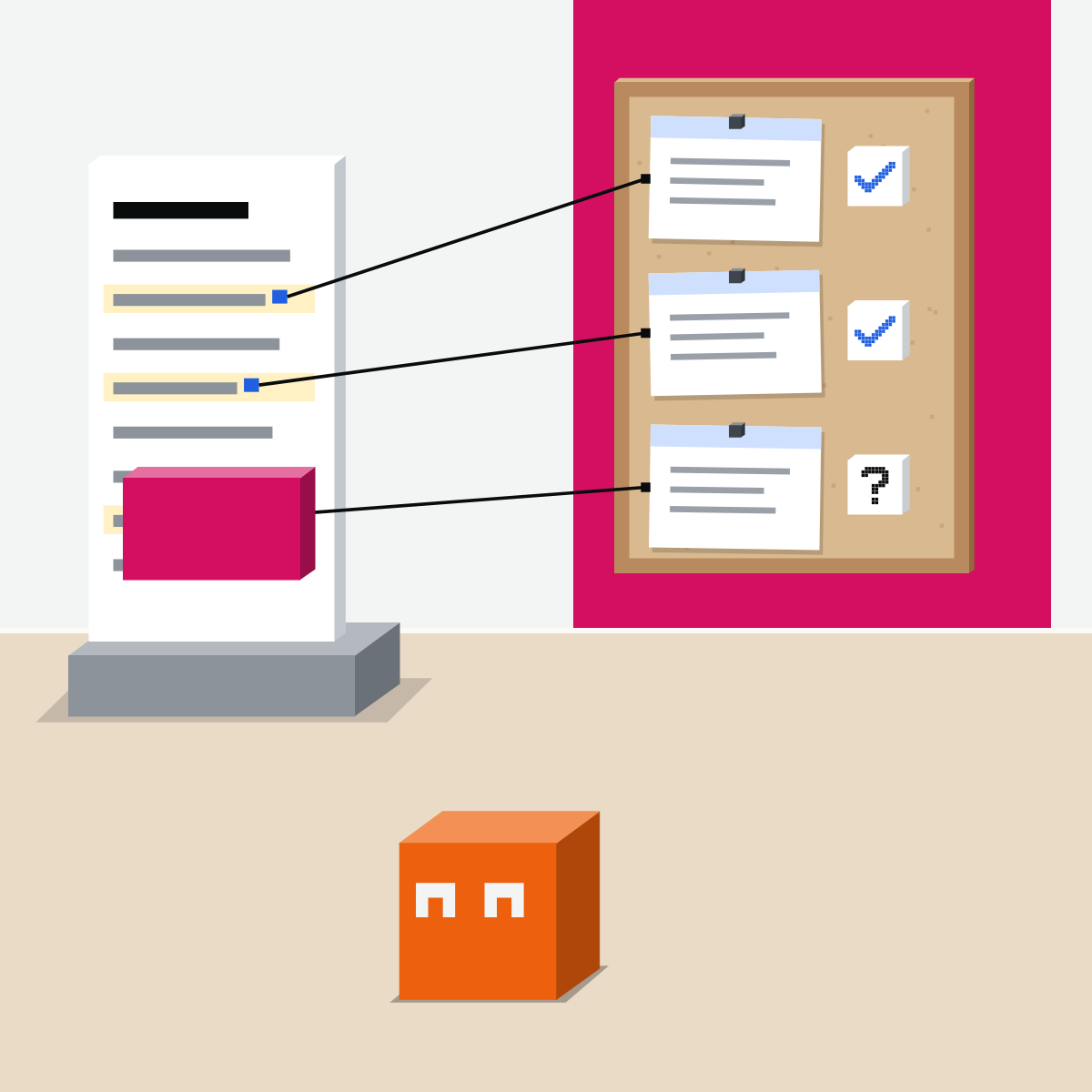
A citation is where to check
Made up: the report says delivery times fell 40 percent. Its source says 40 percent of orders arrive next day.
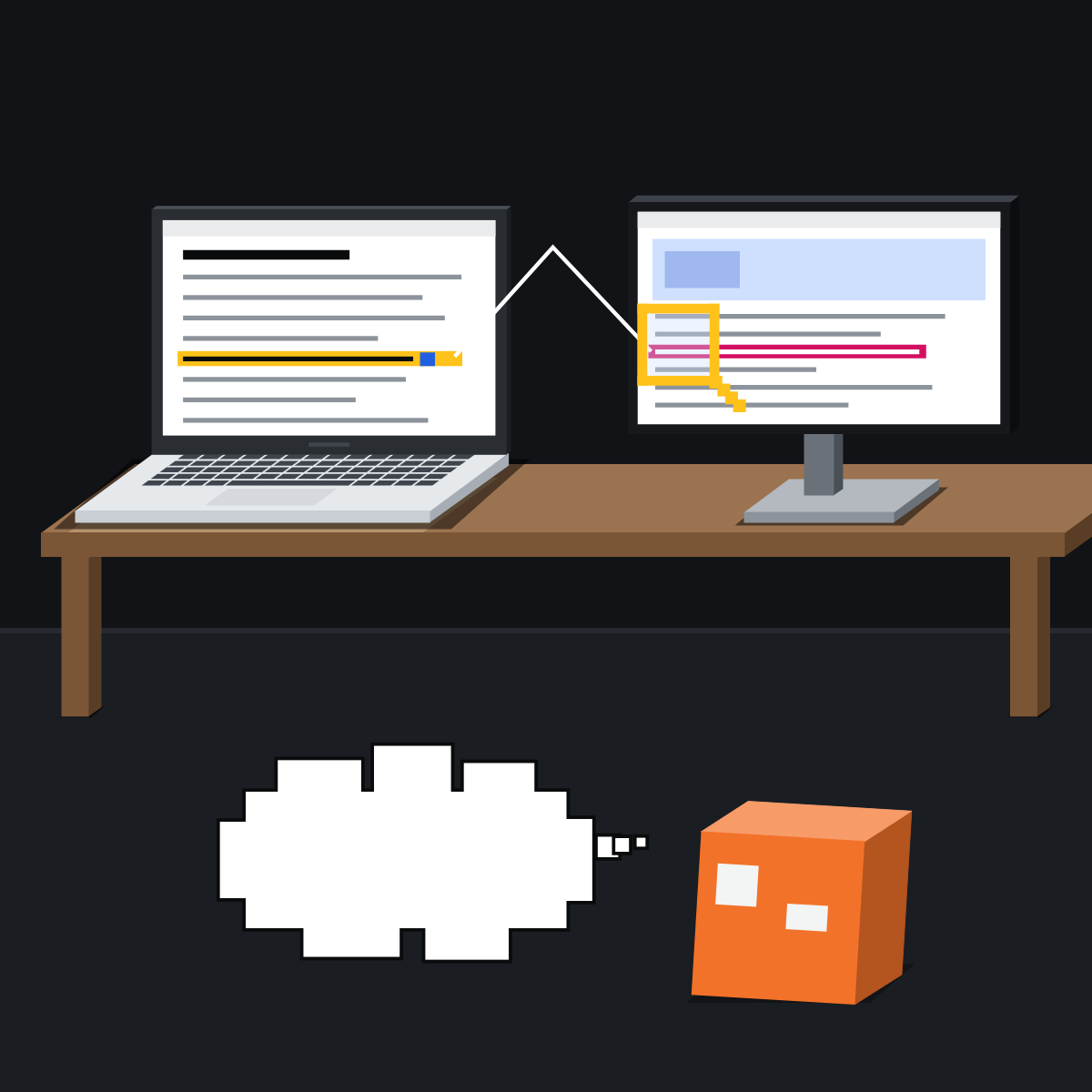
Check the claims that matter
Pick three to five claims your decision rests on. Find each on its page, saying the same. Mark what you can't verify.
Which one for research?
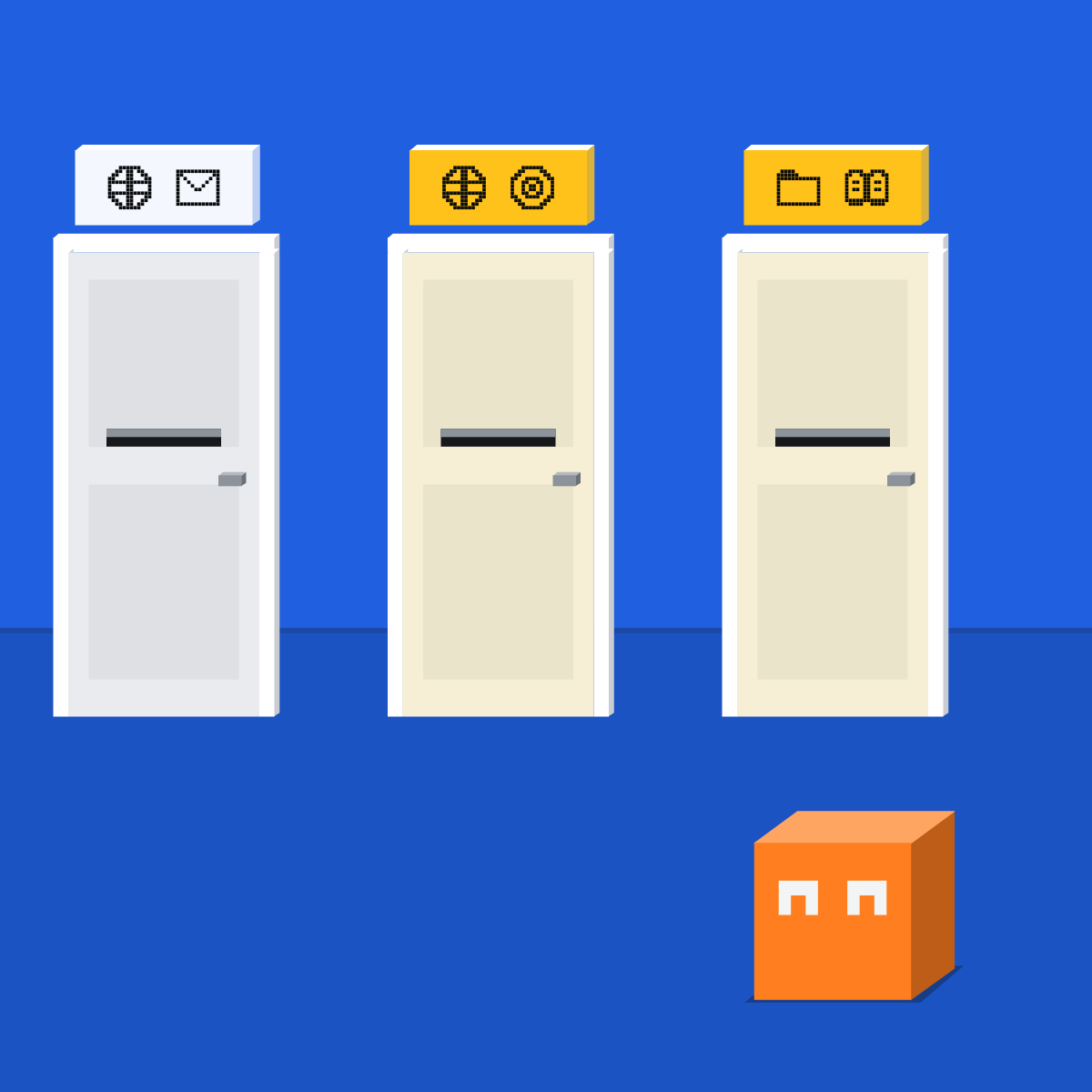
Claude fits web plus work tools. My picks: ChatGPT to choose the sites. Gemini on a free plan, or for your own files.
Brief one public question
Nothing private. The run's wait is extra.
- Brief it with the template.2 min
- Fix the plan: cut one step, add one. In Claude, change the brief.2 min
- Check three claims on their pages.5 min
- Count how many held up exactly.1 min
A five-line brief to paste
Question: How do three project tools handle guest access?
For: a one-page note for my team.
Sources: official help pages first; skip ads and forums.
Time window: 2026 only.
Format: a short table, then a list of what you could not find.
Good looks likeThree claims checked on their pages, and the misses marked.
In your assistant · as of Oct 2026 · Claude, ChatGPT, GeminiStart one, steer it, check it
Menus move often. Missing something? A rollout, your plan, country or admin may be why.
My pickMy pick for research: ChatGPT and Gemini. ChatGPT gives the most control over sources: you edit the plan and can name the sites. Gemini has Deep Research on its free plan, and Gemini Notebook for your own files. Claude's Research fits a question that mixes the web with your work tools.
Use the tool your company approves for company data. That rule comes before mine.
Claude
Calls it Research. Its page describes no plan step: put everything in the brief.
Or “+”, then Research. On the older Chat and Cowork? Turn on web search, then “+”.
Switch on only what it should read. It can use them without asking each time.
Open them before you rely on the report.
Pro, Max, Team and Enterprise; it can use up limits faster. On the phone it searches the web only.
ChatGPT
Calls it Deep research.
Or “+”, then Deep research.
Limit its sources, describe the outcome, then edit its plan.
Its “sources used section for reference checking”.
Limited on Free and Go, expanded on Plus, most on Pro. On Enterprise, admins decide. Connected apps are read only.
Gemini
Calls it Deep Research.
In the text box.
Add Gmail or Drive if connected; to use only those, deselect Google Search.
Usually 5 to 10 minutes. Google's page doesn't say how sources are shown.
18 or over, with daily limits; higher on Google AI Pro or Ultra. Work accounts depend on the Workspace licence.
Quick check · three questionsDid it stick?
1You need one quick fact. Deep research?
The answer: C OpenAI says chat may be faster for quick lookups.2When is a cited figure checked?
The answer: A A citation is a place to check, not a check.3How do you keep ChatGPT deep research to sources you trust?
The answer: B Both controls are on OpenAI's own page.
Only your own files?Side note
Look for what's missingSide note
Connectors in Claude's ResearchSide note
Sources, checked 16 Oct 2026Source
Product details as of Oct 2026, each line checked on the vendor's own page on 16 Oct 2026. Recheck by 16 Nov 2026. The 40 percent example and the guest access question are made up for this lesson.
- Anthropic, Use research on Claude (read 16 Oct 2026)
- Anthropic, Claude Cowork and chat are one Claude (/deep-research; read 16 Oct 2026)
- Anthropic, When should I use web search, extended thinking, and research? (read 16 Oct 2026)
- OpenAI, Deep research in ChatGPT (read 16 Oct 2026)
- OpenAI, ChatGPT plans (deep research by plan; read 16 Oct 2026)
- OpenAI, ChatGPT release notes (10 Feb 2026: named websites, plan editing; read 16 Oct 2026)
- Google, Use Deep Research in Gemini Apps (read 16 Oct 2026)
- Google, About Gemini models (work accounts and the Workspace licence; read 16 Oct 2026)
- Google, NotebookLM is now Gemini Notebook, 16 Jul 2026 (read 16 Oct 2026)
- Google, Learn about Gemini Notebook (read 16 Oct 2026)
- Google, Google AI plans (Deep Research on the free plan; read 16 Oct 2026)
Free kitThe AI Fact-Check KitBring this to your teamTeam workshops · Get in touchBack to level 3, Power features
Use it when a question needs many sources. Then check the claims you rely on.
Next lesson · 15 minHow do you hand a task to an agent?