Who is in charge when people and agents work together?
Give each agent a row: who briefs, reviews and changes it, and its log.
Who said yes?
Your team's agent emailed a client. Nobody can say who approved it.
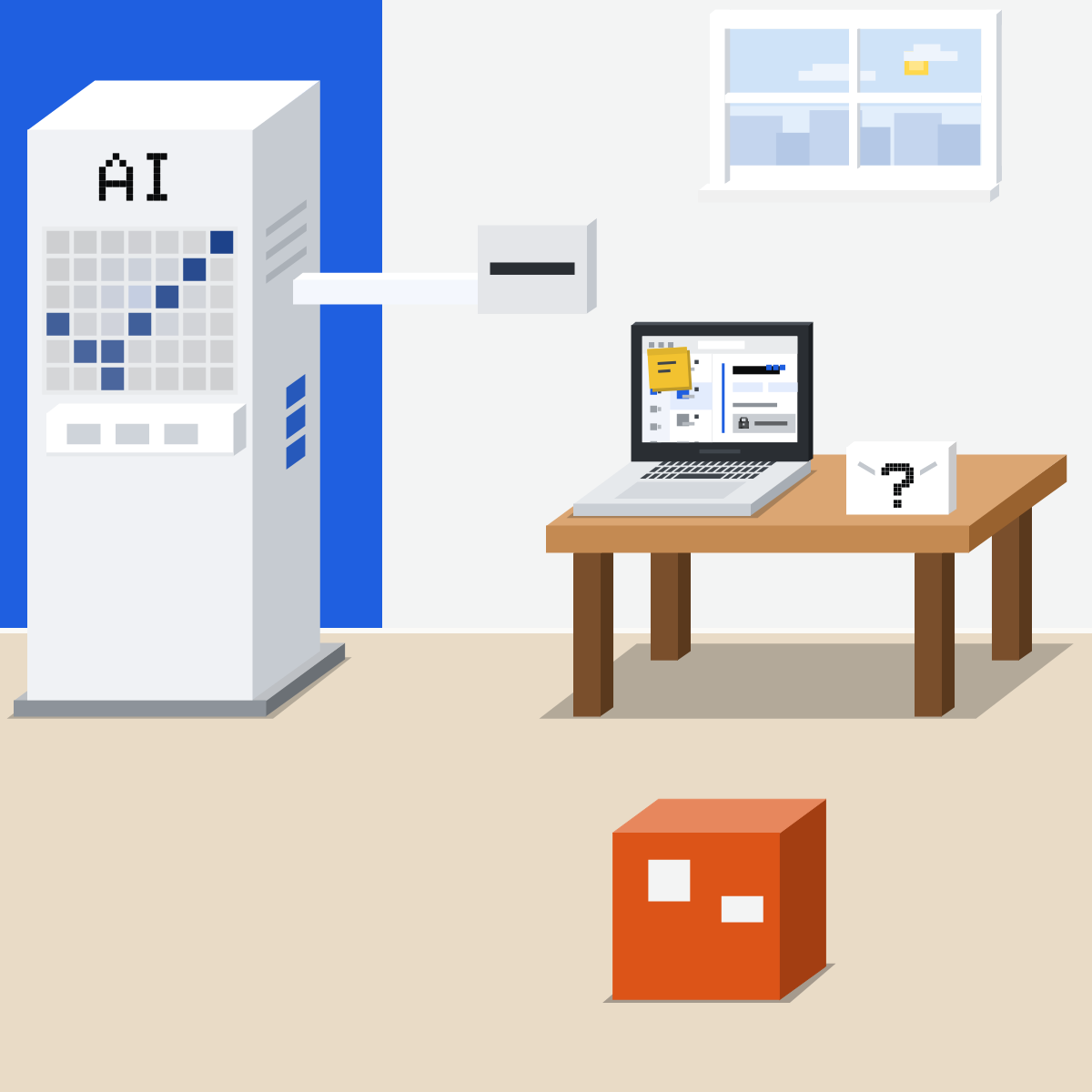
A row for every agent
Give each agent a row on the team's chart, like a colleague.
- Who briefs it
- Who reviews its work
- Who may change it
- Its log
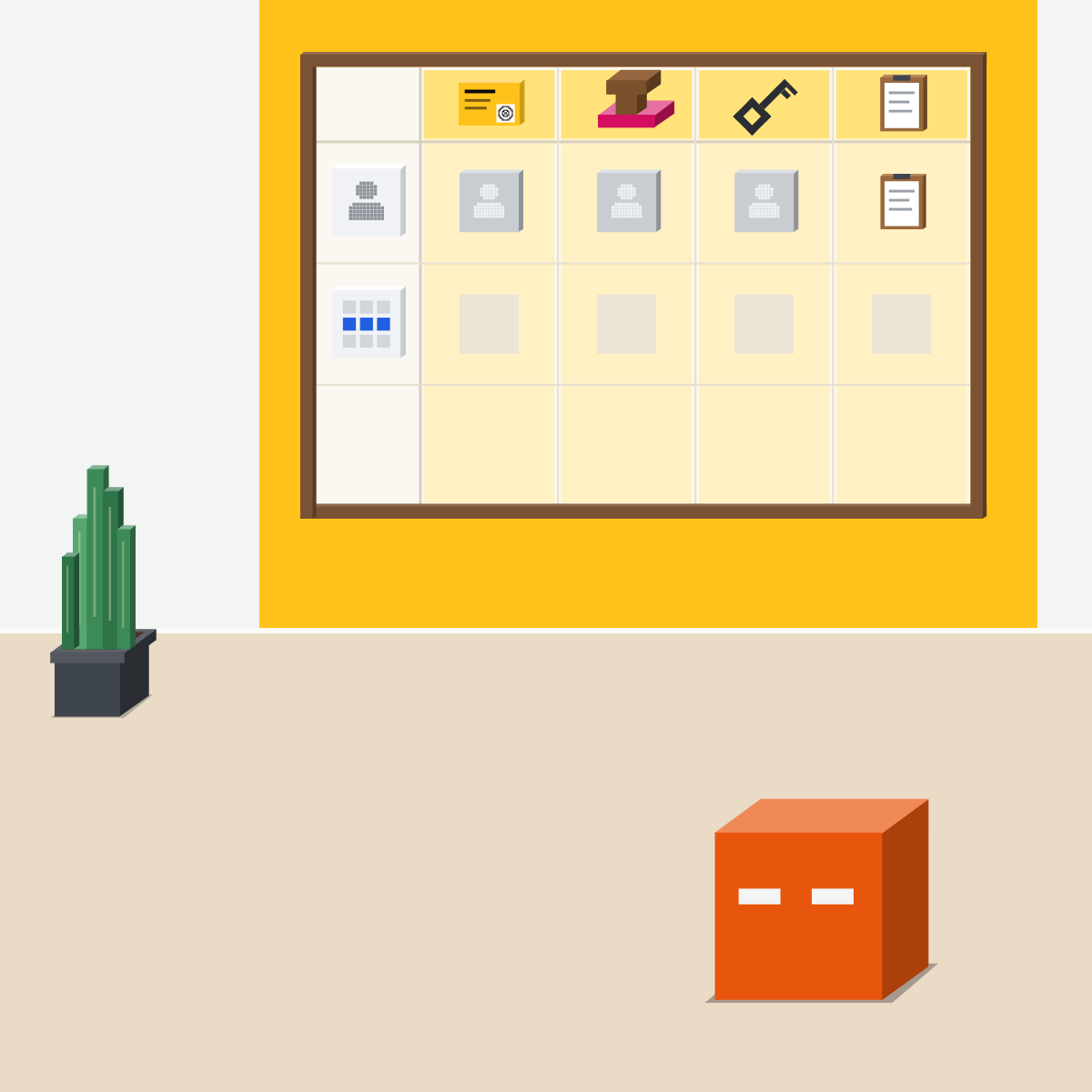
Who briefs it
One named person gives it the job and what done looks like.
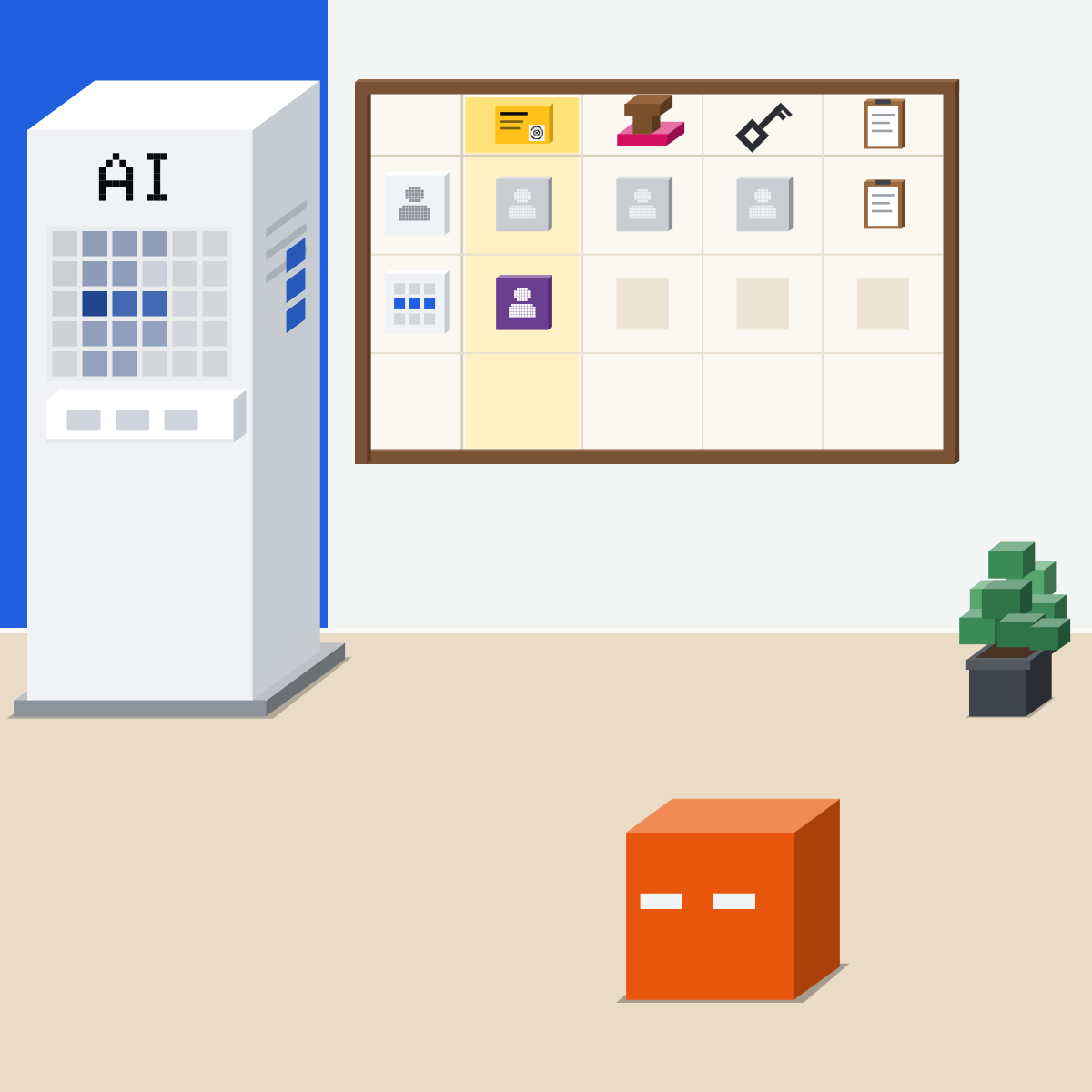
Who reviews its work
A named person checks its work before anything leaves the team.
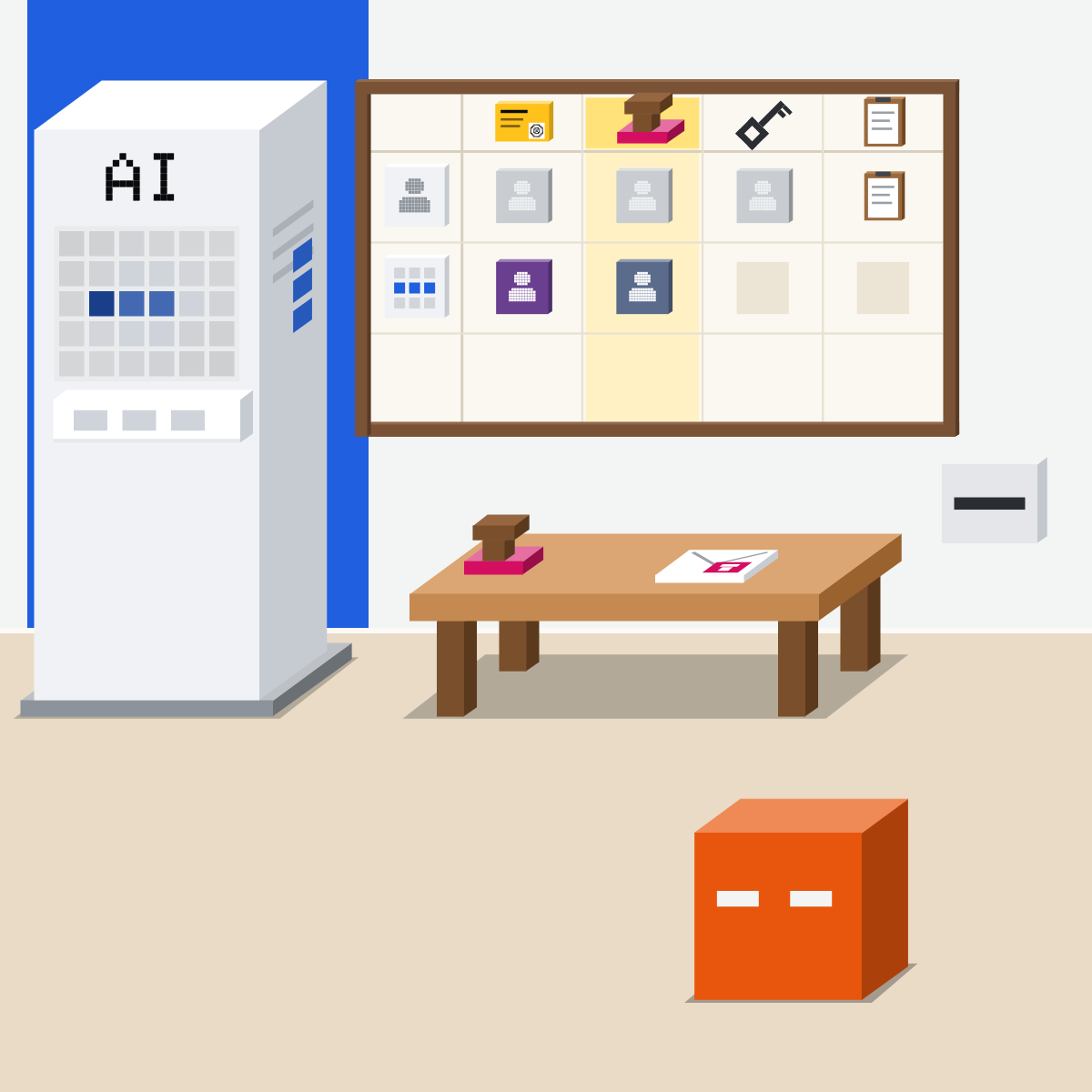
Who may change it
One named person changes its steps, tools and permissions. Others ask them.
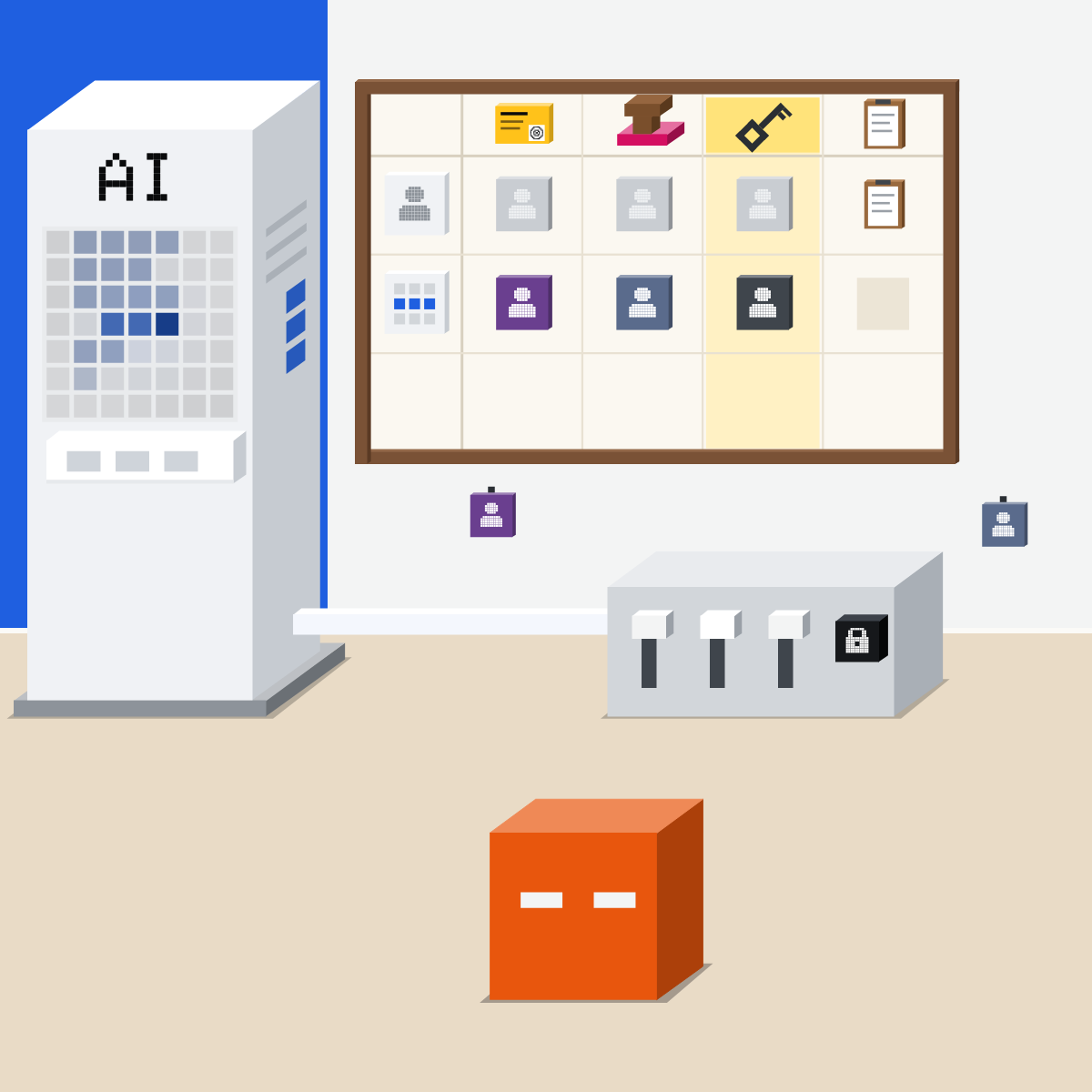
Its log
What it did, when, on whose brief, who checked. Where the team can see.
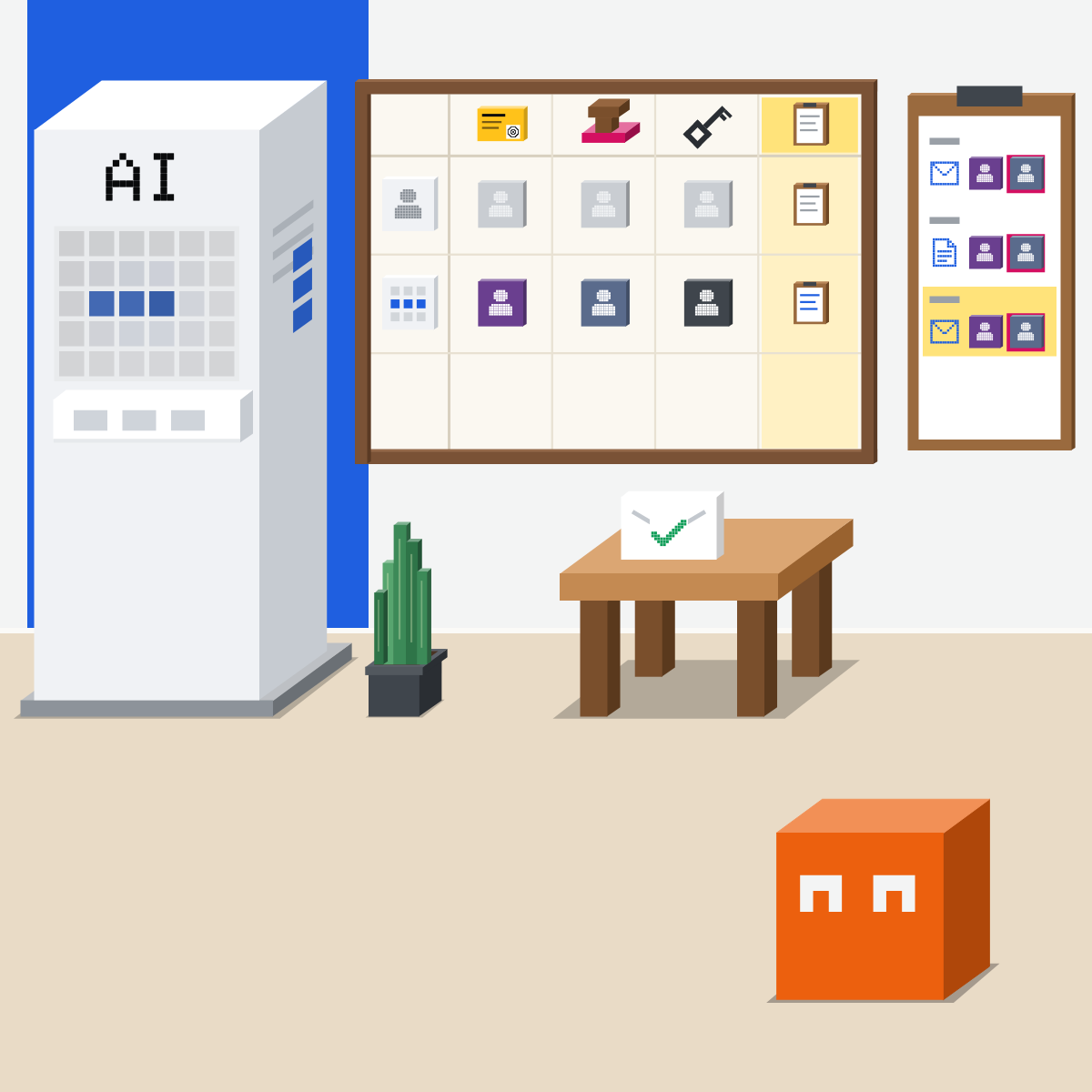
A person behind every agent.
This week, list your agents and fill each row. Leave no box empty.
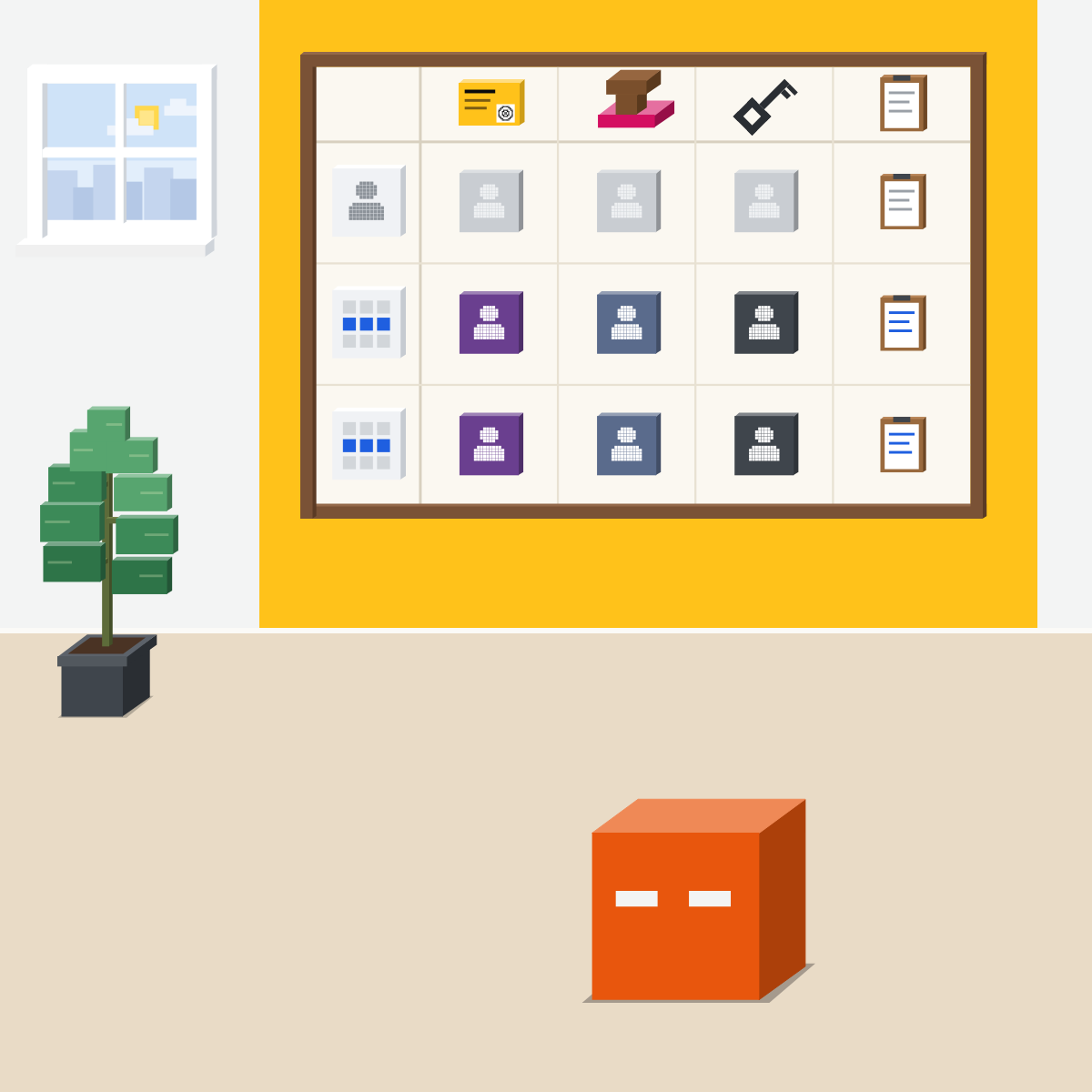
Draw your team's agent chart
Settings and paper only. Nothing goes into a chat.
- Open Scheduled and your shared projects.2 min
- Copy the chart. One row per agent.2 min
- Fill each box: a name, or where its log lives.4 min
- “Everyone” in a box? Ask who owns it.2 min
The chart, on paper or in a doc of your own
| Agent and its job | Briefs it | Reviews it | May change it | Where its log is |
|---|---|---|---|---|
| Monday report | ||||
Good looks likeEvery agent's row, every box filled.
In your assistant · as of Oct 2026 · Claude, ChatGPT, GeminiWhere each box lives
Menus move often. On a work plan, your admin may control these.
- CheckOne editor per agent
- CheckRuns you can open
- CheckOnly access it needs
Give each agent only the access its job needs.
 Claude
Calls it a task, in a project
Say the job and what done looks like. Every chat in it follows the project's instructions.
Keep asking first on
By default Claude asks before it takes an action. The named reviewer gives the yes.
For one named person: they can change its instructions and files. Everyone else: Can view. Team and Enterprise.
Its past runs. Each run is its own session you can open. Not on Free.
Enterprise owners can also export audit logs from Organization settings, Data and Privacy. They leave out what chats say.
 ChatGPT
Calls it Work, or a scheduled task
Describe the outcome you want, and how you will judge it. Work is not available in a shared project.
Approvals pause the task
If approval is required, the task waits until it is reviewed. The named reviewer does that.
The named person creates the task in their own account and edits it here.
Review each task's results and schedule. Actions that need approval may pause it.
Share a scheduled task and the other person gets a separate copy in their own account. Give the copy its own row.
 Gemini
Calls it a task, or an agent at work
Personal accounts on Google AI Pro or Ultra, 18 or over. Not in the UK, EEA, Switzerland or Nigeria.
It asks before it sends
Gemini asks for review before it sends messages or changes data. The named reviewer gives it.
Gemini Enterprise, at work: its instructions are on the Flow tab. Its owner shares it; admins can transfer ownership.
Its steps, and the files it read or updated.
Google says every action of its new Gemini agent goes to an audit trail, attributed to the agent (8 Oct 2026).
Quick check · three questionsDid it stick?
1Two teammates both edit the weekly report agent's instructions. Its report changes every week. What fixes it?
The answer: C Copies make two agents, and a lock stops every change, the good ones too. One editor keeps one version of how it works.2A client asks who approved an email your agent sent last week. What can your team show?
The answer: A Its summary is its own account, and a setting shows only what it could do. The log names the people.3Your agent sends a report every Monday. Its reviewer is on holiday this week. What should happen?
The answer: B A stand-in named ahead keeps it checked and on time. Sent unchecked, nobody could say who approved it; held back, the report is late.
Why nowSide note
What the experts askSide note
A stand-in for every nameSide note
Sources, checked 18 Oct 2026Source
Product details as of Oct 2026, each checked on the vendor's own page on 18 and 19 Oct 2026. Recheck by 18 Nov 2026. The examples in the pictures are made up for this lesson.
- Microsoft, 2026 Work Trend Index: Agents, human agency, and the opportunity for every organization (5 May 2026; three questions every Frontier Firm will need to answer, among them "Who reviews agent performance?" and "Who has the authority to update the workflows that agents run?"; holding humans accountable for the work agents execute)
- Google Cloud, Welcome to Gemini at Work 2026: Introducing the Gemini agent (8 Oct 2026; the four governance questions; every action written to an audit trail and attributed to the agent rather than to a person)
- UK NCSC, Managing the cyber risk of agentic AI (blog post, 20 Aug 2026; where unintended activity would have significant consequences, named individuals or group responsible; agent activity as user activity; logs protected from modification or deletion; only the permissions the task needs)
- Anthropic, What are projects (Team and Enterprise sharing; Can view, and Can edit to modify project instructions and knowledge)
- Anthropic, How can I create and manage projects (the Share project button, the permission levels, project instructions used for all the chats within the project)
- Anthropic, Organize your tasks with projects in Claude Cowork (project instructions guide all tasks in the project; scheduled tasks specific to a project; Can view or Can edit sharing on Team and Enterprise)
- Anthropic, Schedule recurring tasks in Claude Cowork (Scheduled in the left sidebar, upcoming and past runs, each task its own session, Pro, Max, Team and Enterprise)
- Anthropic, Access audit logs (Enterprise only, Owners and Primary Owners, Organization settings > Data and Privacy, titles and content of chats and projects left out)
- Anthropic, Claude Cowork and chat are now one Claude (16 Sep 2026; "By default, Claude asks before taking an action")
- OpenAI, Projects in ChatGPT (shared projects always use project-only memory, and ChatGPT Work is not available in those projects)
- OpenAI, ChatGPT Work and Codex (choose Work; describe the outcome you want, with review criteria)
- OpenAI, Scheduled tasks in ChatGPT (view, manage and edit tasks in Scheduled, review results, approvals may pause a task, a shared task becomes a separate copy in the recipient's account)
- Google, Manage your tasks and workflows in Gemini Apps (Task, review and confirmation before certain actions, the progress chip and work panel, Files read or updated, requirements and regions)
- Google, Create and manage schedules for tasks in Gemini (the Scheduled page in the sidebar)
- Google Cloud, Share a chat agent, Gemini Enterprise (Agent Gallery, Your agents, Actions, Share; the agent owner; app administrators can transfer ownership)
- Google Cloud, Edit a chat agent, Gemini Enterprise (Agents, Your agents, Actions, Edit; Instructions on the Flow tab; Update saves and relaunches)
Free kitThe Agent PlaybookBring this to your teamAI implementation · Get in touchBack to level 6, Advanced and by role
Every agent, its own row.
Next lesson · 16 minWhy don't better AI tools alone change results, and what should a manager do?