What should never go into an AI tool at work?
Know what stays out of AI, and what needs your work account.
Just a quick reply
You paste the client's whole email, phone number and all.
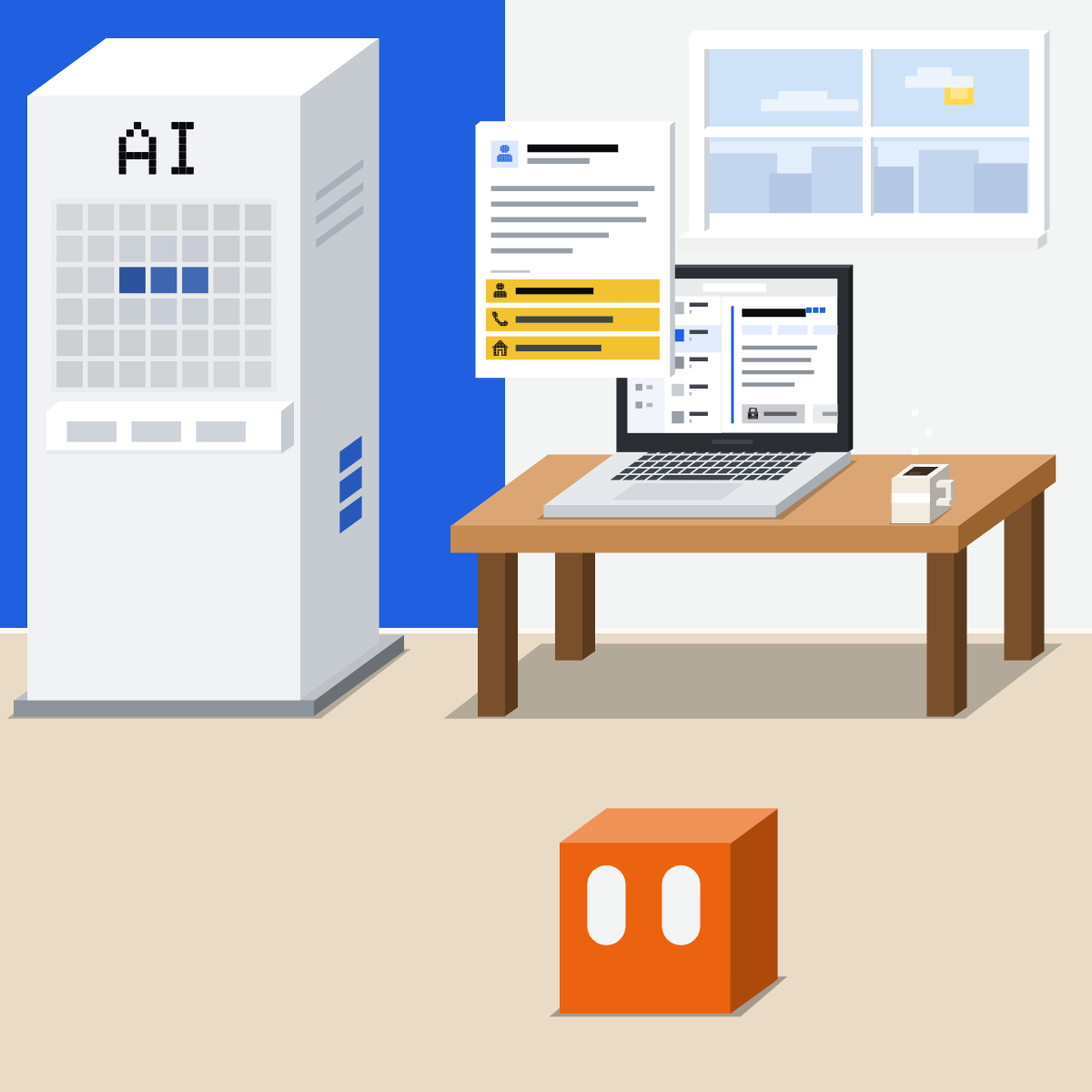
Three trays, before any paste
Never. Work account only, where allowed. Fine to paste.
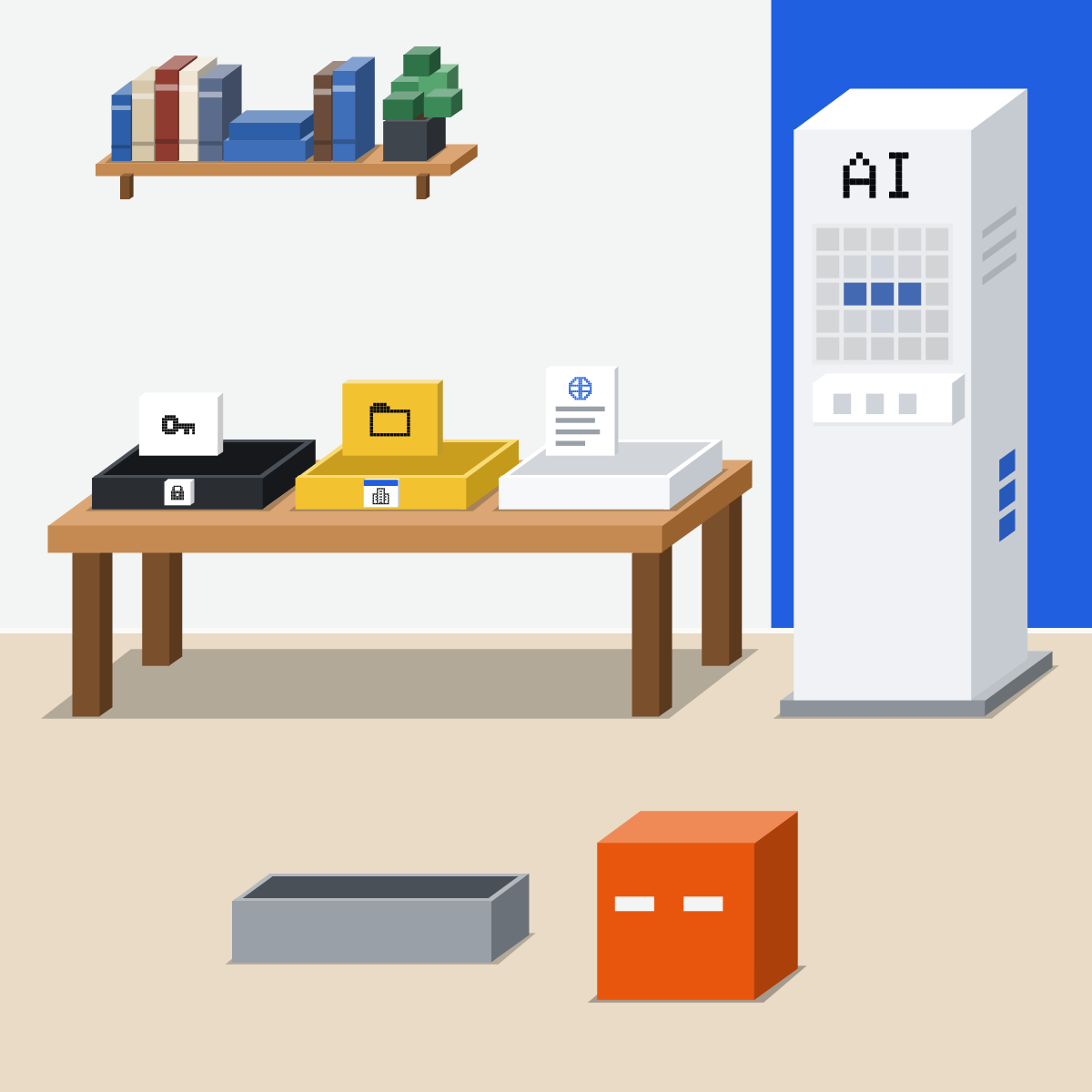
The never tray
Passwords, codes, card and bank numbers. Other people's personal, health or HR details. Client confidential files.
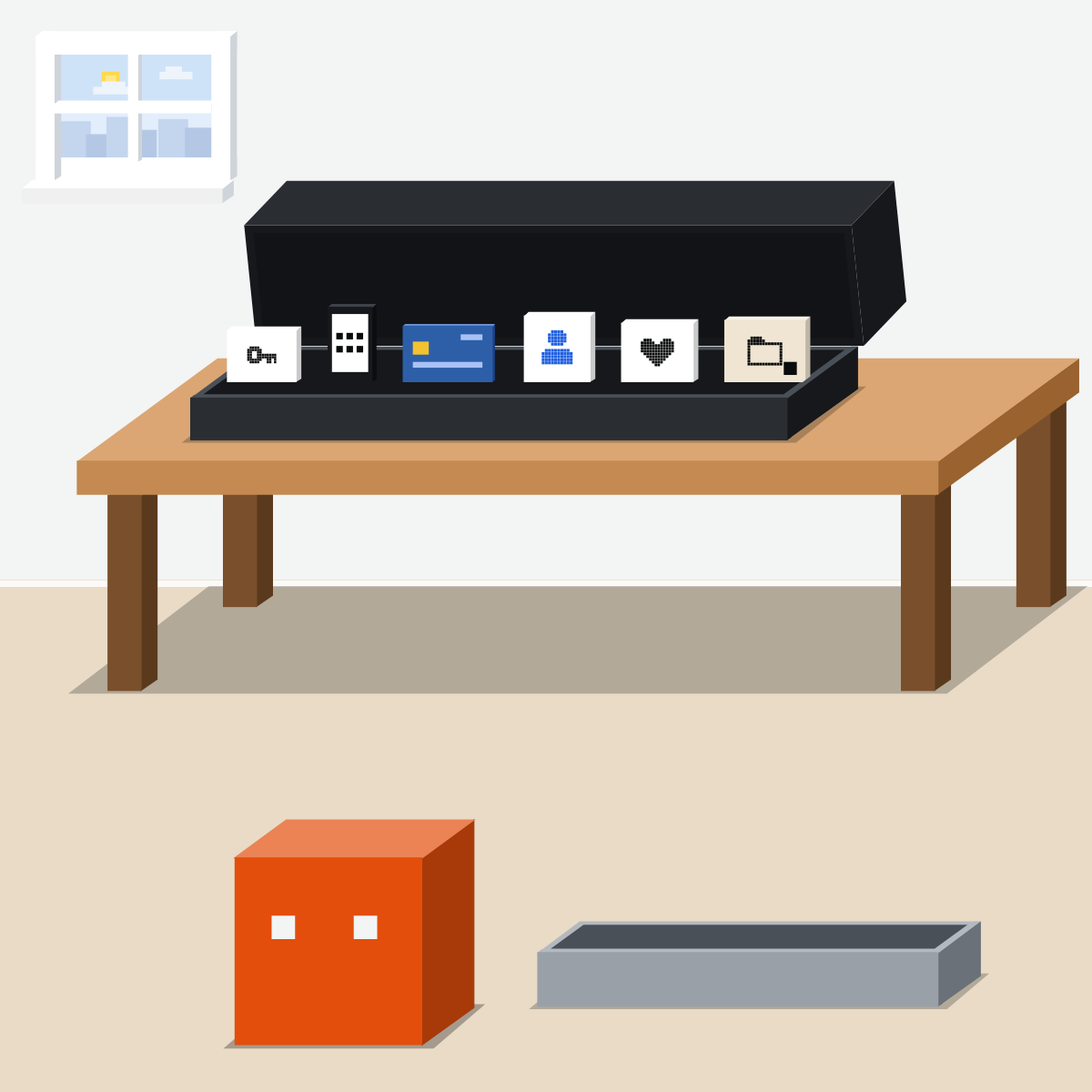
Work account, where allowed
Internal documents: only on your work account, if allowed. There, your company's rules apply.
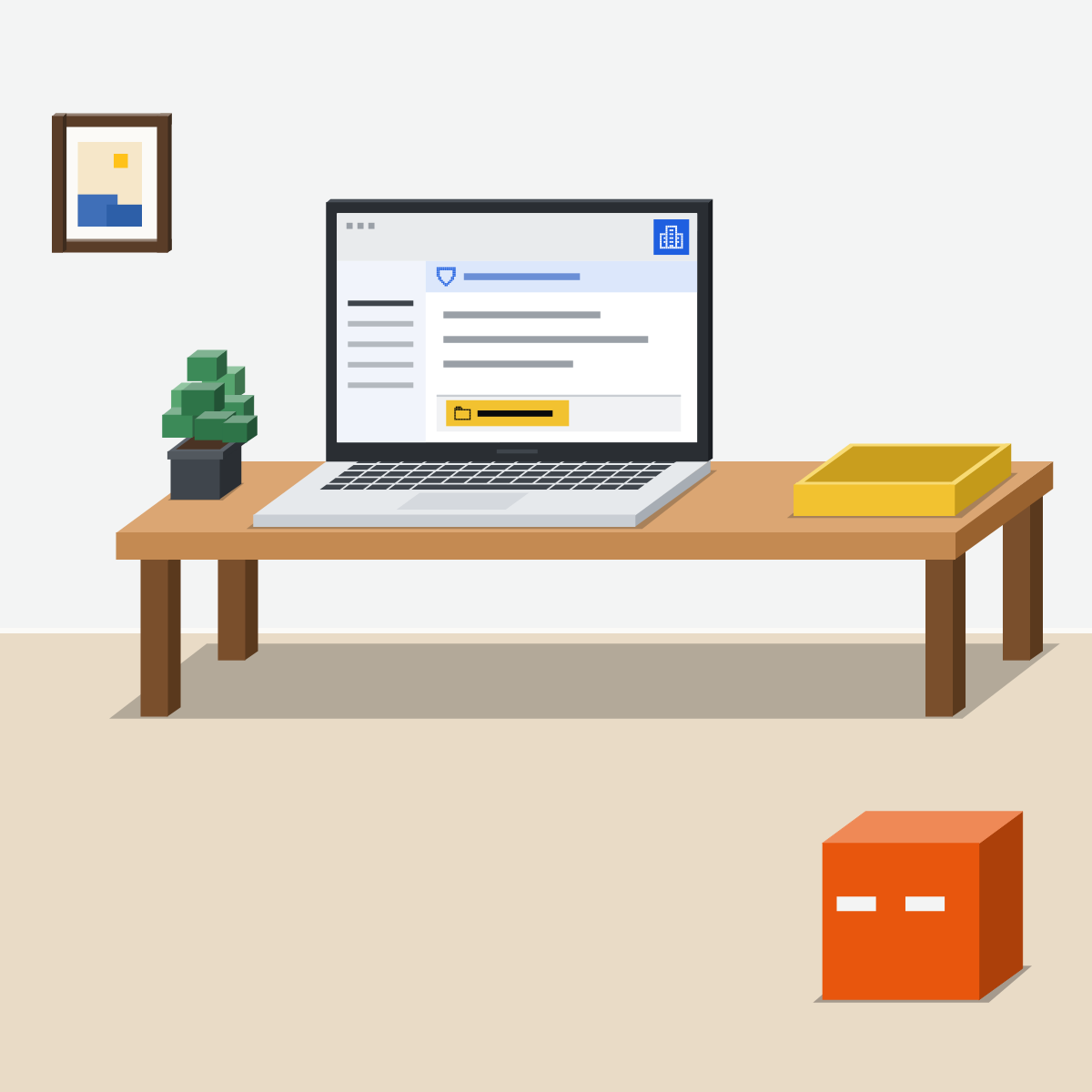
Fine: roles, not names
Public facts. Your own draft, with roles for names and nothing that points to one person.

What the settings do
Training off: not learned from. Temporary: not in your history. Both can still keep a copy.
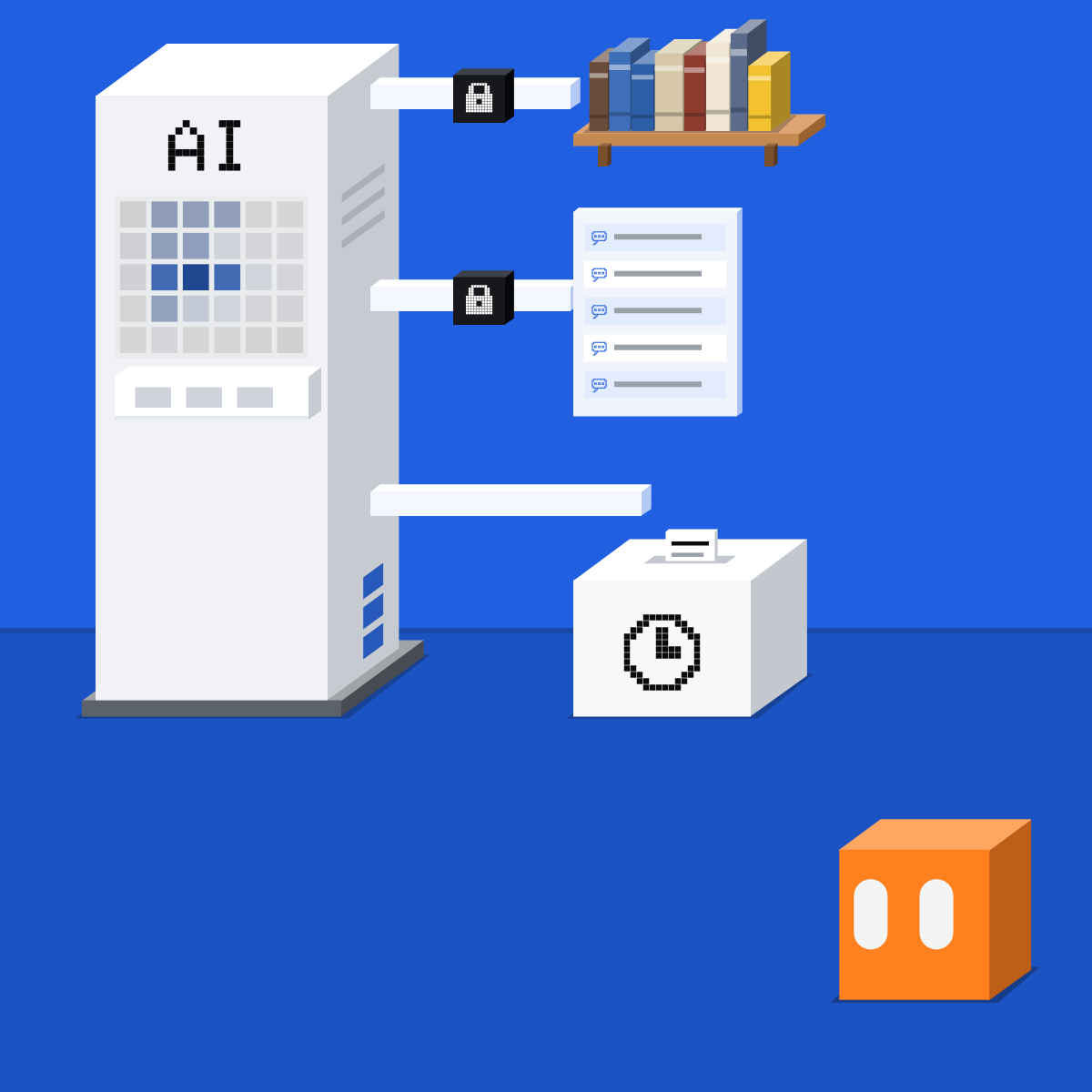
Sort first. Settings can't unsend.
Before any paste, sort. The never tray stays out. Work needs your work account. Names become roles.
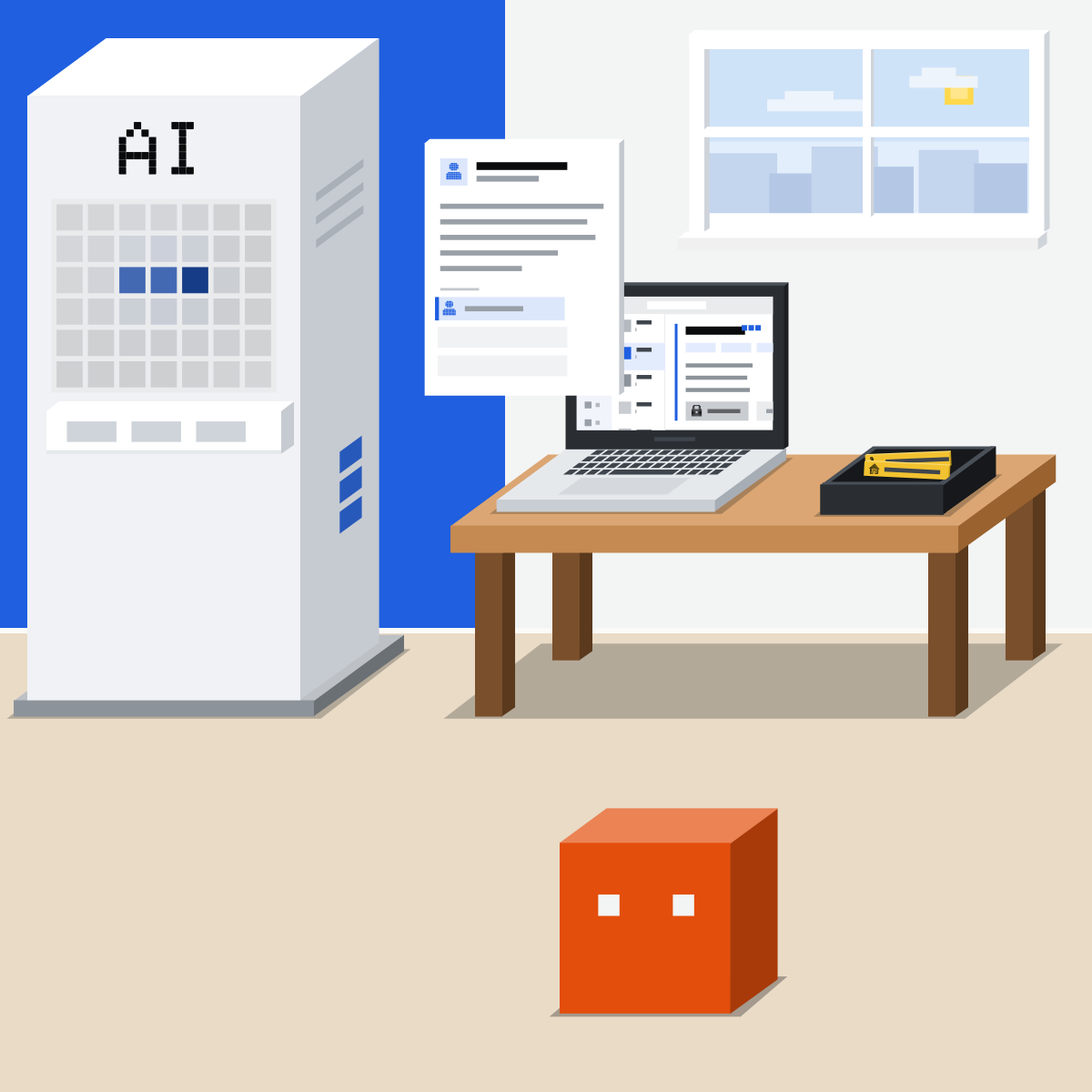
Sort seven things
Practice only. Nothing private goes in.
- Sort the seven yourself first, on paper.
- Paste the list into Claude, ChatGPT or Gemini.
- Where you differ, your company's rule wins.
- Find your tool's data settings and note them.
The practice list
Sort these for AI at work: NEVER, WORK ACCOUNT ONLY (if my company allows it), or FINE. One line each, with why.
1. The office Wi-Fi password
2. A customer's phone number
3. Our team's meeting notes
4. Our published press release
5. My draft, names swapped for roles
6. A client's draft contract
7. A colleague's sick note
Good looks likeYou can say which tray each goes in, and why.
In your assistant · as of Oct 2026 · Claude, ChatGPT, GeminiFind your data settings
They change what's kept and learned from. None makes a password safe to paste.
- CheckSigned in to work
- CheckYour company allows it
- CheckRoles, not names
Never type a password, security code or card number into any chat, whatever the setting.
 Claude
Calls them Help improve our AI models, and incognito chats
Off: new chats aren't used for training. Free, Pro and Max.
Incognito: not in your history, not used for training, still kept 30 days (longer under an Enterprise retention setting). Not inside projects.
Team and Enterprise: chats aren't used for training by default.
Owners can export incognito chats with the rest.
On Free, Pro and Max, a chat you delete usually leaves Anthropic's back-end within 30 days. Chats flagged for safety or sent as feedback are kept longer.
 ChatGPT
Calls them Improve the model for everyone, and Temporary chat
Off: new chats aren't used for training. They stay in your history.
Unless you save it: not in your history, not used for training. A copy may be kept up to 30 days.
Business, Enterprise and Edu: not used for training by default.
Your workspace's own retention rules apply.
Turning training off doesn't delete chats. Delete them separately.
 Gemini
Calls them Keep Activity, and Temporary chat
On by default from age 18. Off: future chats aren't used for training unless you send feedback, and are still kept 72 hours.
Next to New chat. Personal accounts only. Kept 72 hours.
Your admin controls activity settings.
Where your Workspace edition has Gemini's enterprise-grade protections, chats and files aren't reviewed by people or used to improve Google's AI models. Ask IT.
Google asks you not to enter anything confidential you wouldn't want a reviewer to see. Even in a temporary chat or with Keep Activity off, it uses chats to help protect users, including with human reviewers.
Quick check · three questionsDid it stick?
1You've switched training off. Can a customer's phone number go in now?
The answer: B Settings can't unsend. Training off means it isn't learned from. It was still sent, and a copy is kept for a while.2Your team's internal meeting notes need a summary. Where do they go?
The answer: C Your work account, where allowed. There, your company's rules and settings apply. A temporary chat on a personal account still sends it outside them.3Which request is ready to paste?
The answer: A Roles, not names. A name or an address points to one person. The details here are made up.
The one exceptionSide note
Thumbs up or downSide note
Names out isn't always enoughSide note
Sources, checked 18 Oct 2026Source
Product details as of Oct 2026, each checked on the vendor's own page on 18 Oct 2026. Recheck by 18 Nov 2026. The examples in the pictures are made up for this lesson.
- Anthropic, How do I change my model improvement privacy settings? (Settings, Privacy, the Help improve our AI models toggle, which the page writes "Help Improve our AI models"; off: new chats not used for future training; Free, Pro and Max)
- Anthropic, Is my data used for model training? (Free, Pro and Max: incognito chats are not used to improve Claude; thumbs up or down stores the whole conversation for up to 5 years and may be used to train)
- Anthropic, Is my data used for model training? (commercial plans such as Claude for Work: not used to train by default; chats sent as thumbs up or down feedback may be used to train)
- Anthropic, How long do you store my data? (a deleted chat leaves back-end storage within 30 days; flagged chats kept up to 2 years; feedback kept 5 years)
- Anthropic, Use incognito chats (the ghost icon in a new chat outside a project; not in history or memory; not used for training; kept 30 days, or longer under an Enterprise retention setting; included in Owners' exports)
- Anthropic, Use Claude Cowork safely (be cautious about giving Claude access to financial documents, credentials or personal records)
- OpenAI, Data controls in ChatGPT (Settings, Data controls, Improve the model for everyone; off: new chats not used for training and still in history; turning it off does not delete chats; a rated chat may be used for training after opting out; Business, Enterprise and Edu not used for training by default)
- OpenAI, Temporary chat in ChatGPT (new chat, Temporary; while it stays temporary, not in history and not used to improve models; can be saved as a regular chat; a copy may be kept up to 30 days for safety)
- OpenAI, Using cloud browser in ChatGPT ("Never paste passwords, security codes, or payment details into the conversation")
- Google, Gemini Apps Privacy Hub ("Please don't enter confidential information that you wouldn't want a reviewer to see"; Keep Activity off: not used to train unless you send feedback, kept 72 hours; temporary chats not used to train, kept 72 hours; even then chats are used to help protect users, with human reviewers; "Don't enter login or payment information into Gemini chats")
- Google, Manage & delete your activity in Gemini Apps (Settings & help, Activity, On, Turn off; on by default if you are 18 or over)
- Google, Use Gemini Apps (Temporary chat next to New chat; personal Google Accounts only)
- Google, Use Gemini Apps with a work or school Google Account (only the Workspace administrator can turn off Keep Activity; with enterprise-grade protections, chats and files are not reviewed by people or used to improve generative AI models)
- European Commission, Data protection explained (pieces of information that together can identify a person may be personal data)
Free kitThe Team AI Policy KitBring this to your teamTeam workshops · Get in touchBack to level 1, Start here
Sort before you paste.
Next lesson · 15 minWhy does AI make things up?