How do you measure what AI changed, when time saved is not value?
Pick outcome measures before you start. Decide where saved time goes.
The hours trophy
“AI saved us 200 hours.” Nobody can say what got better.

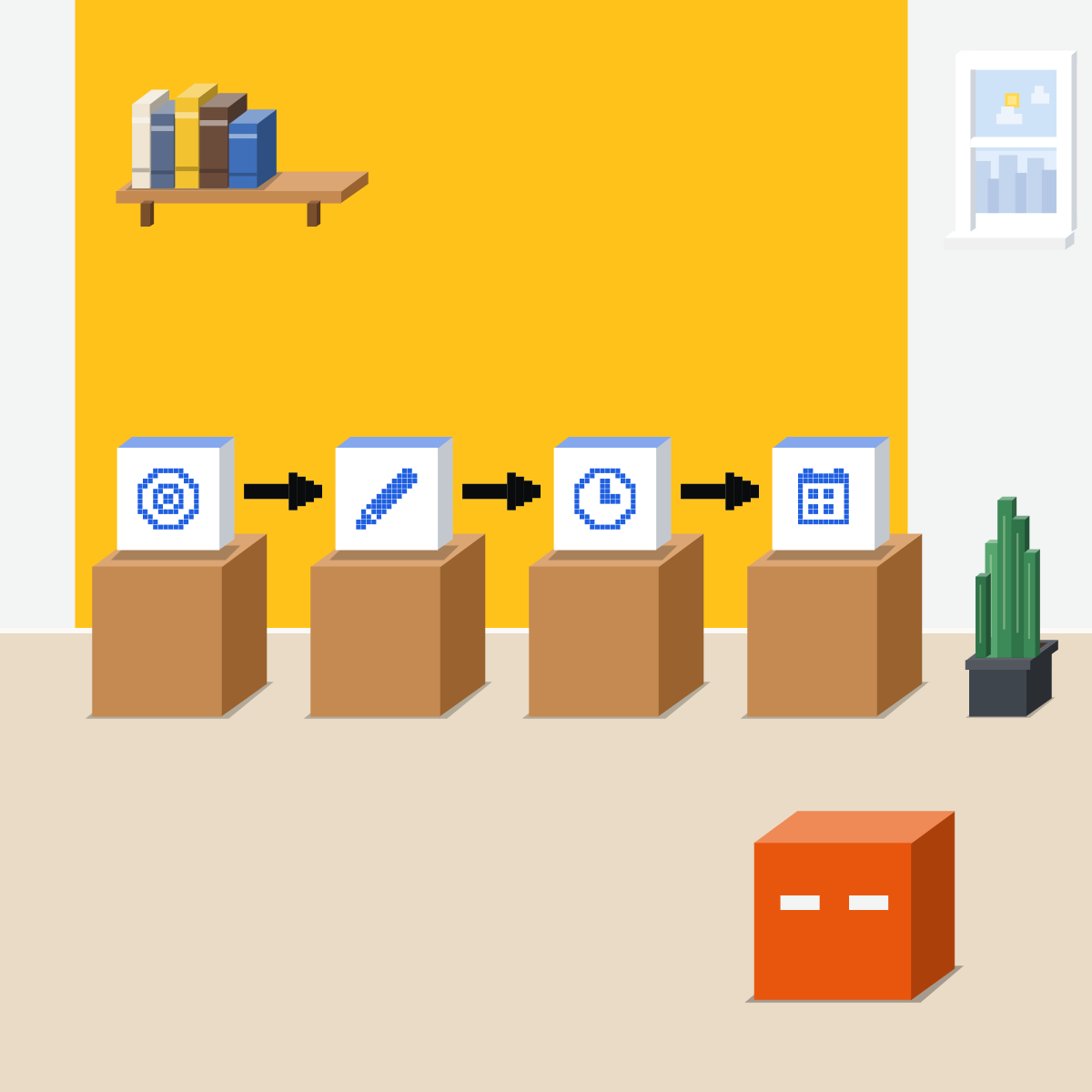
Four moves, before AI starts
On one workflow your team repeats:
- Pick what customers notice
- Write down today's numbers
- Book the saved time
- Look again in a month
Pick what customers notice
AI cut the drafting. The request still waited. Customers feel the whole wait, from ask to done.

Write down today's numbers
From records you keep, count last month's: fixes, days to done, customers asking twice. Note how you counted.
My pick for spreadsheets
 Claude for ExcelAlso good:
  Gemini in Google Sheets
Answers point to the cells they came from, formulas stay intact, and it warns before it overwrites anything.
All my picks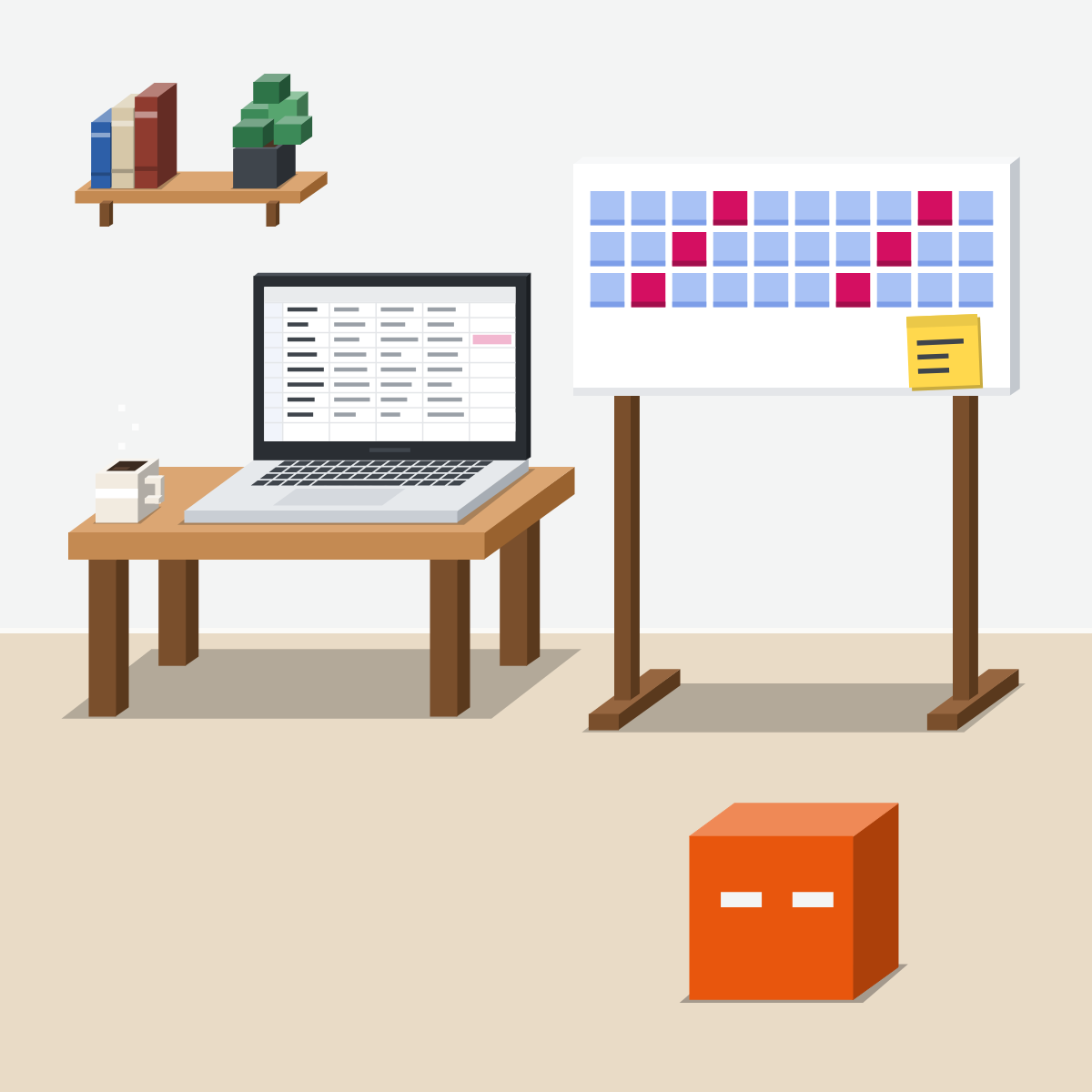
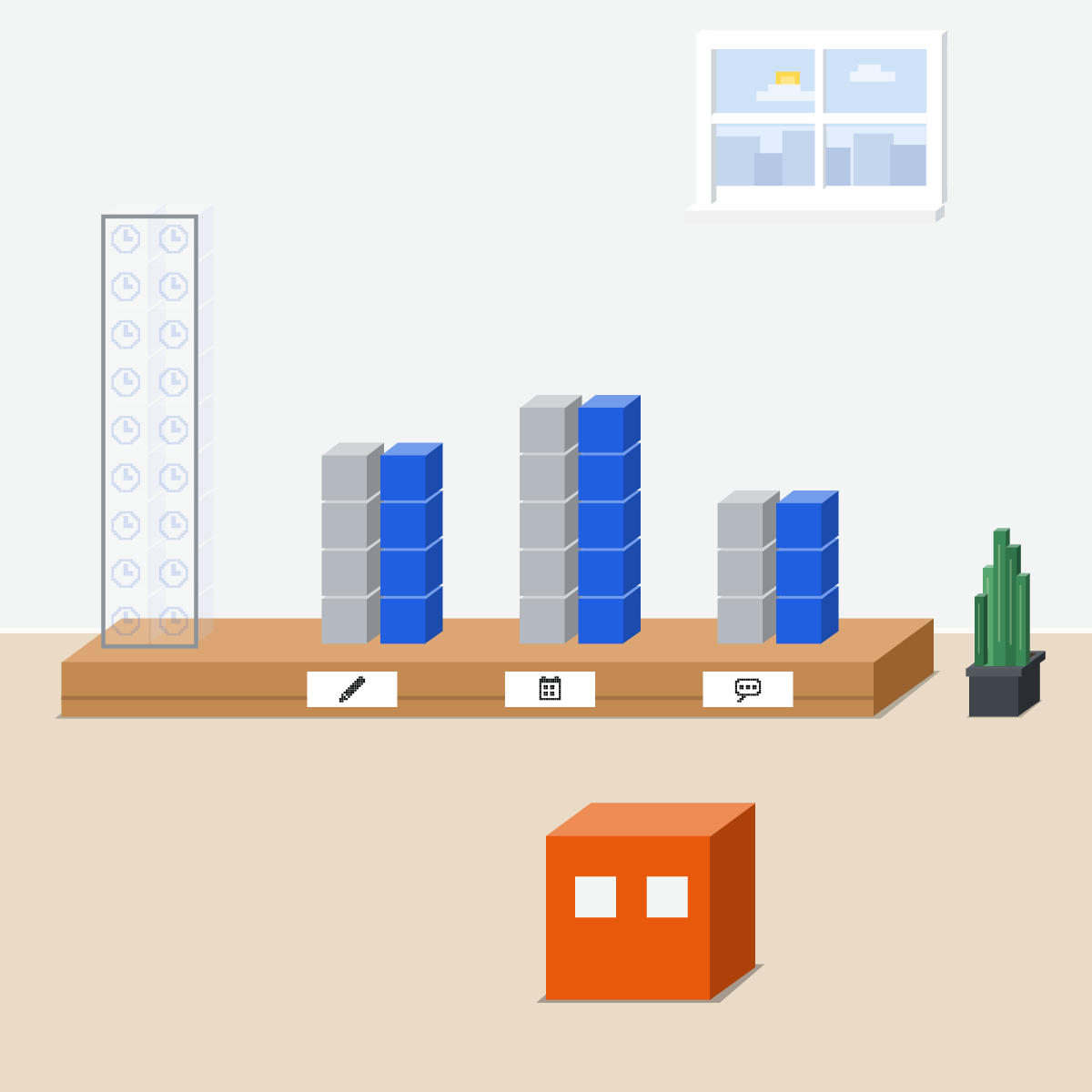
Book the saved time
Name work that moves a measure. BCG: 66 percent of frontline AI users had limited or no guidance on saved time.

Hours are effort. Outcomes are value.
A month on, count the same way. Moved? Keep it. Flat? Change one thing.
Pick your three measures
One workflow. No names or data go in.
- Paste this into Claude, ChatGPT or Gemini.2 min
- Add your workflow in one line.2 min
- Keep three measures you can count.3 min
- Write today's numbers on paper.3 min
The prompt
Help me measure one workflow before AI changes it. The workflow: [one line, no names or data]. Suggest three outcome measures a customer or manager would notice: quality, time from ask to done, and one the business cares about. Say how to count each from records we keep. Not hours saved. Then ask where saved time should go.
Good looks likeThree countable measures, today's numbers, and a job for the saved time.
In your assistant · as of Oct 2026 · Claude, ChatGPT, GeminiCount it, check it, look again
On a copy of your records, in the tool your company approves.
- CheckYour company approves it
- CheckWork on a copy
- CheckCount five by hand
Company data only in the tool your company approves, and only on a copy.
Claude
Claude for Excel, and scheduled tasks
Ask it to count each measure. Answers cite cells you can click.
Click five of the cells it cites, and count those rows yourself.
Still see Chat and Cowork? Click Scheduled, then New task. Choose weekly, and compare four weeks with today's numbers.
Claude for Excel and scheduled tasks: Pro, Max, Team and Enterprise. Scheduling from any chat is still rolling out.
 ChatGPT
ChatGPT for Excel and Google Sheets, and Scheduled tasks
In Sheets, install it from the Google Workspace Marketplace. Then ask it to count each measure.
Ask which rows it counted. Open five yourself.
In the sidebar, or ask in a chat for a reminder a month from today.
The sidebar is on every plan, with limited use on Free and Go. Scheduled tasks too: Free and Go can keep 3 active.
Gemini
Gemini in Google Sheets, and schedules in a task
Top right in Sheets. For an Excel file, choose File, then Save as Google Sheets first.
See how it counted, then open five rows yourself.
Below the text box. Say what and when: monthly works.
Sheets needs an eligible Google Workspace or Google AI plan. Schedules: personal accounts, 18 or over, Google AI Pro or Ultra, Keep Activity and Personal Intelligence on, not in the EEA, Nigeria, Switzerland or the UK.
Quick check · three questionsDid it stick?
1The AI report says the team saved 120 hours last month. What does that number tell you?
The answer: B Hours saved count effort. Value shows up in outcomes: fewer fixes, shorter waits, fewer customers asking twice.2Replies are now drafted in minutes, yet customers still wait three days. Which number shows the problem?
The answer: A The customer feels the whole wait. Hours saved and drafts made count effort, and both can rise while the wait stays the same.3AI frees about a morning a week for each person. What's the manager's best next move?
The answer: C BCG warns that without changing the work, saved time leaks away. In its 2026 survey, 66 percent of frontline AI users had limited or no guidance on using it.
Pair speed with qualitySide note
Who BCG askedSide note
Faster is not the pointSide note
Sources, checked 18 Oct 2026Source
Product details as of Oct 2026, each checked on the vendor's own page on 18 Oct 2026. Recheck by 18 Nov 2026. The examples in the pictures are made up for this lesson.
- BCG, AI Is Reshaping Jobs Faster Than Companies Are Reshaping Work (press release, 3 Jun 2026; 11,749 workers in 14 markets; 42 percent of regular frontline users save at least a full workday a week; 66 percent get limited or no guidance on what to do with that time; without proper transformation, time saved leaks out; strategy 25 points, tools about 5)
- BCG, AI at Work 2026, Strategy Matters More Than Tools (slideshow, 3 Jun 2026; the 66 percent is frontline employees among regular AI users, 61 percent across all regular users; frontline means no managerial duties; regular means daily or several times a week; saved time leaks out unless tracked and deliberately reinvested)
- McKinsey, The state of AI in 2026: On the road to ROI (25 Aug 2026; online survey 4 May to 8 Jun 2026; 1,719 participants in 97 nations; AI high performers, about 6 percent of respondents, twice as likely to report defined processes to measure the impact of AI initiatives)
- Microsoft, 2026 Work Trend Index Annual Report: Agents, human agency, and the opportunity for every organization (5 May 2026; survey by Edelman Data x Intelligence of 20,000 knowledge workers who use AI at work, in 10 markets; the most effective AI users won't be the ones who do more things faster; statistical associations, not causal effects)
- Anthropic, Use Claude for Excel (Pro, Max, Team and Enterprise; cell-level citations you can click; formula relationships kept intact; warns before overwriting; start with a trusted copy)
- Anthropic, Schedule recurring tasks in Claude Cowork (Pro, Max, Team and Enterprise; in the new Claude experience, describe the task and how often in any conversation, then Schedule; in Cowork, Scheduled, then New task; the new experience rolling out to Pro and Max, beta on Enterprise; Scheduled in the left sidebar; hourly, daily, weekly, on weekdays or manually)
- OpenAI, ChatGPT for Excel and Google Sheets (Home, Add-ins, ChatGPT; Google Workspace Marketplace; Free, Go, Plus, Pro, Business, Enterprise, Edu and K-12, limited on Free and Go; review formulas, citations and changed cells; duplicate the file first)
- OpenAI, Scheduled tasks in ChatGPT (Scheduled; create a task by asking; one-time or recurring; Free, Go, Plus, Pro, Business, Enterprise and Edu; 3 active tasks on Free and Go)
- OpenAI, ChatGPT release notes (17 Jun 2026: the Scheduled page, in the sidebar; 25 Aug 2026: scheduled tasks for Free users, up to three active)
- Google, Collaborate with Gemini in Google Sheets (Ask Gemini at the top right; Save as Google Sheets; Analysis steps; Show code; an eligible Workspace or Google AI plan)
- Google, Create and manage schedules for tasks in Gemini (Task below the text box; once, hourly, daily, weekly, monthly or yearly; personal accounts, 18 or over, Google AI Pro or Ultra, Keep Activity on, Personal Intelligence; not in the EEA, Nigeria, Switzerland or the UK)
Free kitThe AI Rollout PlanBring this to your teamExecutive coaching · Get in touchBack to level 6, Advanced and by role
Count what the customer notices.
Next lesson · 16 minWhat rules does your team need for AI?