What should you try in your first week with AI at work?
Five small jobs from your week, each checked. Keep what helps.
Day one, an empty box
You have AI at work. What do you ask it first?
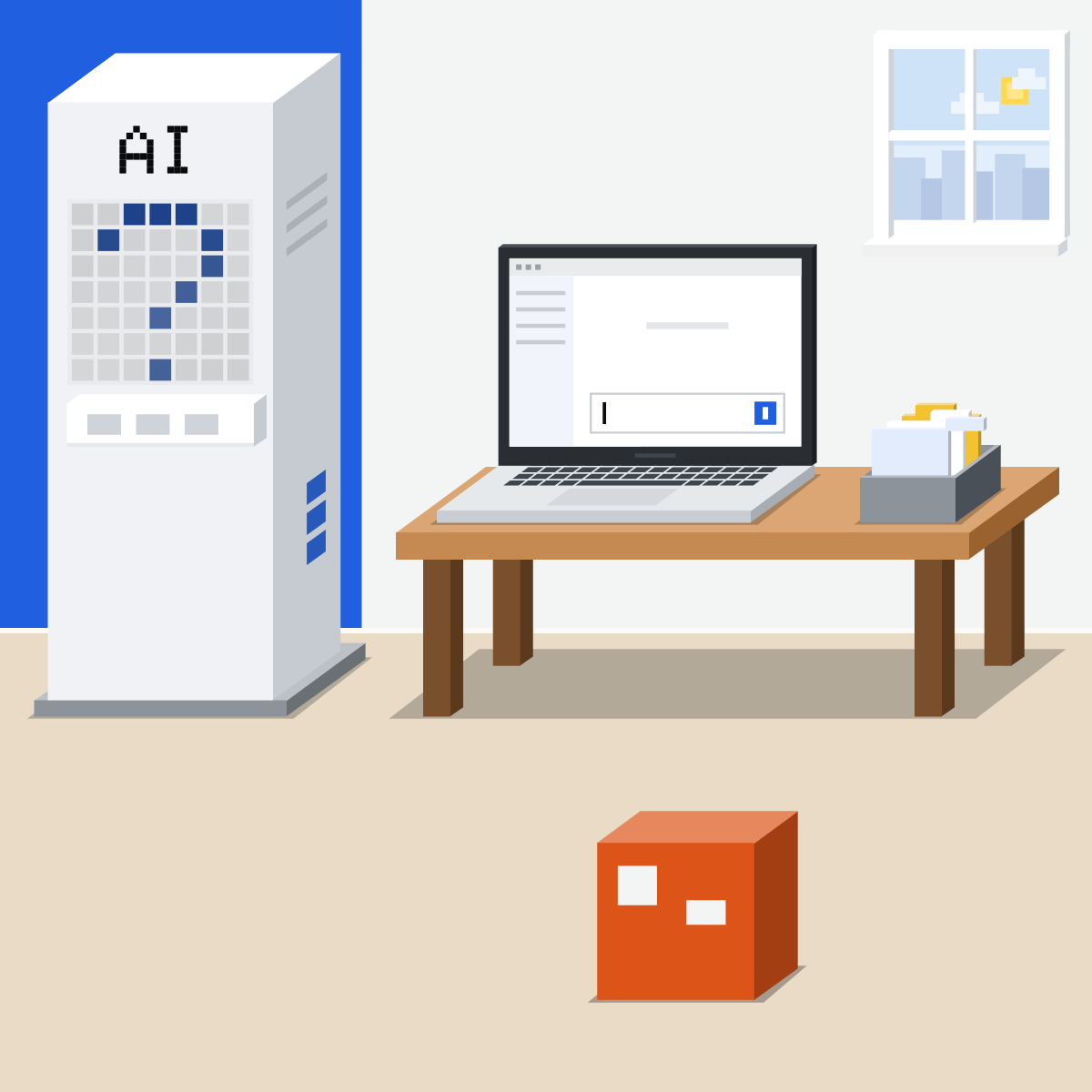
One small job a day
Five from your own week. Nothing private, nothing that sends. Check each one.
My pick for everyday AI
 ClaudeAlso good:
  ChatGPT
One conversation for quick questions and whole tasks. It asks before it acts.
All my picks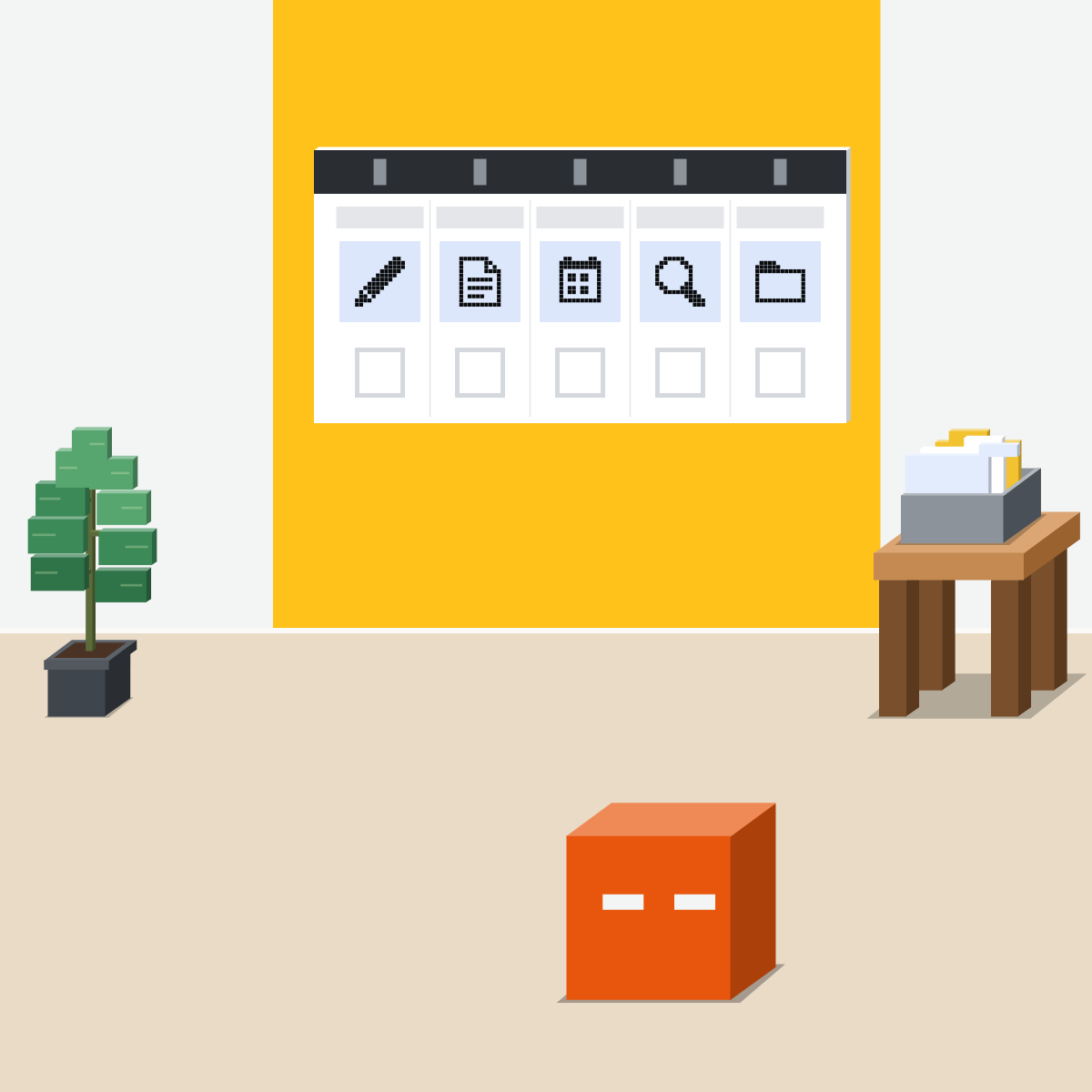
Monday: a draft
A reply you'd write anyway. Read every line and fix it. You press Send.
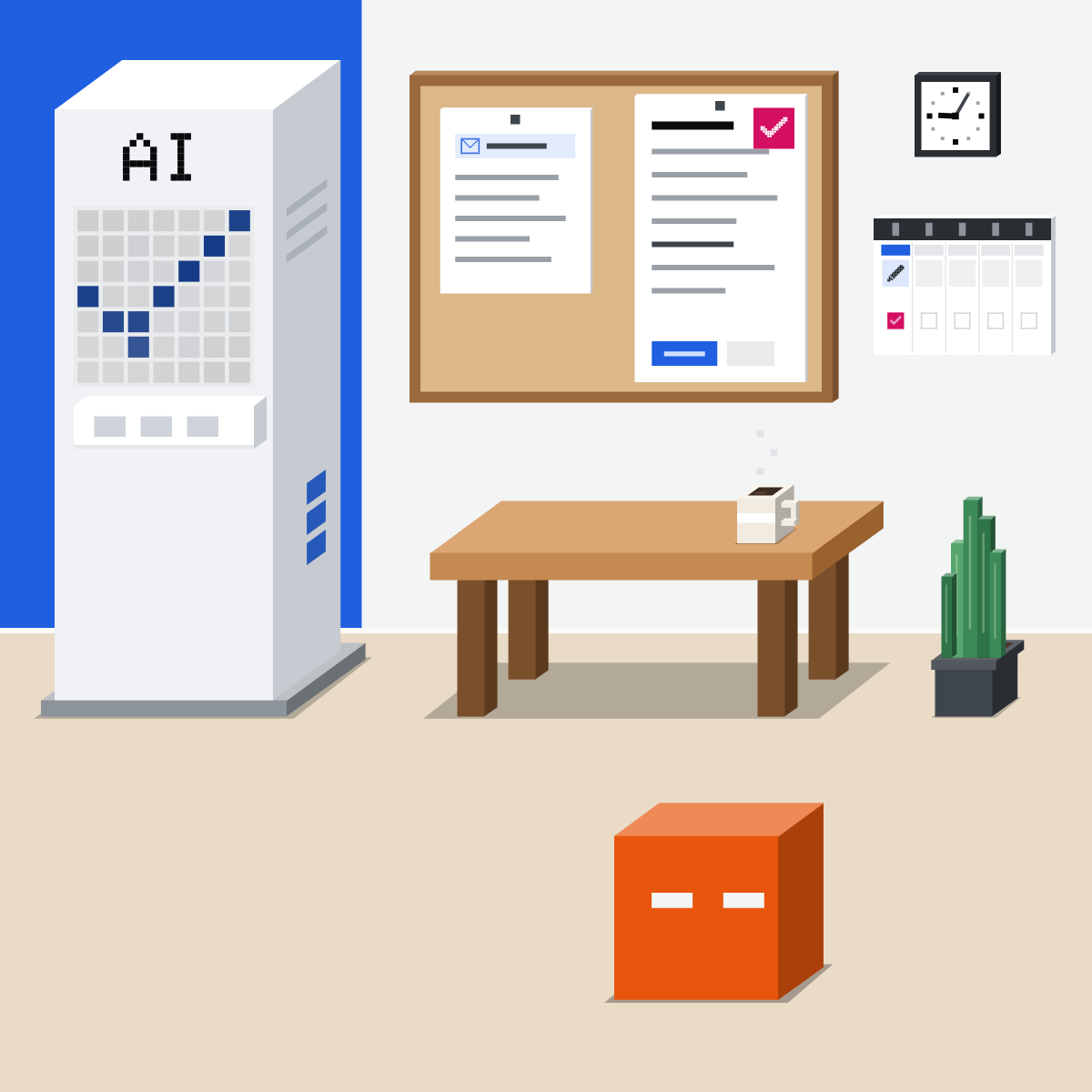
Tuesday: a summary
A long public report in five points. Find three of them in the report.
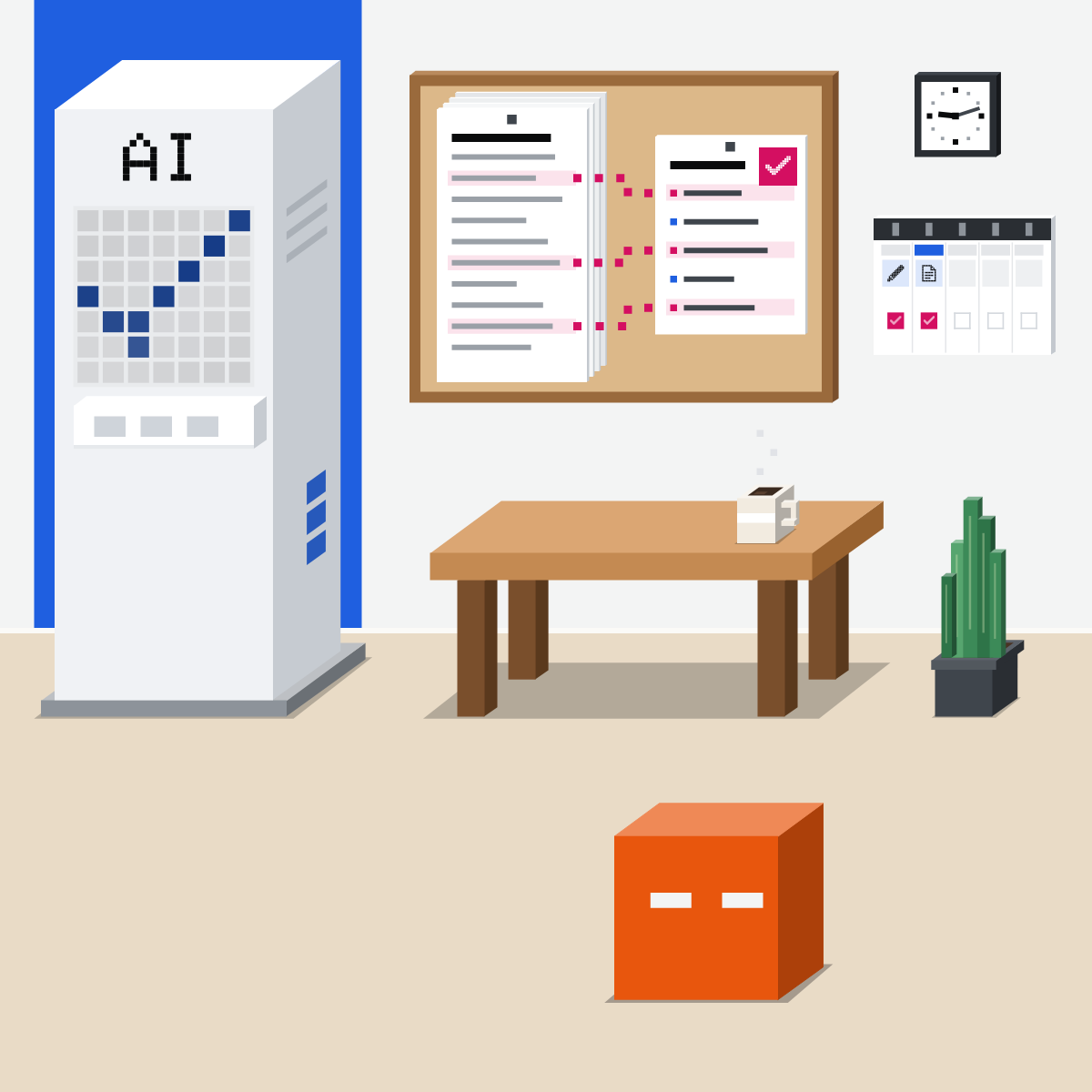
Wednesday: a plan
Next week, from your to-do list. Fixing it took longer than doing it.
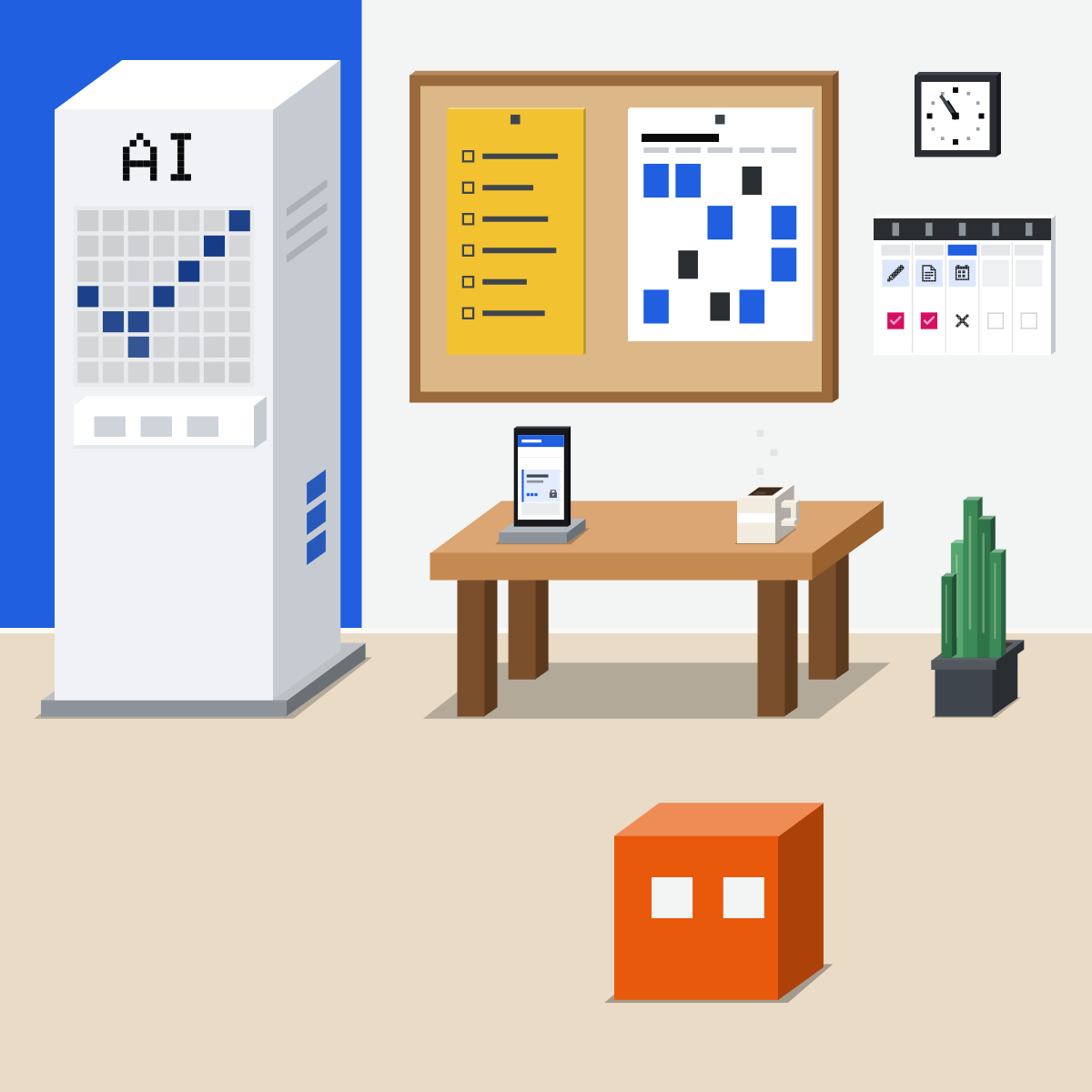
Thursday: a second look
Paste your own draft. Ask what a reader might miss. You decide what changes.
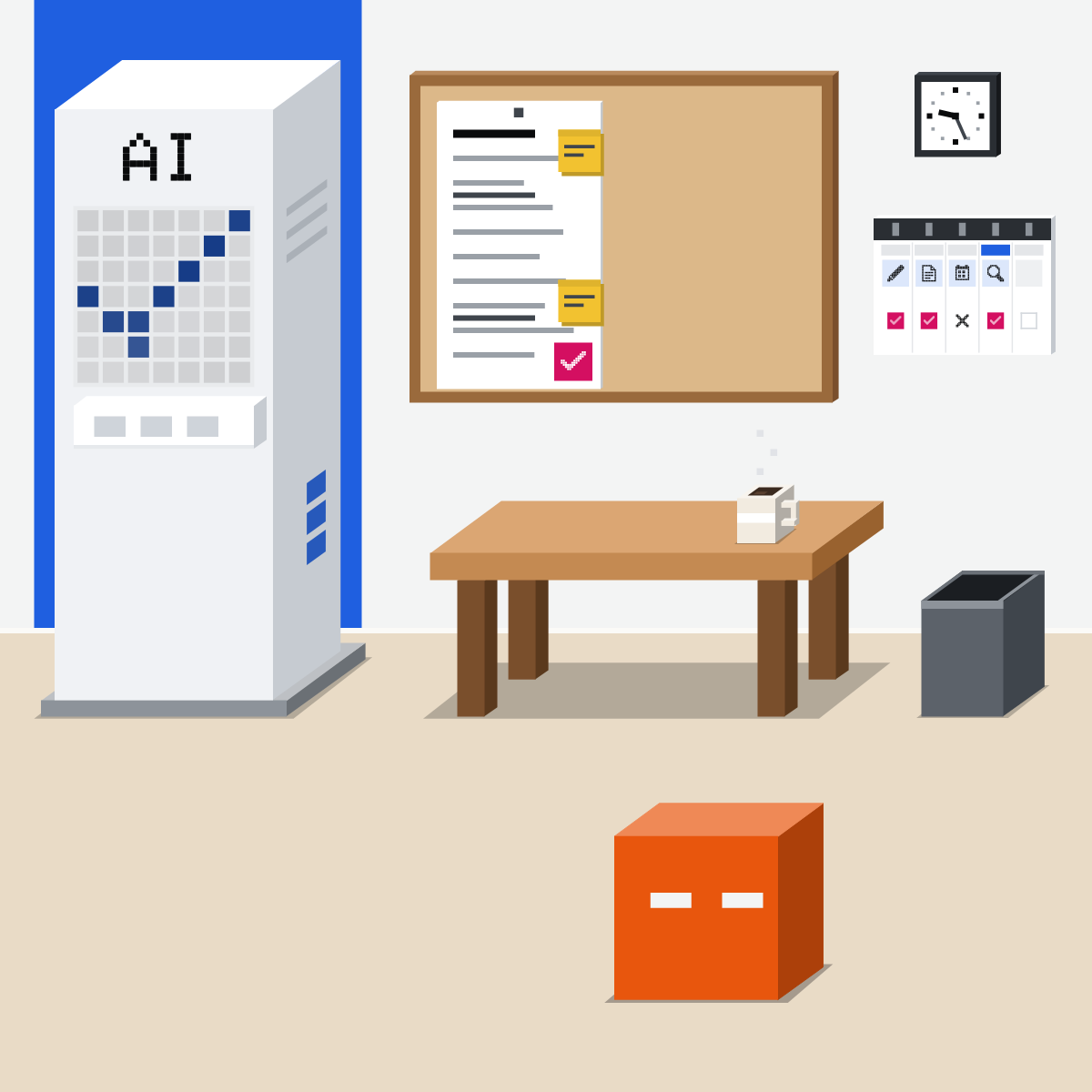
Friday: hand one over
Your notes into a one-page update. Check every number before it goes anywhere.
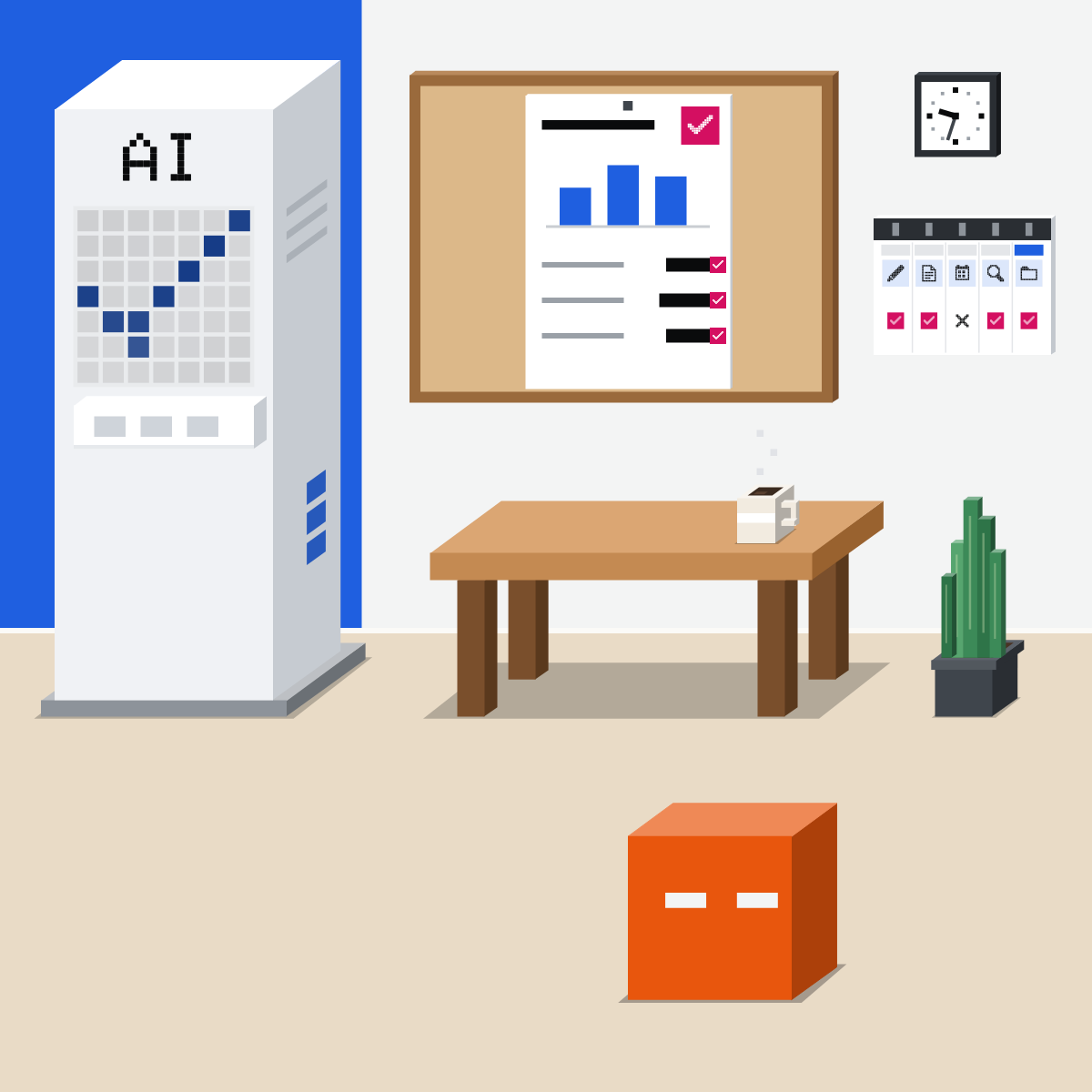
Keep the two that helped.
They saved time, even after checking. Do them again next week.
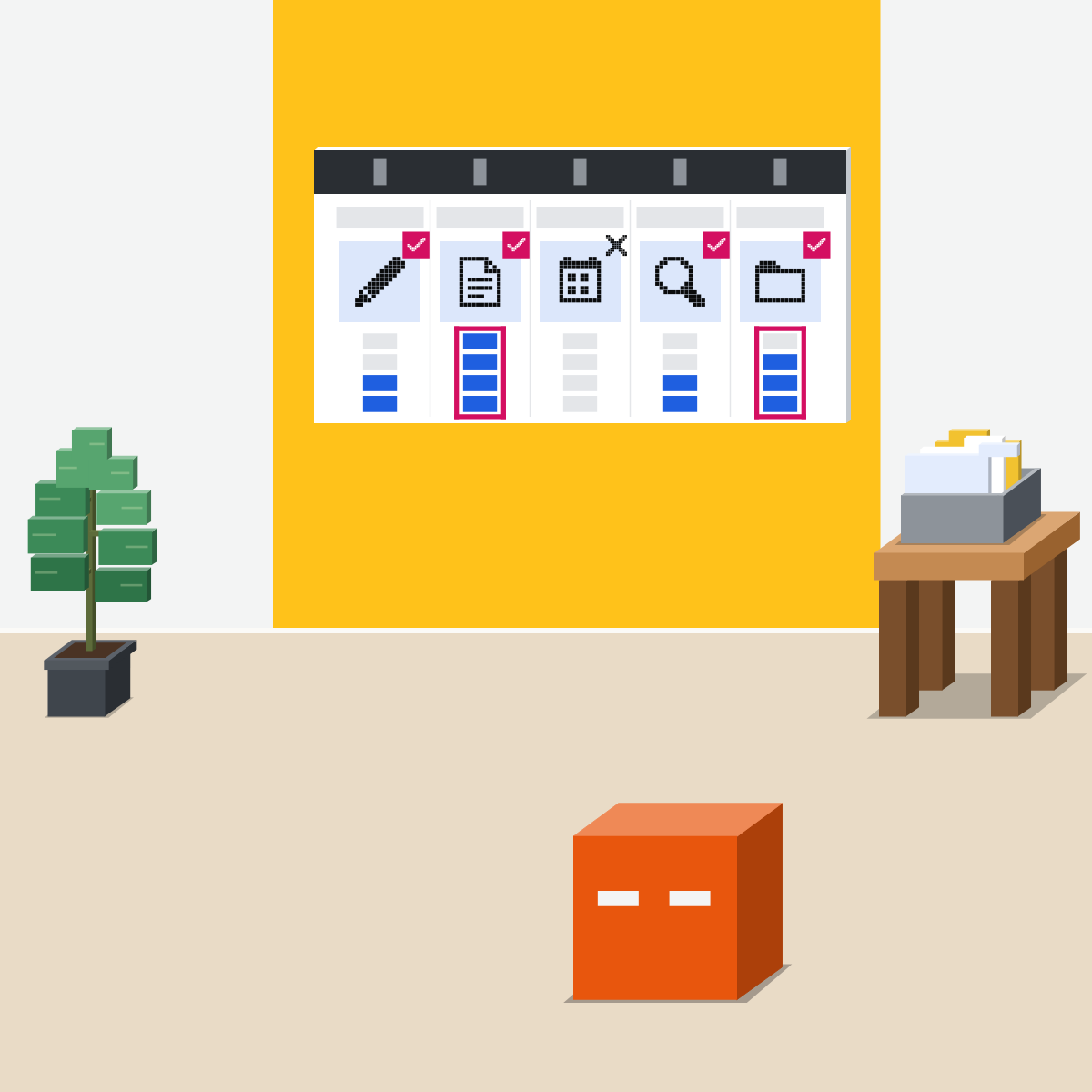
Plan your five days
Nothing private goes in.
- List five small jobs from last week, titles only.3 min
- Next to each, write how you'll check it.3 min
- Do Monday's job now, with public or made-up text.4 min
Your week
| Day | Small job | How you'll check it | Saved time? |
|---|---|---|---|
| Mon | Draft a routine reply | Read every line | |
| Tue | Summarise a public report | Find three points in it | |
| Wed | |||
| Thu | |||
| Fri |
Good looks likeFive jobs, each with its check, and Monday's done.
In your assistant · as of Oct 2026 · Claude, ChatGPT, GeminiYour week, in your assistant
Use the tool your company approves, on your work account. Menus move often.
- CheckYour work account
- CheckOne job per chat
- CheckNothing private in
Nothing private goes in, and nothing sends by itself. You read it, then you send it.
Claude
One chat for questions and whole tasks
Start a new chat for each day's job.
Quick questions and handed-over tasks go in the same box. There's no mode to choose.
For Tuesday's report. Public or made-up files only.
Describe the outcome you want, in the same chat.
By default, Claude asks before taking an action. Keep it that way.
Rolling out in stages, Pro and Max plans first. Still see Chat and Cowork? Use them as before.
ChatGPT
Chat for quick help, Work for longer tasks
Monday to Thursday: everyday questions and drafts.
Attach the file to the conversation.
For Tuesday's report. Free: 3 file uploads a day.
Switch from Chat to Work.
Describe the outcome you want, then approve important actions as it works.
Your plan and workspace decide where Work is offered.
 Gemini
Chat, and Task for handing over
At work: Ask Gemini, top right of Gmail or Docs.
Or the Gemini app, if your company allows it.
Up to 10 files in one prompt, subject to availability.
Below the text box. Personal accounts on Google AI Pro or Ultra, 18 or over, with Keep Activity and Personal Intelligence on.
Task isn't offered in the European Economic Area, Nigeria, Switzerland or the UK. On a work account, do Friday's job in chat.
Quick check · three questionsDid it stick?
1Which is the best job for your first week?
The answer: B It's small, nothing private goes in, and the report is right there to check against. A whole plan is too big for week one, and appraisal notes are private.2Wednesday's plan was fine after 40 minutes of fixing. Writing it yourself takes 20. You mark it:
The answer: A Count the time after the check. When fixing takes longer than doing it, do it yourself for now.3The AI says its summary is accurate and complete. Next?
The answer: C Its own tick is not a check. Anthropic, OpenAI and Google all warn their assistants can be wrong.
You're in good companySide note
Why one tool all week?Side note
When a day doesn't helpSide note
Sources, checked 18 Oct 2026Source
Product details as of Oct 2026, each checked on the vendor's own page on 18 Oct 2026. Recheck by 18 Nov 2026. The examples in the pictures are made up for this lesson.
- Anthropic, Claude is providing incorrect or misleading responses (not a singular source of truth)
- Anthropic, Claude Cowork and chat are now one Claude (16 Sep 2026; rolling out on Pro and Max plans first, more plans to follow; by default, Claude asks before taking an action)
- Anthropic, Claude Cowork and chat are one Claude, help page (one conversation, no mode to choose; describe the outcome you want; rolling out in stages; still see Chat and Cowork, keep using them)
- Anthropic, Release notes (16 Sep 2026: rolling out gradually to Pro and Max plans; nothing newer changes this)
- Anthropic, Upload files to Claude (+, then Add files or photos)
- OpenAI, Does ChatGPT tell the truth? (a first draft, not a final source; check important information)
- OpenAI, ChatGPT Work and Codex (Chat for everyday questions, Work for longer multi-step work; the Chat or Work toggle on desktop, select Work on the web; describe the outcome you want; approve important actions; plan and workspace decide where Work is offered)
- OpenAI, Uploading files and audio to ChatGPT (attach a file to the conversation; Free: 3 file uploads a day)
- OpenAI, ChatGPT release notes (nothing up to 16 Oct 2026 changes Chat, Work or file uploads as taught here)
- Google, Learn about responses from Gemini Apps (Gemini can hallucinate)
- Google, Get started with Google Workspace with Gemini (Ask Gemini at the top right of Gmail or Docs, on an eligible Workspace edition)
- Google, Use Gemini Apps with a work or school Google Account (most work accounts have the Gemini app; it depends on your company's Workspace licence)
- Google, Upload & analyze files in Gemini Apps (Add files, then Upload; up to 10 files in one prompt, subject to availability)
- Google, Manage your tasks & workflows in Gemini Apps (Task below the text box; 18 or over, personal account, Google AI Pro or Ultra, Keep Activity on, Personal Intelligence on; not in the EEA, Nigeria, Switzerland or the UK)
- Google, Gemini release notes (nothing up to 13 Oct 2026 changes tasks or uploads as taught here)
- Microsoft, 2026 Work Trend Index Annual Report: Agents, human agency, and the opportunity for every organization (5 May 2026; a survey of 20,000 knowledge workers who use AI at work, in 10 countries; 86 percent treat AI output as a starting point, not a final answer)
Free kitThe 2026 AI StarterBring this to your teamExecutive coaching · Get in touchBack to level 1, Start here
Small jobs, checked. Keep what helps.
Next lesson · 15 minWhat changed in Claude, ChatGPT and Gemini this month?