Where does your data go when an agent works for you?
Know where an agent keeps copies of your file, and clear them.
Unplugged, still quoted
You unplugged the drive last week. It still quotes your budget.
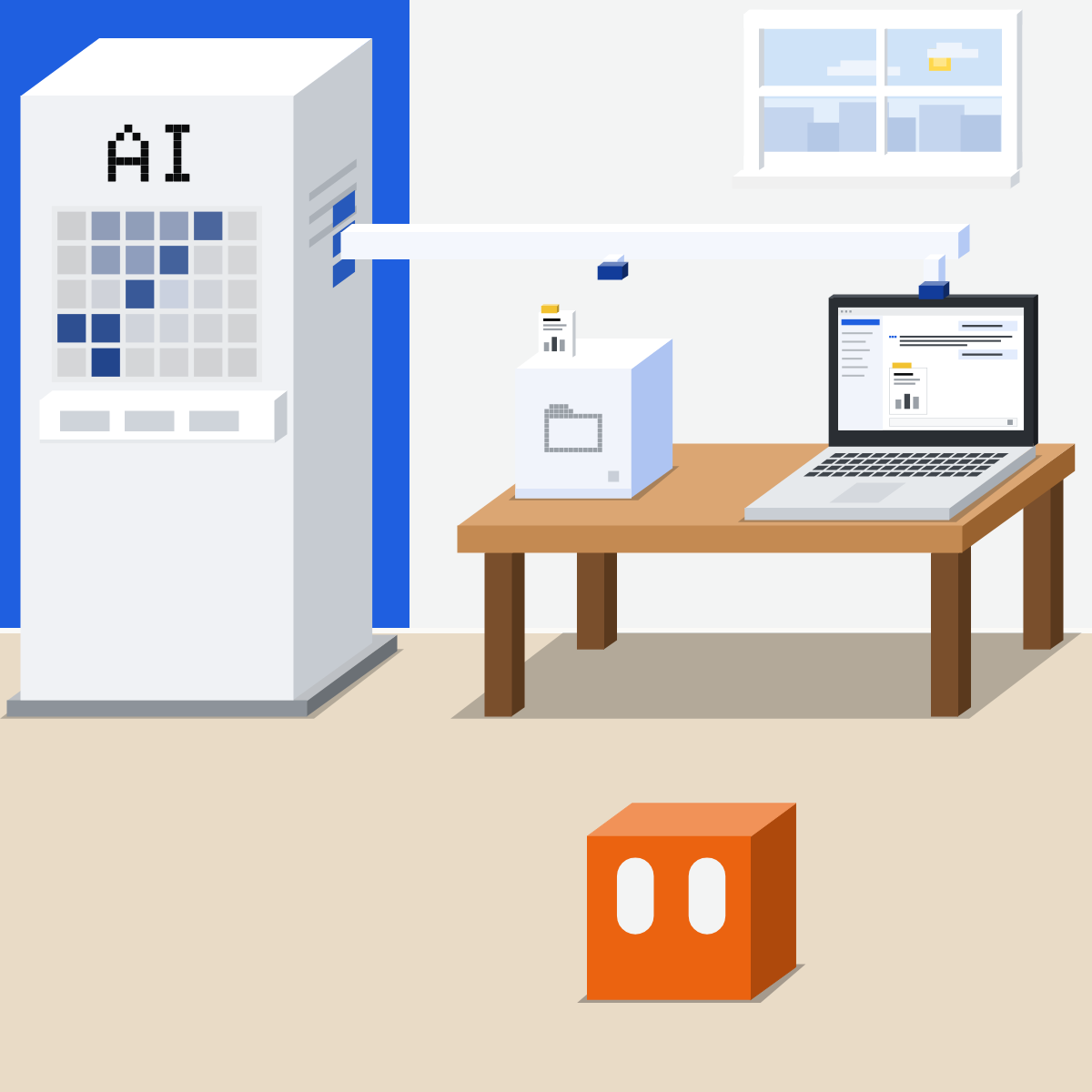
Follow one file
One file, four stops. Each can keep a copy.
- Their cloud
- The chat
- Memory or a project
- What it made
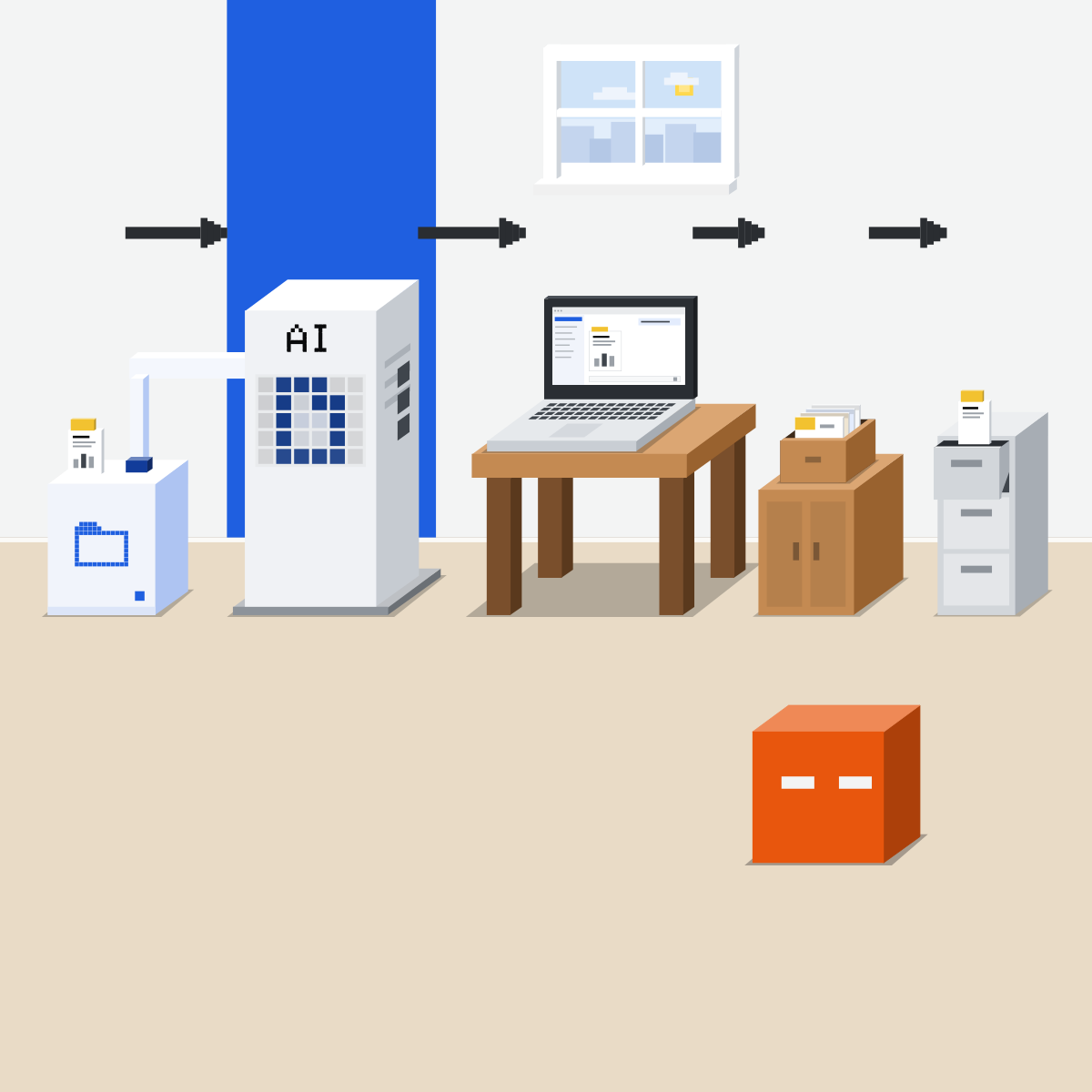
Stop 1: their cloud
Agent tasks can run on the vendor's computers, and carry on with your laptop shut.
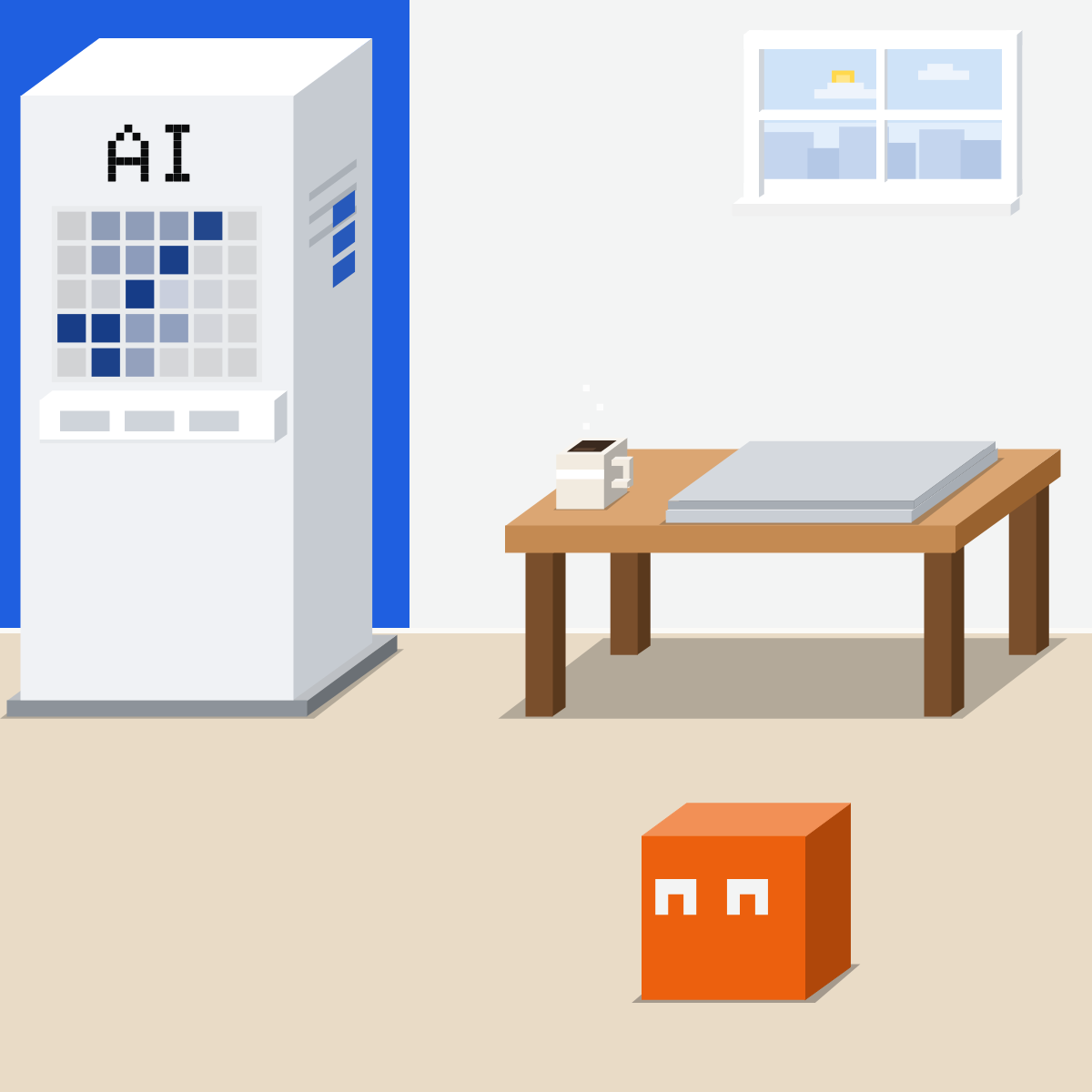
Stop 2: the chat
The chat keeps what it read and did, until you delete it.

Stop 3: memory or a project
Memory may save a fact from it. A project keeps the file itself.
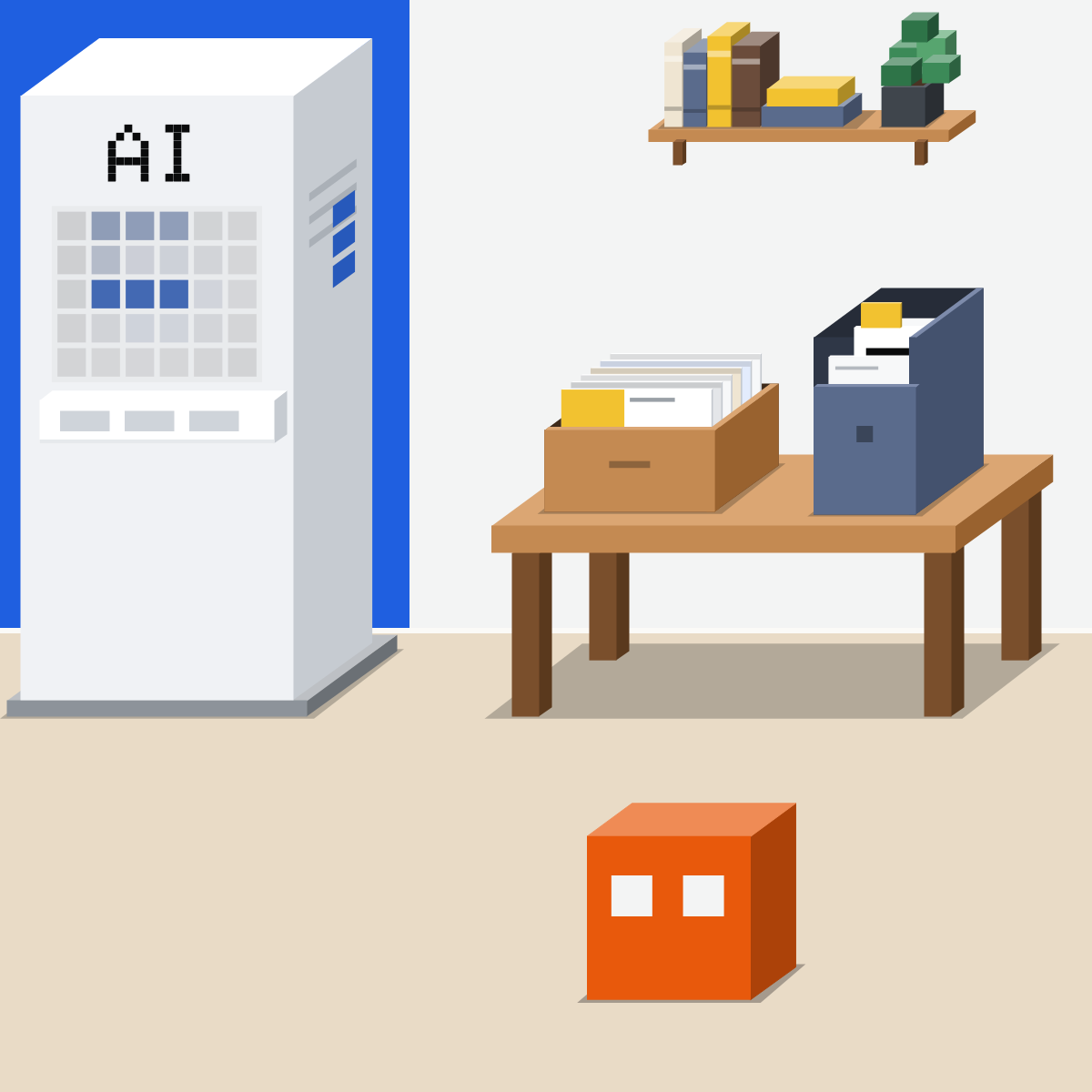
Stop 4: what it made
New files stay where it saved them: your folder, or its library.
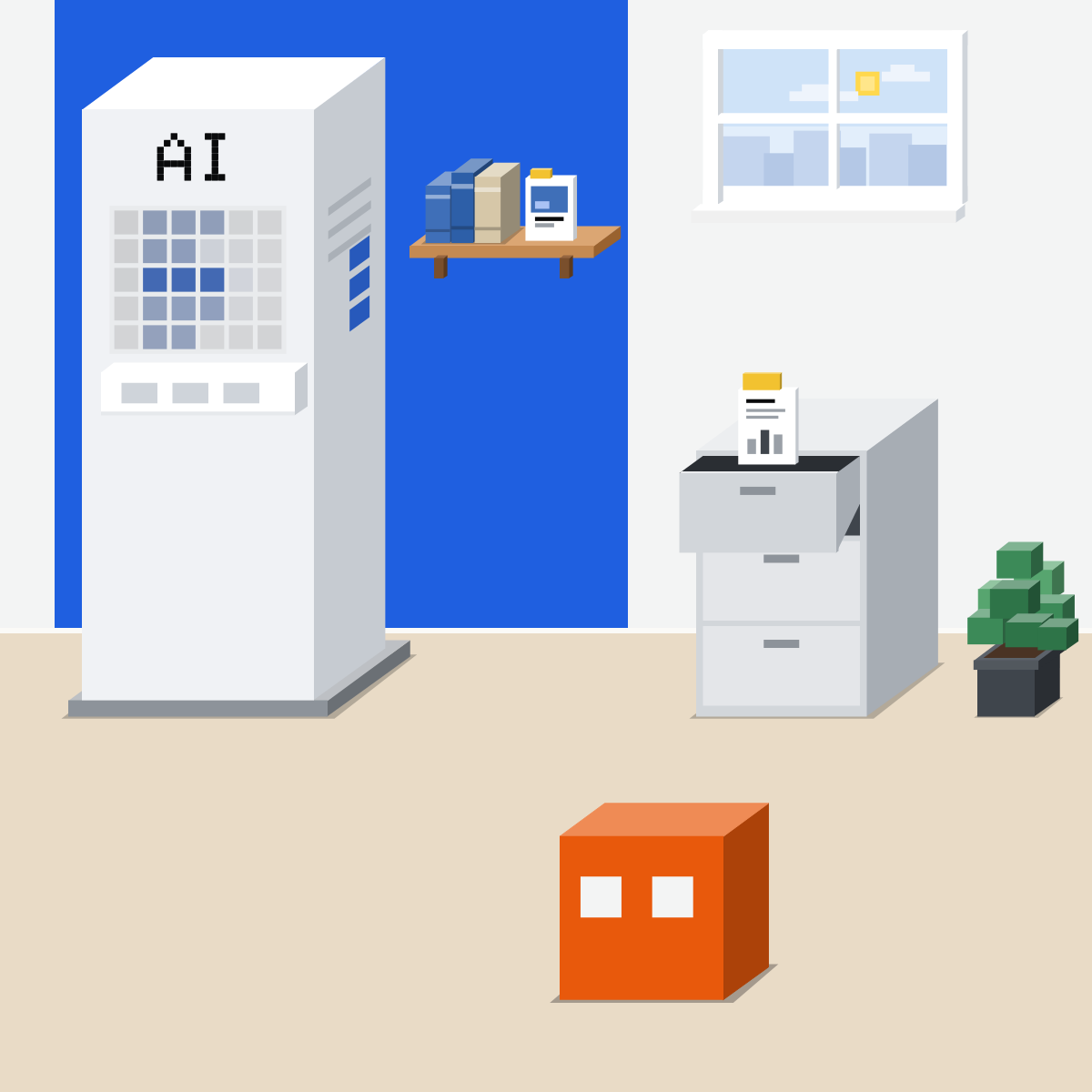
Unplugging isn't deleting.
It stops new reads. The copies stay.
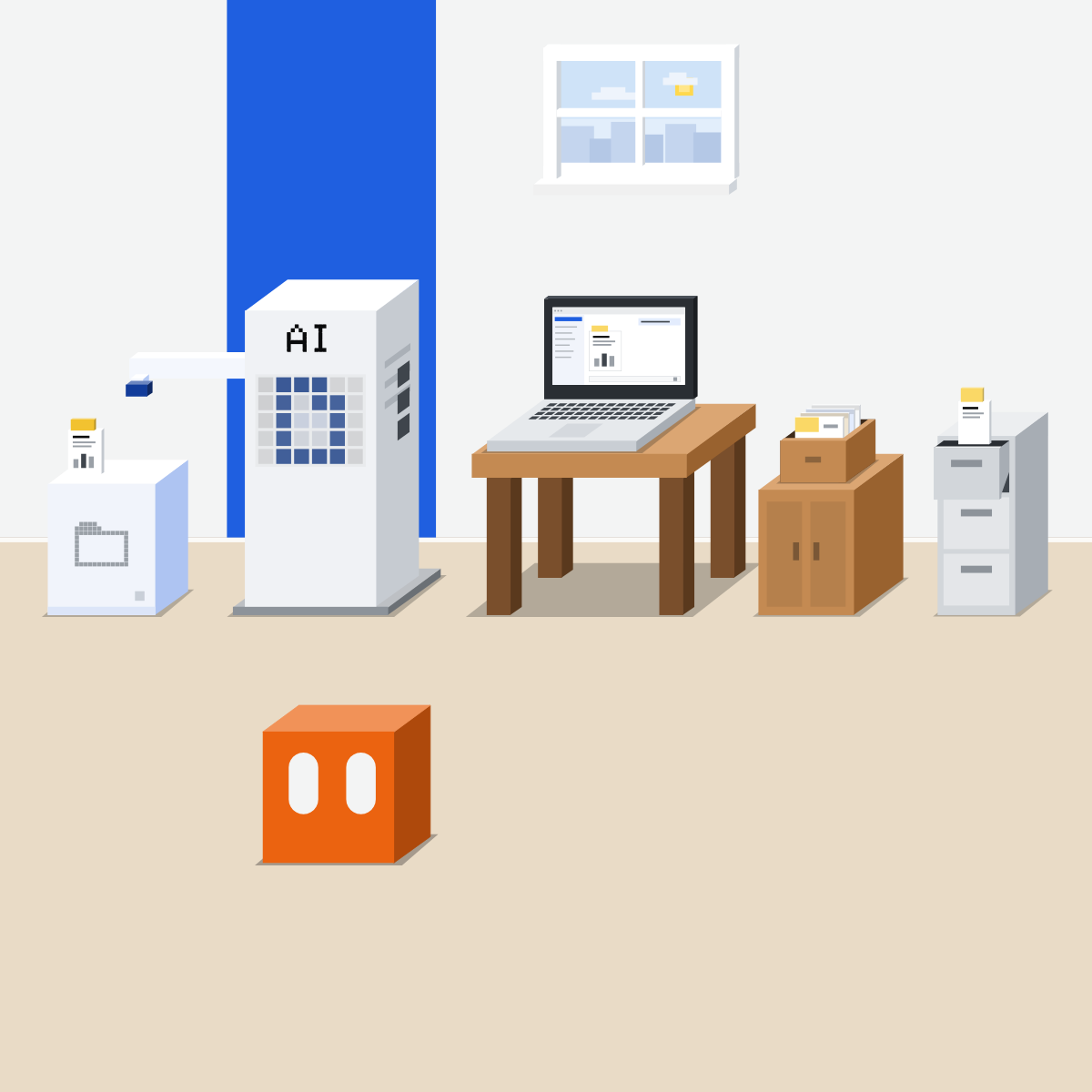
Clear the trail
Delete each copy where it sits, then unplug. At work, your company's settings decide too.
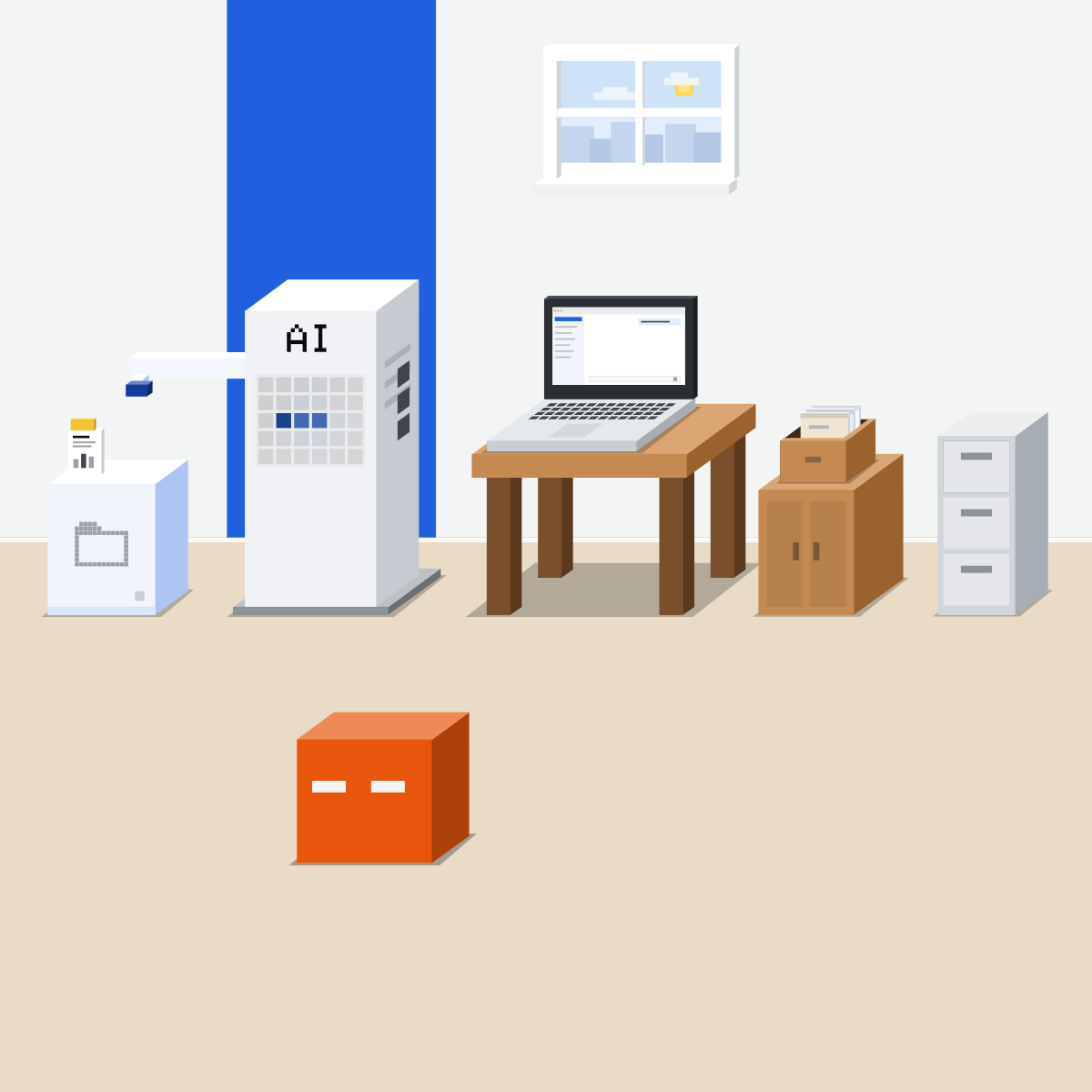
Clear one app's trail
Settings only. Nothing gets pasted.
- Pick an app you no longer use.1 min
- Fill in the note, stop by stop.5 min
- Delete the copies you don't need.3 min
- Then disconnect it.1 min
The trail note
| Stop | Where I looked | Cleared? |
|---|---|---|
| Chats and tasks | ||
| Memory | ||
| Projects | ||
| Files it made | ||
| Its cloud browser | ||
| The app itself | Disconnect last |
Good looks likeThe app is off. Nothing it left stays by accident.
In your assistant · as of Oct 2026 · Claude, ChatGPT, GeminiFind each copy, and clear it
Menus move often. On a work account, your company's settings come first.
- CheckDelete, not archive
- CheckMemory and projects too
- CheckDisconnect it last
Turning training off doesn't delete anything. Deleting is its own step.
 Claude
Calls it a task, in any chat (Pro and Max first). It runs in Anthropic's cloud.
On Free, Pro and Max: gone from your history at once, and from Anthropic's back-end within 30 days. Chats flagged for safety or sent as feedback are kept longer.
Deleting a chat doesn't remove memories made from it. Open a topic, then Delete.
Signs Claude out of the service. Chats, memories and projects each have their own Delete.
Free, Pro and Max. Commercial products, such as Claude for Work: not used for training by default.
On the desktop app, a task reaches only the folders you connect, and files it opens there are processed on Anthropic's servers.
 ChatGPT
Calls it Work. On the web and phone, it runs in the cloud.
Archive only hides a chat. Deleting it also removes app data kept in that chat.
It may remember what it read in a connected app.
Stops future access. It doesn't delete chats, saved files or memories.
Personal plans. Business, Enterprise and Edu: not used for training by default.
Deleting a project removes the files stored only in it. Files saved in Library stay.
 Gemini
Calls it a task. Personal accounts with Google AI Pro or Ultra, not in every country.
Tasks need Keep Activity on, so chats are kept and may help train Google's models.
Activity auto-deletes after 18 months by default. Choose 3.
Clears its remote browser's sign-ins and its remote computer's files.
Delete the chats with that info too, or Gemini may still use it.
On a work account, your admin controls these settings, and tasks aren't available yet.
Quick check · three questionsDid it stick?
1You disconnected Google Drive last month. What happens to a summary your assistant wrote from a Drive file?
The answer: B Disconnecting stops new reads. OpenAI says it doesn't delete existing chats, saved files or memories, and Google says Gemini might still use info in a past chat.2You hand an agent a long task, then shut your laptop. Where does the work run?
The answer: A A cloud task runs on the vendor's servers, which is why it can carry on. Your file is processed there too.3You want one app's data out of your assistant. What works?
The answer: C Each copy has its own delete. Training off only changes what is used for training from now on; it deletes nothing.
In the vendors' wordsSide note
Its own browserSide note
Deleting takes a whileSide note
Sources, checked 18 Oct 2026Source
Product details as of Oct 2026, each checked on the vendor's own page on 18 Oct 2026. Recheck by 18 Nov 2026. The examples in the pictures are made up for this lesson.
- Anthropic, Use Claude Cowork safely (tasks run in an isolated, temporary environment on Anthropic's servers; local files opened through the desktop app are processed there; only the folders you've connected; isolation doesn't change what Claude can read or do)
- Anthropic, Cowork overview (reads and writes local files)
- Anthropic, Claude Cowork and chat are now one Claude (a task carries on after you close your laptop)
- Anthropic, Claude release notes (16 Sep 2026: tasks in any conversation, rolling out to Pro and Max first)
- Anthropic, Delete or rename a conversation (Chats and tasks, the menu, Delete; removed from history at once, from back-end systems within 30 days; projects kept until you delete them)
- Anthropic Privacy Center, How long do you store my data (Free, Pro and Max: deleted chats out of back-end storage within 30 days; flagged chats up to 2 years; feedback 5 years)
- Anthropic, Use Claude's chat search and memory (Settings, Memory, Topics, Delete; memories made from a deleted chat are not removed)
- Anthropic, Get started with connectors (Customize, Connectors, Disconnect signs Claude out of the service)
- Anthropic Privacy Center, How do I change my model improvement privacy settings (Settings, Privacy, Help Improve our AI models; Free, Pro and Max)
- Anthropic Privacy Center, Is my data used for model training (commercial products such as Claude for Work not used by default)
- OpenAI, ChatGPT Work and Codex (Work on web and mobile runs in the cloud; task context may be stored in the cloud when work runs locally)
- OpenAI, Deleting and archiving chats in ChatGPT (the ••• menu, Delete; archive is not delete; deleted within 30 days, with exceptions; deleting removes connected-app data in the chat; disconnecting doesn't delete past conversations)
- OpenAI, Chat and file retention in ChatGPT (chats stay until you delete them or a workspace retention policy removes them)
- OpenAI, Connecting and managing app accounts in ChatGPT (Settings, Plugins, Disconnect; stops future access; does not delete conversations, saved files or memories)
- OpenAI, Getting started with your dot (disconnecting an app does not delete what your dot already obtained)
- OpenAI, Connected apps in ChatGPT (memory may keep what it reads in an app; training on app data by plan)
- OpenAI, Projects in ChatGPT (deleting a project; files in Library stay)
- OpenAI, Using cloud browser in ChatGPT (its sign-ins persist until they expire; Settings, Cloud browser, Browser data)
- OpenAI, How OpenAI handles data in consumer services (Memory under Settings, Personalization; Business, Enterprise and Edu not used to improve models by default)
- OpenAI, Data controls in ChatGPT (Settings, Data controls, Improve the model for everyone; turning it off doesn't delete chats)
- Google, Manage your tasks and workflows in Gemini Apps (personal accounts, Google AI Pro or Ultra, 18 or over, region limits, Keep Activity on; local or remote browser; remote computer; Settings, Task settings, Delete)
- Google, Gemini Apps Privacy Hub (disconnecting an app doesn't delete data from Gemini Apps Activity; Keep Activity and training; 18-month auto-delete; reviewed chats kept up to three years; Keep Activity off doesn't touch remote browser and computer data)
- Google, Get personalization with memory of your past Gemini chats (delete the chats and disconnect the app)
- Google, Manage & delete your activity in Gemini Apps (Settings & help, Activity; auto-delete 3, 18 or 36 months, 18 by default; work accounts: the admin)
- Google, Use & manage Connected Apps in Gemini (Customize, Connectors, More options, Disconnect)
- Google, Use Gemini Apps with a work or school Google Account (enterprise-grade data protections: chats and files not used to improve generative AI models; the admin controls Keep Activity and auto-delete)
Free kitThe Agent PlaybookBring this to your teamAI implementation · Get in touchBack to level 4, Agents
Clear the copies, then unplug.
Next lesson · 15 minHow can AI help with your inbox without sending the wrong thing?