How do you get notes and actions from a meeting with AI?
Get the notes fast. Check every action against what was said, and tell people.
Notes that look finished
AI meeting notes look finished. They're a first draft.
Get the words first
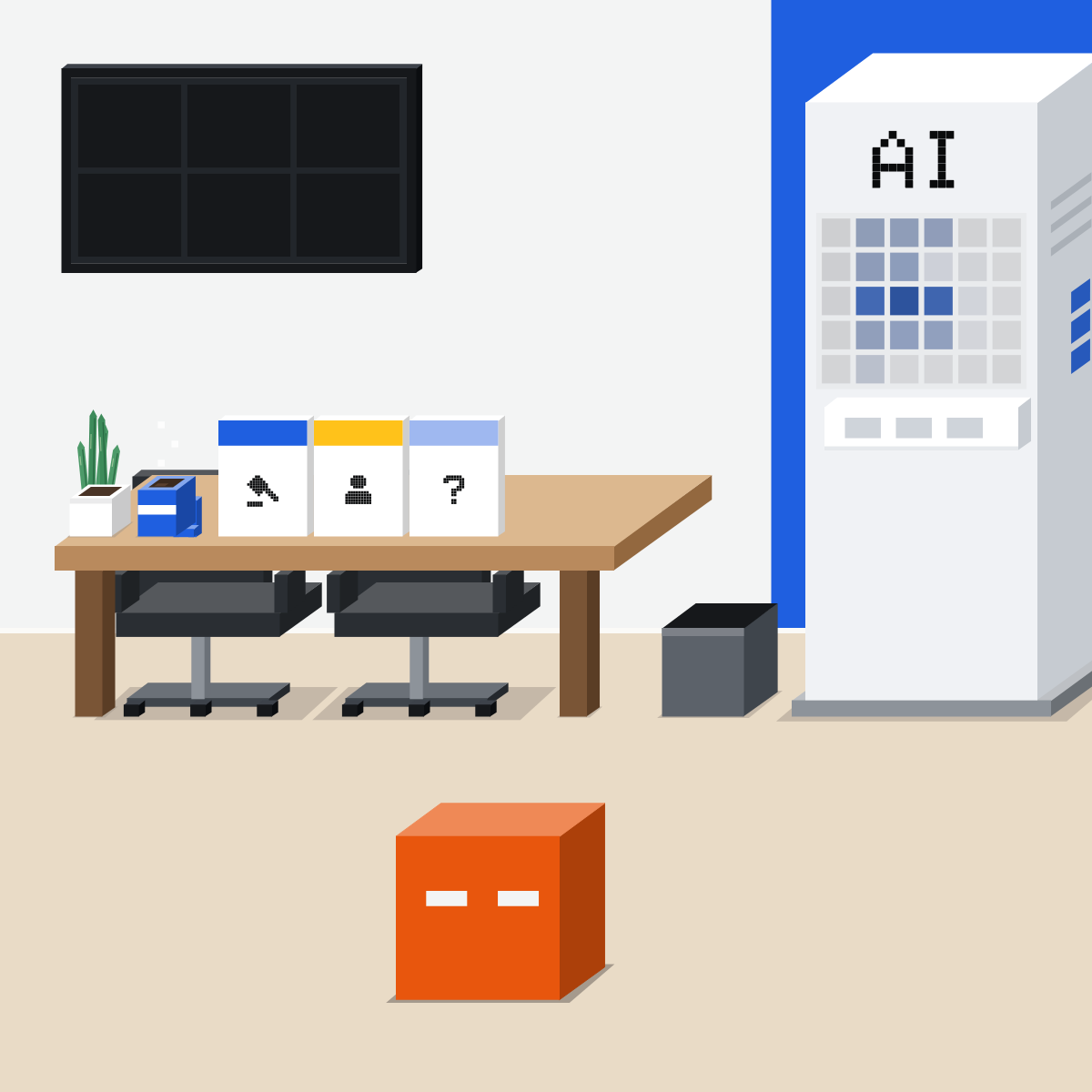
Get the words: a note taker in the call, a recording, or your own notes. Ask for decisions, actions and open questions.
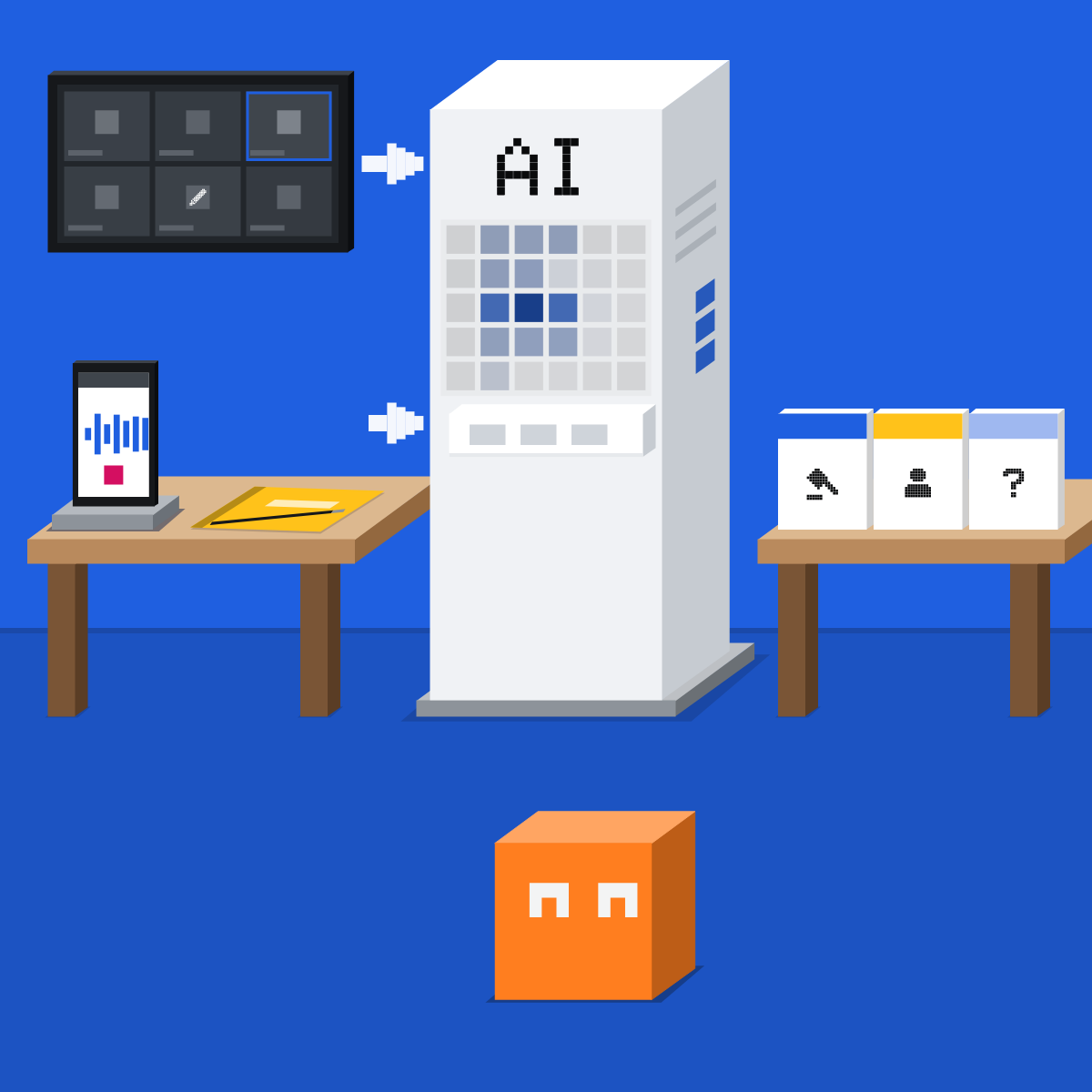
Two errors, one line
Made up: “I can probably look at it” became “Ops lead: done by Friday”. Nobody said Friday, and “probably” isn't a promise.
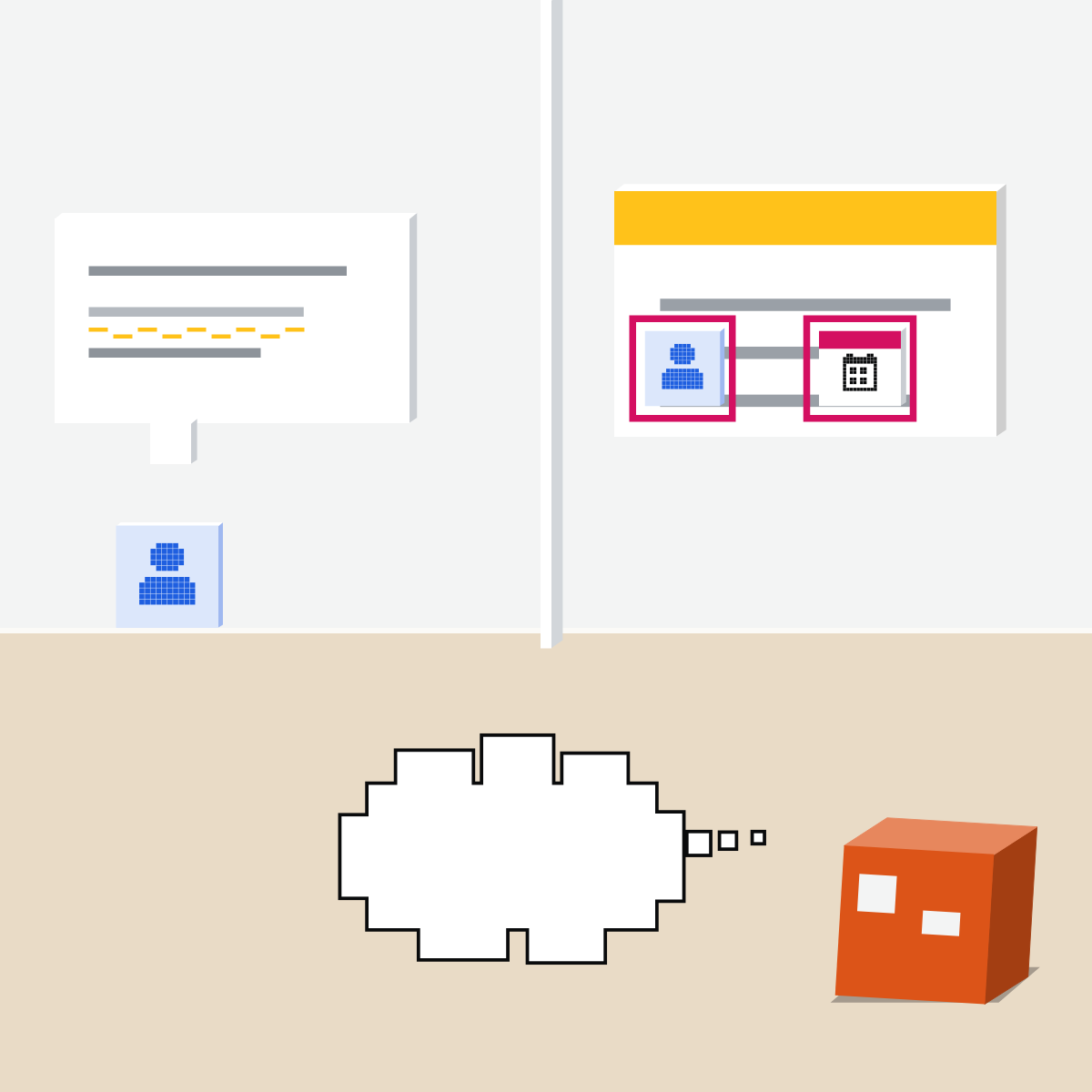
Find each action in the transcript
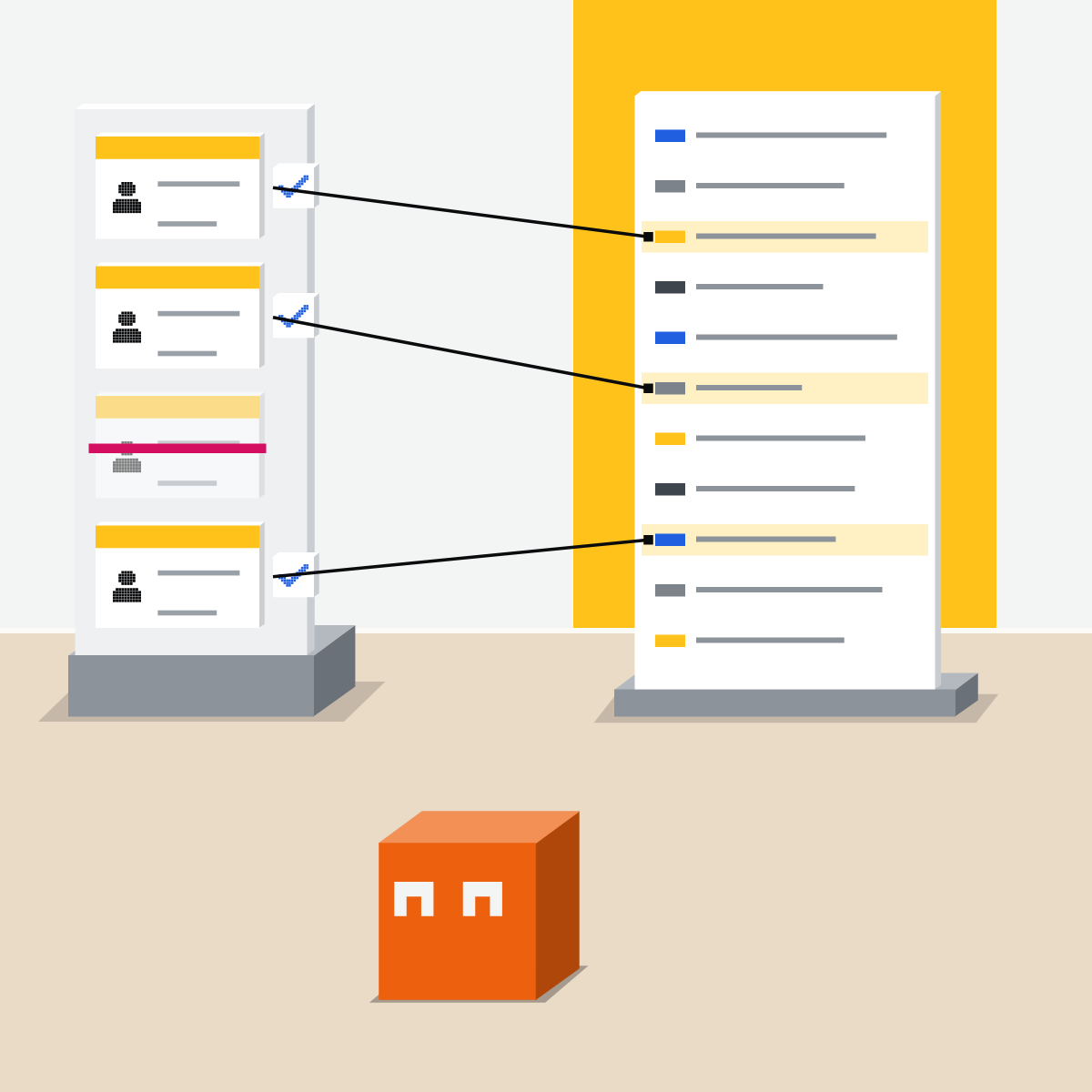
Not there? Strike it. Check owners, dates and names. Then owners confirm their own lines.
Say the notes are on
Say it at the start, guests included. An icon on screen isn't enough. Not legal advice: your organisation's rules come first.
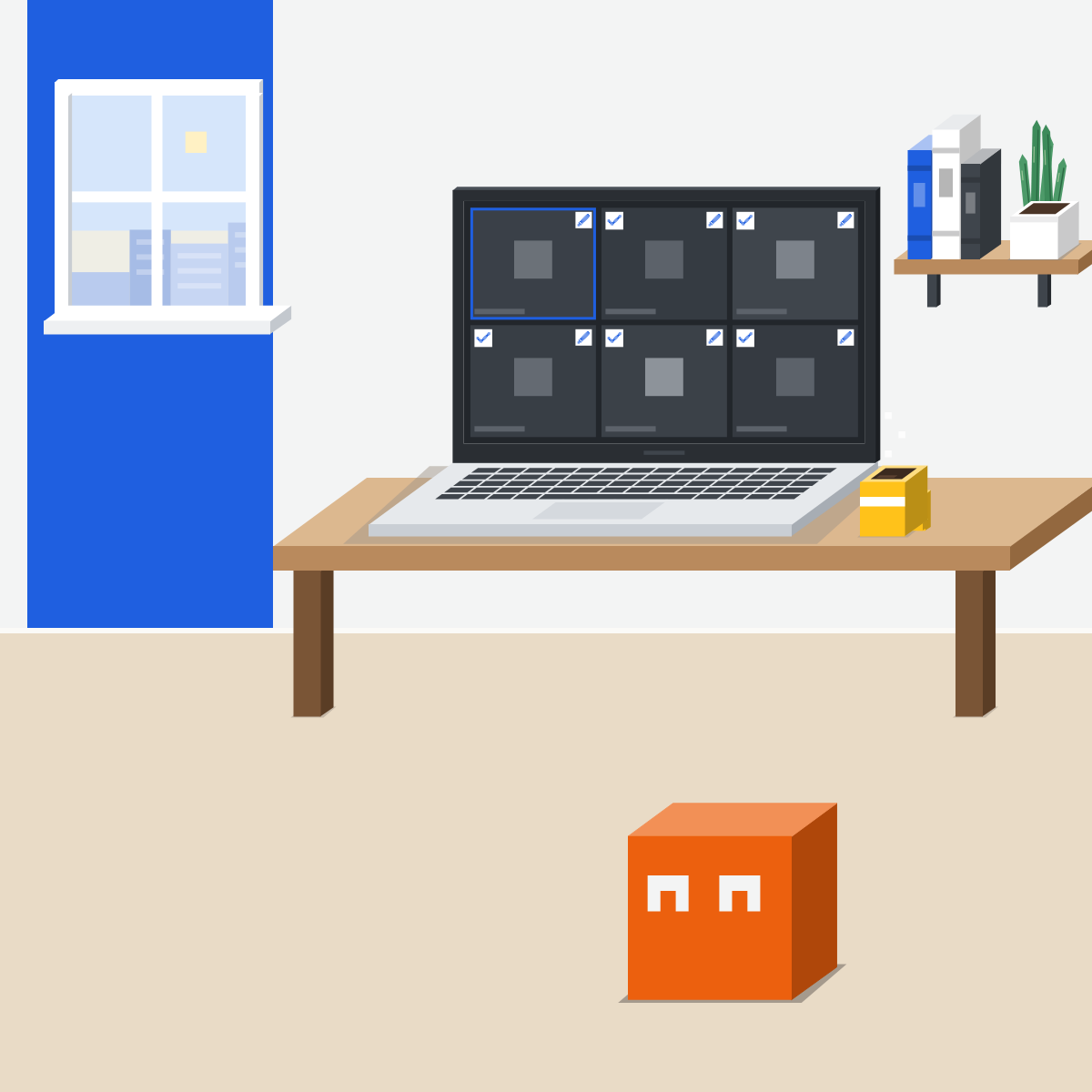
Fireflies: set the recap first
My pick: Fireflies. It joins Zoom, Google Meet, Teams and Webex. Its recap goes to everyone on the invite by default.
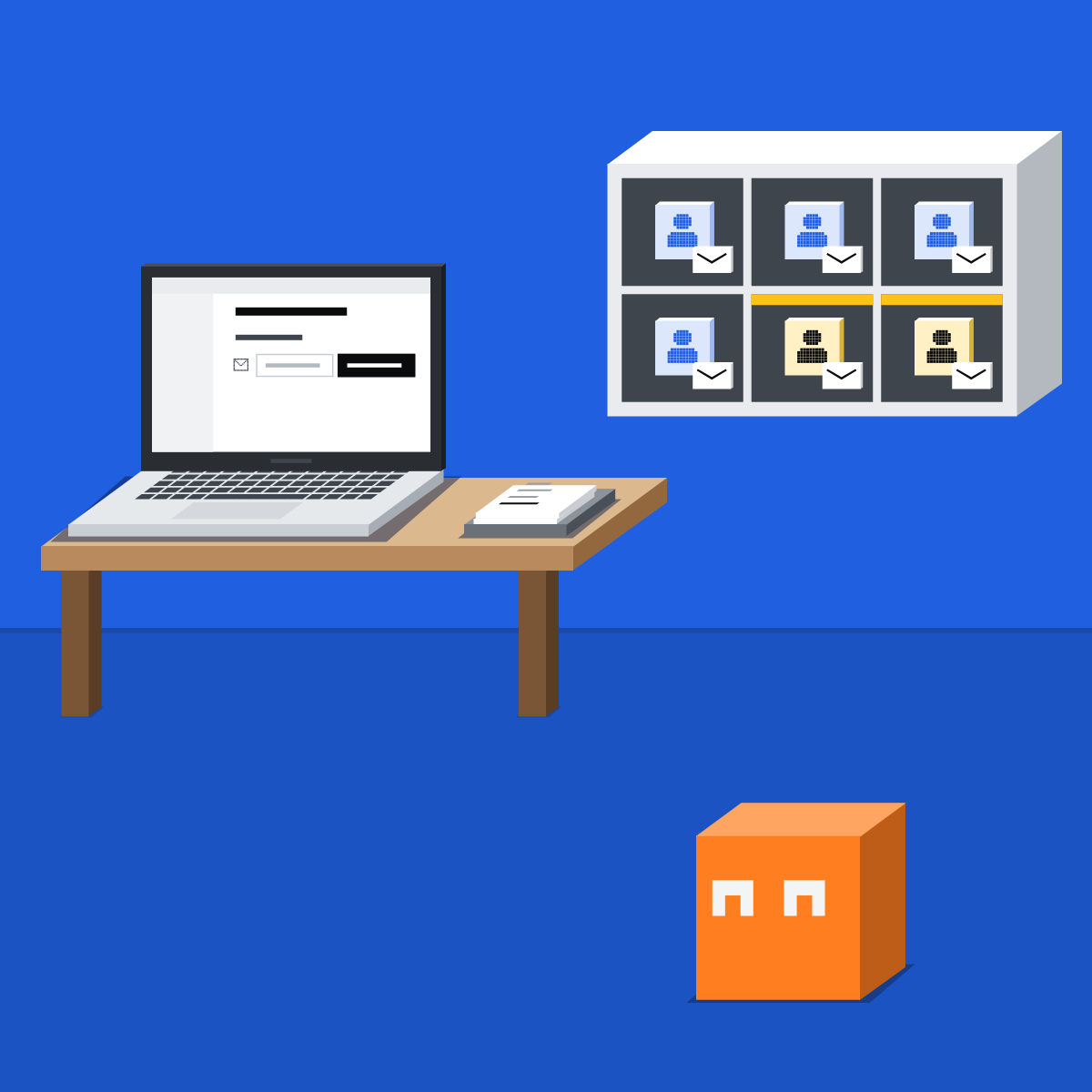
AI writes. People confirm.
Say it's on. Pause for anything confidential. Check, let owners confirm, then send it yourself.
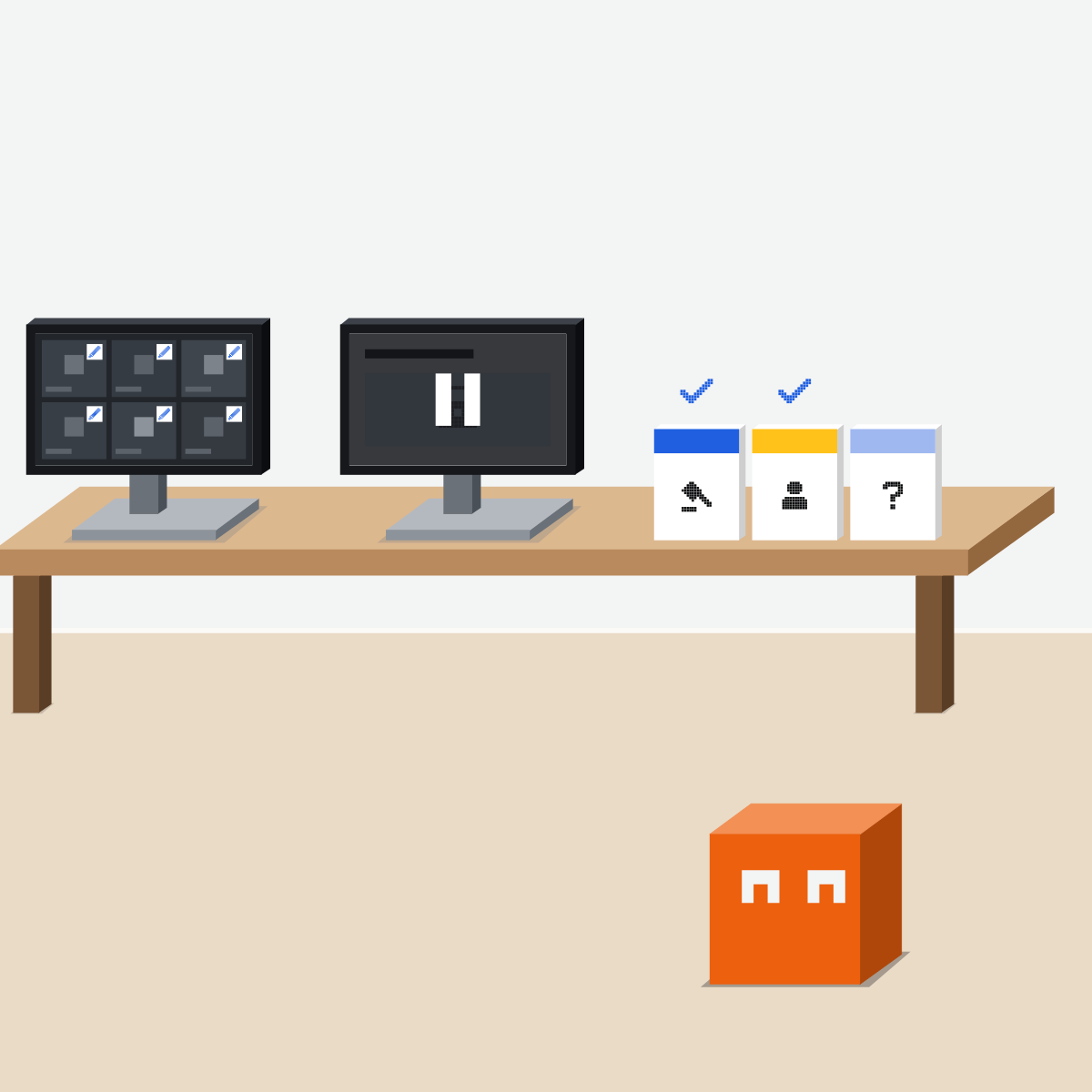
Sort a made-up meeting
Use this made-up transcript, so nothing real is pasted.
- Paste it in; ask for decisions, actions and open questions.2 min
- Check each line: right, wrong or invented.5 min
- Count the misses and guesses.2 min
- Fix the list.1 min
The made-up transcript
Tuesday 13 Oct 2026, made up for this lesson.
Analyst: I'll send the survey summary by Thursday.
Lead: Launch moves to 2 November. Objections? No. Agreed.
Designer: Redo the banner? Lead: Maybe later.
Ops lead: I can probably tell the supplier this week.
Analyst: I still think 2 November is tight.
Good looks likeOne decision (note the analyst's concern), two actions (the supplier one tentative), one open question (the banner).
In your assistant · as of Oct 2026 · Fireflies, Claude, ChatGPT, GeminiSet up your note taker
Menus move often. Missing something? A rollout, your plan, country or admin may be why.
My pickMy pick for meeting notes: Fireflies first. It isn't tied to one meeting app: it joins Zoom, Google Meet, Microsoft Teams and Webex, with transcripts on its Free plan. Meeting only in Google Meet? Gemini's “Take notes for me” is easier. For a write-up from a transcript, my usual order holds, Claude first: at least Sonnet 5.5 at High or Extra high, or Opus 5.5 at High.
Use the tool your company approves for company data. That rule comes before mine.
Fireflies
Joins your calls as the Fireflies.ai Notetaker.
Connect your calendar first.
So it joins only the calls you run.
The default is everyone on the invite, outsiders included.
Free gives transcripts and limited summaries; Pro and above, unlimited. Its desktop app can work with no bot in the call: tell people yourself.
Claude
Its pages name no meeting recorder. Bring it the transcript or notes.
Attach the transcript or notes.
Ask for all three.
Check it, then send the follow-up yourself.
Sonnet 5.5 on every plan; Opus 5.5 on Pro and above.
ChatGPT
Live notes come from the Meetings plugin, on a Mac.
From Plugins in the sidebar. No bot joins: tell people. Notes land in ChatGPT Space.
For a recording, attach the file and ask for a transcript.
OpenAI warns “speaker identification may be unreliable”.
Meetings plugin in beta on Pro and Business; audio uploads not on Free.
Gemini
In Google Meet it's “Take notes for me”.
At the top right of the call.
As host, so you check first.
Everyone sees a pencil icon; Google still asks you to tell people. Notes land in the organiser's Drive, with decisions and action items.
Work: Business Standard or Plus, Enterprise Standard or Plus, Frontline Plus. Personal: Google AI Pro or Ultra.
Quick check · three questionsDid it stick?
1“I can probably look at it this week” became “by Friday”. What do you do?
The answer: B Nobody said Friday, and “probably” is no promise.2Meet shows a pencil icon. Do you still say notes are on?
The answer: A The icon helps; saying it is your job.3Who gets Fireflies' recap email by default?
The answer: C Set it to “Only me” first.
Three words, in plain EnglishSide note
Recordings and the lawSide note
Fireflies with Claude or ChatGPTSide note
Sources, checked 16 Oct 2026Source
Product details as of Oct 2026, each line checked on the vendor's own page on 16 Oct 2026. Recheck by 16 Nov 2026. The meeting, its transcript and its people are made up for this lesson.
- Fireflies, AI Notetaker (read 16 Oct 2026)
- Fireflies, Plans (features only; read 16 Oct 2026)
- Fireflies, How to invite Fireflies to meetings (read 16 Oct 2026)
- Fireflies, Recap email and privacy settings (read 16 Oct 2026)
- Fireflies, Web-conference platforms supported (read 16 Oct 2026)
- Fireflies, Desktop App (no bot; tell participants; read 16 Oct 2026)
- Fireflies, Fireflies MCP Server (read 16 Oct 2026)
- Anthropic, Upload files to Claude (read 16 Oct 2026)
- Anthropic, Change the model, effort, and thinking settings (read 16 Oct 2026)
- Anthropic, Claude plans (models by plan; read 16 Oct 2026)
- OpenAI, The Meetings plugin in ChatGPT (read 16 Oct 2026)
- OpenAI, Uploading files and audio to ChatGPT (read 16 Oct 2026)
- OpenAI, ChatGPT release notes (29 Sep and 6 Oct 2026; read 16 Oct 2026)
- Google, “Take notes for me” in Google Meet (read 16 Oct 2026)
- Google, Get started with Google Workspace with Gemini (editions; read 16 Oct 2026)
Free skillMeeting notes to actionsBring this to your teamWorkflow automation · Get in touchBack to level 5, Office work, by task
Get the notes fast. Check every action against what was said, and tell people.
Next lesson · 15 minHow do you write a report with AI inside Word or Google Docs?