What happened to custom GPTs and Gems, and what replaces them?
Know the dates. Split each old assistant into its new homes, and test it.
Your custom GPT has a date
Custom GPTs retire on 11 Dec 2026. Personal Gems become skills from November 2026.
What was in the box
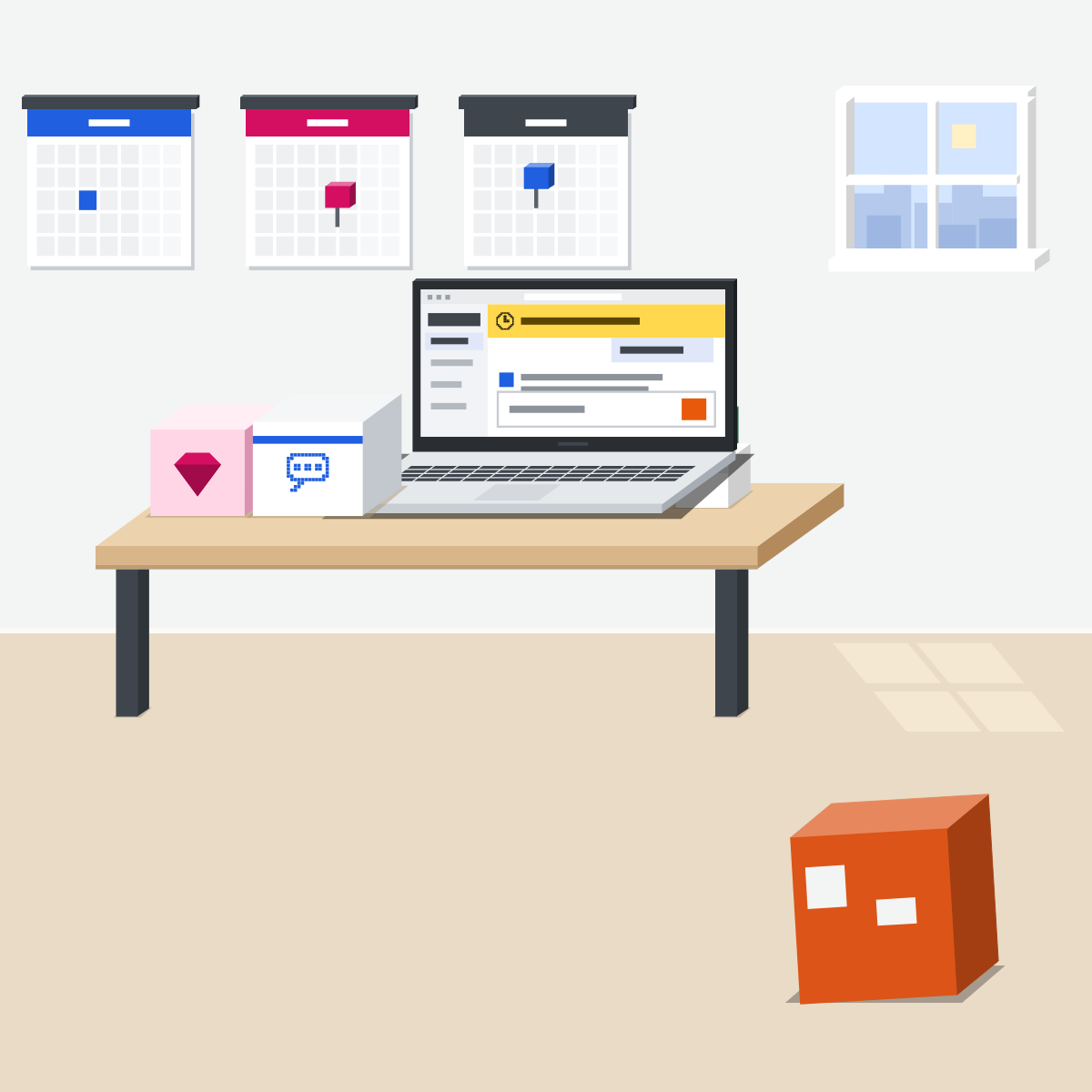
A custom GPT or a Gem was saved instructions plus files. Some also had actions in other apps.
Each part gets a new home
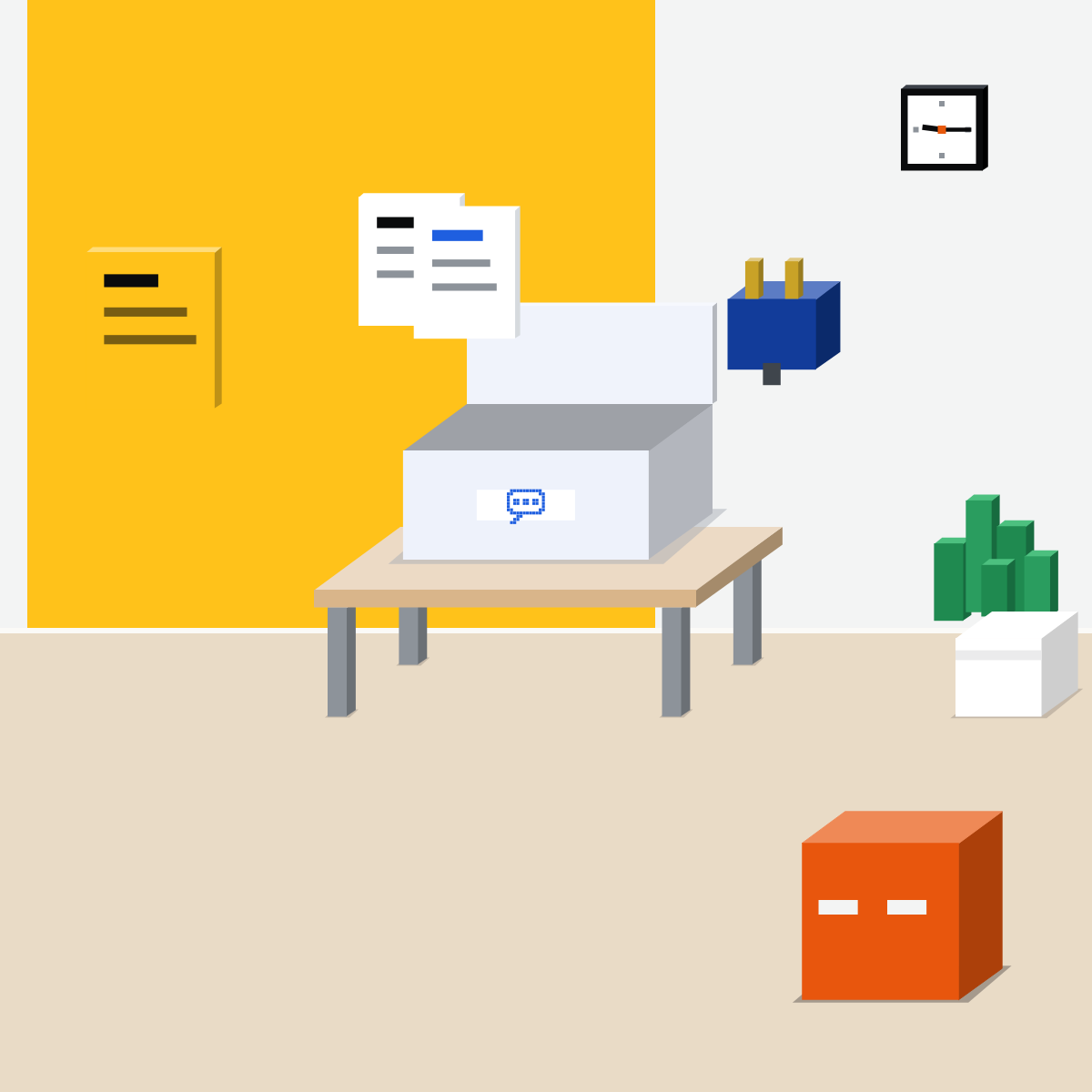
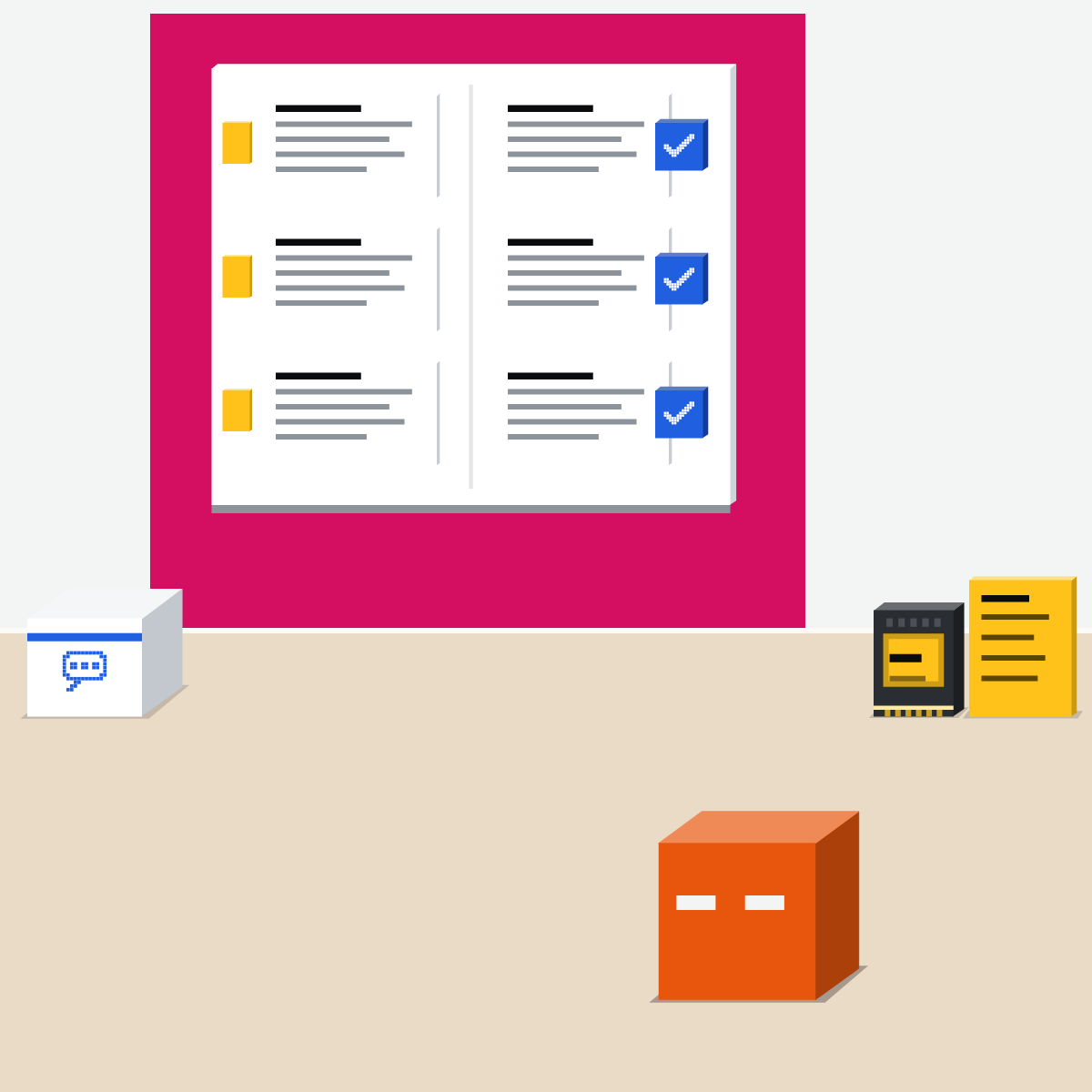
Files and rules for one job: a project. A how-to used in many chats: a skill. Actions in another app: a connector.
Each assistant moves it differently
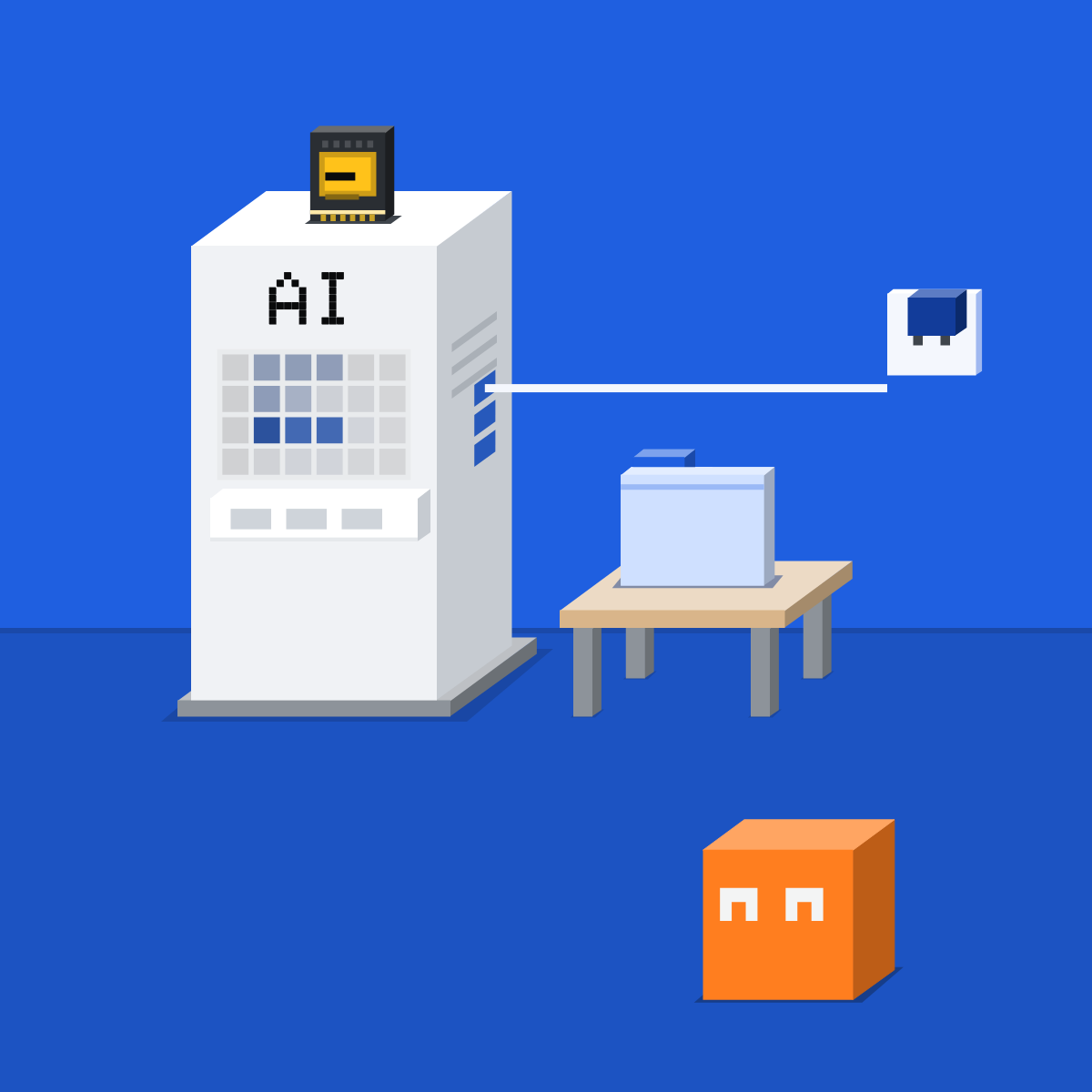
In Claude, you rebuild by hand. ChatGPT: Migrate to plugin, but custom actions stay behind. Gemini turns Gems into skills as they retire; review each.
Test it on three requests
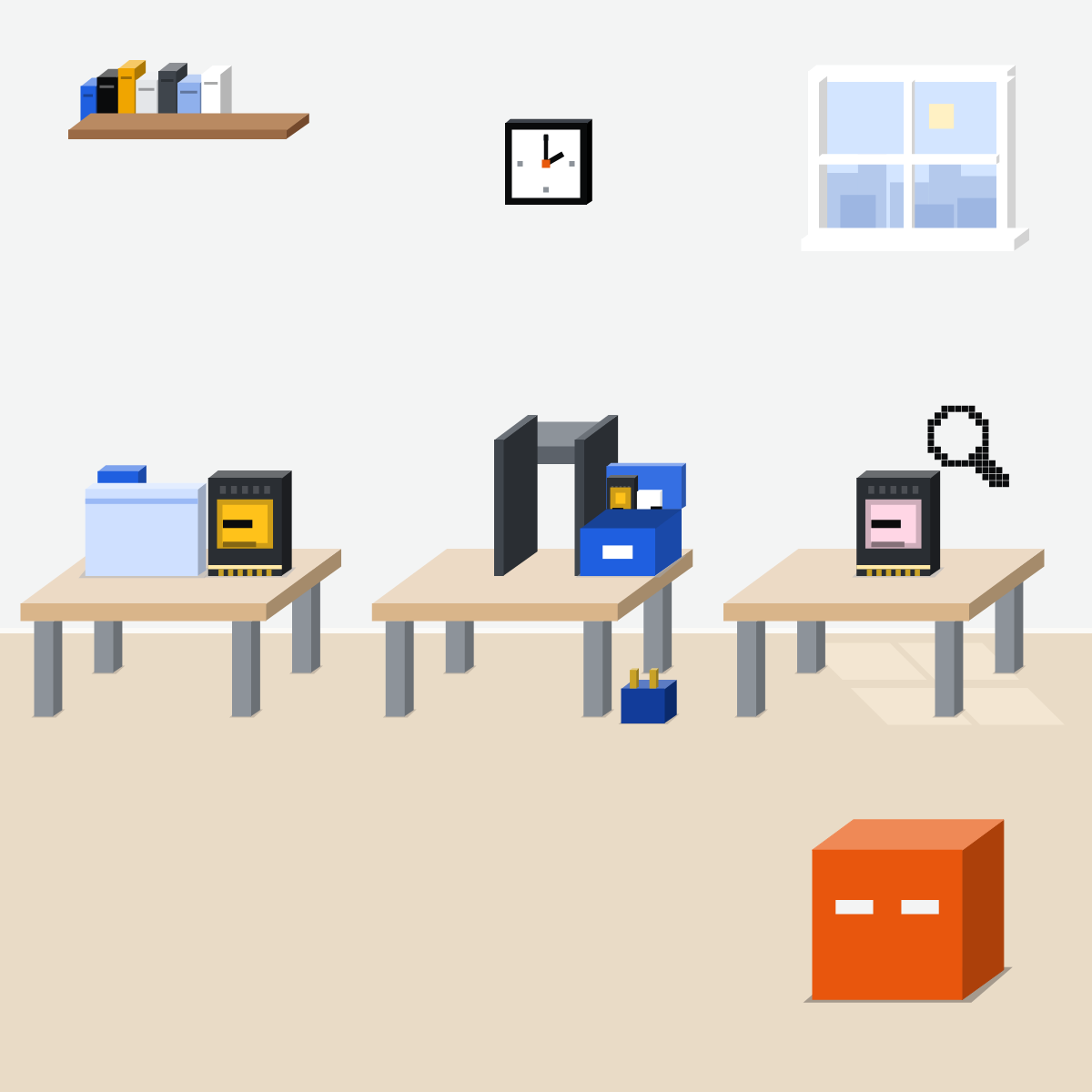
Save three requests you know, with the old answers. Ask the new one the same three. Fix the instructions until they match.
Move it before the date
Testing takes time, and custom actions need rebuilding. Then tell its users, share the new one, and name an owner.
Rebuild one as a skill
Made-up instructions only.
- List the GPTs or Gems you use, and who made them.3 min
- Sort each part: project, skill or connector.2 min
- Rebuild one as a skill. Skip Migrate to plugin for now: it locks the original.4 min
- Test one familiar request.1 min
A skill made from a GPT's instructions (made up for this lesson)
---
name: supplier-replies
description: Drafts a first reply to a supplier in our tone. Use when I paste a supplier's email. Drafts only.
---
1. Read the email I paste. Use only what it says.
2. Reply in our tone: warm, short, no promises on dates.
3. Missing something? Ask me. Do not guess.
4. Draft only. Never send.
Good looks likeThe same requests get answers as good as the old ones.
In your assistant · as of Oct 2026 · Claude, ChatGPT, GeminiMove one, in your assistant
Menus move often. Missing something? A rollout, your plan, your country or an admin setting may be why.
- CheckYour company approves the tool
- CheckThree requests saved
- CheckAn owner named
My pickClaude first, ChatGPT second, Gemini third. I'd rebuild in Claude: a project for the files, a skill for the how-to, and the same SKILL.md then works in the other two. Made the GPT yourself? Migrate to plugin does the moving. Your company's approved tool comes before my pick.
Read a shared skill before you turn it on: Anthropic doesn't review them. Keep passwords and customer details out of instructions.
Claude
Nothing retires. Rebuild it as a project and a skill.
A project for one job: add its files and instructions (the lesson on projects).
Upload the skill's .zip, then turn it on.
Type / and pick the skill.
Projects on every plan (Free: up to five). Skills on every plan, including Free, say Anthropic's help centre and plans page (its skills docs still list Pro and up), with Code execution and file creation on.
ChatGPT
Custom GPTs move to plugins.
Publish the edits you need. Drafts don't move.
Instructions become a skill; files come along. Custom actions don't: replace them with an app.
Test it with @, then share it: it starts private.
Every plan; the button appears when migration reaches your account. Only its creator, or an Enterprise workspace admin, can migrate a GPT, and migrating makes the original read-only. Enterprise: no new custom GPTs from 26 Oct 2026 (planned); with an approved deferral, they retire on 11 Feb 2027.
Gemini
Google turns Gems into skills when they go away. Review each one.
On gemini.google.com. Download each file under Knowledge.
Paste the Gem's name, description and instructions, then click Create.
Download the skill's .zip, put its SKILL.md and your files in a folder named like the skill, then Replace skill.
18 or over, Keep Activity on; personal accounts now, and Google's post of 13 Oct 2026 says work and school accounts by mid-November. No Word or Excel files. Work and school: Gems move to Settings on 17 Nov 2026 and stay usable; they stop on 1 Mar 2027 (work) and 1 Jun 2027 (school) at the earliest.
Quick check · three questionsDid it stick?
1When do custom GPTs retire, with no approved deferral?
The answer: B That's OpenAI's date. 26 Oct is only the planned end of new GPTs on Enterprise, and 11 Feb 2027 is for Enterprise workspaces with an approved deferral.2An old Gem held one monthly report's files and rules. Where does that go in Claude?
The answer: C One job's files and rules belong in a project.3Your team uses a colleague's custom GPT. Who can migrate it?
The answer: A OpenAI says permission to use someone else's GPT doesn't give you permission to migrate it.
A made-up exampleSide note
Dates can moveSide note
One giant skillSide note
Sources, checked 16 Oct 2026Source
Product details as of Oct 2026, each checked on the vendor's own page on 16 Oct 2026. Recheck on 26 Oct, mid-November, 17 Nov and 11 Dec 2026. The examples in the pictures are made up for this lesson.
- Anthropic, What are projects (every plan; Free up to five; read 16 Oct 2026)
- Anthropic, Use skills in Claude (Customize, Skills, +, Create skill, Upload a skill; read 16 Oct 2026)
- Anthropic, Claude plans (read 16 Oct 2026)
- Anthropic, Skills overview (Code execution and file creation; type /; shared skills not reviewed; read 16 Oct 2026)
- Anthropic, Create custom skills (package a skill as a .zip; read 16 Oct 2026)
- Anthropic, Connectors, skills, and plugins (one Customize page; read 16 Oct 2026)
- OpenAI, Custom GPT retirement and migration FAQ (11 Dec 2026; 11 Feb 2027 with a deferral; 26 Oct 2026 planned; who can migrate; what transfers; read 16 Oct 2026)
- OpenAI, Moving your custom GPT workflows to plugins (My GPTs, Created by me, Migrate to plugin; read 16 Oct 2026)
- OpenAI, ChatGPT release notes (11 Sep 2026: planned retirement and the move to plugins; read 16 Oct 2026)
- OpenAI, Skills in ChatGPT (read 16 Oct 2026)
- OpenAI, Plugins in ChatGPT (a plugin holds skills, apps or both; read 16 Oct 2026)
- Google, About the transition from Gems to skills (dates, automatic conversion, the steps; read 16 Oct 2026)
- Google, Use Gems in Gemini Apps (read 16 Oct 2026)
- Google, Create and manage skills for Gemini Apps (Customize, Skills, Create manually; 18 or over; Keep Activity; no .docx or .xlsx; read 16 Oct 2026)
- Google, Workspace Updates: skills in the Gemini app, and what's next for Gems (30 Sep, updated 13 Oct 2026; read 16 Oct 2026)
- Google, Workspace Admin Help: the transition to skills (1 Mar 2027, 1 Jun 2027; read 16 Oct 2026)
- Google, NotebookLM is now Gemini Notebook (16 Jul 2026; read 16 Oct 2026)
- Agent Skills, Overview (originally developed by Anthropic, released as an open standard; read 16 Oct 2026)
Free kitThe Agent PlaybookBring this to your teamAI implementation · Get in touchBack to level 3, Power features
Move it early. Test it on what you know.
Next lesson · 15 minWhat is a skill, and why is it replacing the prompt pack?